

0110
Chat & messaging
How apps handle conversations: starting a chat, sending messages, attachments and chatting with AI assistants.
- 01
How a new chat is started
- 02
How messages, timestamps and status are shown
- 03
How attachments and media are added
- 04
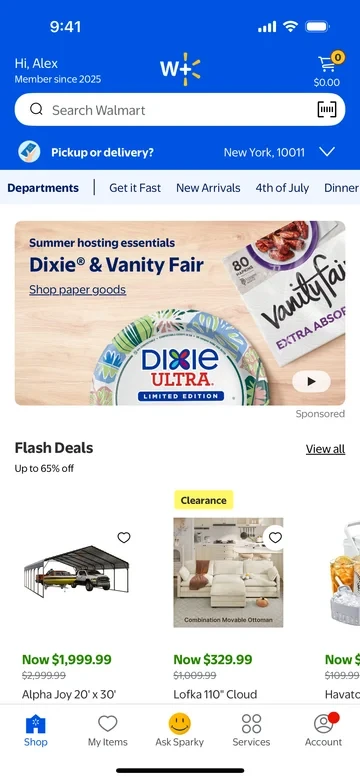
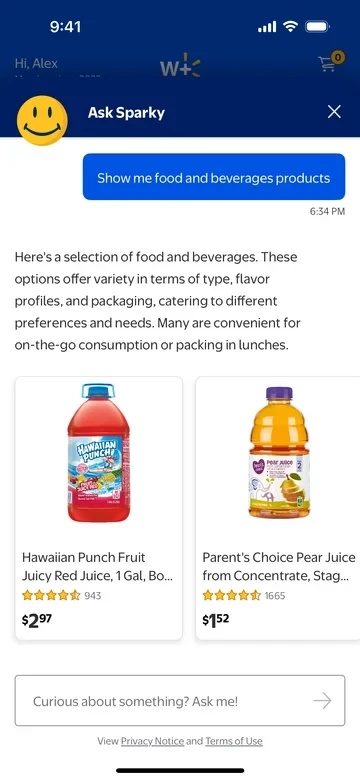
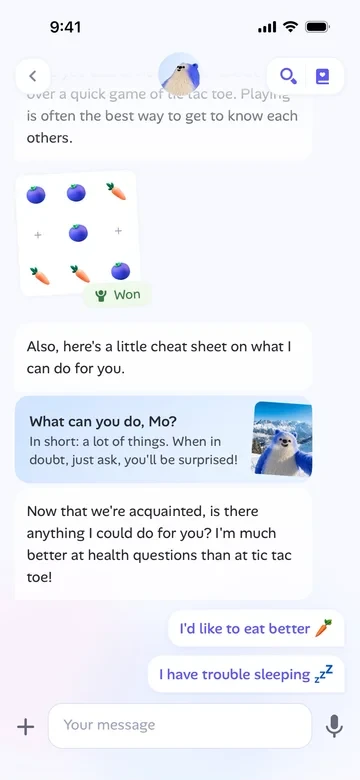
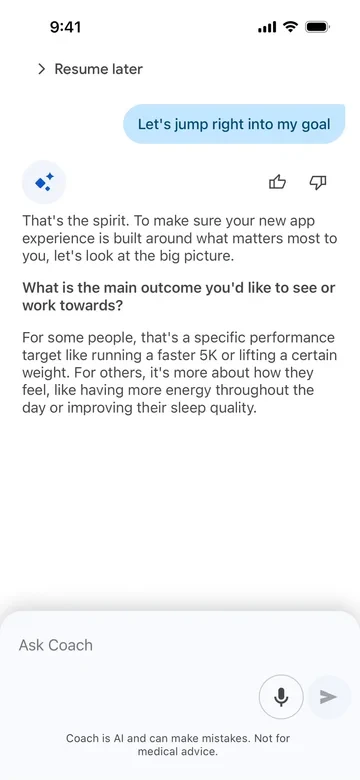
How AI chat differs from chat with people

0107

0110

0110

0106

0105
What makes good chat UI
Good chat UI keeps the conversation readable. Clear bubbles, delivery status and an always-visible input field matter most.
Compare people-to-people messaging with AI chatbot screens: how suggestions, typing states and long answers are handled.
Questions
What should a chat screen include?
A message list, a fixed input field, send and attachment buttons, timestamps and delivery or read status.
How do AI chatbot screens differ?
They often add suggested prompts, streaming answers and ways to copy or retry a reply.
Can I build a chat UI with AI?
Yes. Use Copy prompt on any flow to describe the screens.