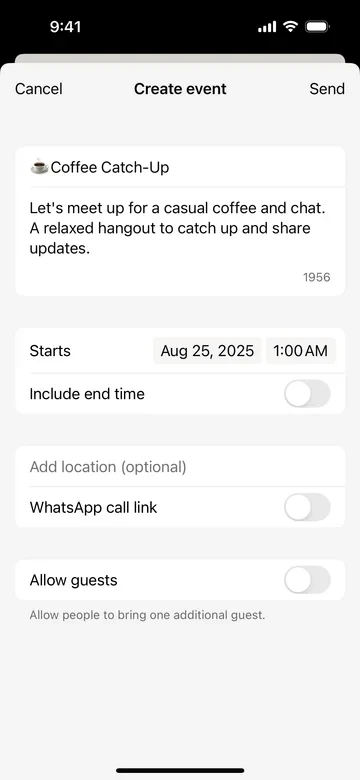
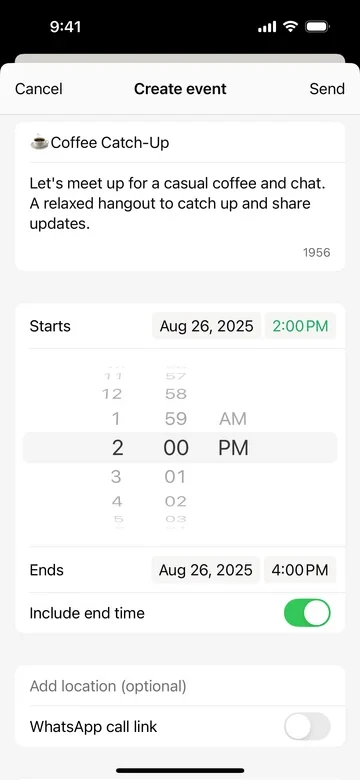
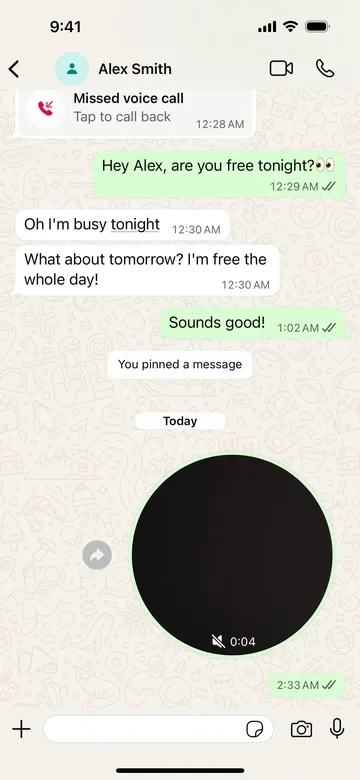
W WhatsAppDate & Time
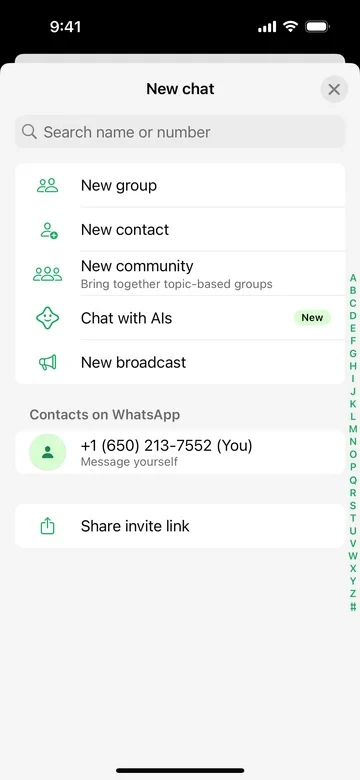
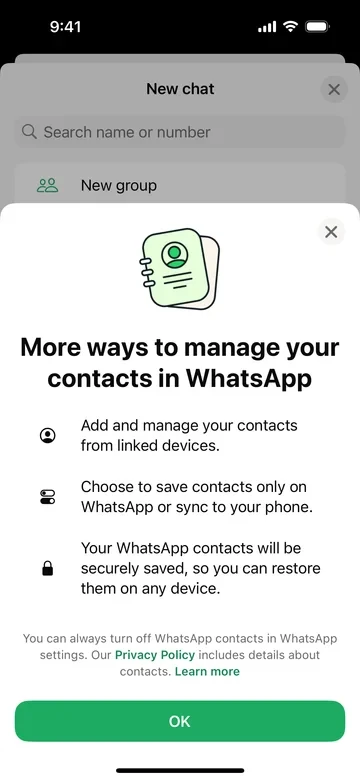
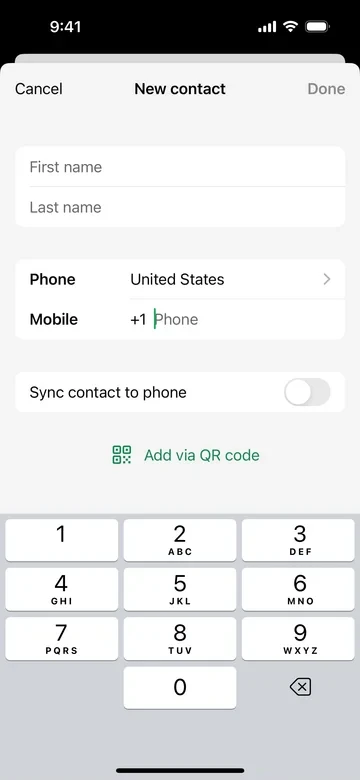
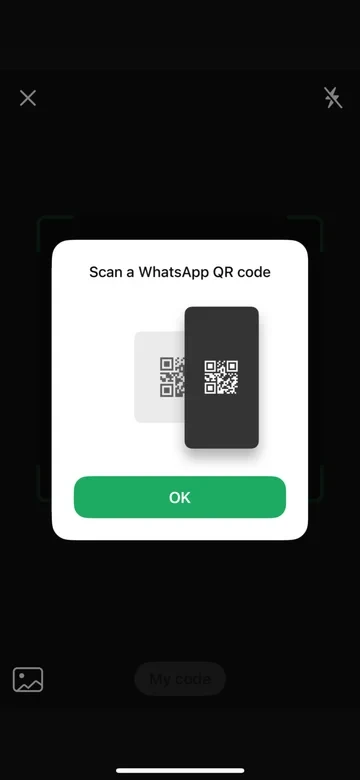
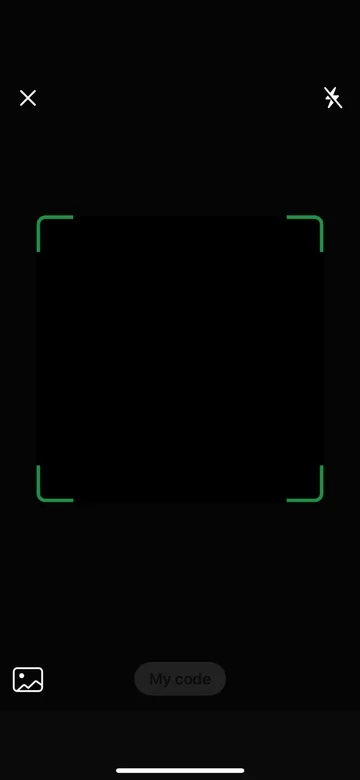
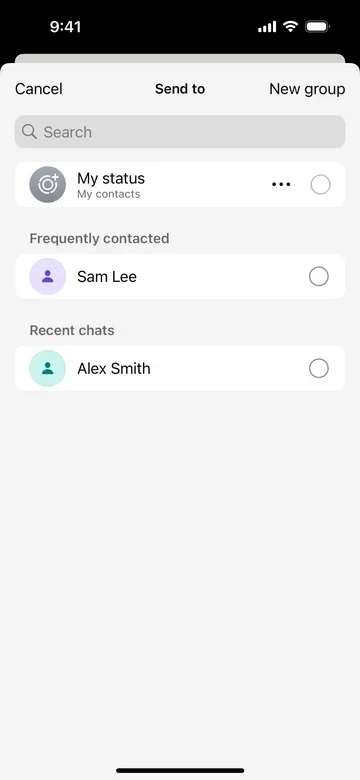
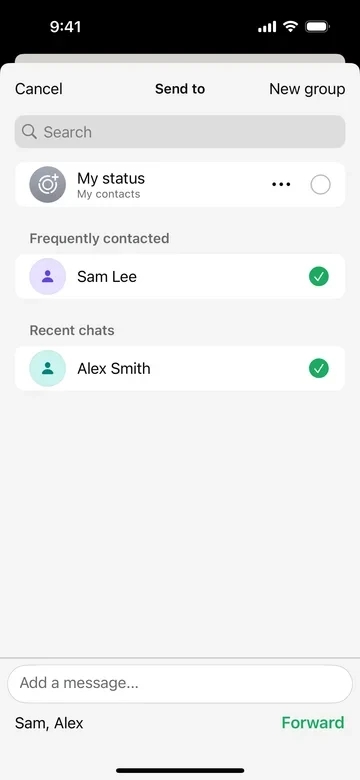
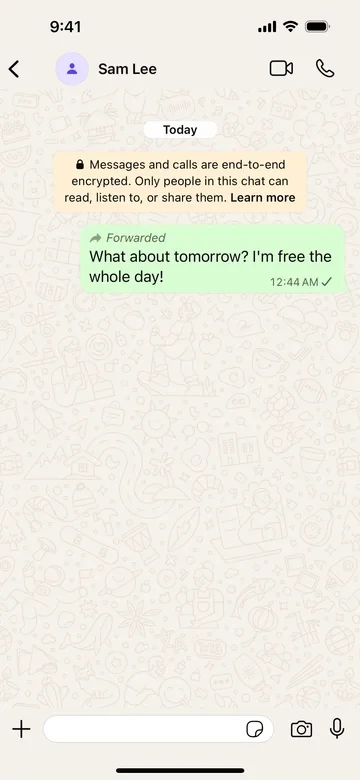
WhatsApp · 20 steps · 22 sub-flows · Chatting & Sending Messages, Scanning
Scanning


 WhatsAppDate & Time
Free forever · no credit card ·
 WhatsAppDate & Time
Free forever · no credit card ·


 WhatsAppDate & Time
Free forever · no credit card ·


Free forever · no credit card ·


Free forever · no credit card ·


Free forever · no credit card ·

Free forever · no credit card ·


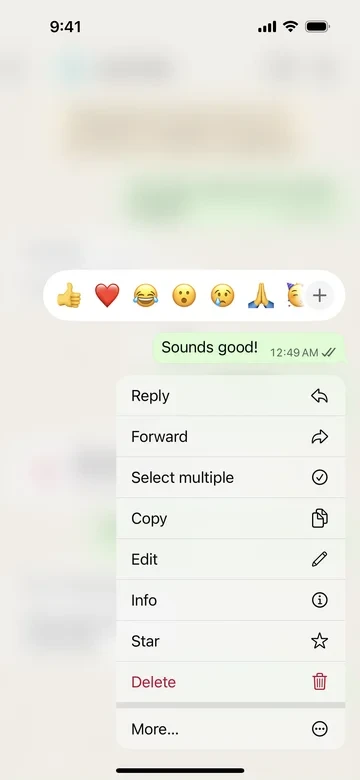 WhatsAppLike & Upvote
Free forever · no credit card ·
 WhatsAppLike & Upvote
Free forever · no credit card ·

Free forever · no credit card ·


 WhatsAppLike & Upvote
Free forever · no credit card ·


 WhatsAppLike & Upvote
Free forever · no credit card ·


 WhatsAppDate & Time
Free forever · no credit card ·


 WhatsAppDate & Time
 WhatsAppMedia Editor
Free forever · no credit card ·


Free forever · no credit card ·


 WhatsAppMap
Free forever · no credit card ·


Free forever · no credit card ·


Free forever · no credit card ·


Free forever · no credit card ·


Free forever · no credit card ·


 WhatsAppDate & Time
Free forever · no credit card ·


 WhatsAppDate & Time
Free forever · no credit card ·


 WhatsAppDate & Time
Free forever · no credit card ·