







0110
Upload & download
How apps handle files: choosing what to upload, showing progress, and confirming downloads.
- 01
How people pick a file, photo or document
- 02
How progress is shown during upload
- 03
What happens if the upload fails
- 04
How finished files are confirmed and found again





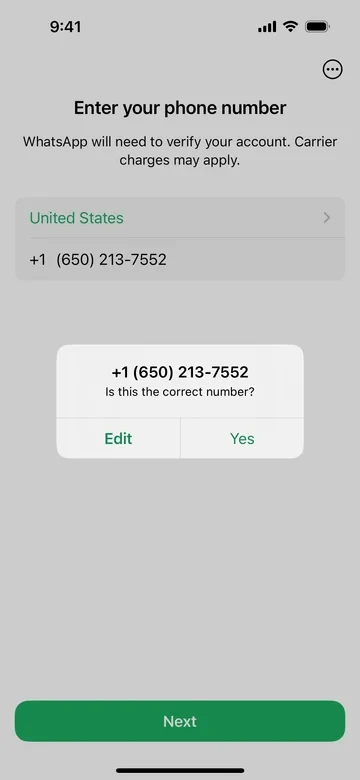
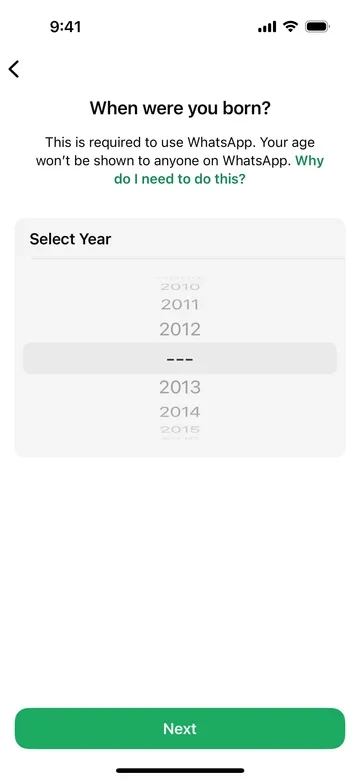
0110


0110




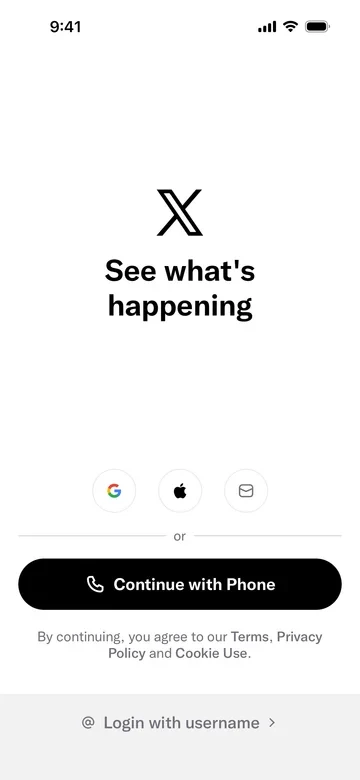
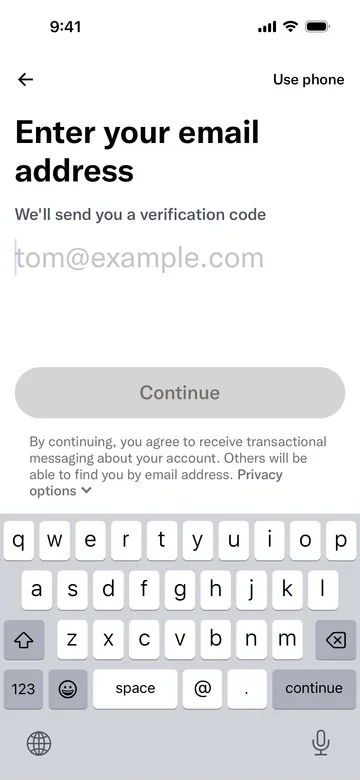
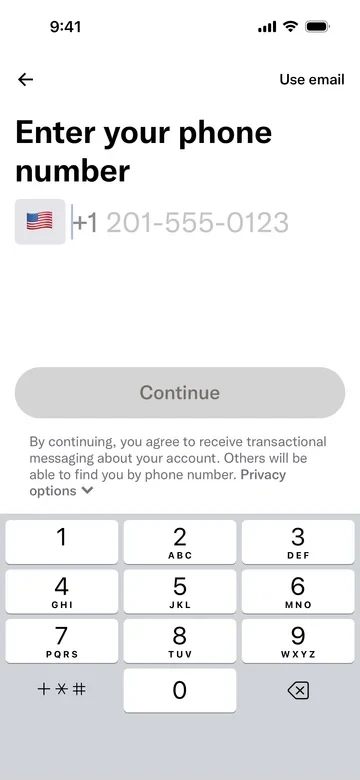

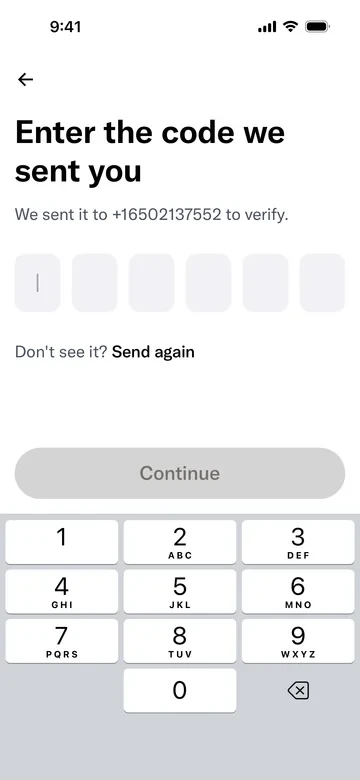
0110






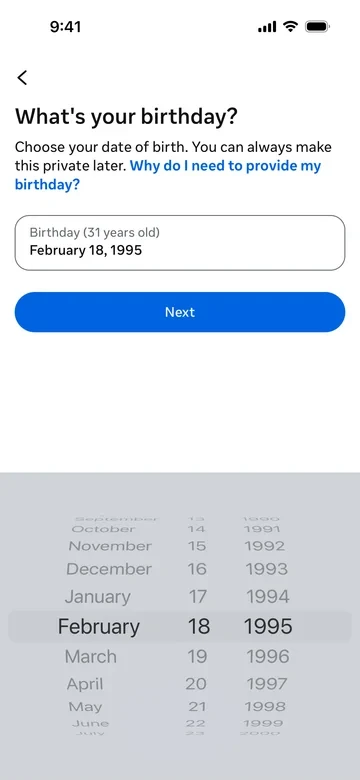
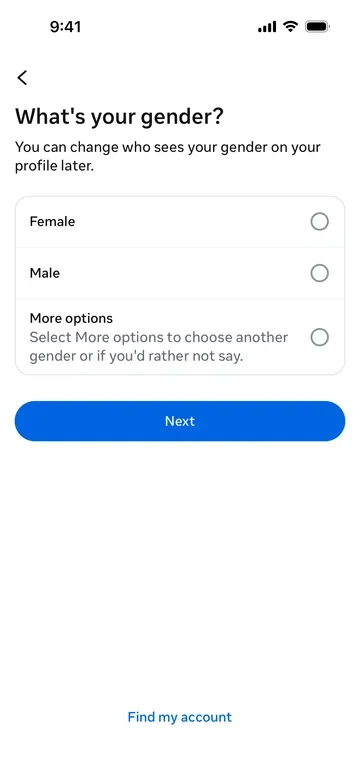
0110


0110
What makes good upload and download
Good file flows show progress and never leave people guessing. Clear limits on size and type prevent errors before they happen.
Compare drag-and-drop, file pickers and camera options, and how each app recovers from a failed upload.
Questions
What should a file upload screen show?
Accepted file types and sizes, a clear picker, progress while uploading, and success or error states.
Drag and drop or a button?
On web, both. On phones, a button that opens the picker or camera.
Can AI recreate this flow?
Yes. Use Copy prompt on any flow.