




0110
Verification
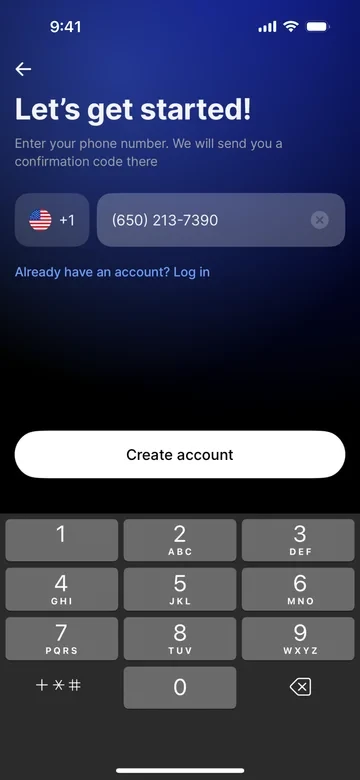
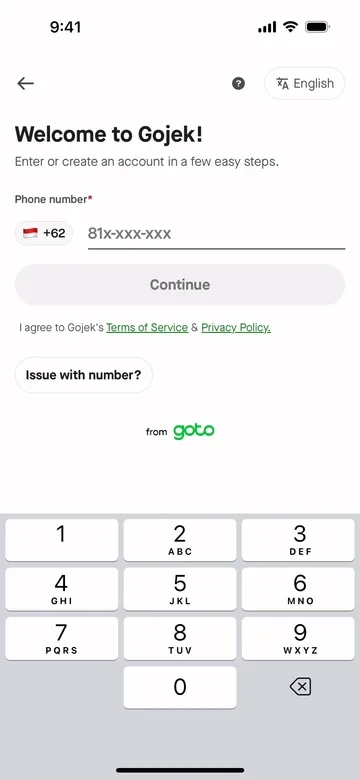
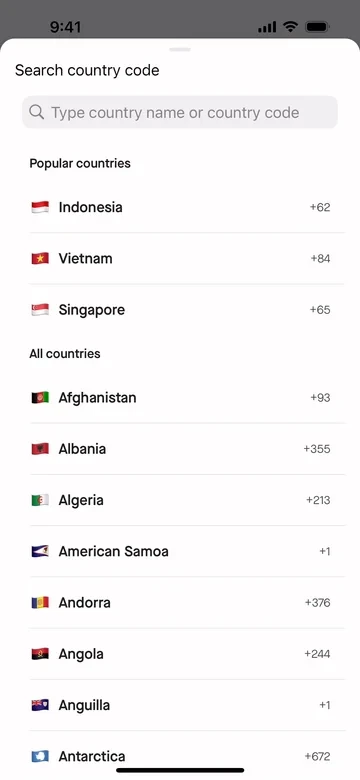
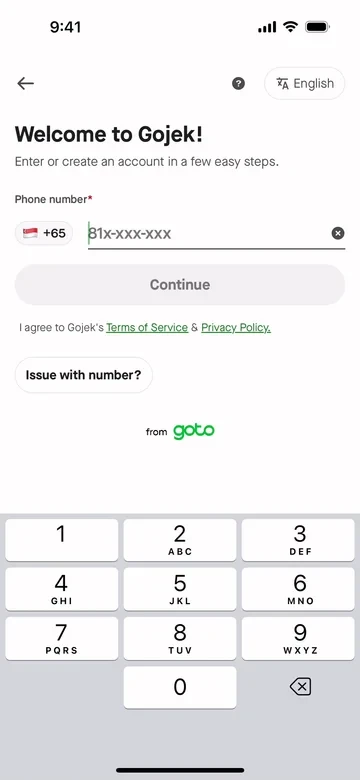
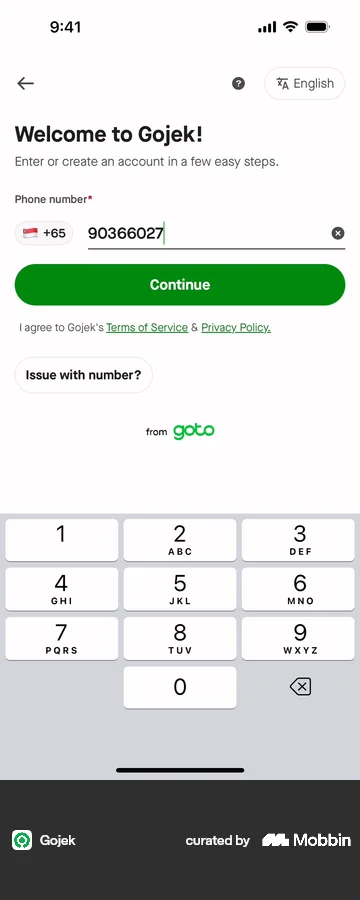
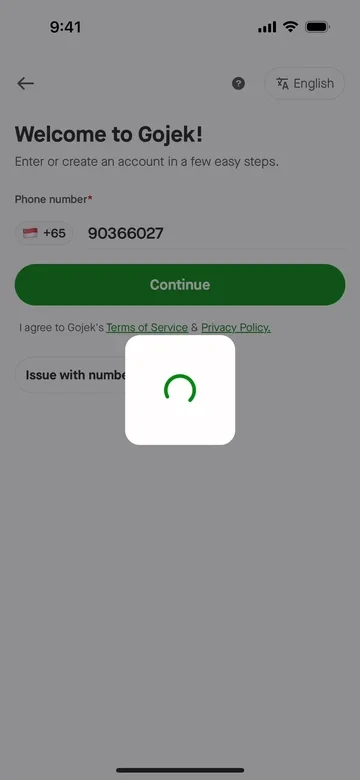
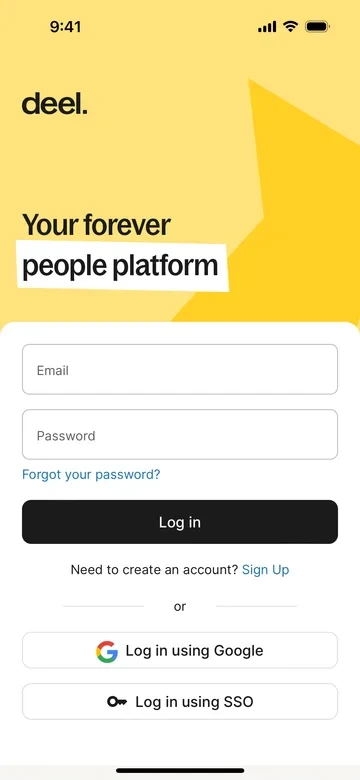
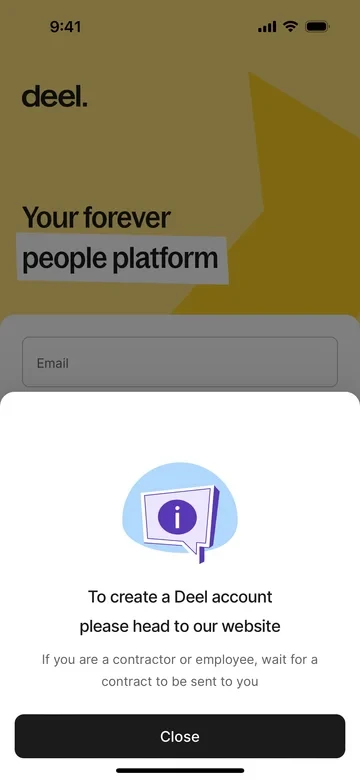
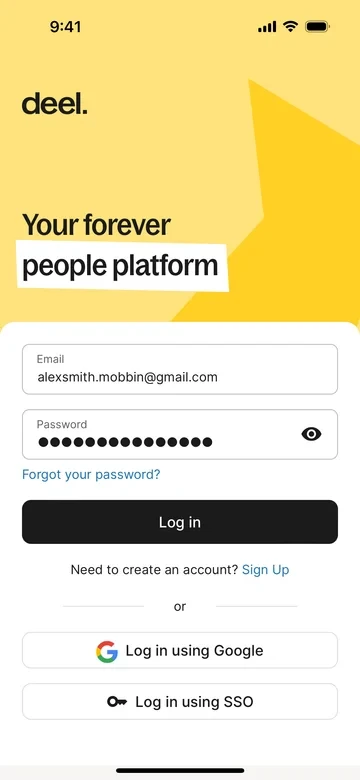
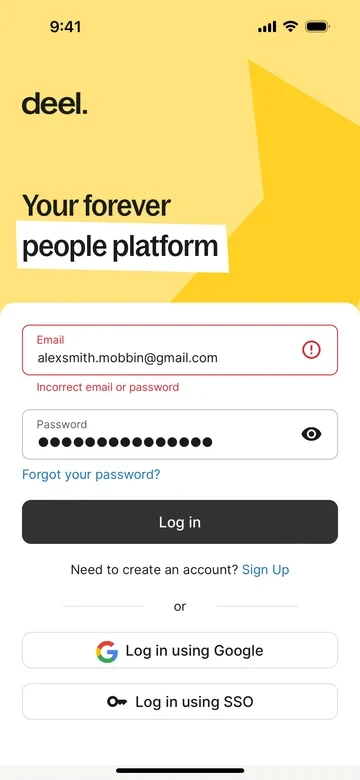
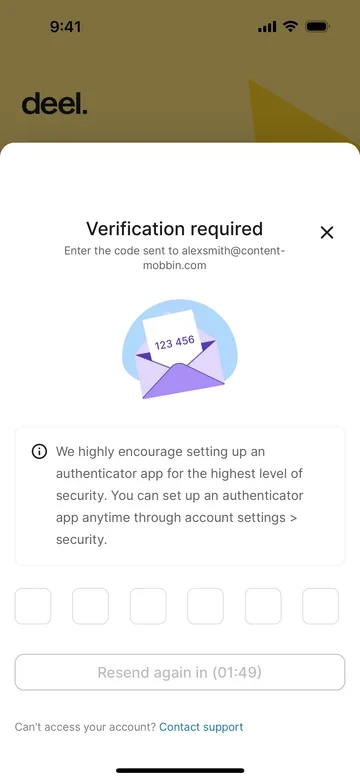
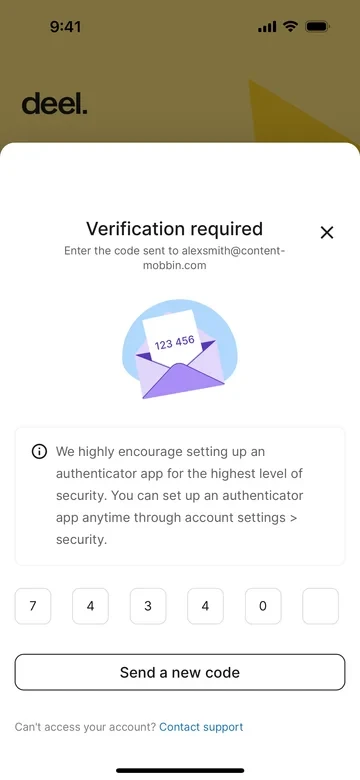
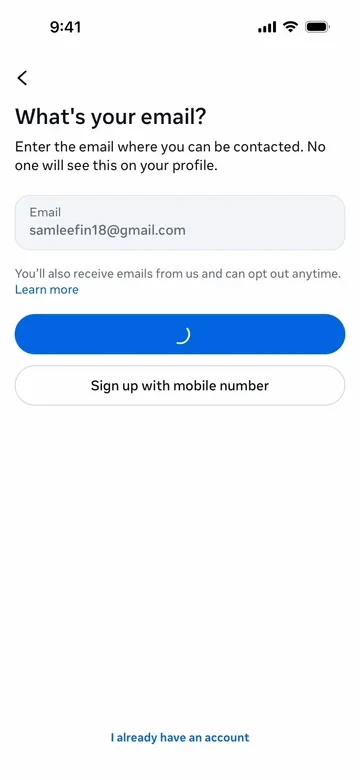
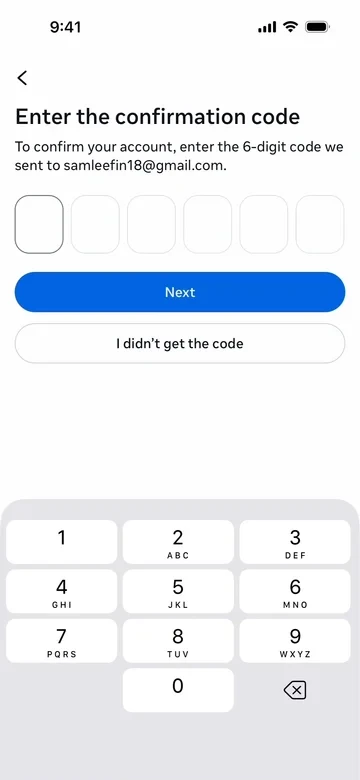
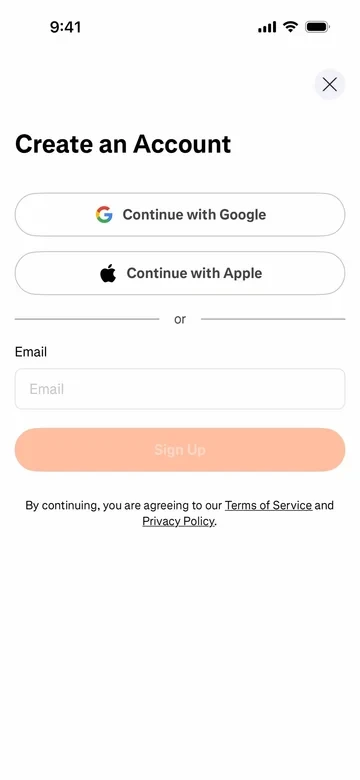
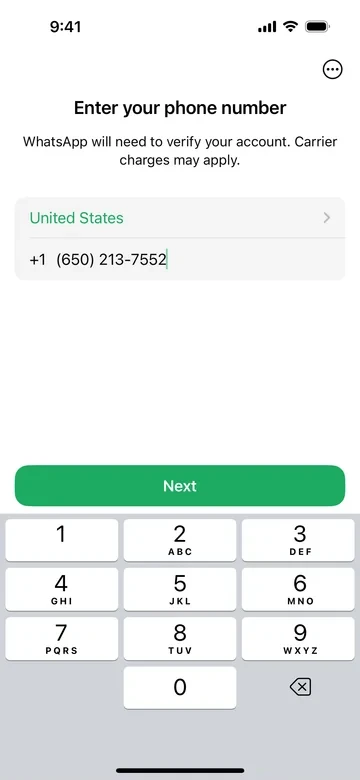
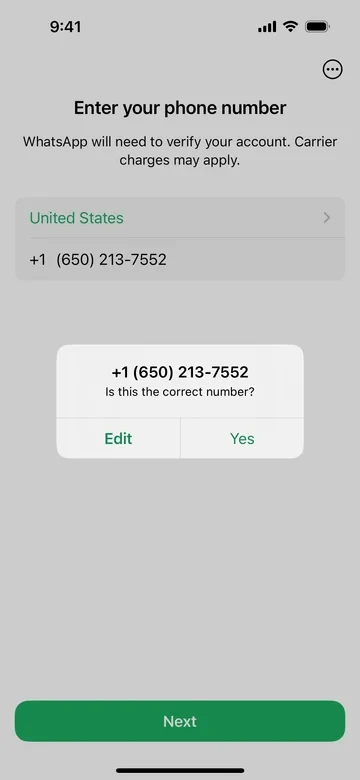
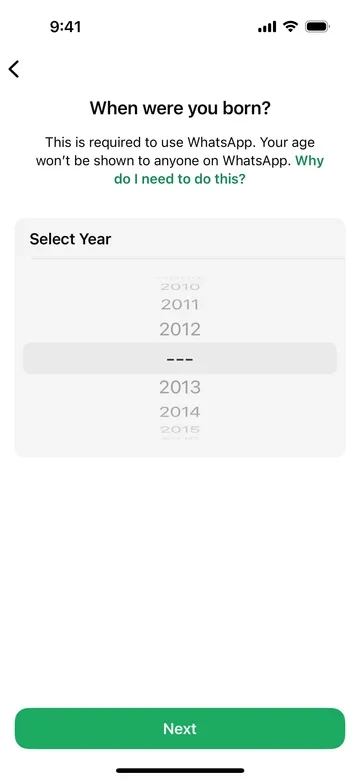
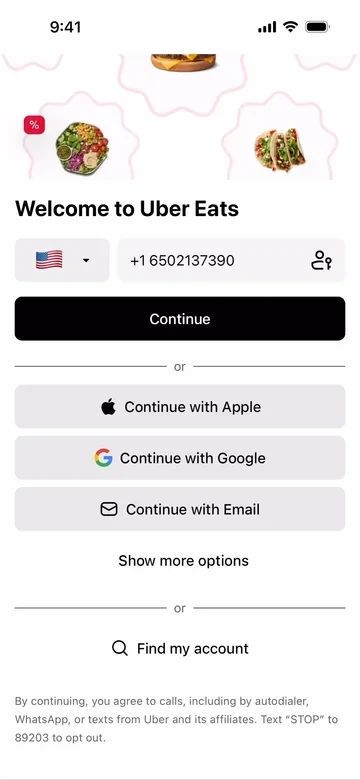
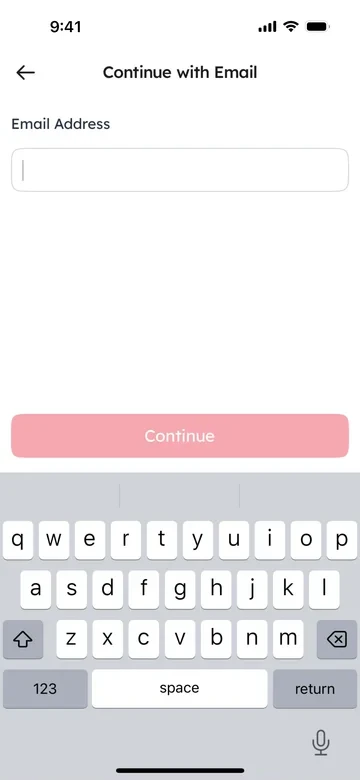
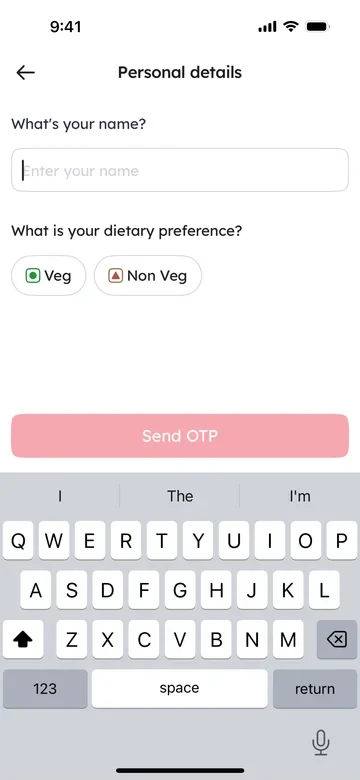
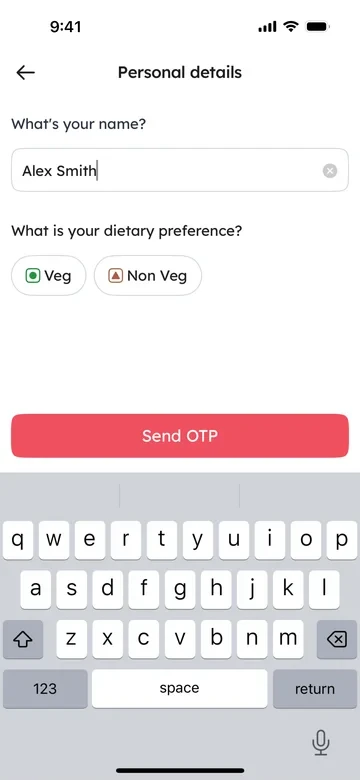
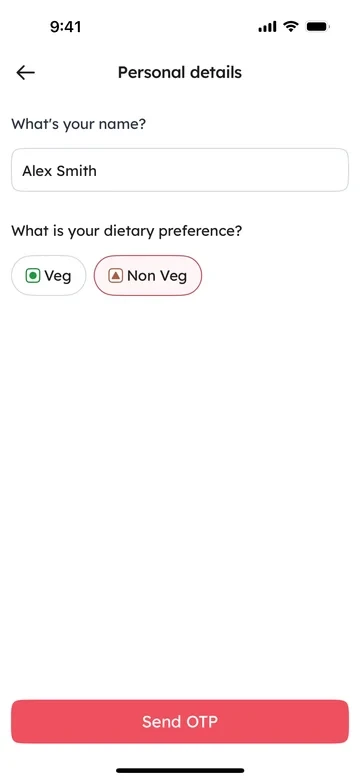
How apps confirm it's really you: one-time codes, email links, phone checks and two-factor steps, shown in real order.
- 01
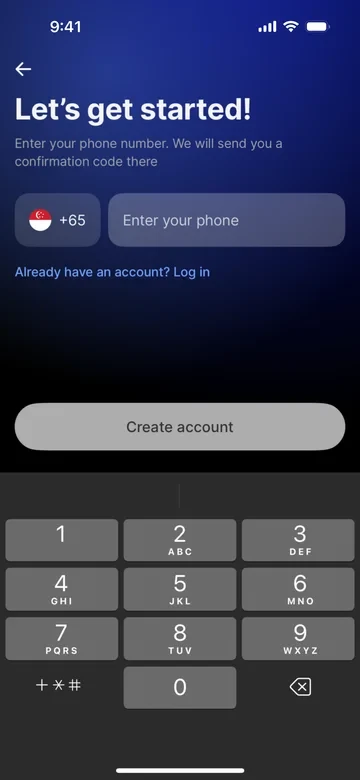
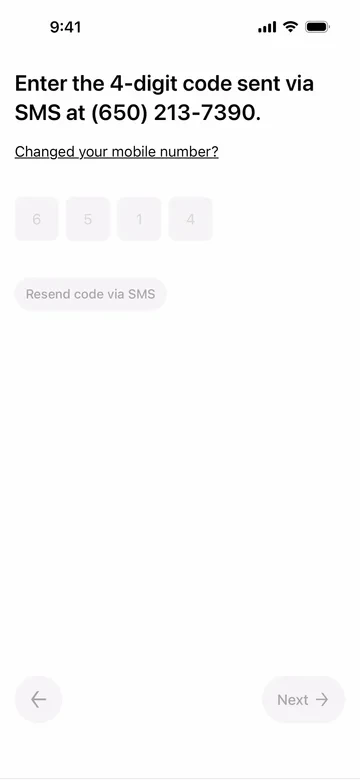
How the code field is laid out, and whether it auto-fills
- 02
What the screen says while people wait for the code
- 03
How resend and change-number options work
- 04
What happens when the code is wrong

0110



0110




0110



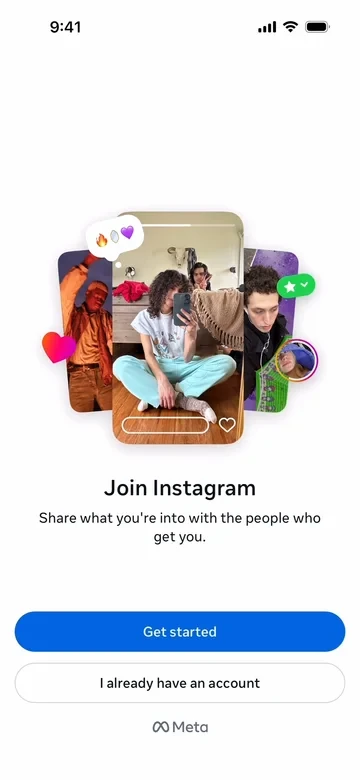
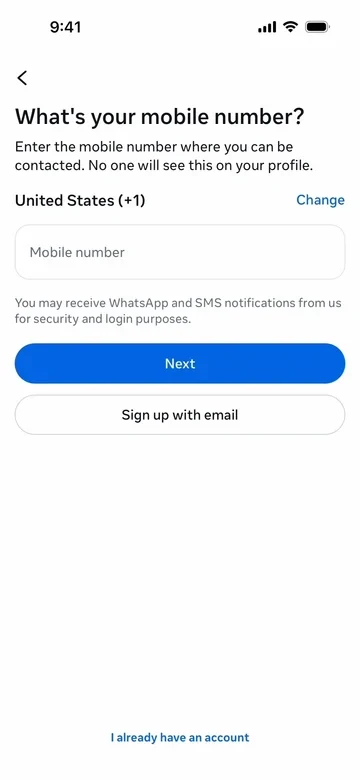
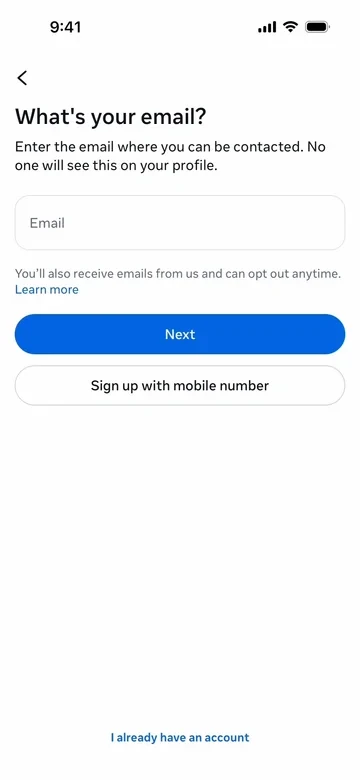
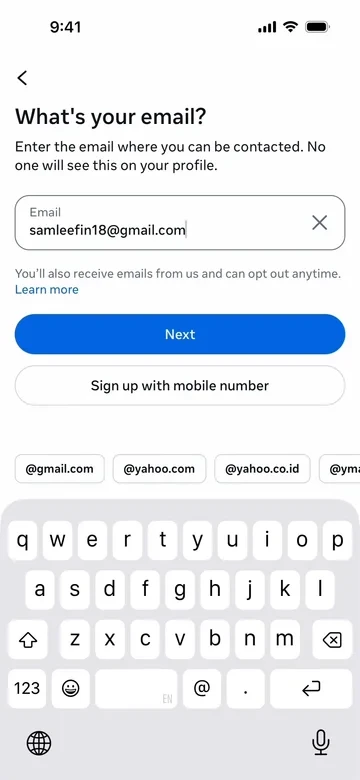
0110


0110



0110





0110


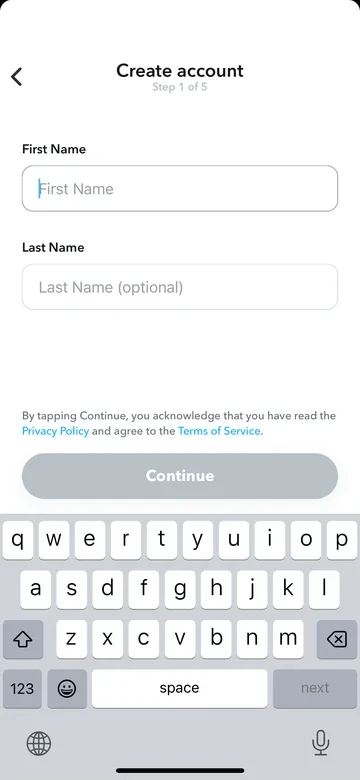
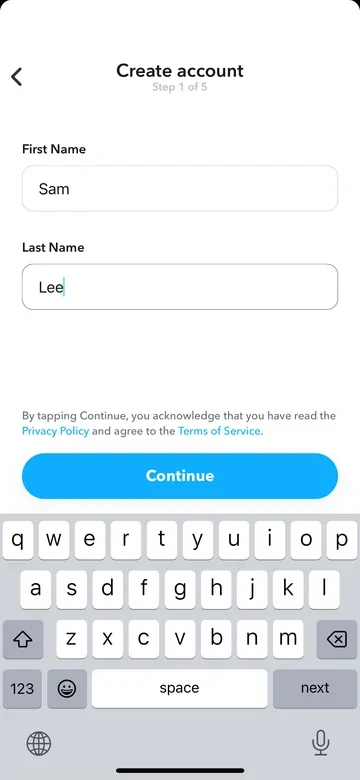
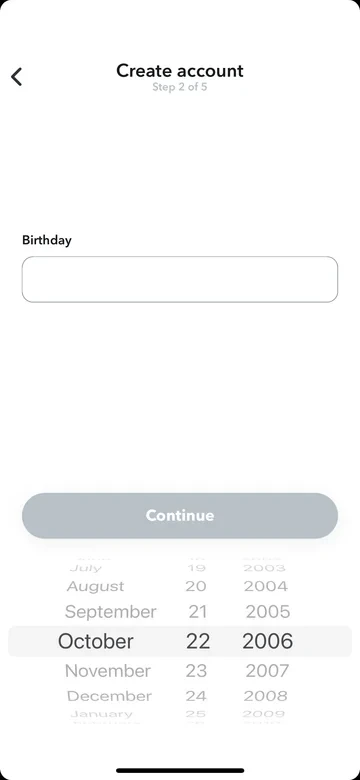


0110


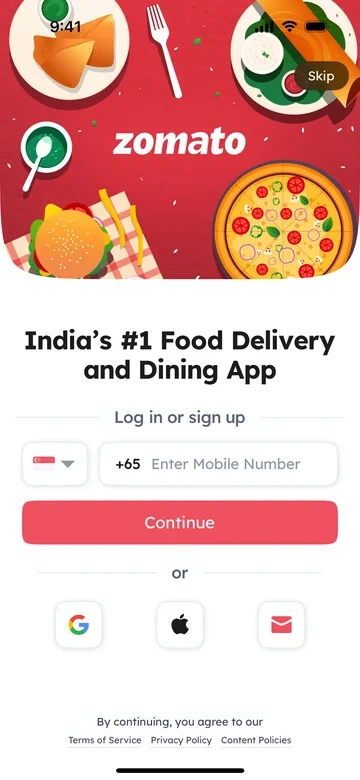

0110
What makes good verification
Good verification feels quick and safe. Code fields that paste and auto-fill, clear wait times and an easy resend keep people moving.
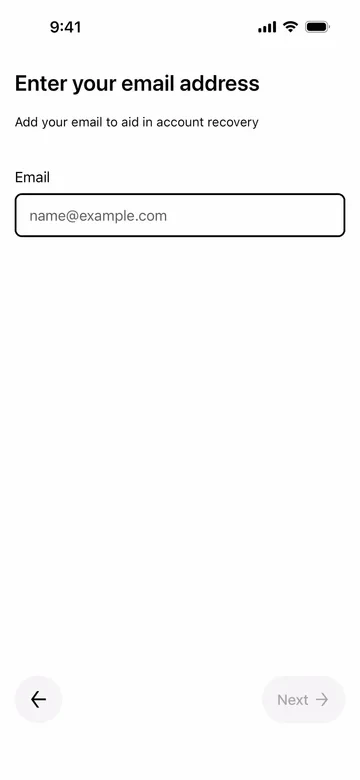
Look at how apps explain why they need the check, how they show errors, and whether they let people fix a mistyped email or phone number without starting over.
Questions
What is an OTP screen?
A screen where people enter a one-time password: a short code sent by text message or email to confirm their identity.
How many digits should a verification code have?
Most apps use four to six digits. Compare the examples to see how each lays out the field.
Can I build a verification flow with AI?
Yes. Copy any flow as a prompt and paste it into your AI tool to recreate the steps.