




0110
Search
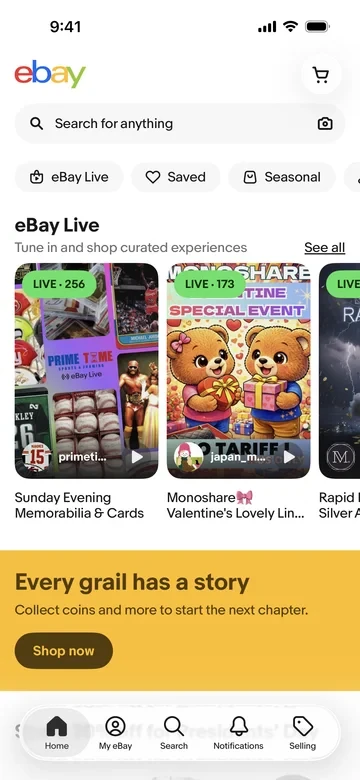
How top apps help people find things: from the empty search screen to suggestions, filters and results.
- 01
What shows before people type anything
- 02
How suggestions and recent searches appear
- 03
How results are grouped and filtered
- 04
What the app says when nothing matches

0106


0110

0110

0105

0105

0110



0110

0109

0104
What makes good search
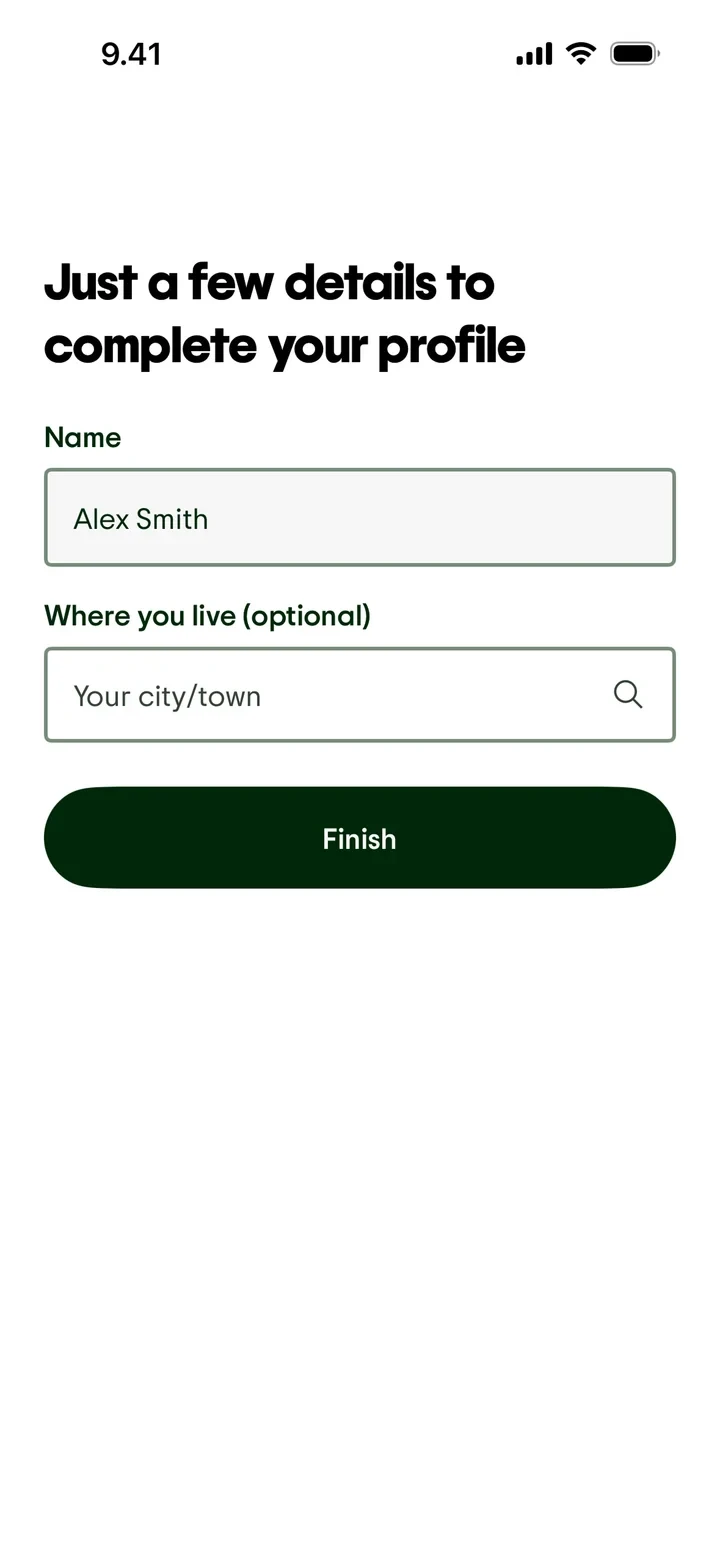
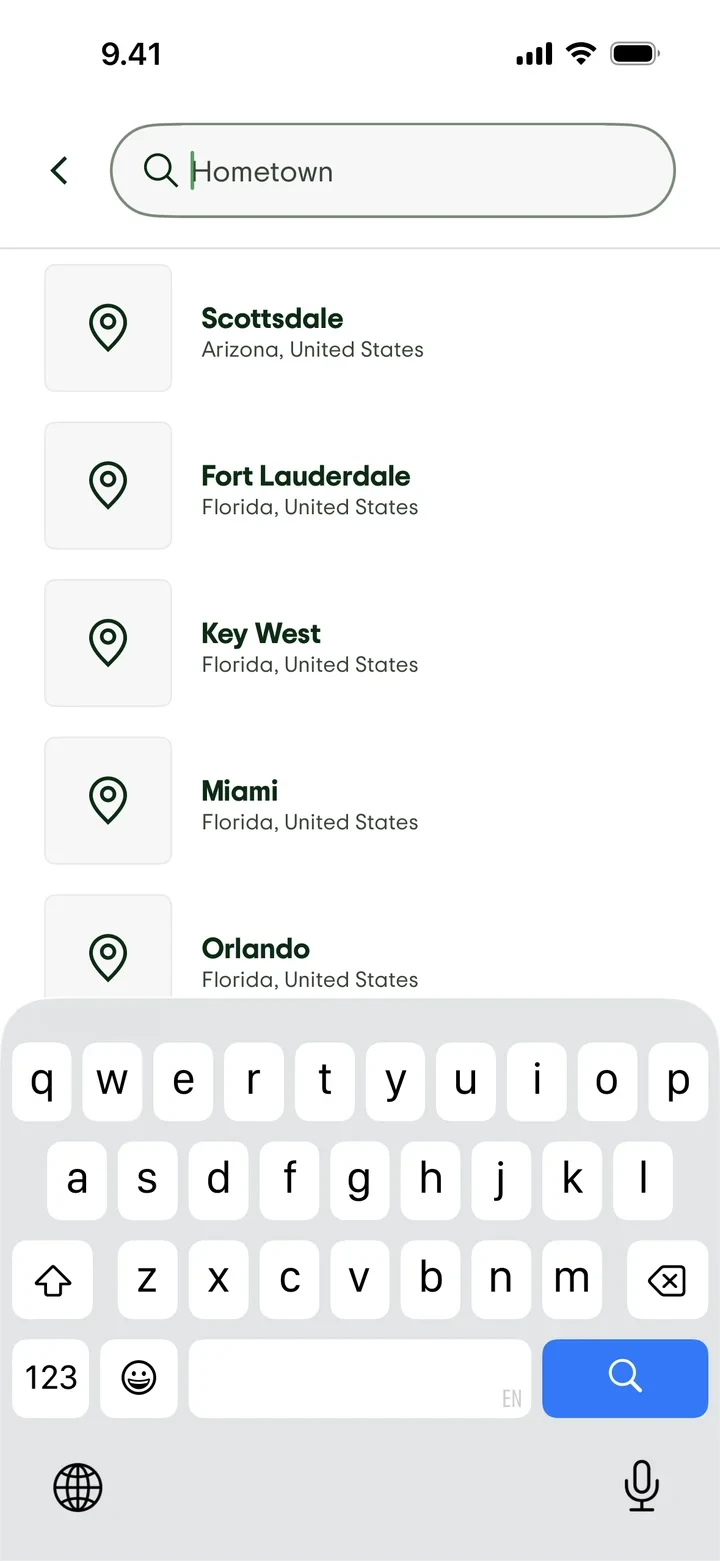
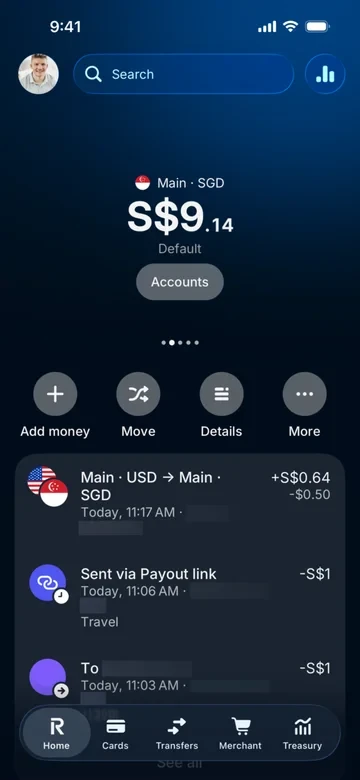
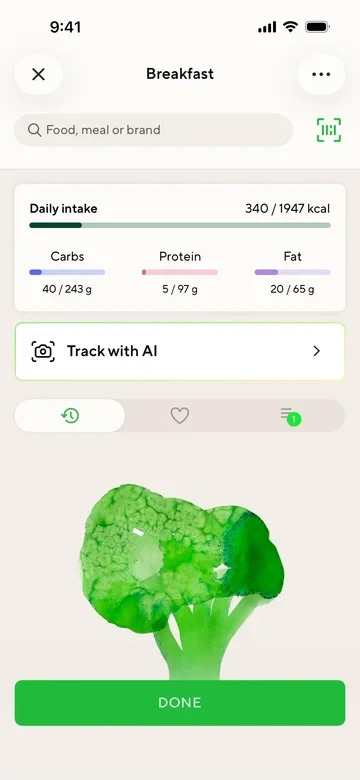
Good search starts before typing. Recent searches, trending items and categories help people who don't know exactly what to look for.
Compare how each app shows results as you type, how filters are reached, and how empty results are handled. A helpful no-results screen keeps people searching.
Questions
What should a search screen include?
A clear search field, recent or suggested searches, results that update as you type, filters and a helpful message when nothing matches.
Where should the search bar go?
Most apps put it at the top of a dedicated search tab or the home screen. The examples here show both.
Can I copy a search flow into my AI tool?
Yes. Use Copy prompt on any flow to get the steps described for ChatGPT, Claude, Cursor or Lovable.