
0110
Publish & post
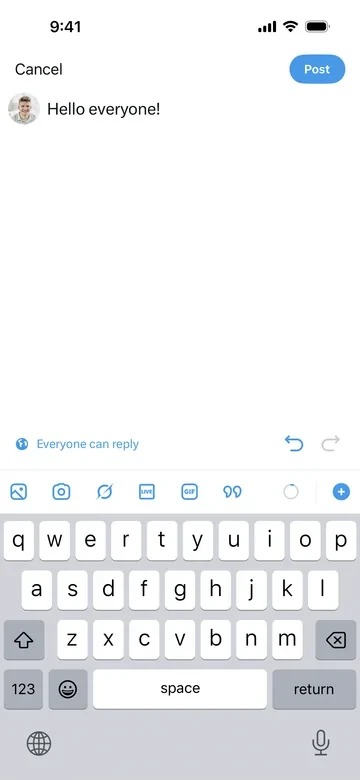
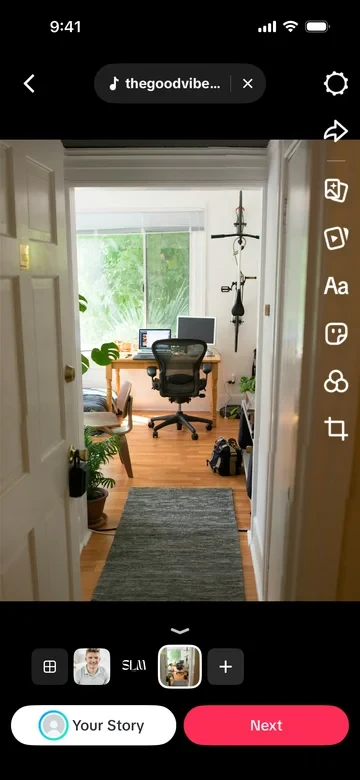
How social and creator apps take a post from draft to published: composing, editing, choosing an audience and sharing.
- 01
How people start a new post
- 02
What editing tools appear before posting
- 03
How audience and privacy are chosen
- 04
What feedback shows once it's live

0108


0106

0110
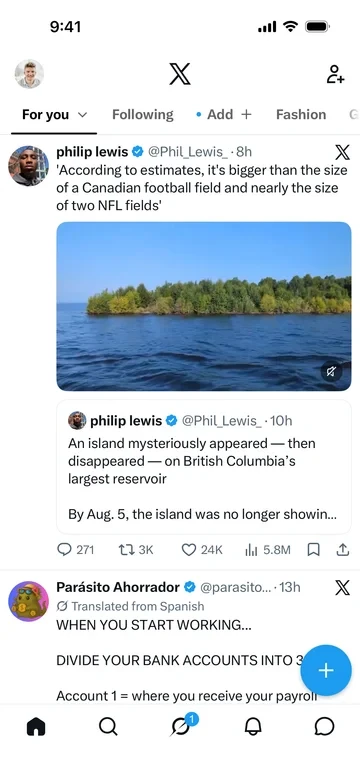
What makes a good publishing flow
A good publishing flow keeps creation fast and gives control at the end: who sees it, captions and tags.
Compare how apps save drafts, preview posts and confirm that something went live.
Questions
What steps does a post flow need?
Create or pick media, edit, add a caption, choose the audience and publish, with a clear confirmation.
Should apps save drafts?
Most do, so people can finish later.
Can I copy this into an AI tool?
Yes. Use Copy prompt on any flow.