


0110
Onboarding
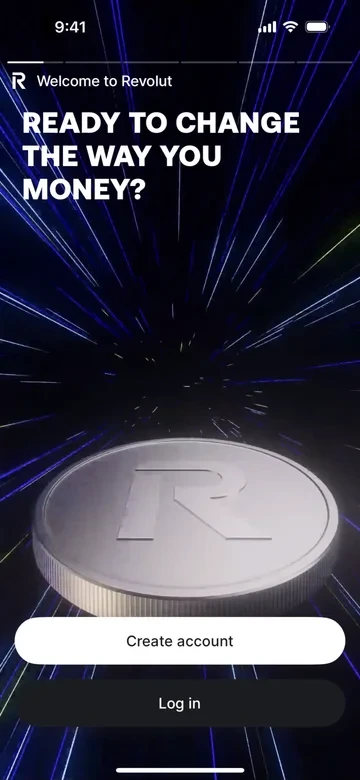
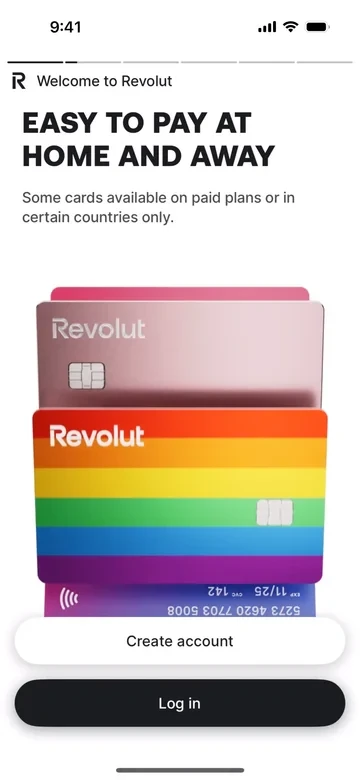
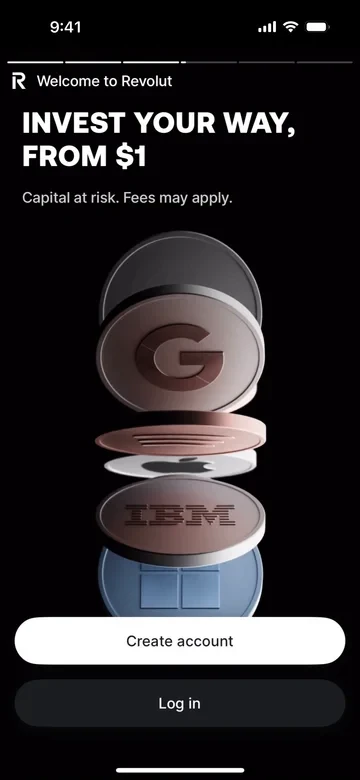
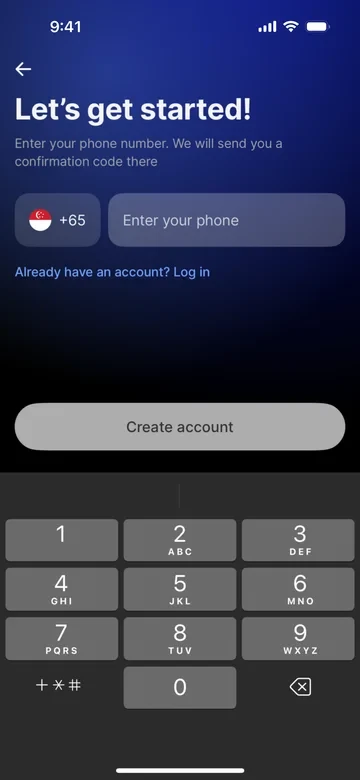
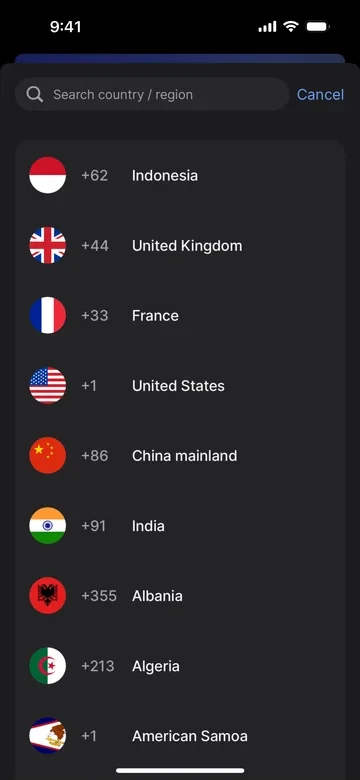
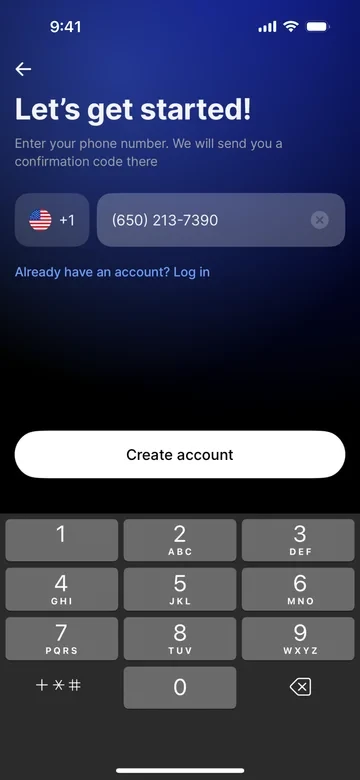
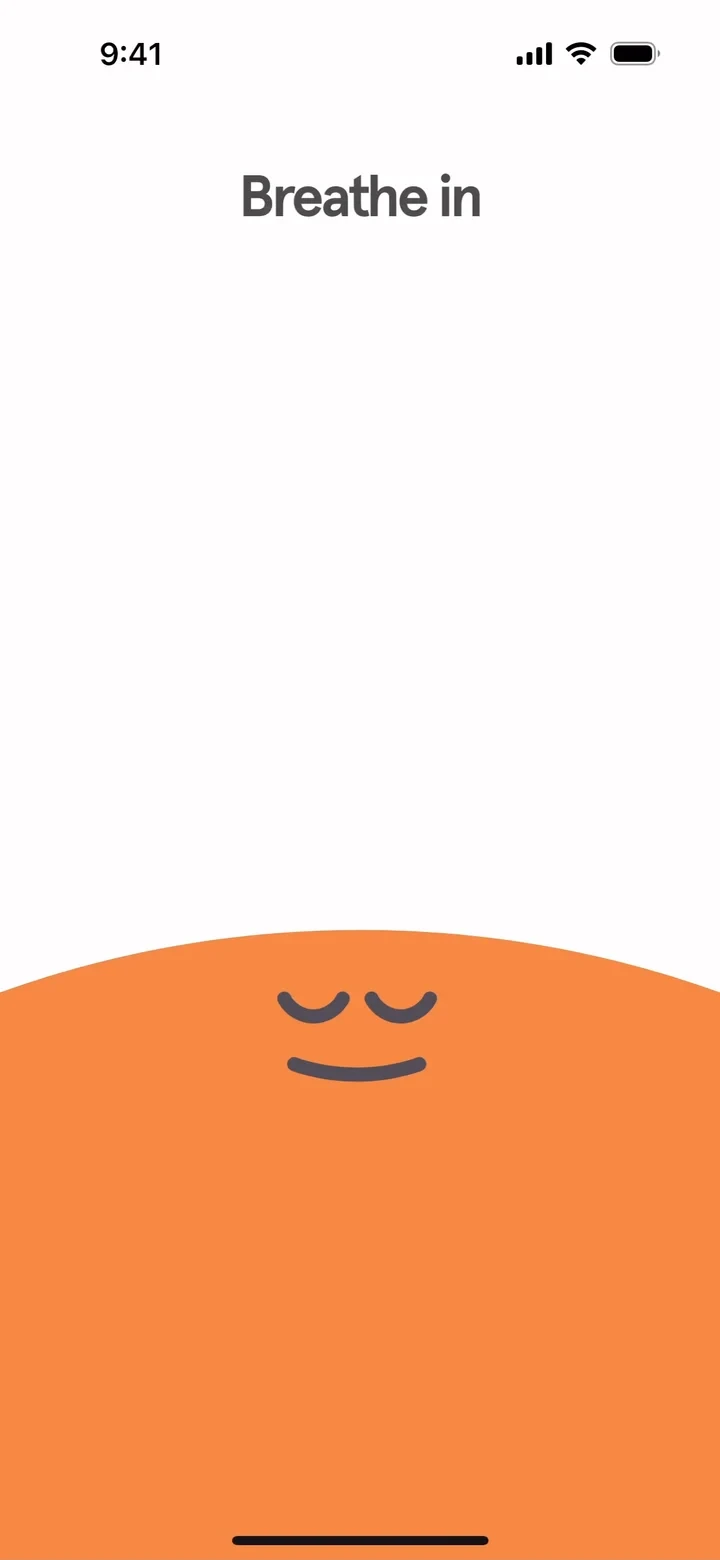
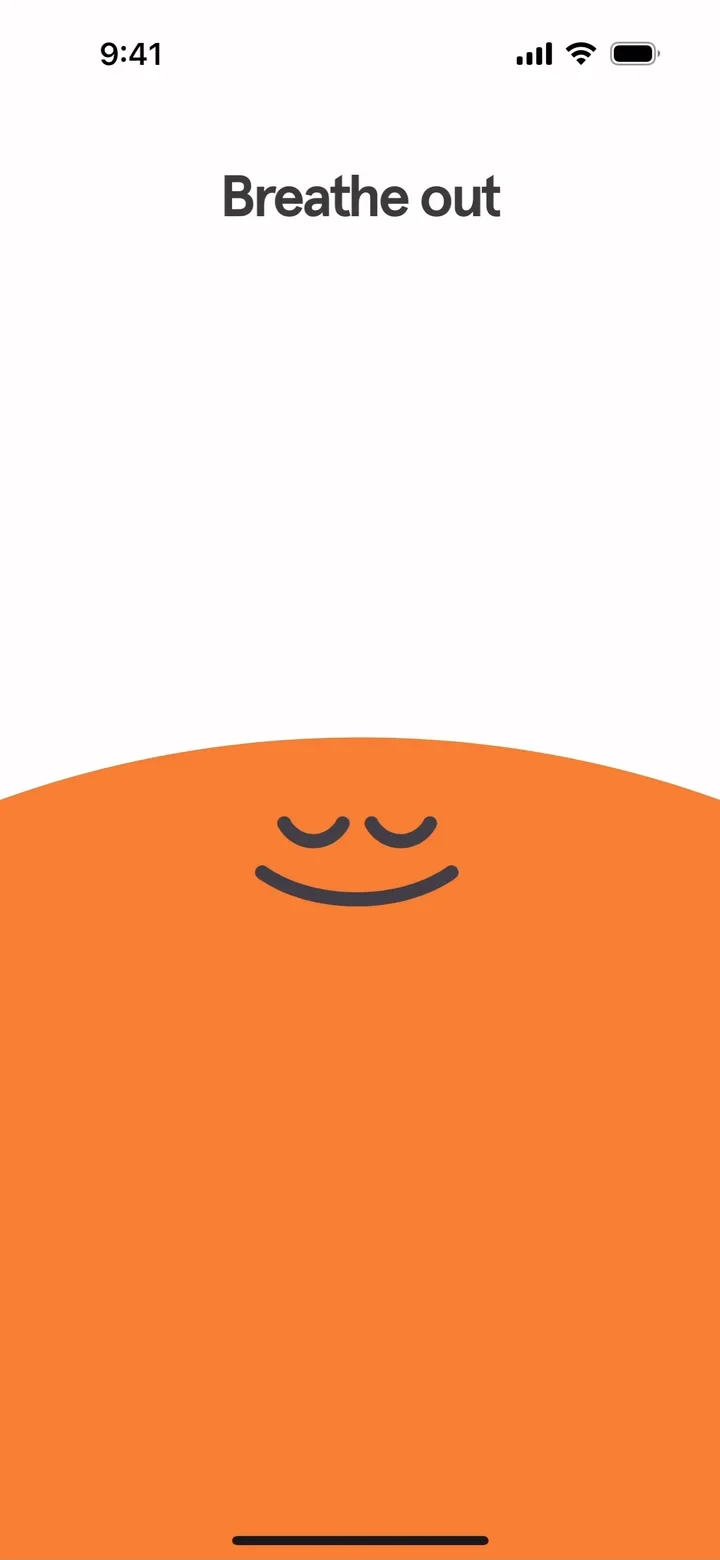
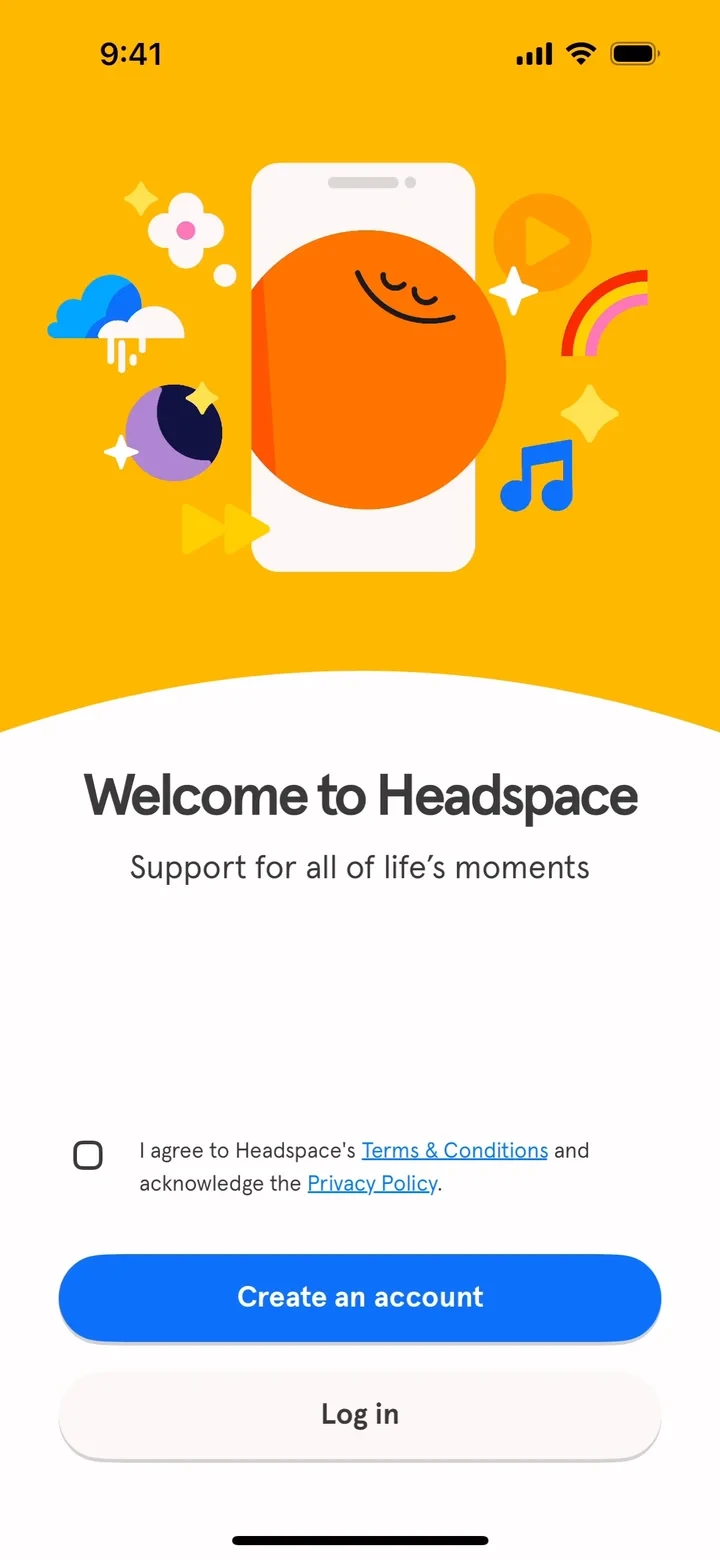
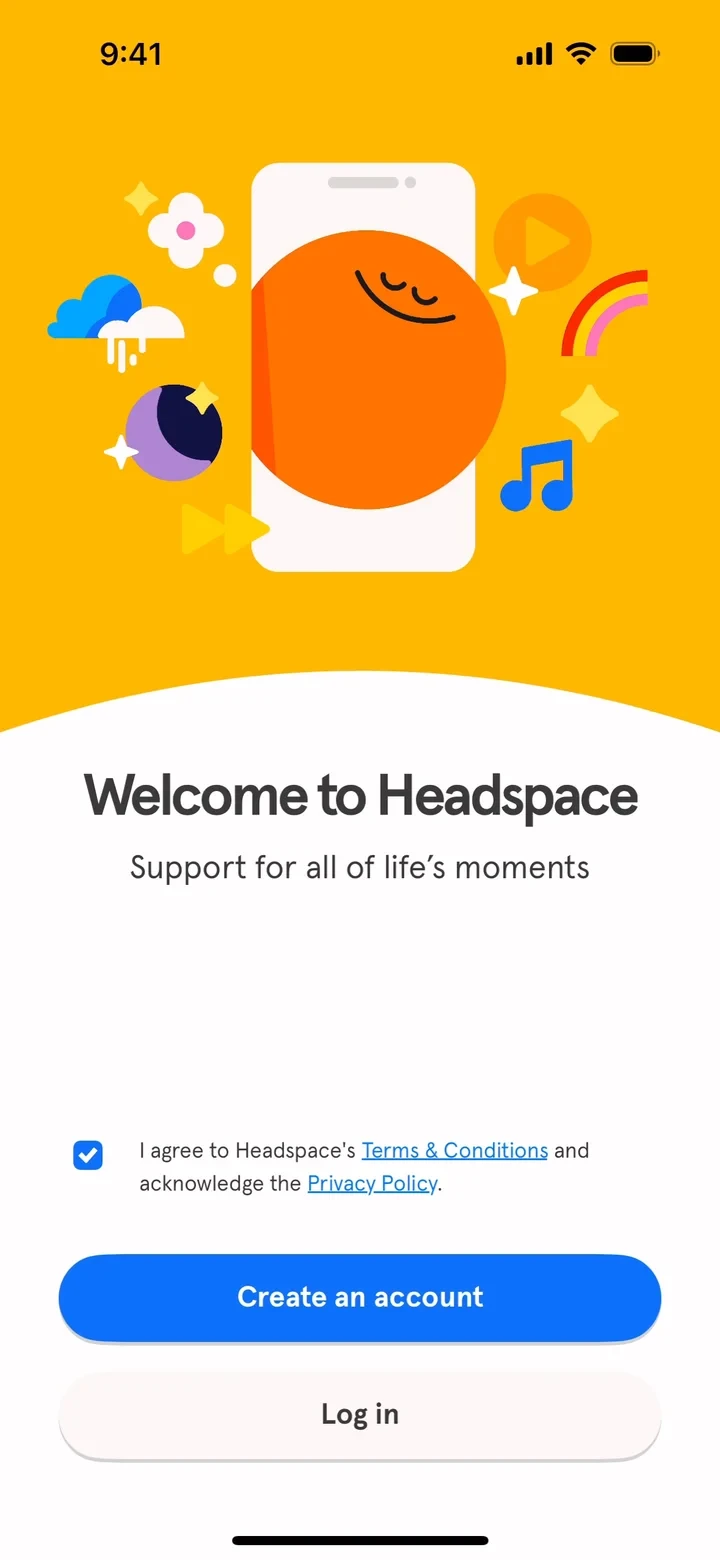
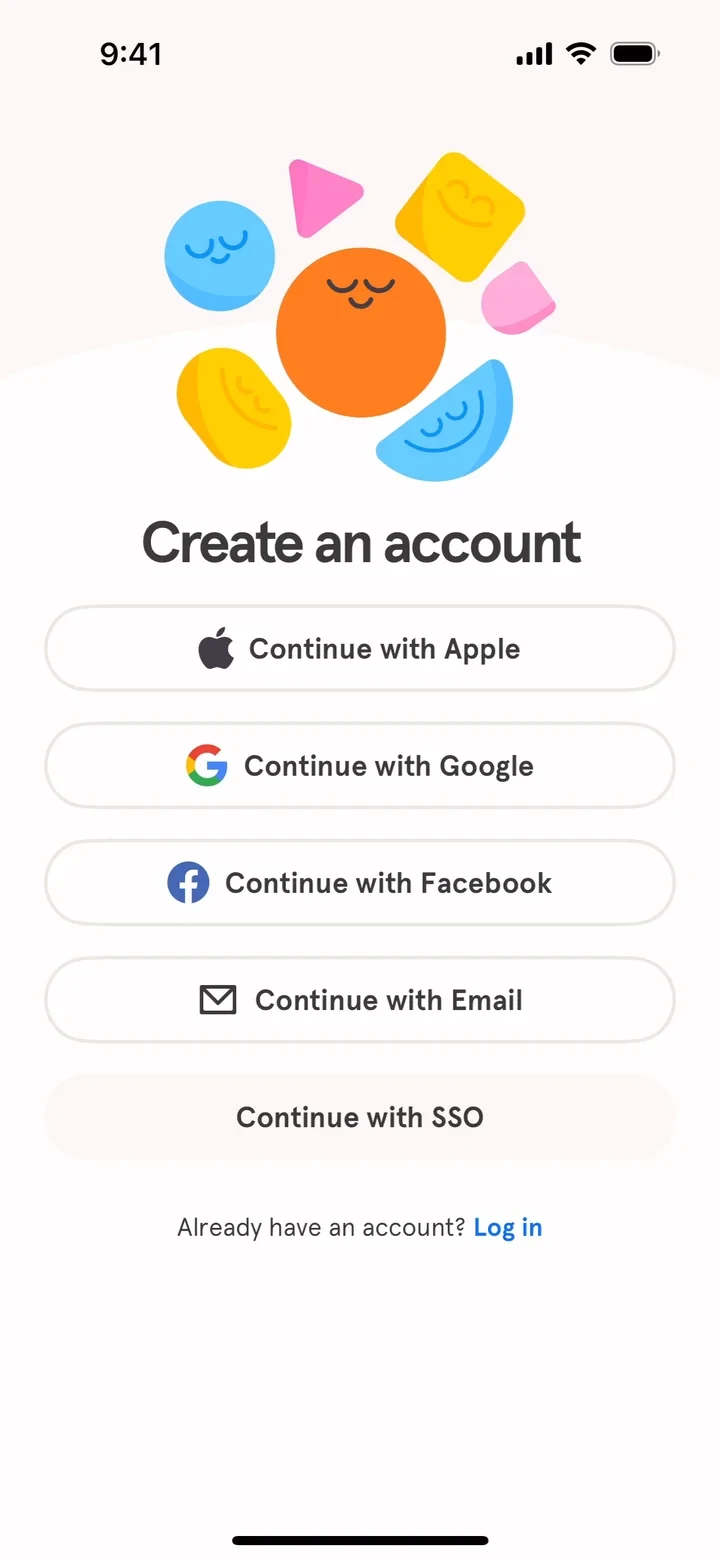
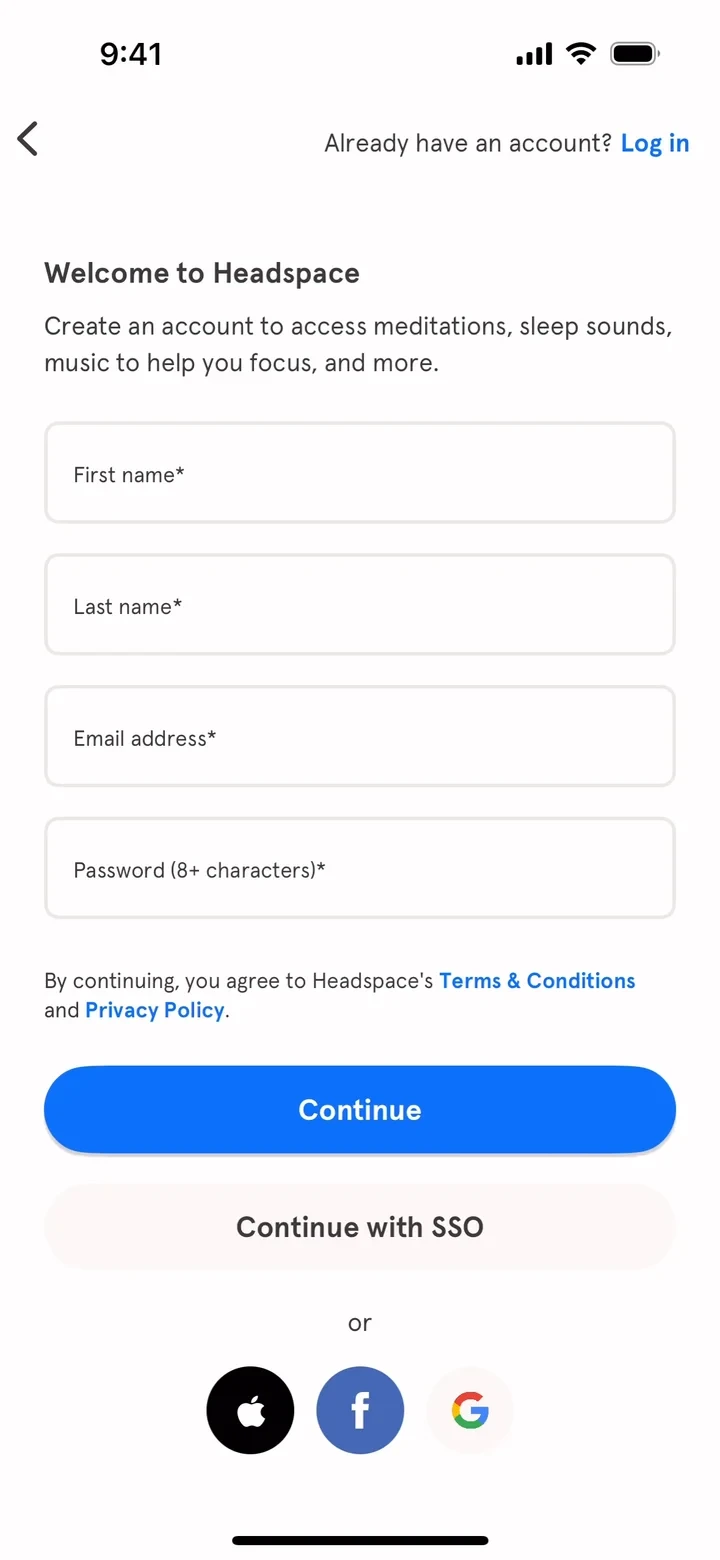
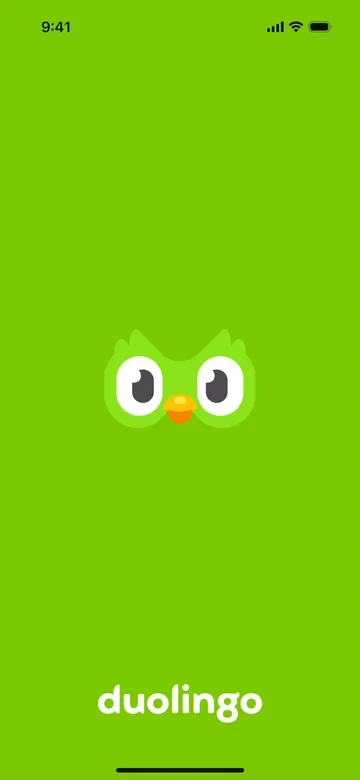
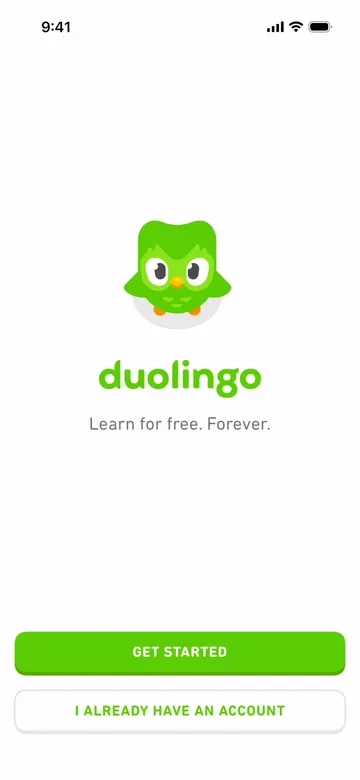
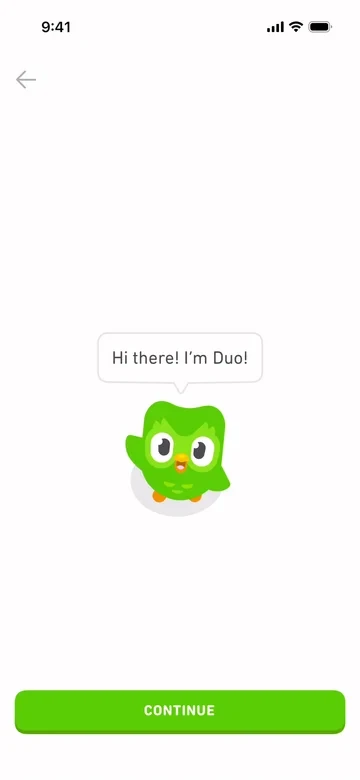
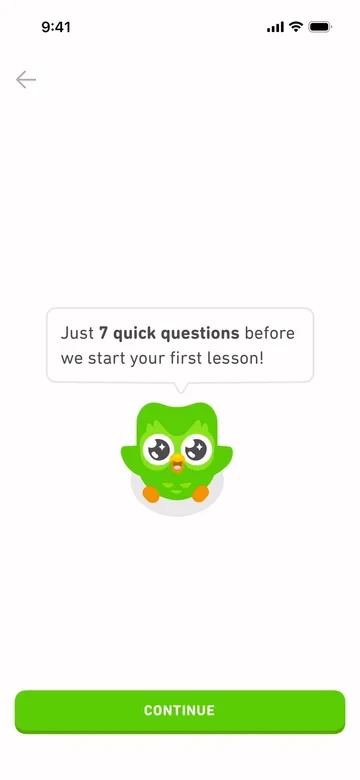
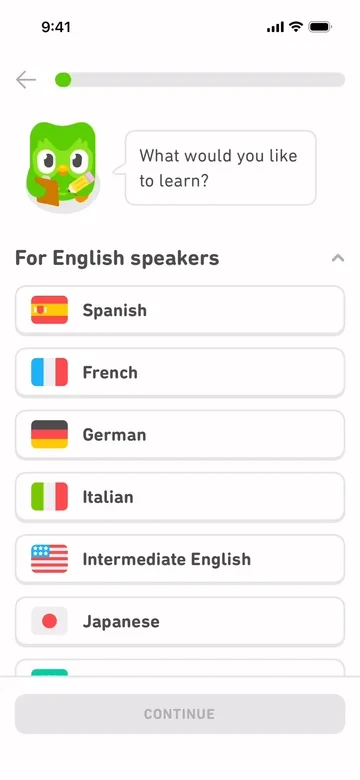
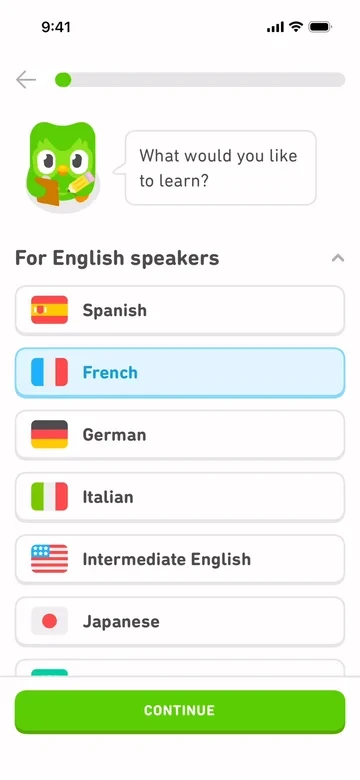
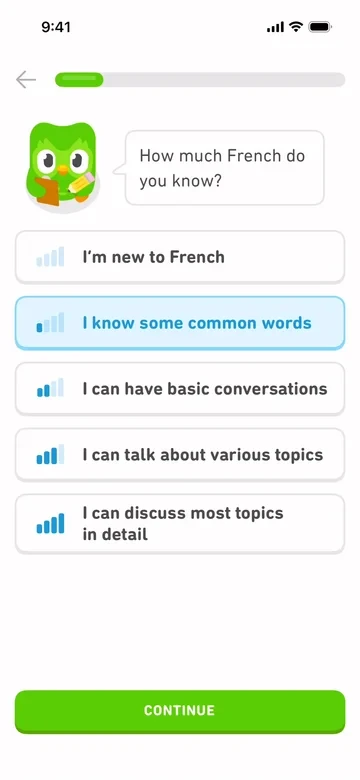
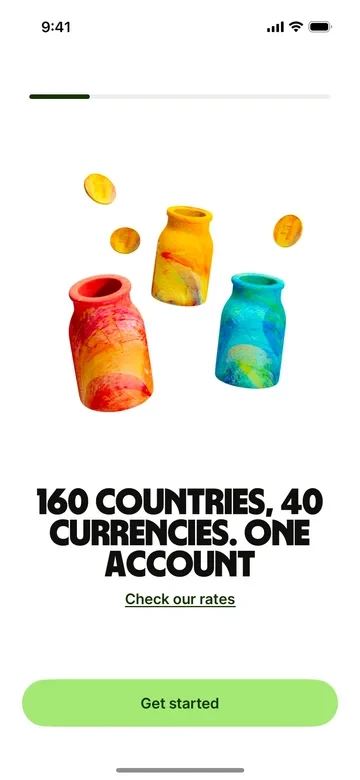
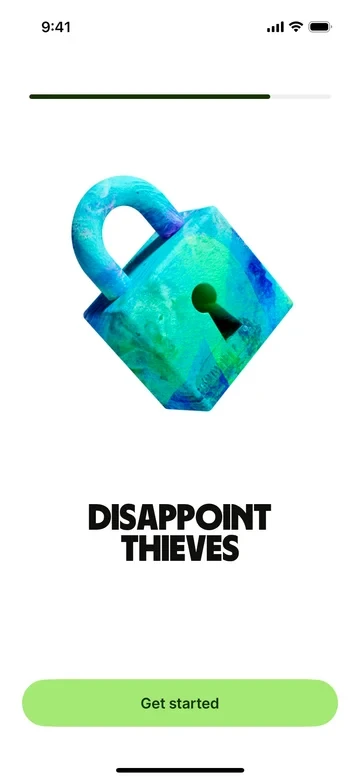
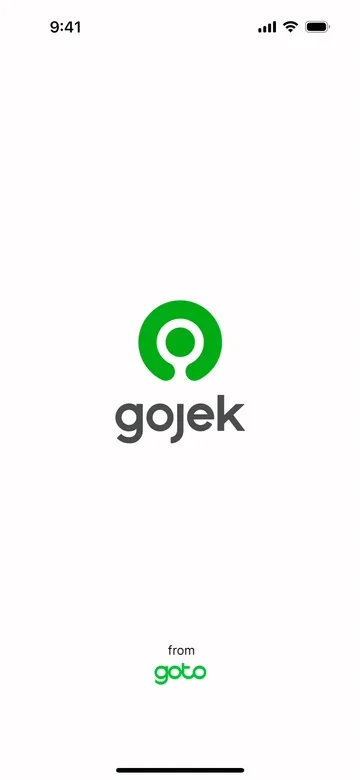
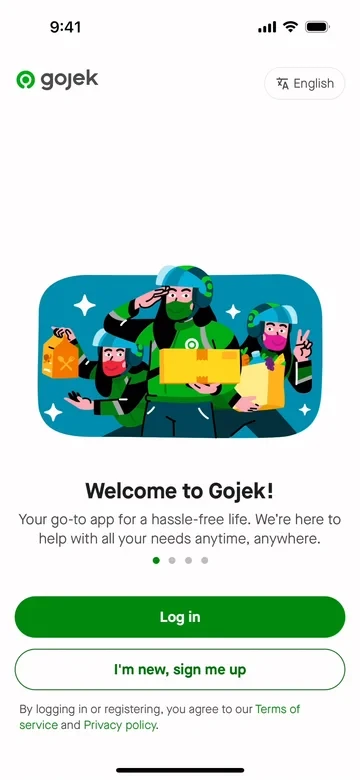
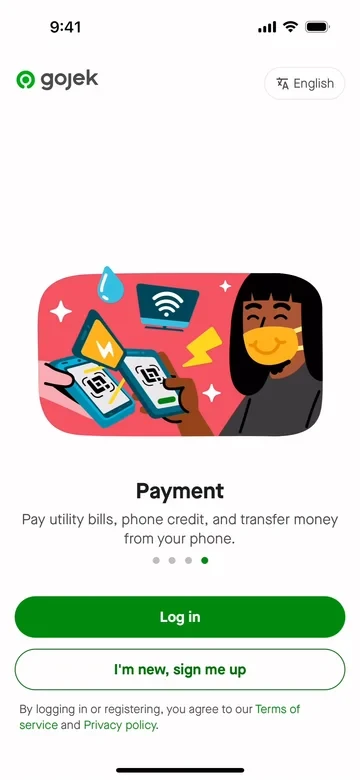
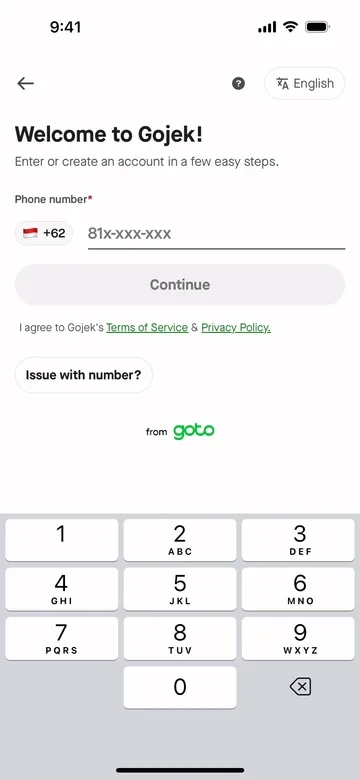
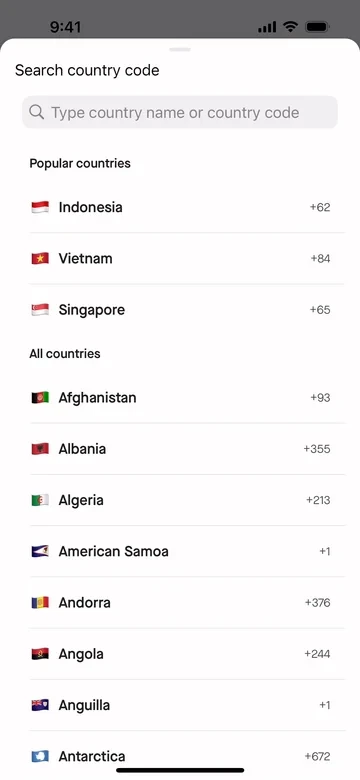
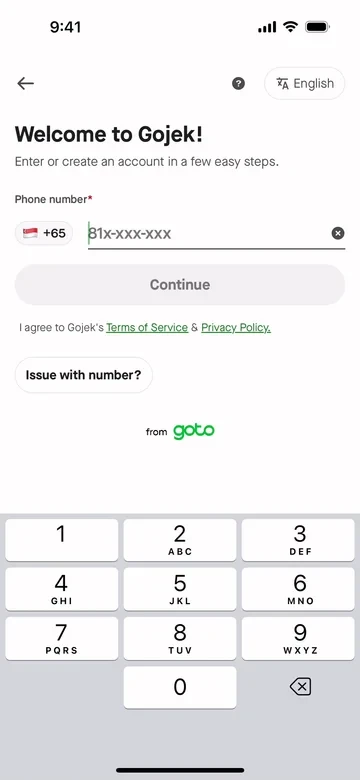
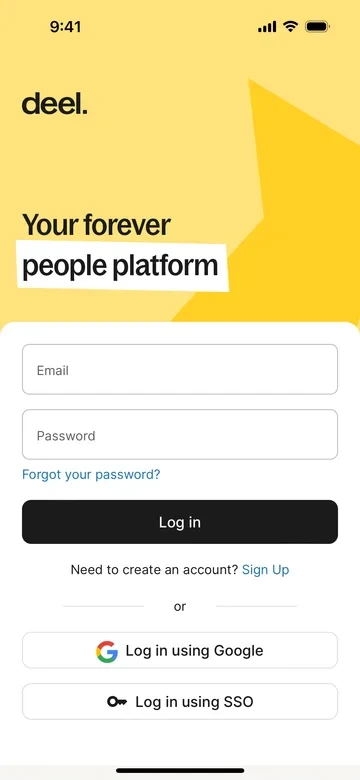
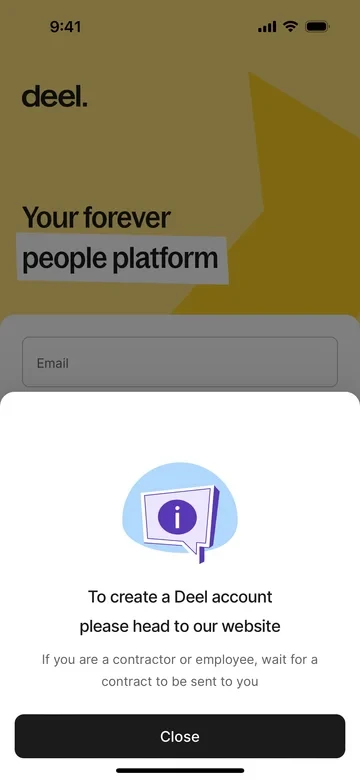
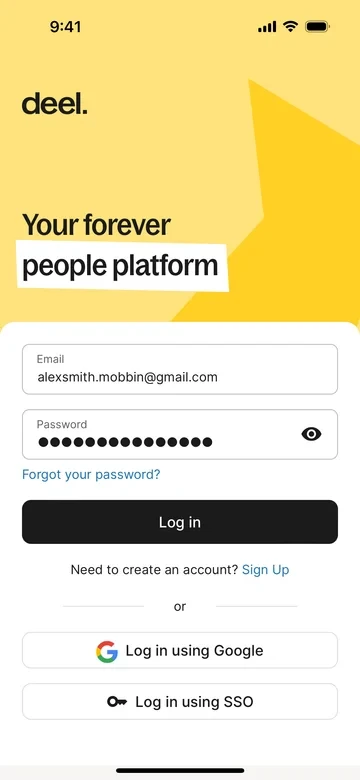
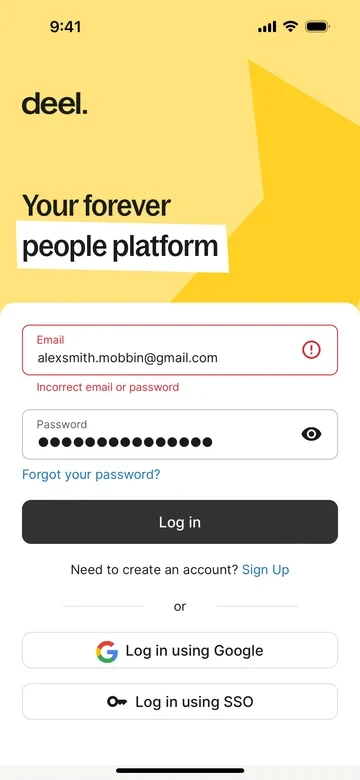
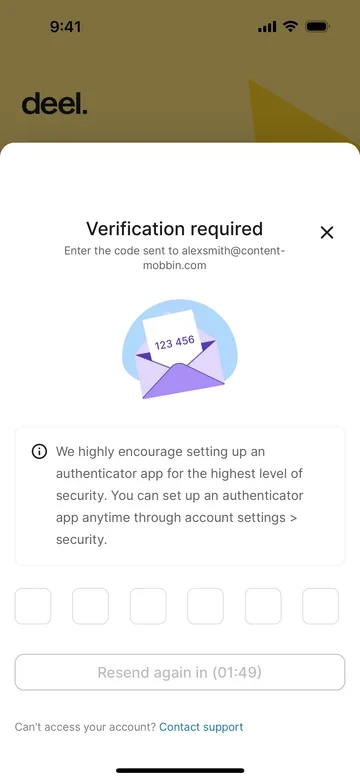
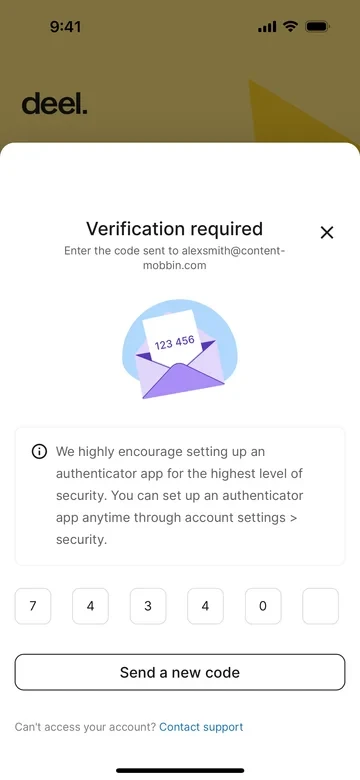
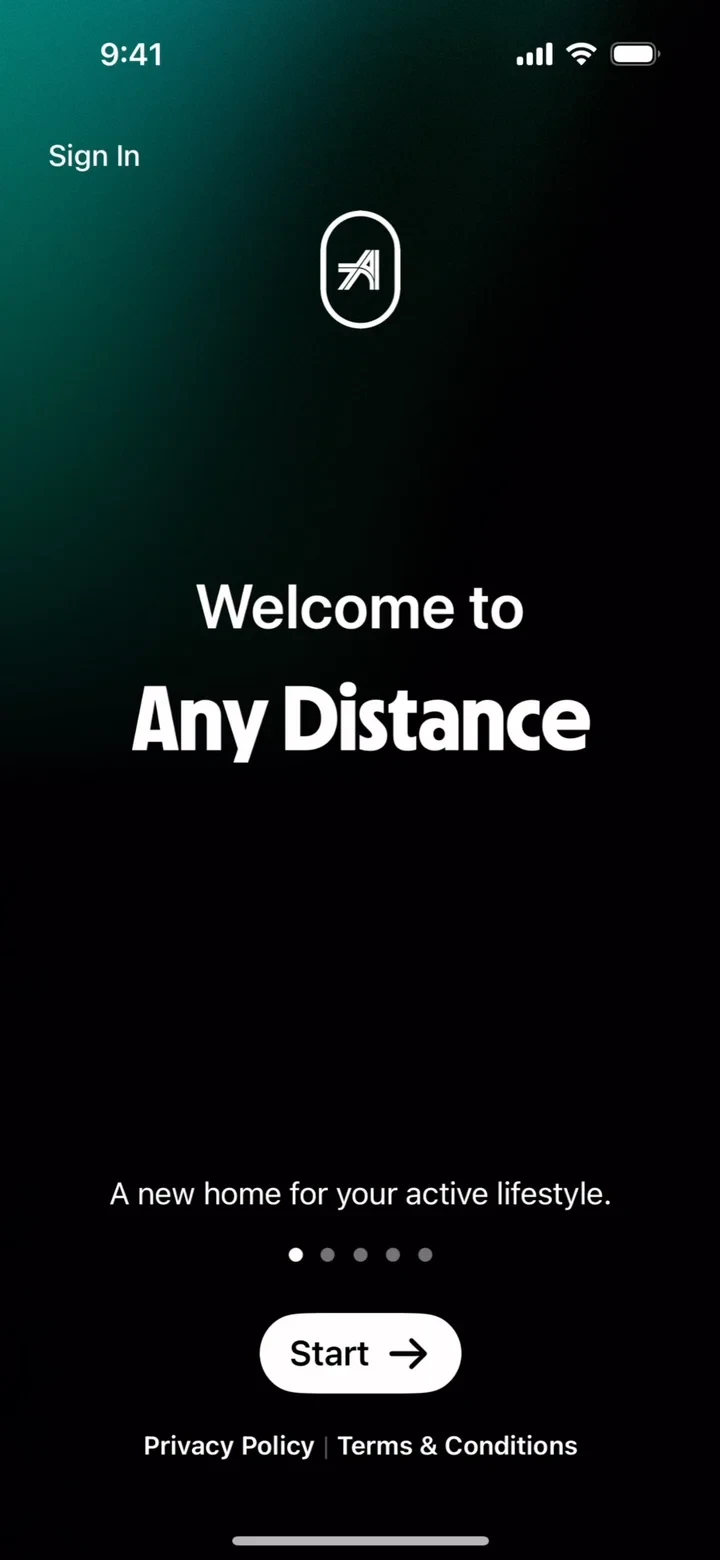
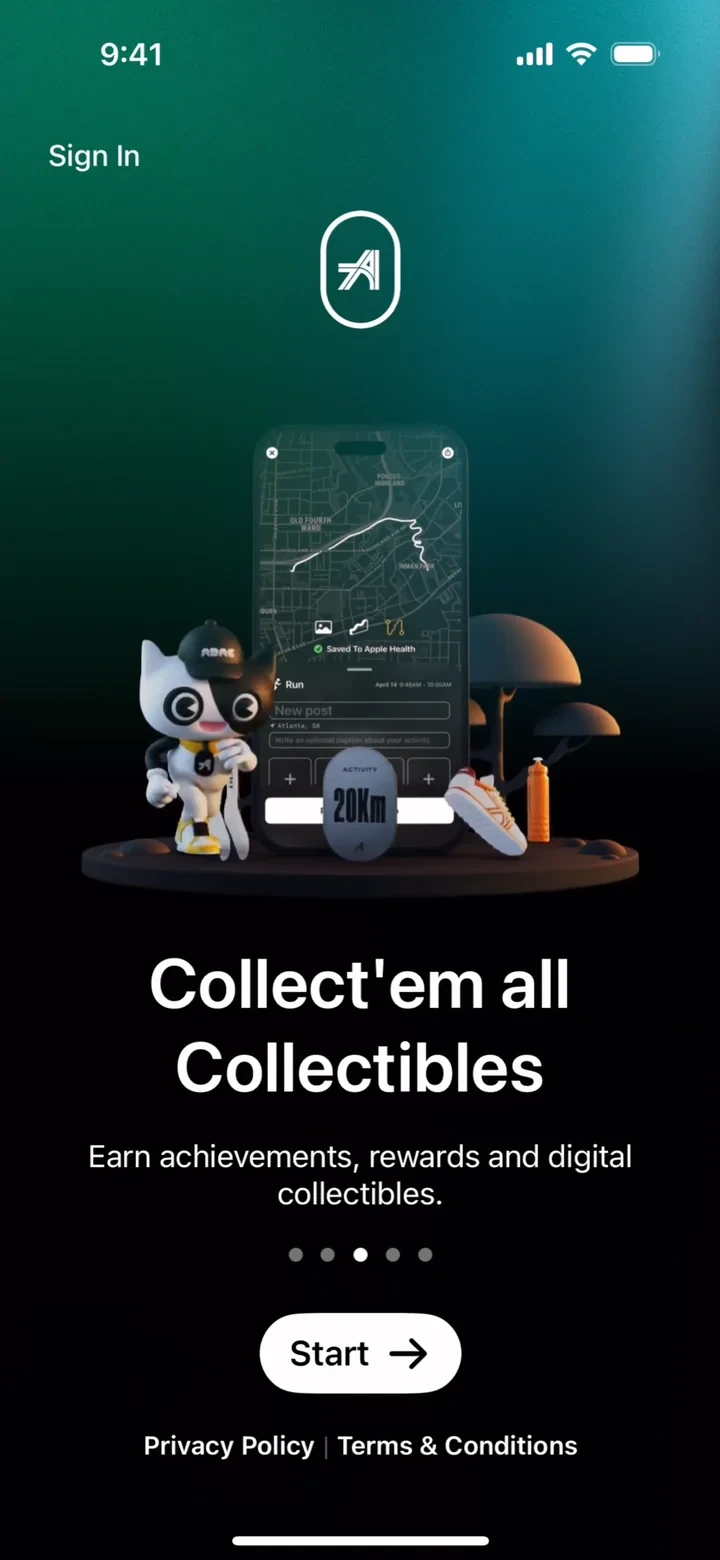
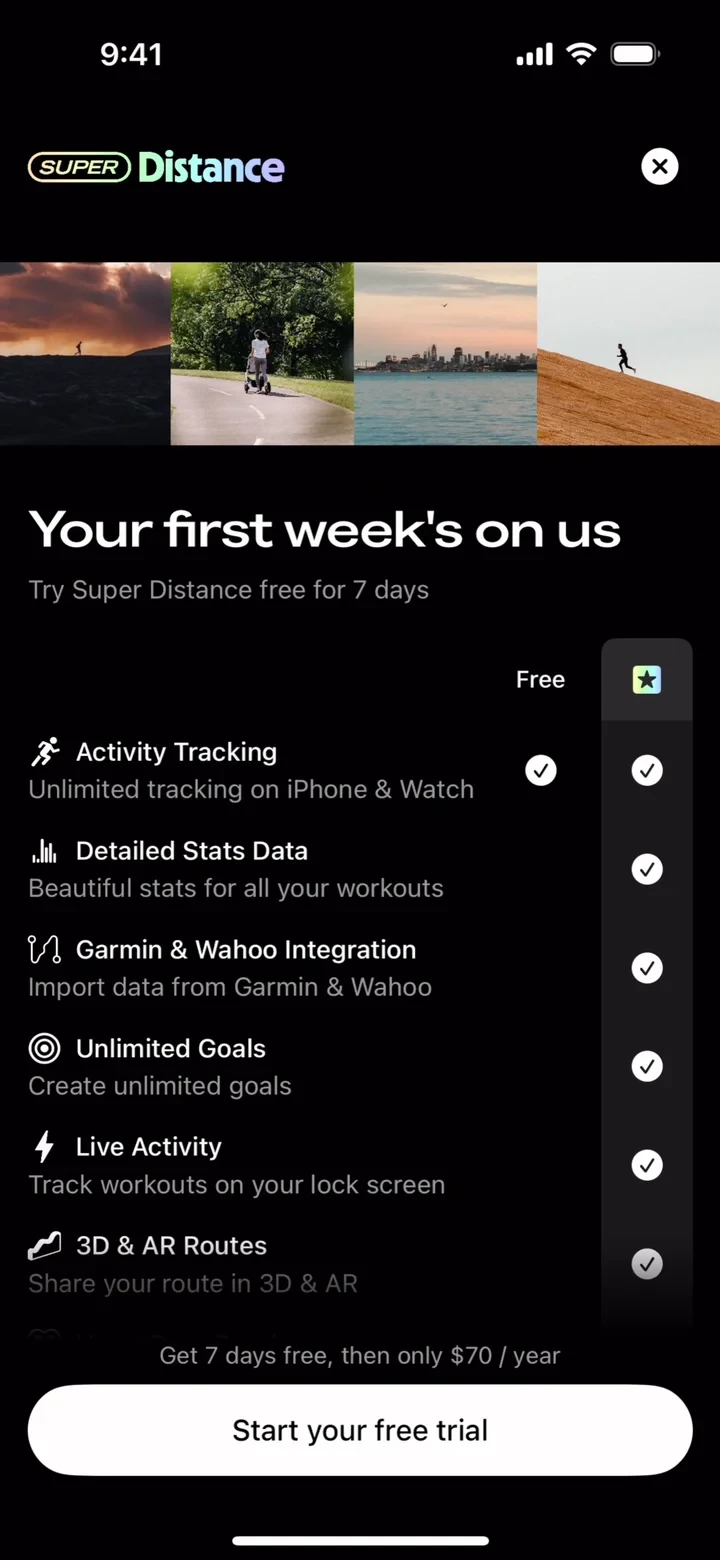
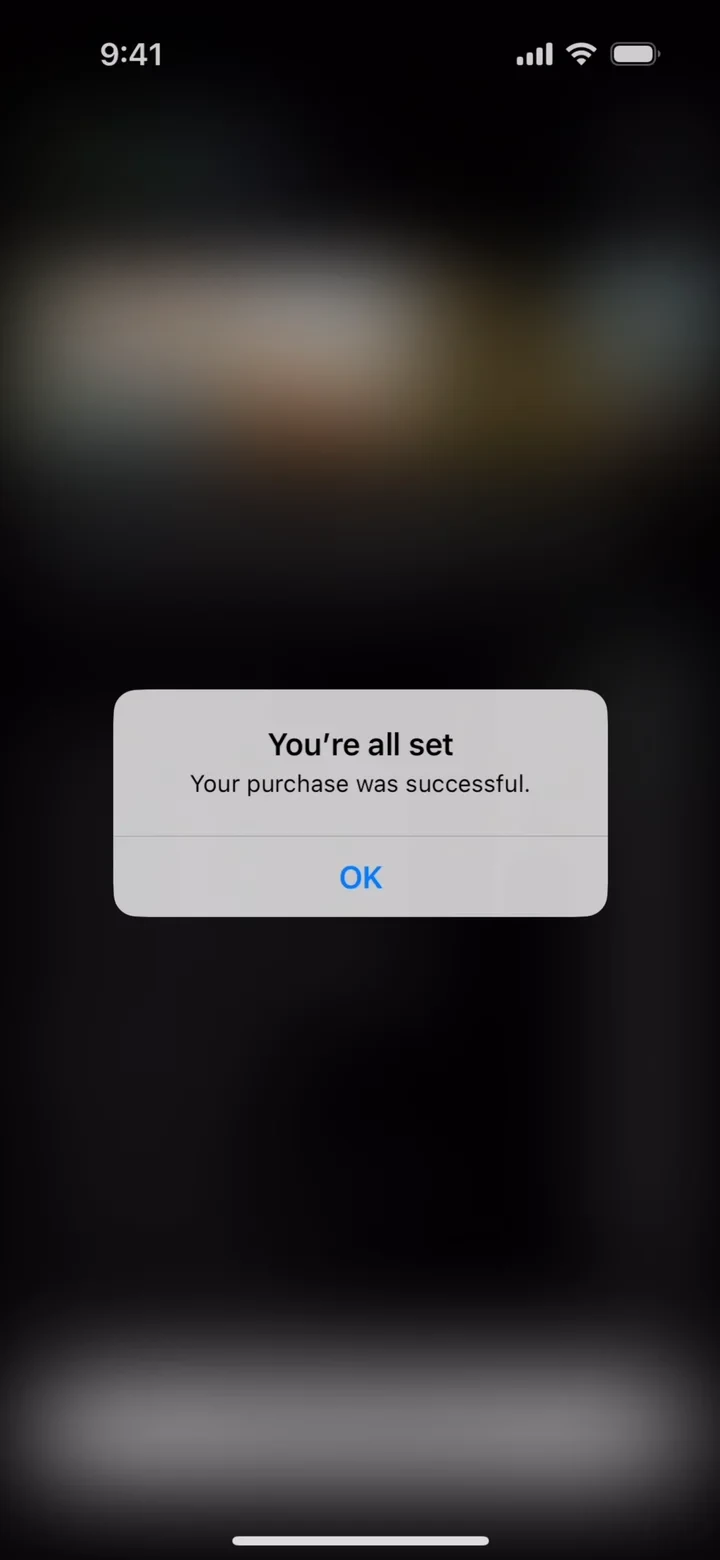
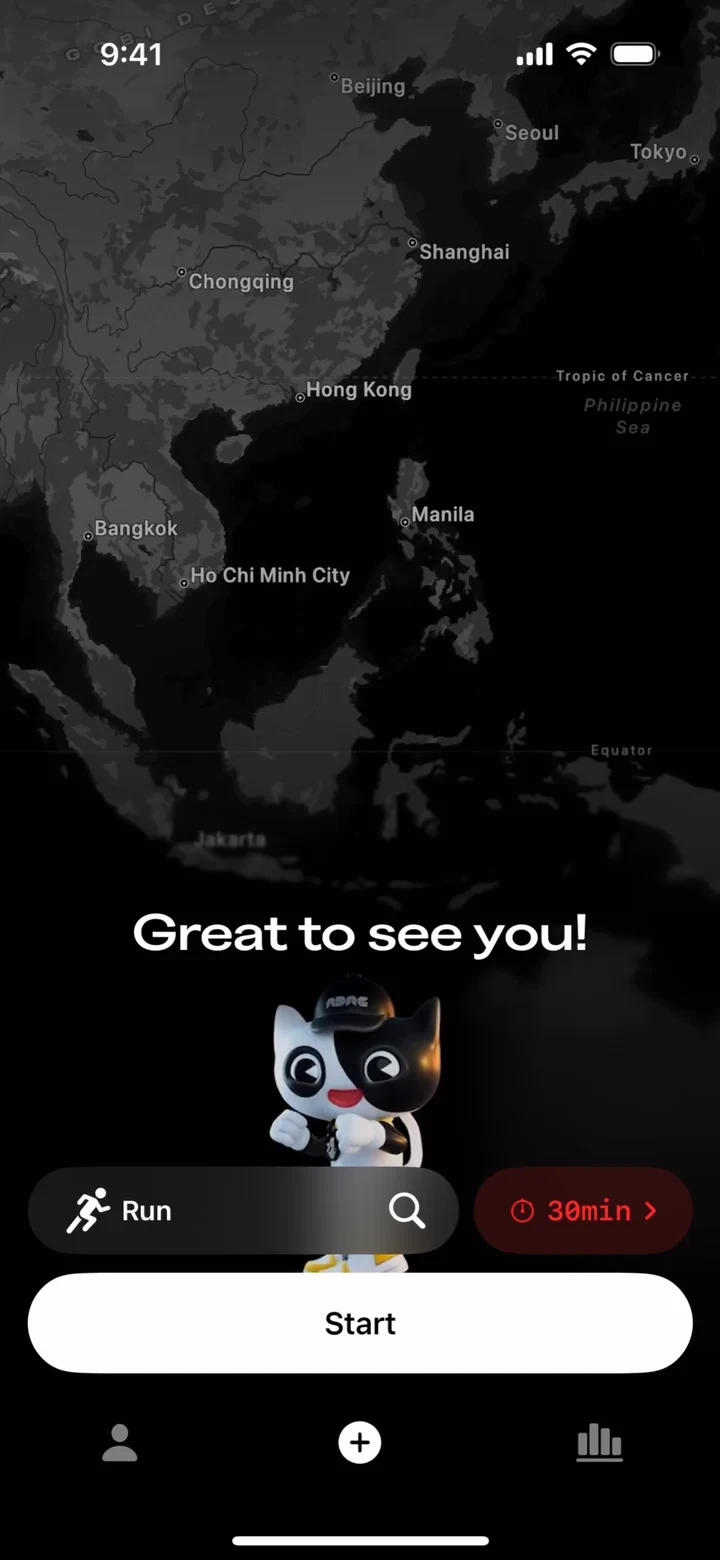
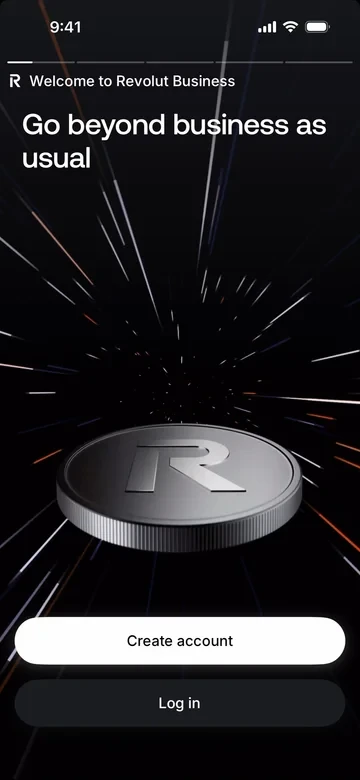
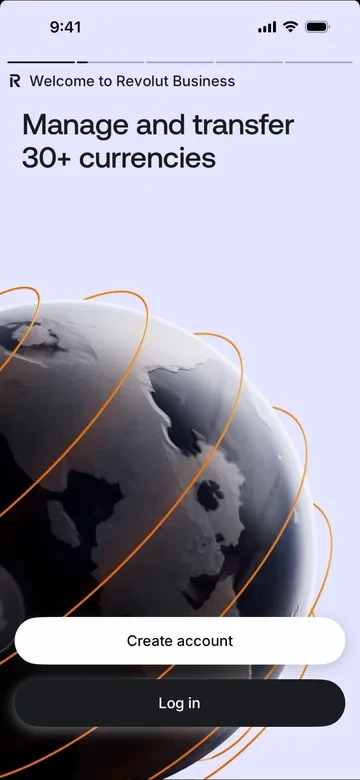
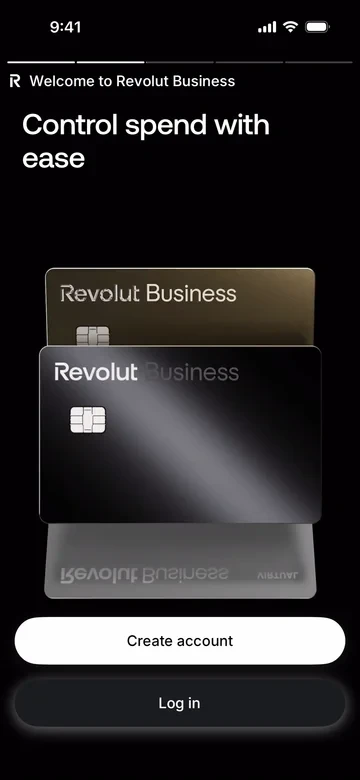
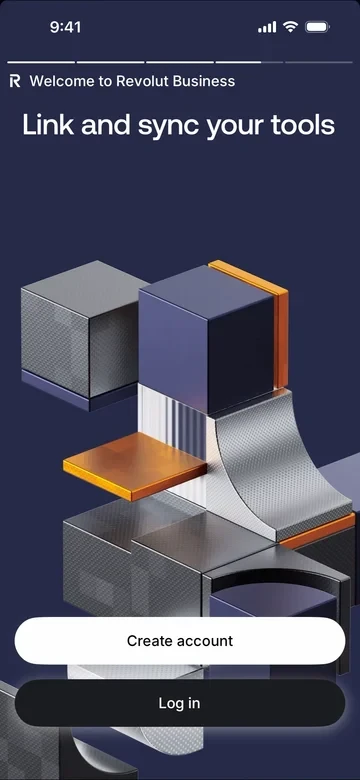
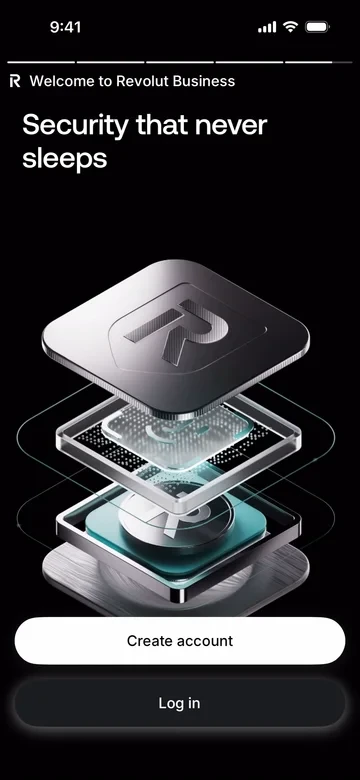
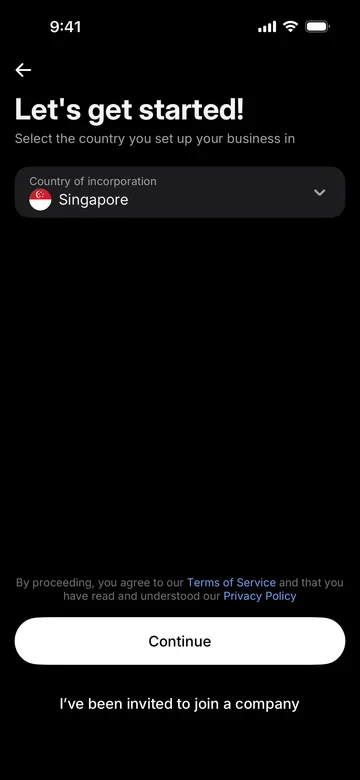
How top apps welcome new people and get them to the first useful moment. Each app's onboarding is shown in its real order, screen by screen.
- 01
What the first screen promises, and how fast it gets to sign-up
- 02
Which questions they ask, and why each one matters
- 03
Where permissions like notifications and tracking appear
- 04
Whether a paywall shows before or after the first win

0110

0110




0107
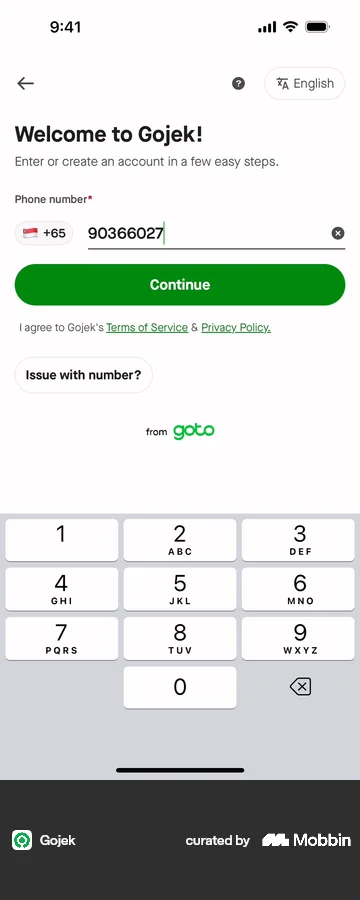
0110


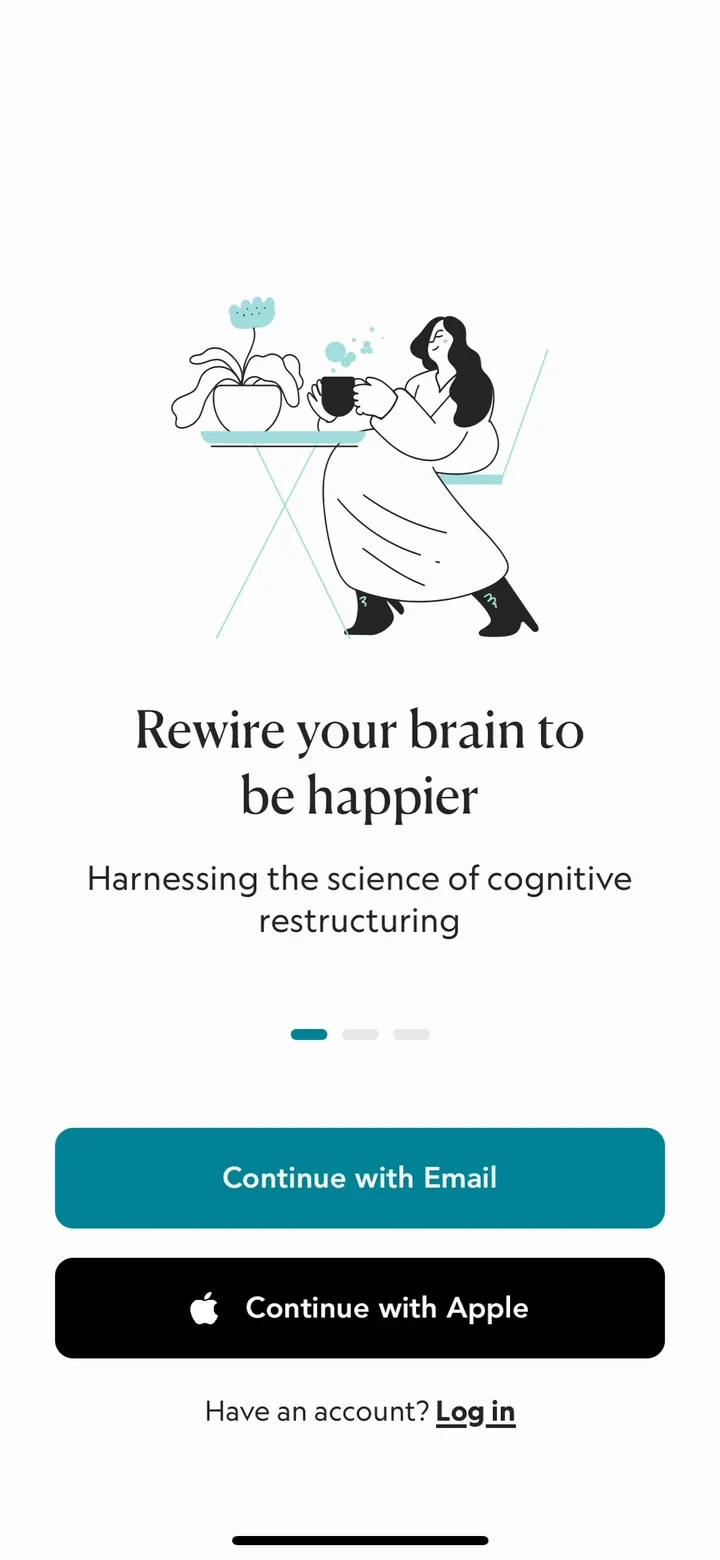
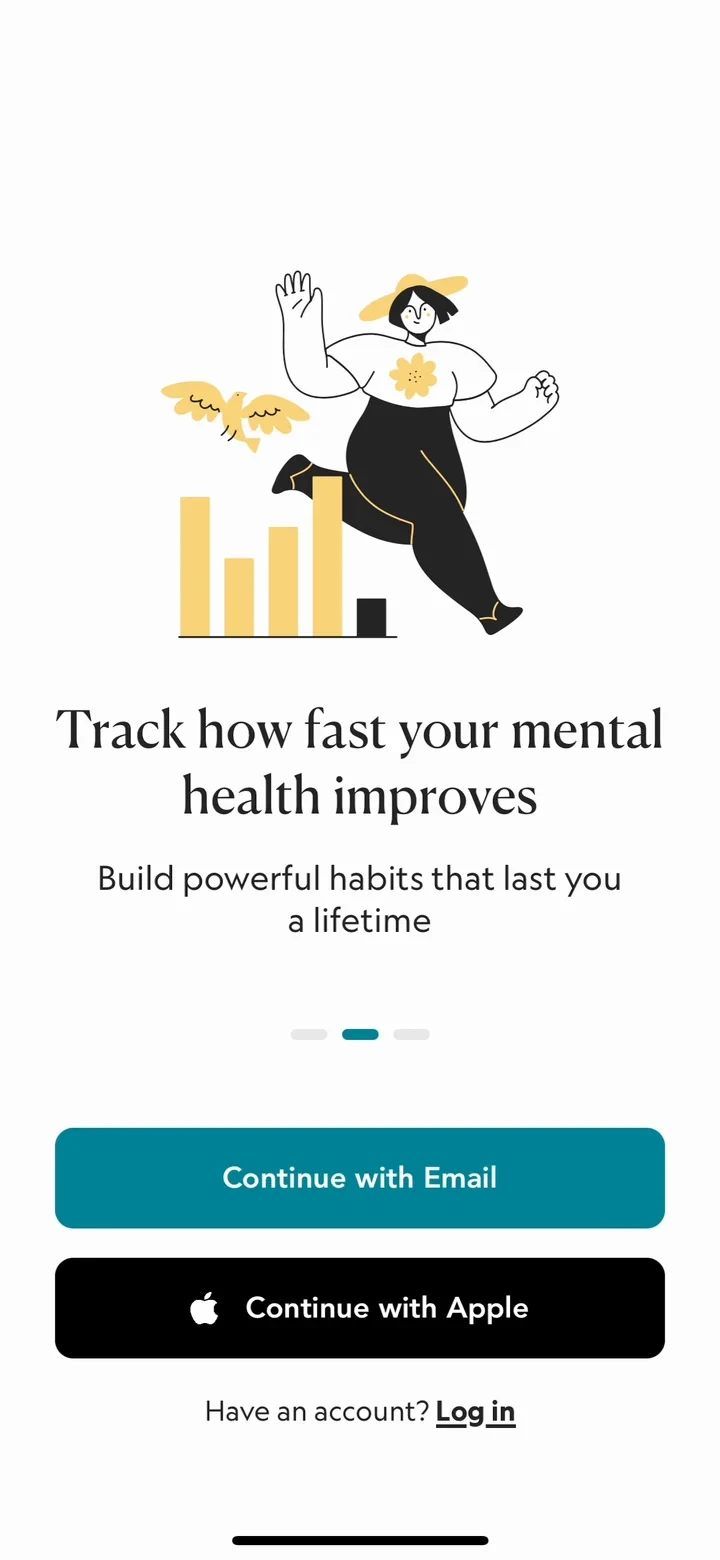
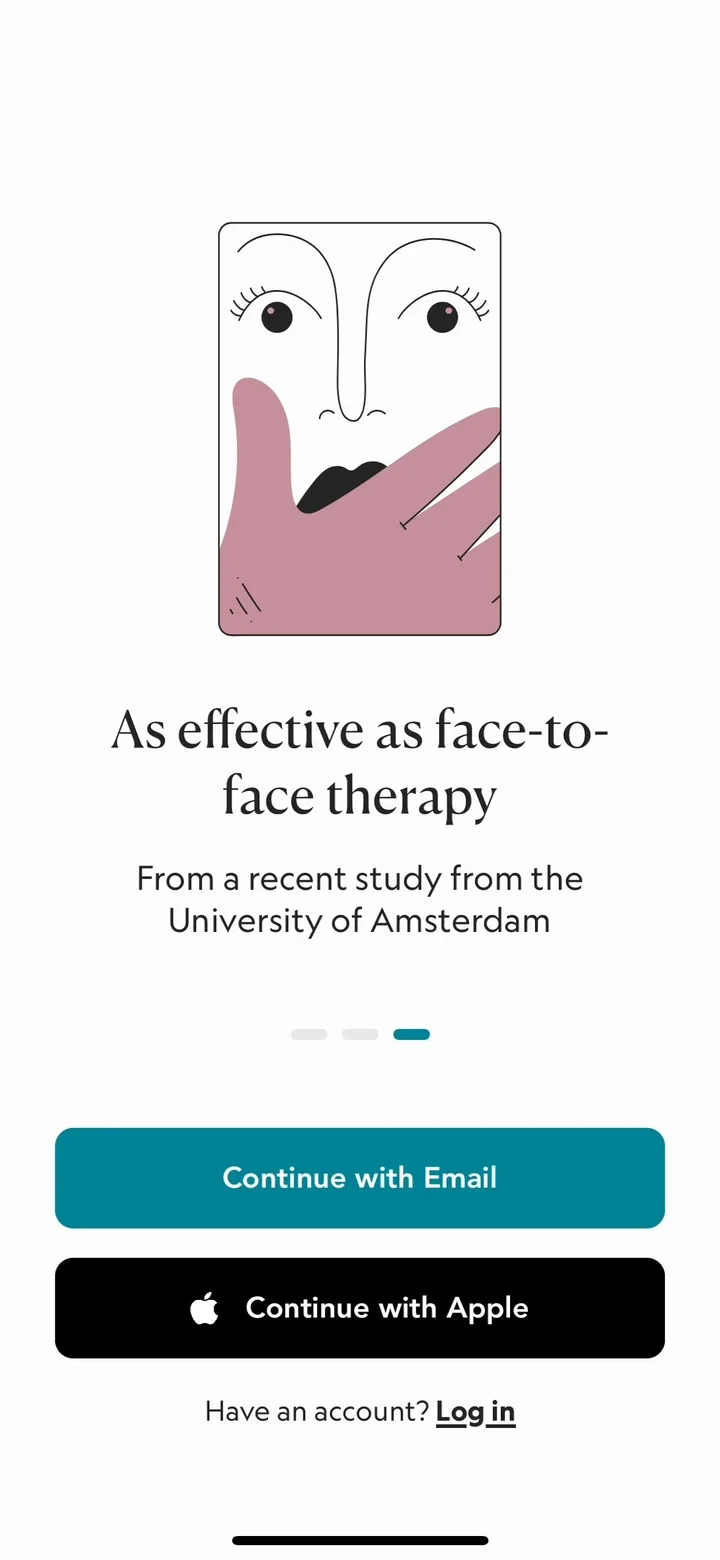
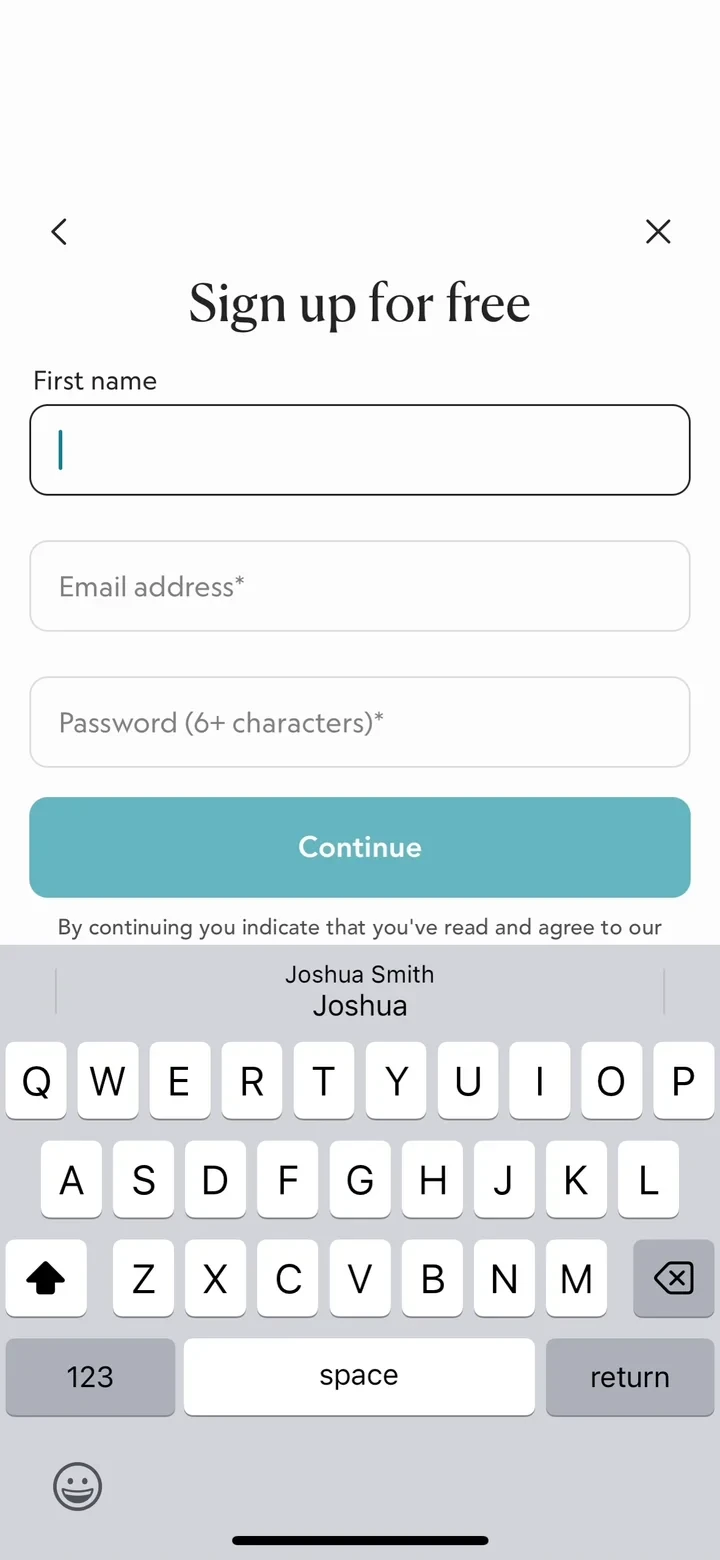
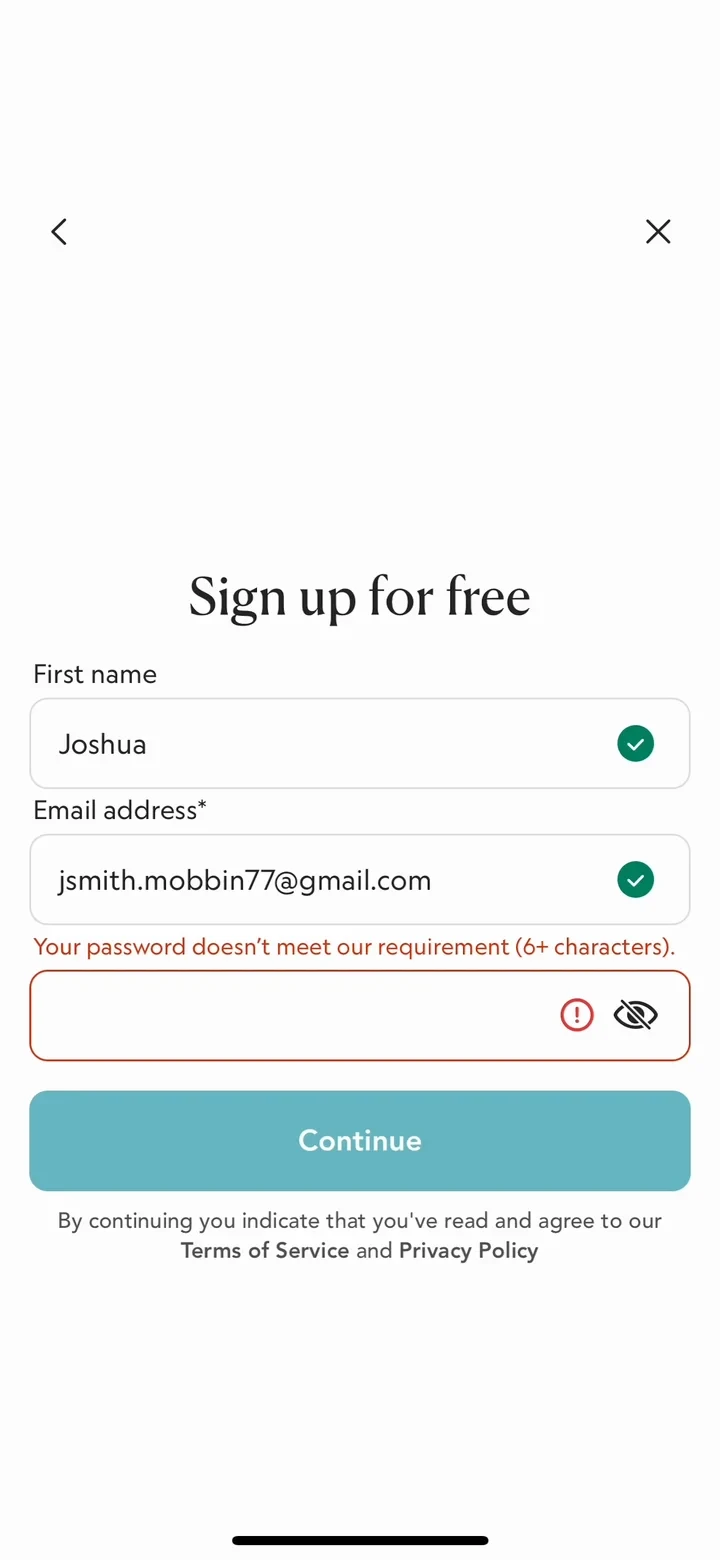


0110


0110

0106


0110

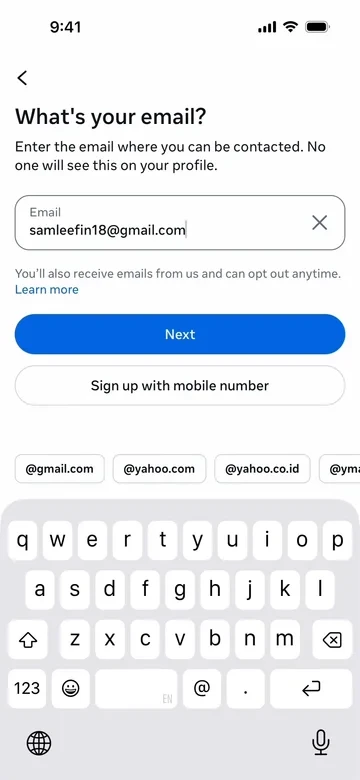
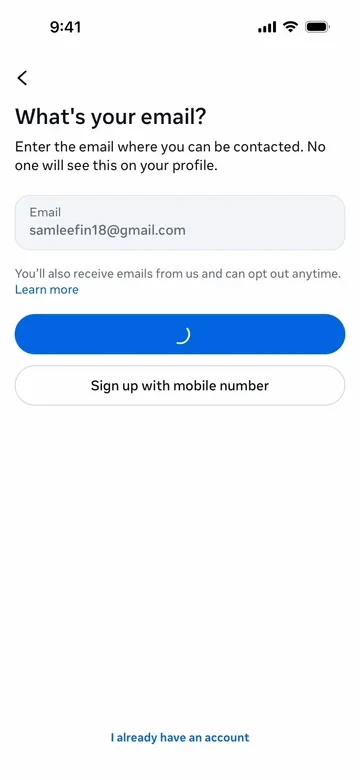
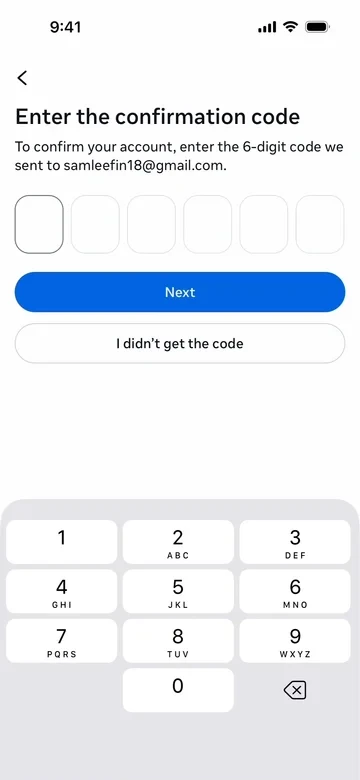
0110
What makes good onboarding
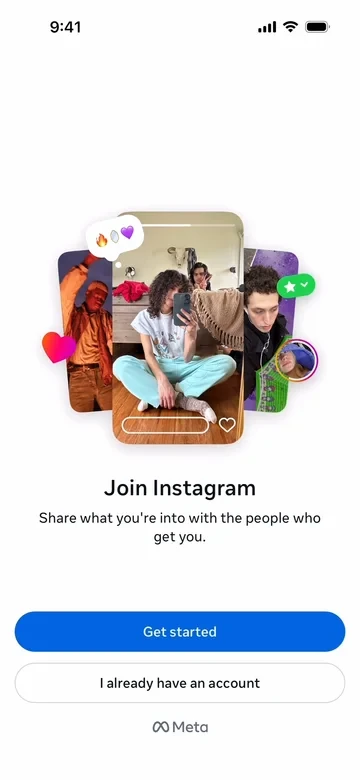
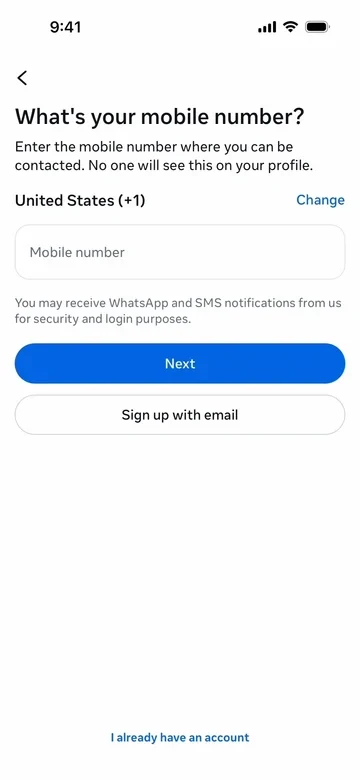
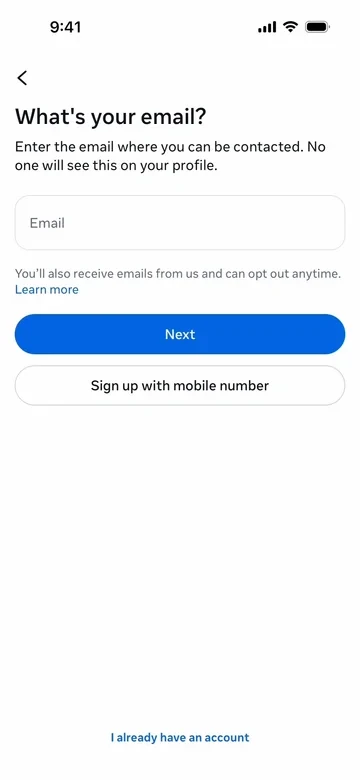
Good onboarding gets someone to the first useful moment quickly. Most apps open with a splash and a welcome screen, then ask only what they need to personalise the experience.
Compare the order of steps across apps: when they ask for an account, when they ask for permissions, and how many questions come before the main screen. Those choices decide how many people finish.
Questions
What is app onboarding?
The screens a new user sees between opening an app for the first time and reaching its main screen: welcome, sign-up, questions, permissions and sometimes a paywall.
How many onboarding screens should an app have?
As few as it takes to deliver value. Compare the examples here: some apps reach the main screen in a few steps, others ask several questions to personalise first.
Can I build an onboarding flow with AI?
Yes. Open any flow and use Copy prompt. It describes each step in order, so you can paste it into ChatGPT, Claude, Cursor or Lovable and build your own version.