


0110
Login
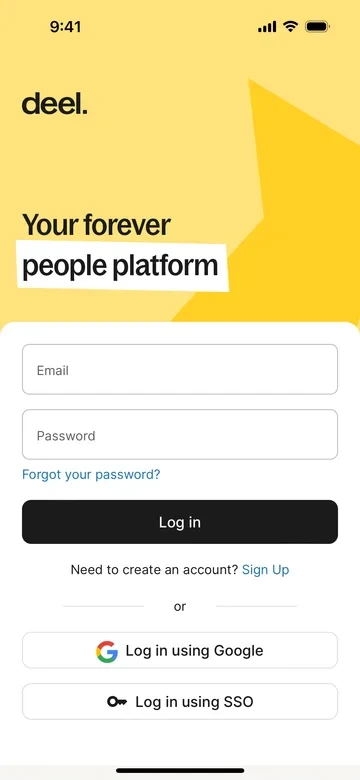
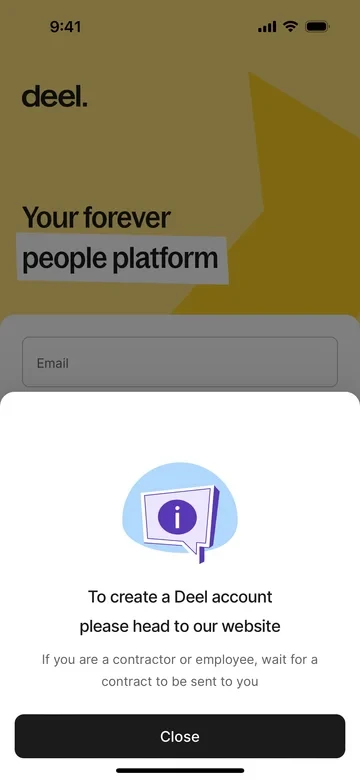
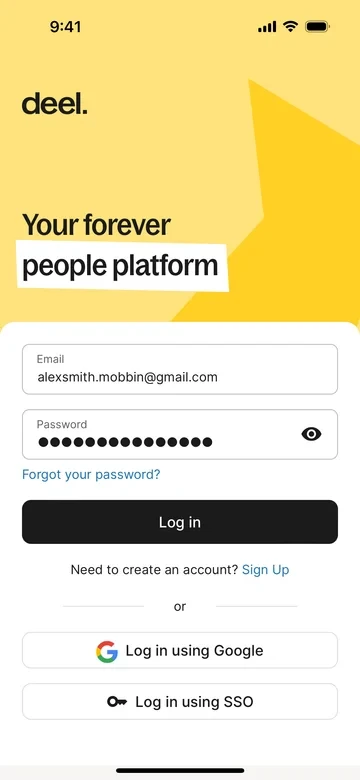
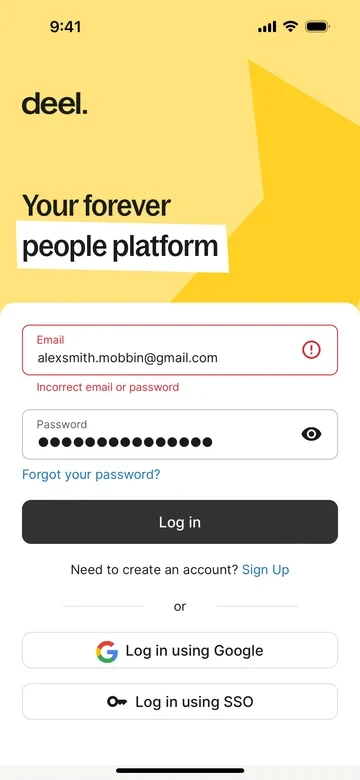
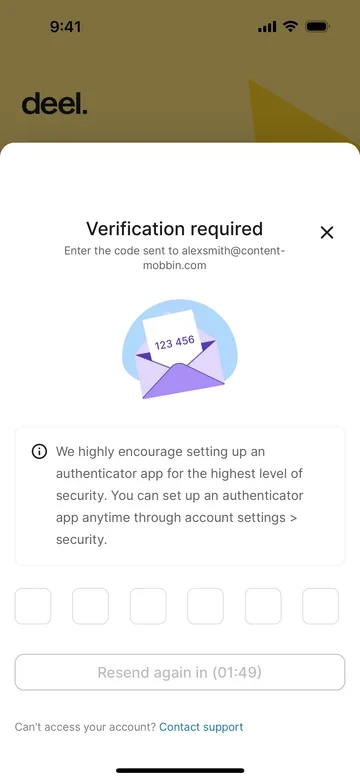
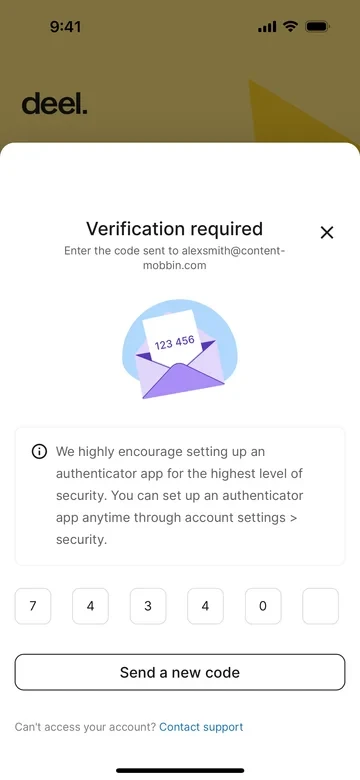
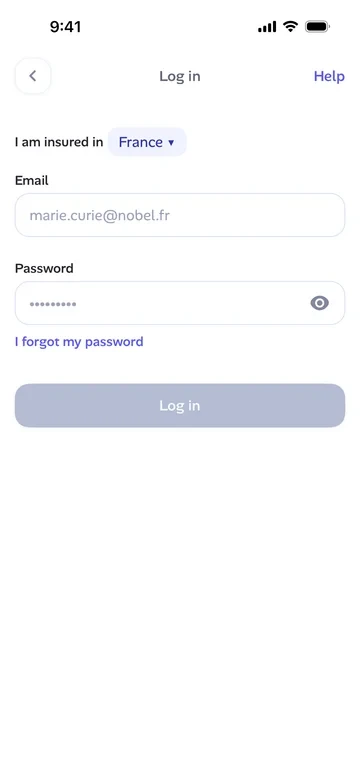
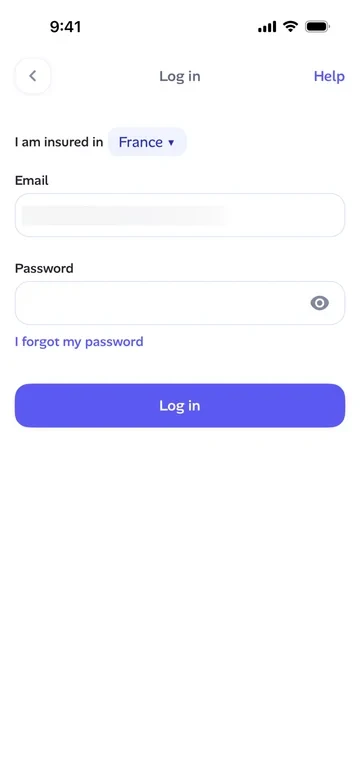
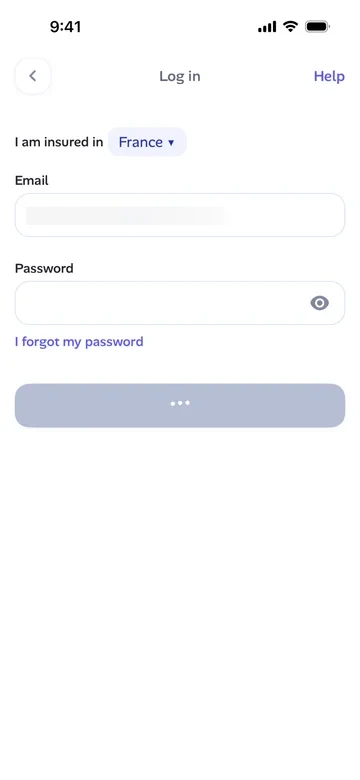
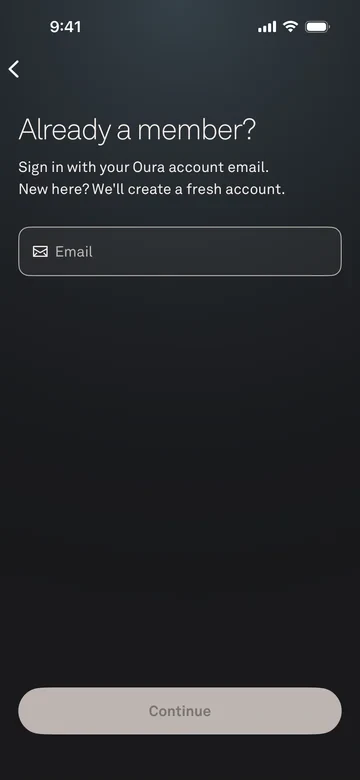
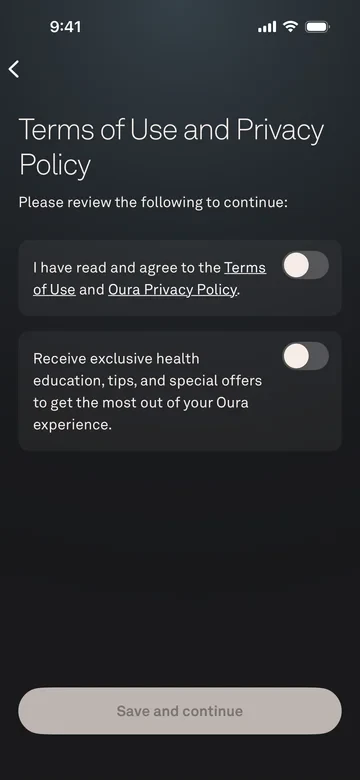
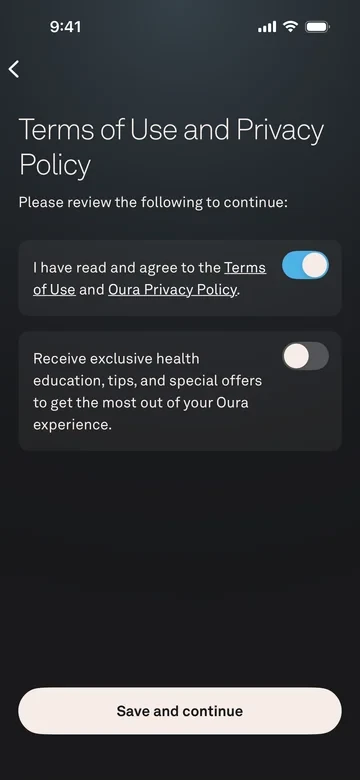
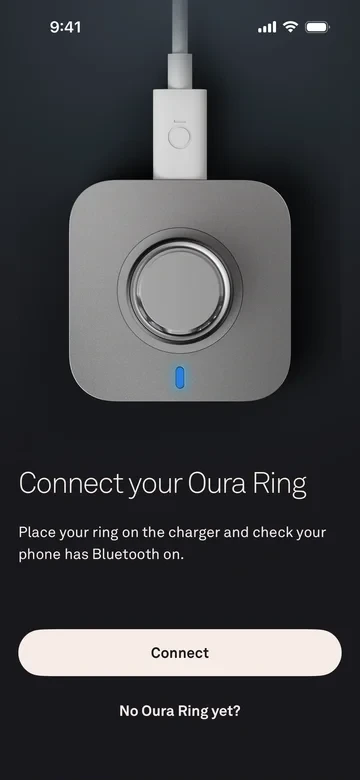
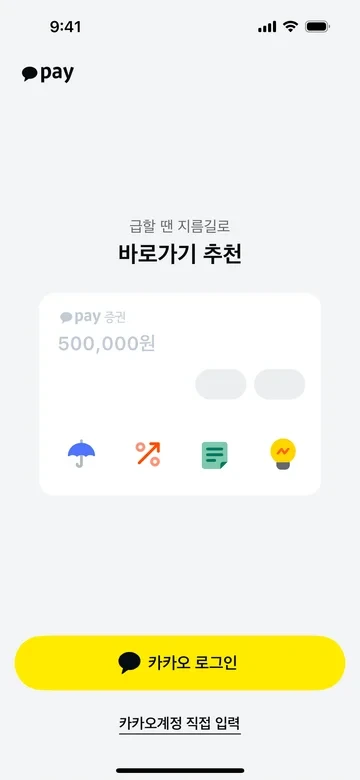
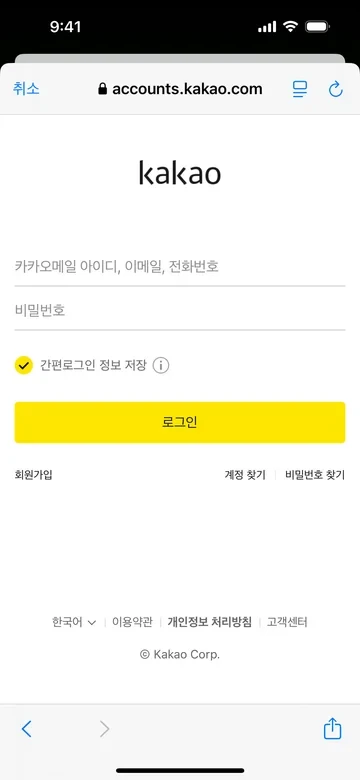
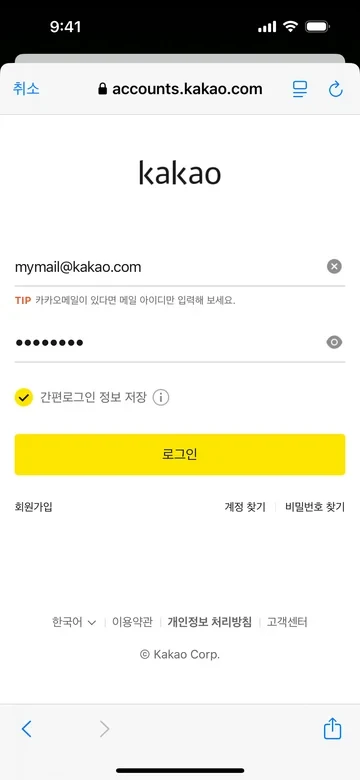
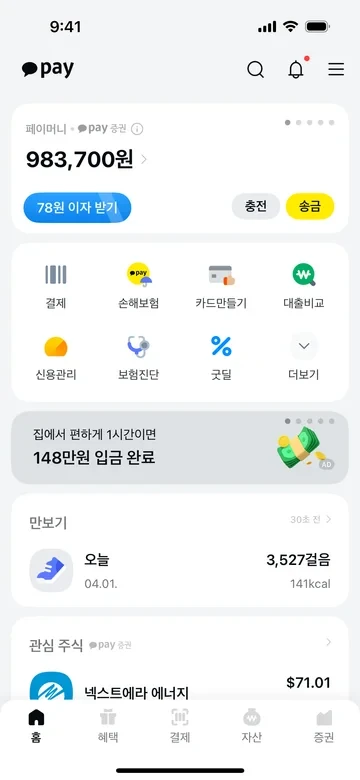
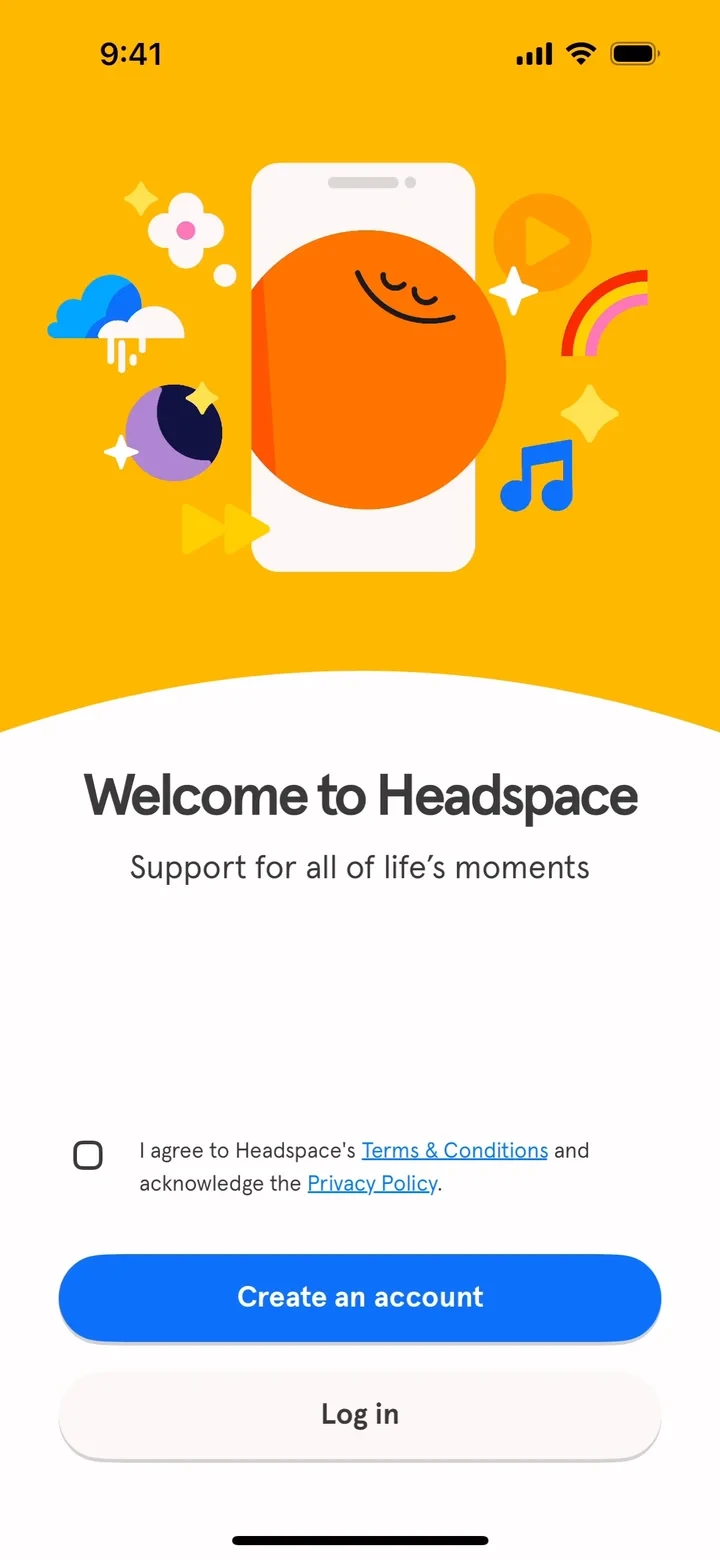
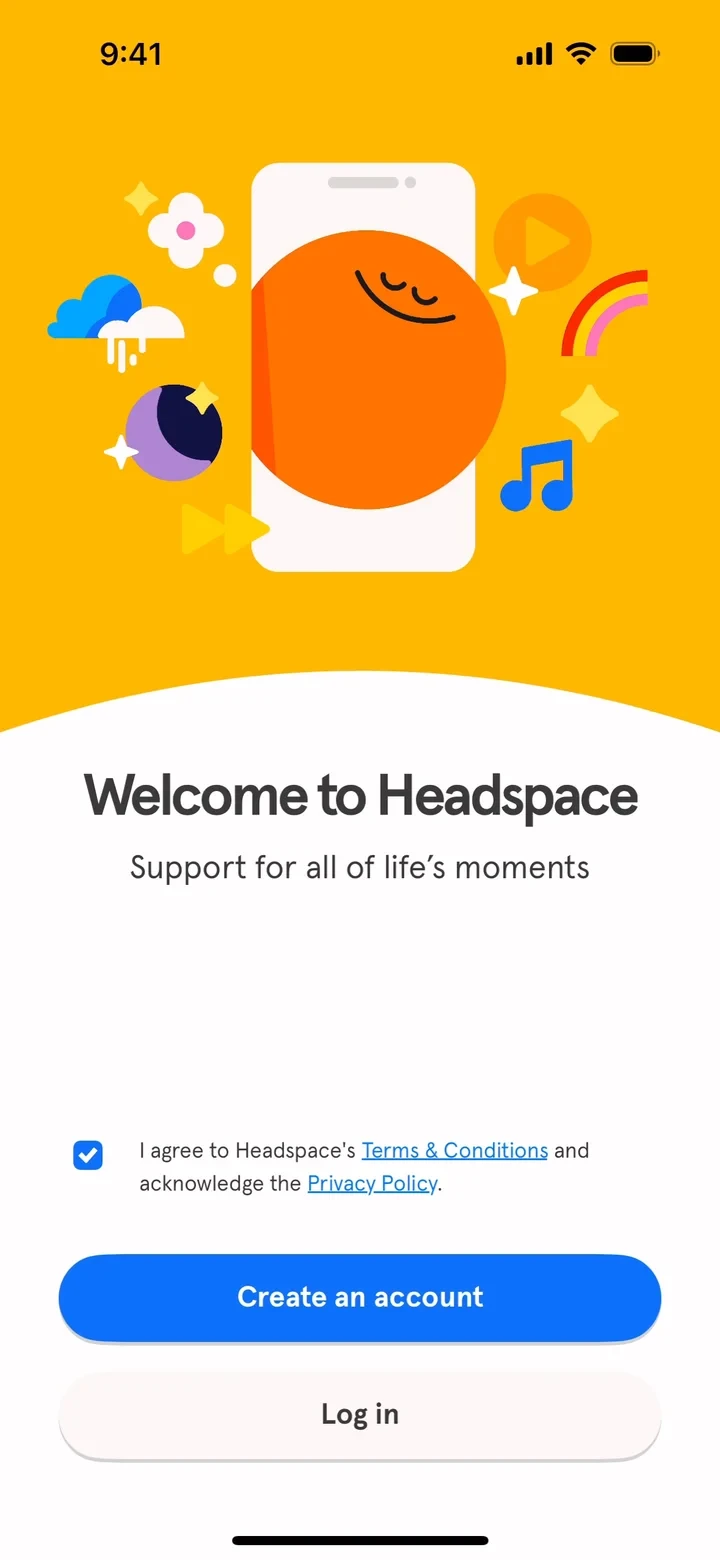
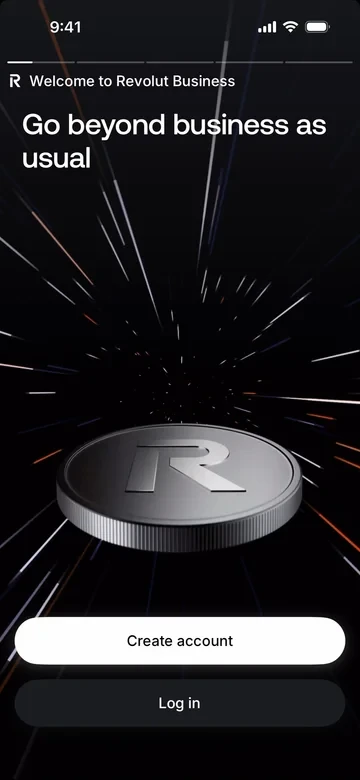
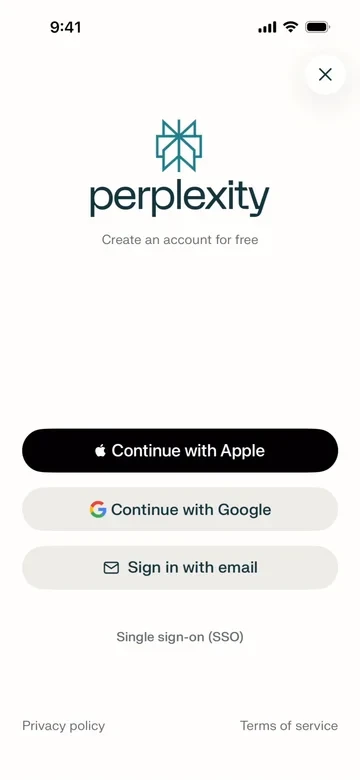
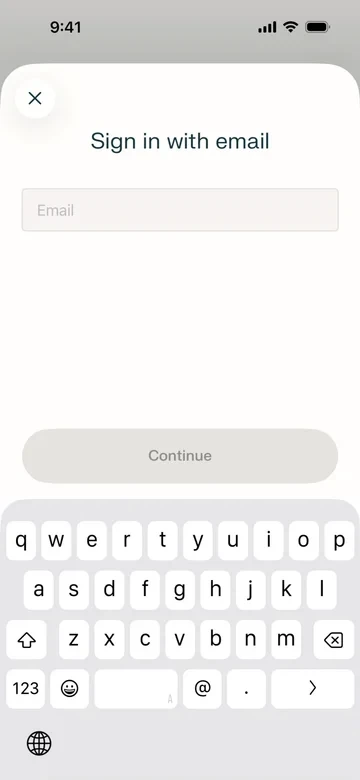
How top apps let people sign back in: email and password, phone codes, Google and Apple, and magic links. Every login flow is shown step by step.
- 01
Which sign-in options appear first, and in what order
- 02
How the app handles a forgotten password
- 03
Whether it asks for a code by text or email
- 04
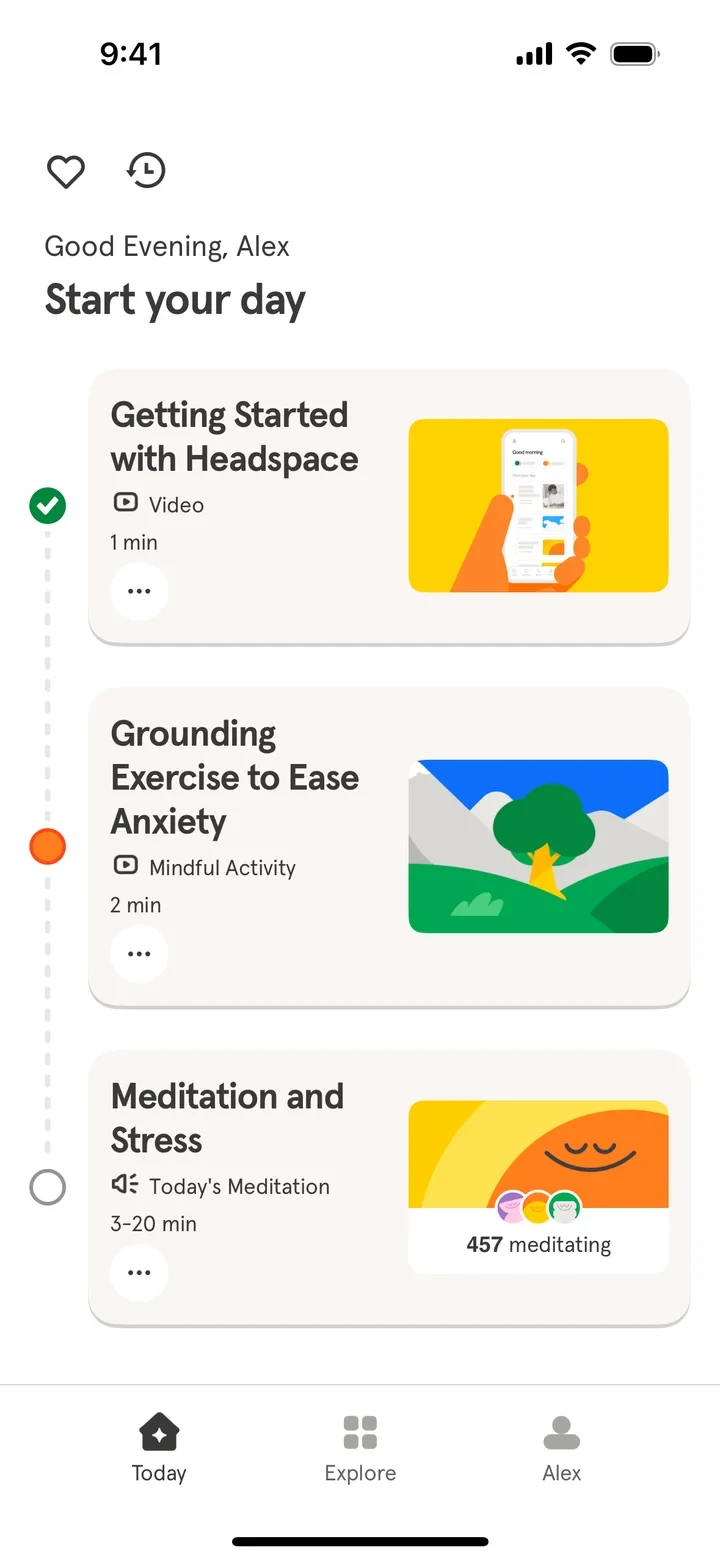
What people see right after they sign in




0109


0106
0110

0103


0105
0104

0110



0104


0107
What makes a good login screen
A good login screen is fast for people who already have an account. The best ones remember the last method used, keep the form short and make social sign-in one tap.
Look at how each app separates sign in from sign up, how errors are explained, and where the forgotten password link sits. Small details here decide whether people get back in or give up.
Questions
What should a login screen include?
An email or phone field, a password or code step, a clear button, a forgotten password link and, often, social sign-in such as Google or Apple.
Login or sign in: which wording is better?
Both are common. Many apps use Sign in on the button and Log in in menus. Pick one and use it everywhere so people are never unsure.
Can I copy a login flow into my AI tool?
Yes. Open a flow and use Copy prompt to get each step described in order, ready for ChatGPT, Claude, Cursor or Lovable.