




0110
Create & add
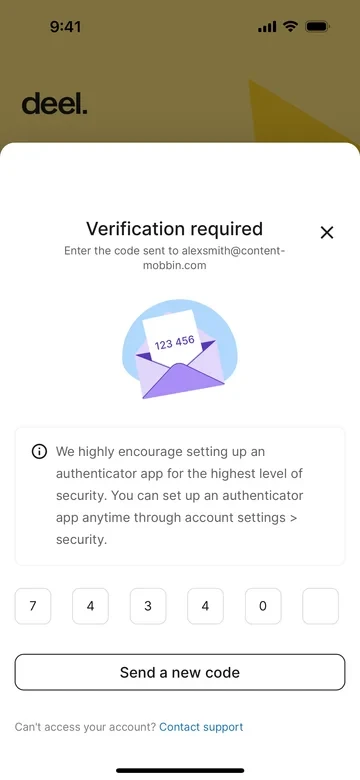
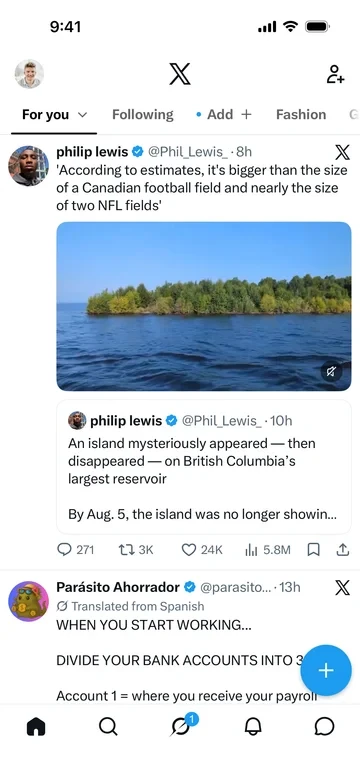
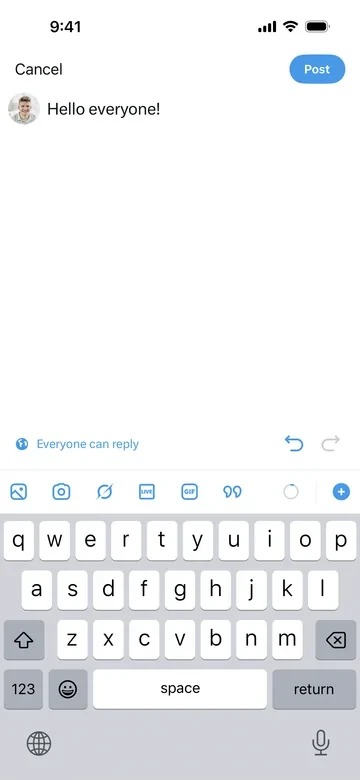
How apps let people make something new, from the plus button to the finished item: posts, projects, documents and entries.
- 01
Where the create or plus button lives
- 02
How the app guides the first empty state
- 03
How many details it asks for before saving
- 04
What people see once the item is created

0110

0110

0110

0108

0109
0108


0110
What makes a good create flow
A good create flow starts fast and asks for details later. Templates, smart defaults and autosave help people get to a result quickly.
Compare how each app names the action, structures the form and confirms the new item. Clear next steps after creating keep people engaged.
Questions
Where should a create button go?
Most apps use a plus button in the tab bar, a floating action button or a button at the top of a list.
Should forms save automatically?
Many apps autosave drafts so nothing is lost. The examples show how they signal that it saved.
Can I build this with AI?
Yes. Use Copy prompt on any flow to describe the steps for ChatGPT, Claude, Cursor or Lovable.