


0110
Connect accounts
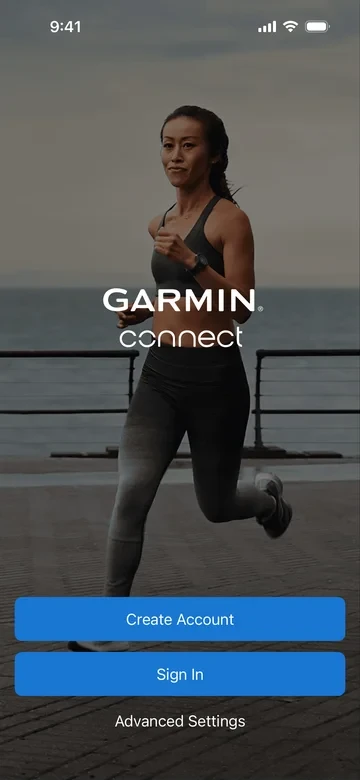
How apps link to other services and devices: bank accounts, wearables, calendars and third-party apps.
- 01
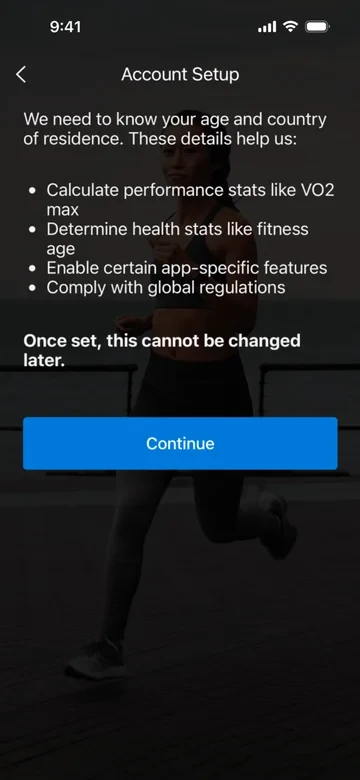
How the app explains why it needs access
- 02
How people pick which service to connect
- 03
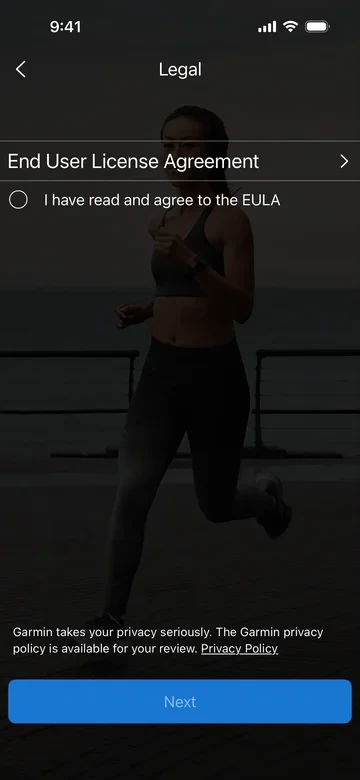
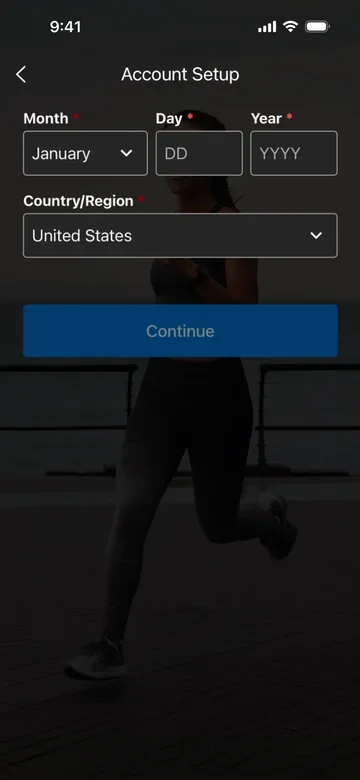
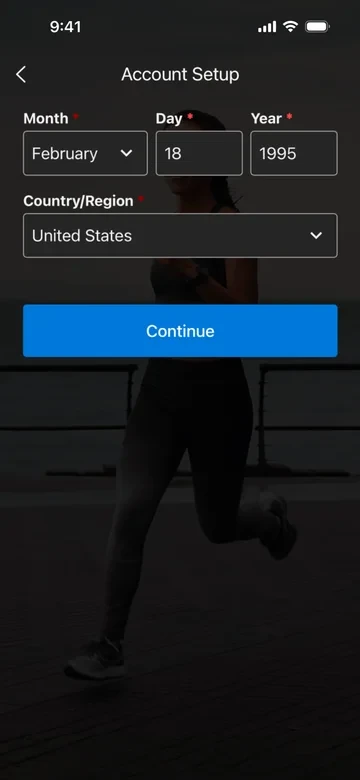
What the permission or sign-in step looks like
- 04
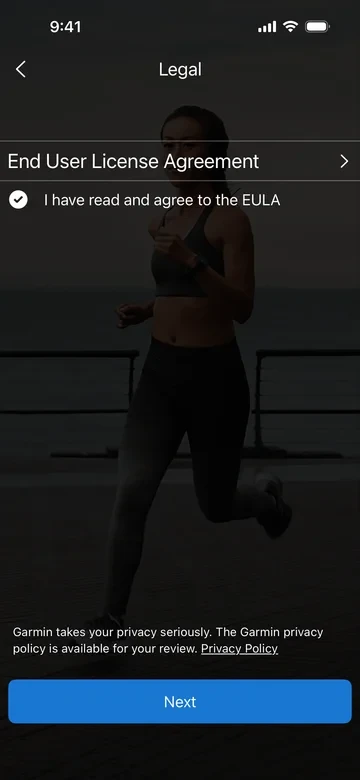
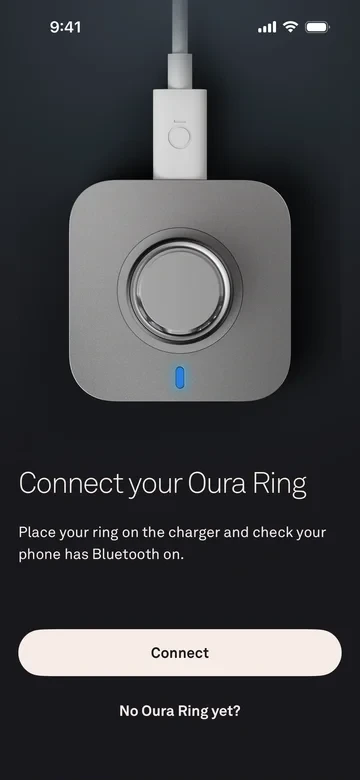
How a successful connection is confirmed


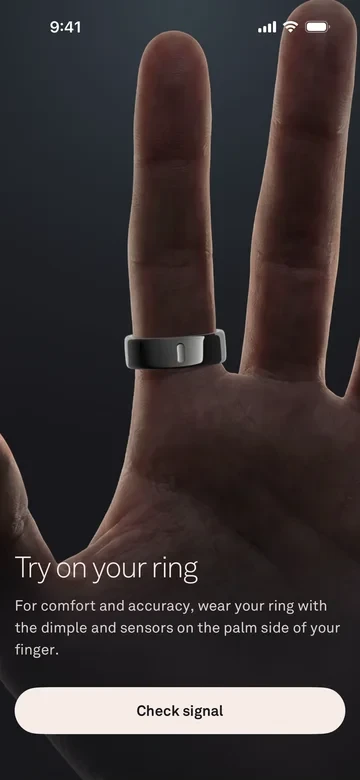
What makes a good connect flow
A good connect flow explains the benefit before asking for access. People trust it more when they know what will be shared.
Compare how each app hands off to the other service and brings people back, and what it shows if the connection fails.
Questions
How do apps connect to other services?
Usually through a sign-in or permission screen from the other service, then a confirmation back in the app.
What should I show before asking for access?
A short explanation of the benefit and what data will be shared.
Can AI recreate this?
Yes. Copy the flow as a prompt for your AI tool.