


0108
Illustration UI examples
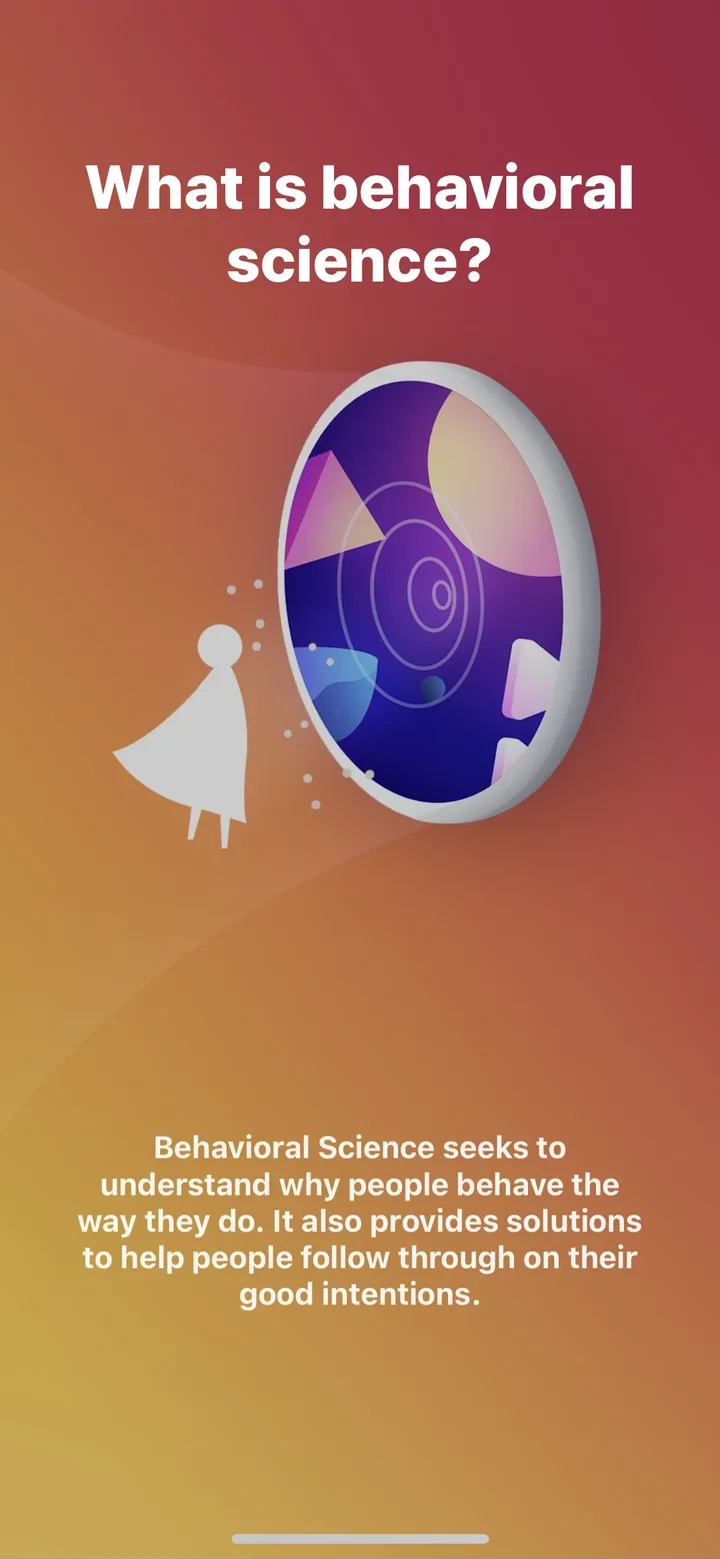
How real apps use illustrations in onboarding, empty states and success screens.
- 01
Where illustrations appear
- 02
How they match the brand
- 03
How they explain the message
- 04
How they look in dark mode

0107

0107



0104

0104

0104

0104

0104


0103

0103
When to use illustrations
Illustrations add warmth and explain ideas that are hard to photograph.
Compare styles across onboarding, empty states and errors.
Questions
Where do apps use illustrations?
Onboarding, empty states, errors and celebrations.
Illustration or photo?
Illustrations explain ideas; photos show real things.
Can AI help?
Yes. Use these screens as reference for style.