

R RoHome
Ro · 5 steps · 9 sub-flows


 RoHomeRoSettings & Preferences
Free forever · no credit card ·

 RoSettings & PreferencesRoDate & Time
Free forever · no credit card ·


 RoSettings & Preferences
Free forever · no credit card ·


 RoSettings & PreferencesRoBilling
Free forever · no credit card ·


 RoSettings & Preferences
Free forever · no credit card ·
RoSettings & Preferences


 RoSettings & Preferences
Free forever · no credit card ·

Free forever · no credit card ·


Free forever · no credit card ·

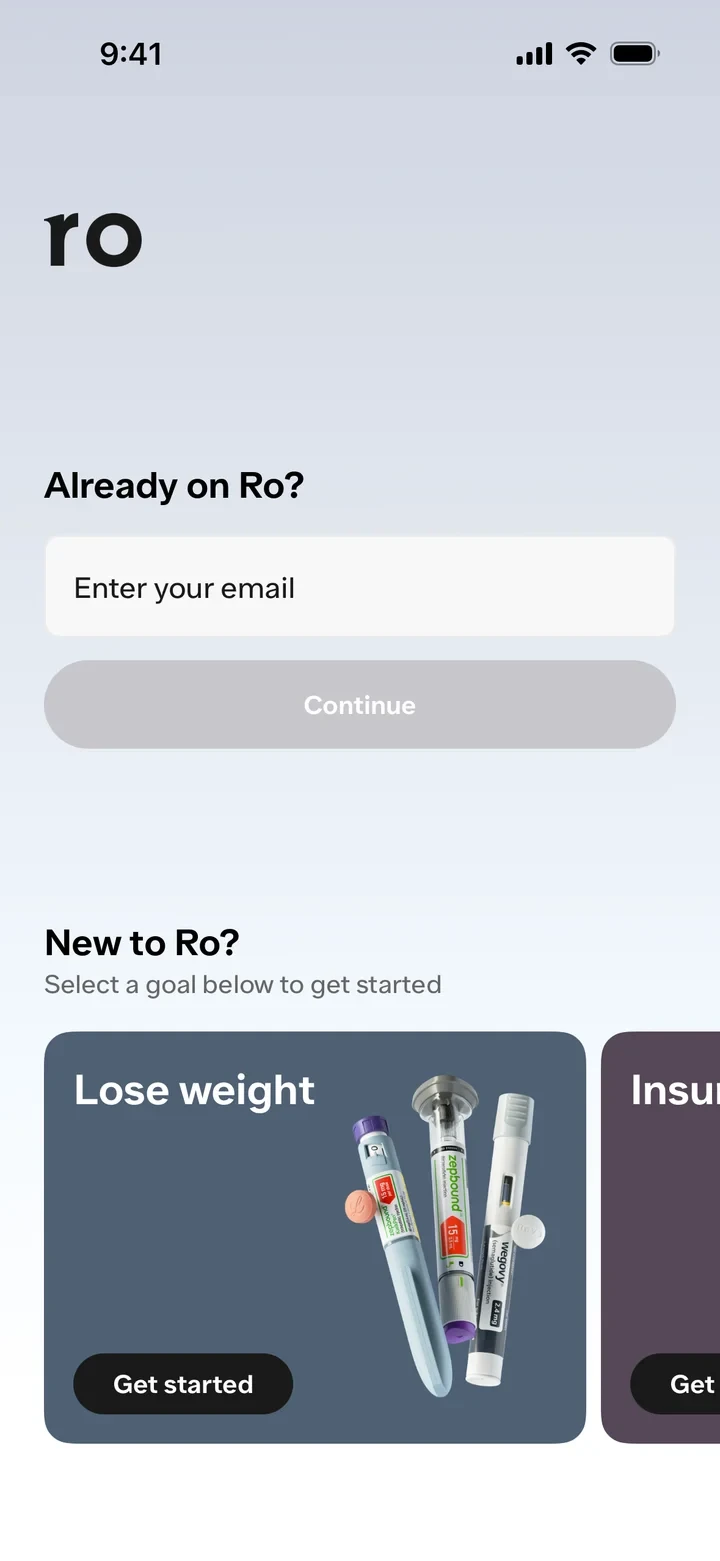 RoWelcome & Get Started
Free forever · no credit card ·