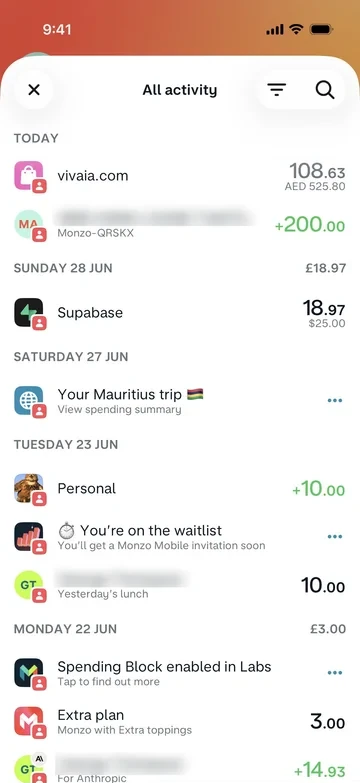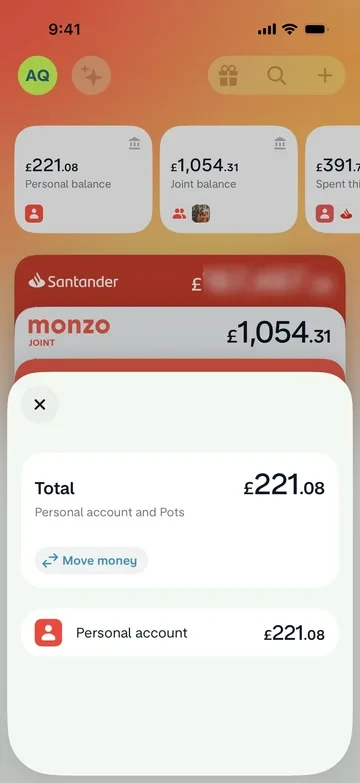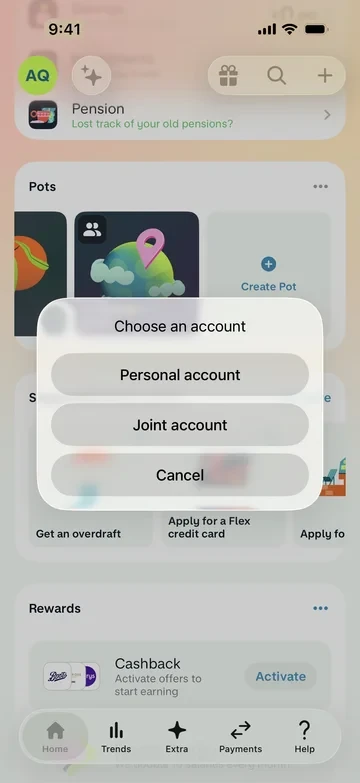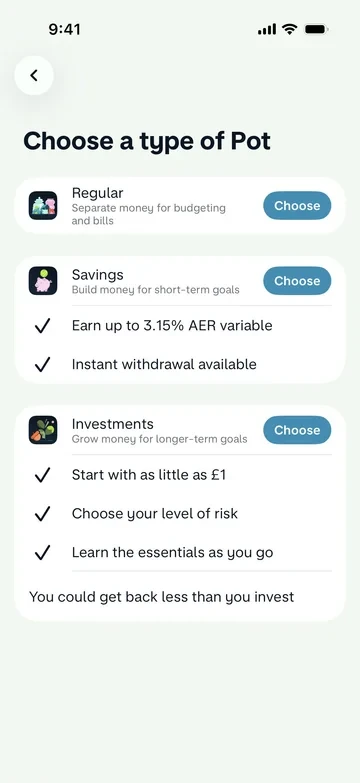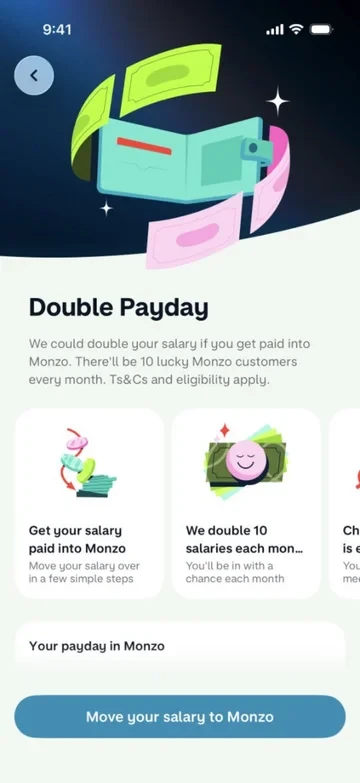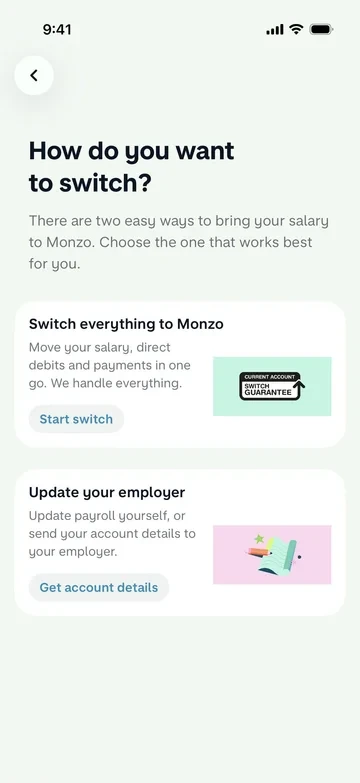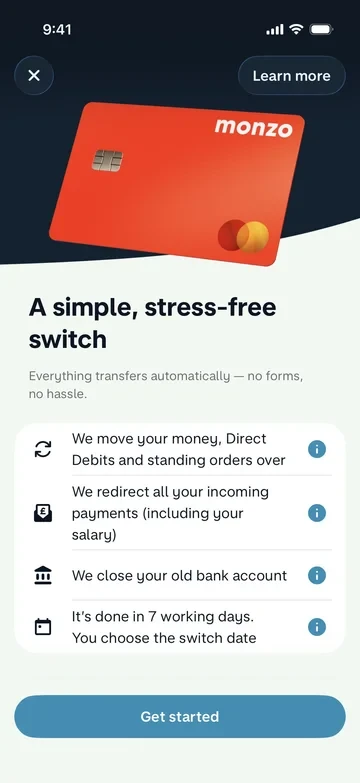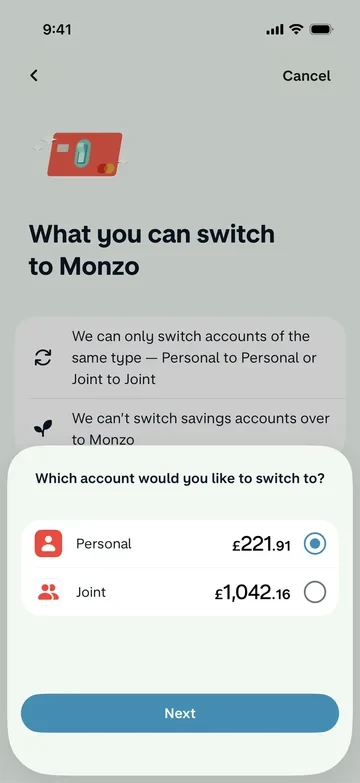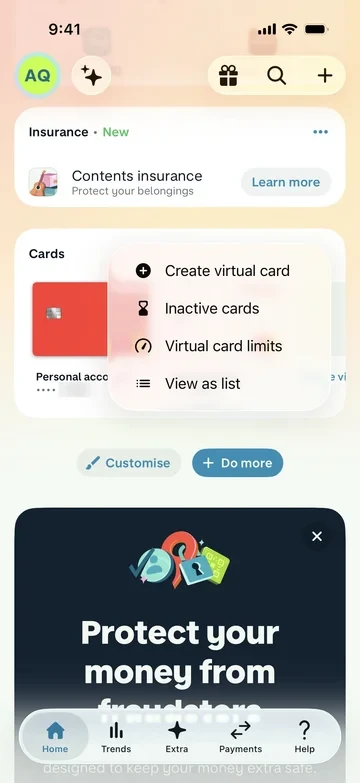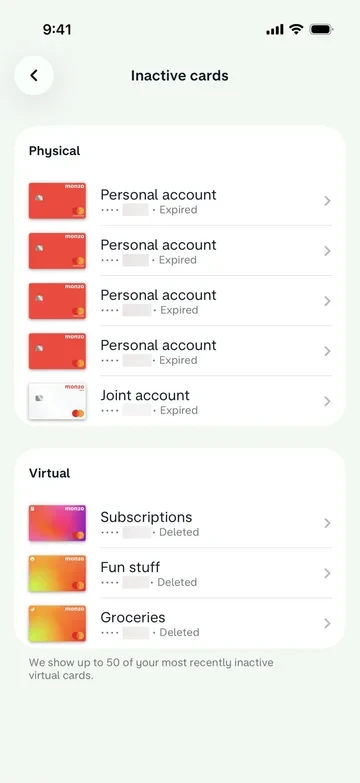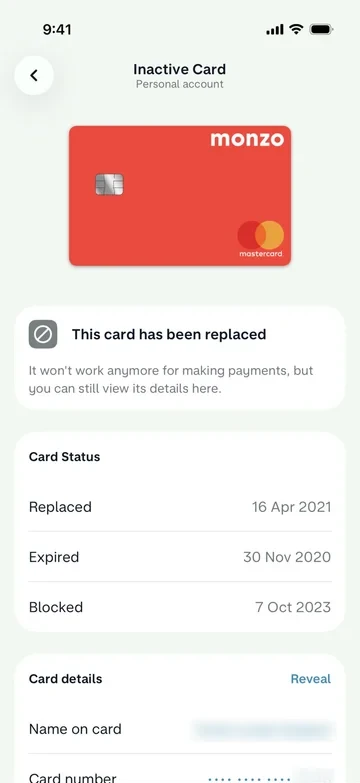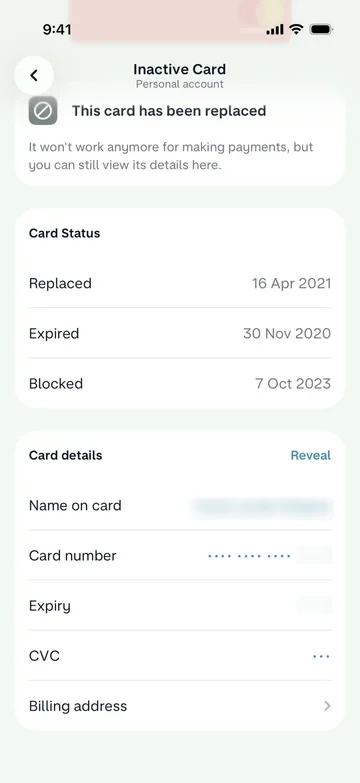
M Monzo
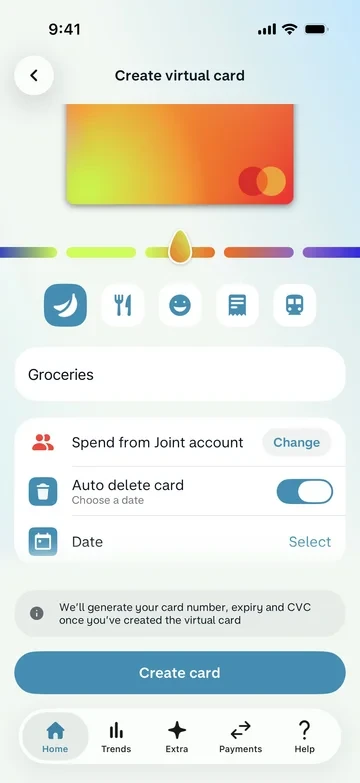
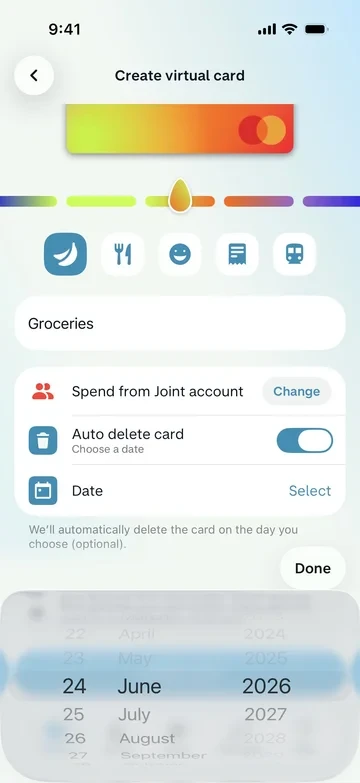
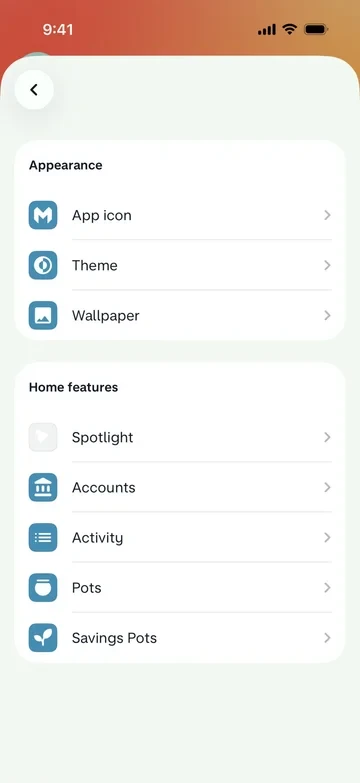
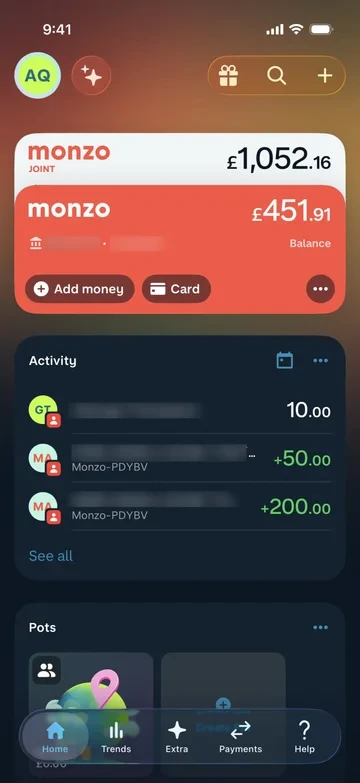
MonzoMonzo · 13 steps · 26 sub-flows


 Monzo
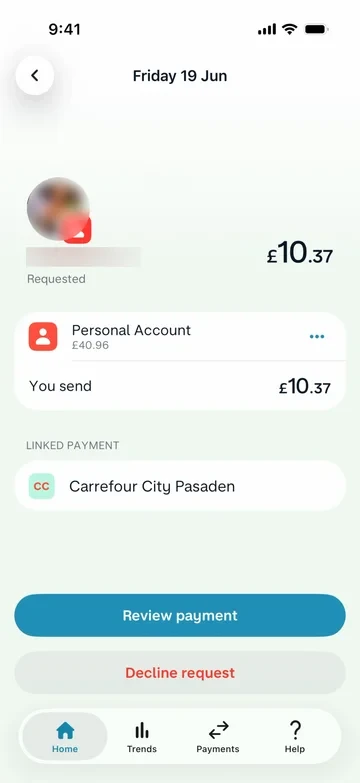
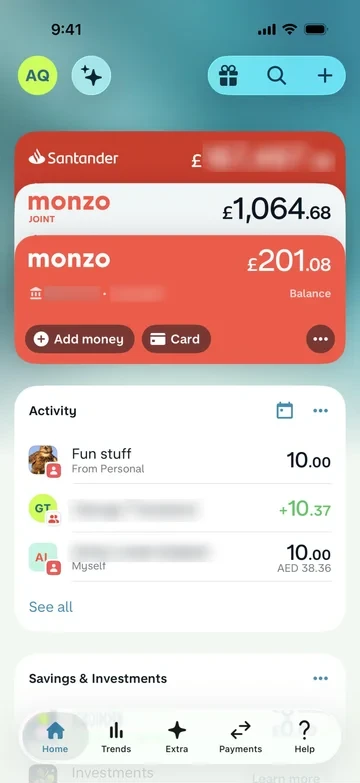
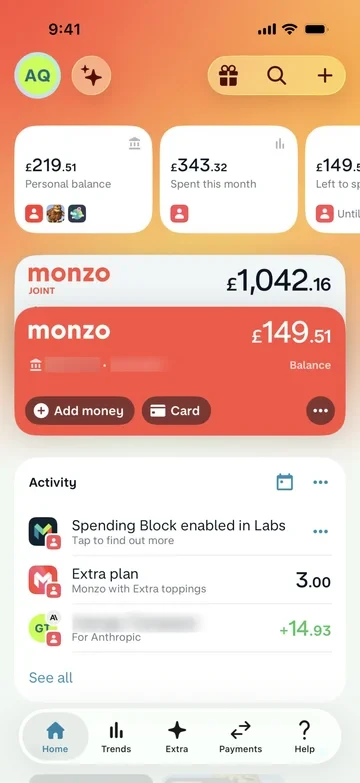
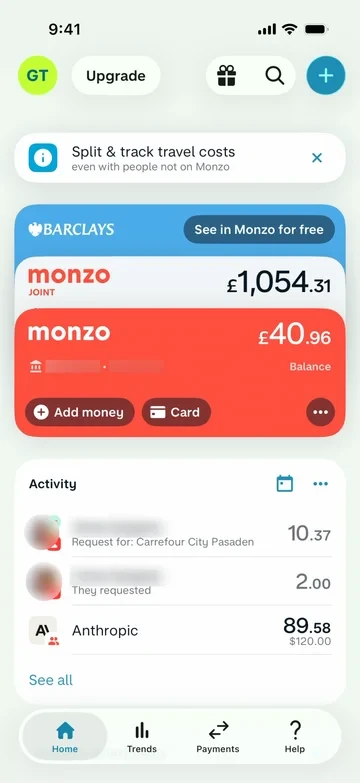
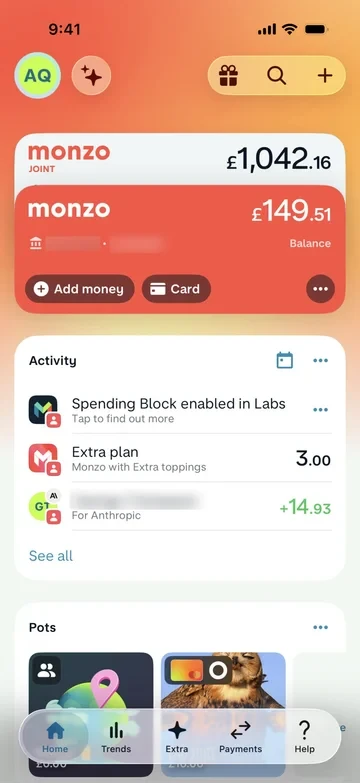 MonzoWallet & Balance
 Monzo
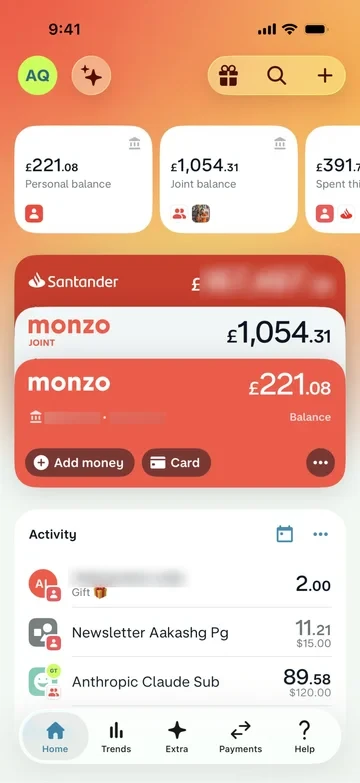 Monzo
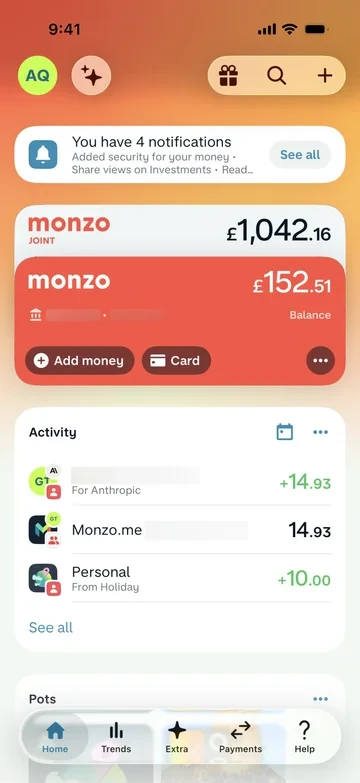 Monzo
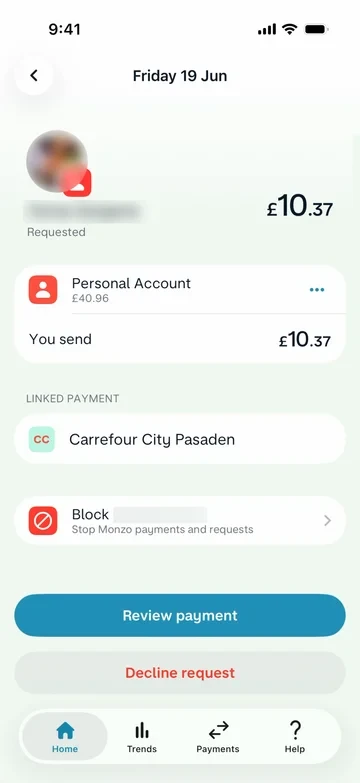
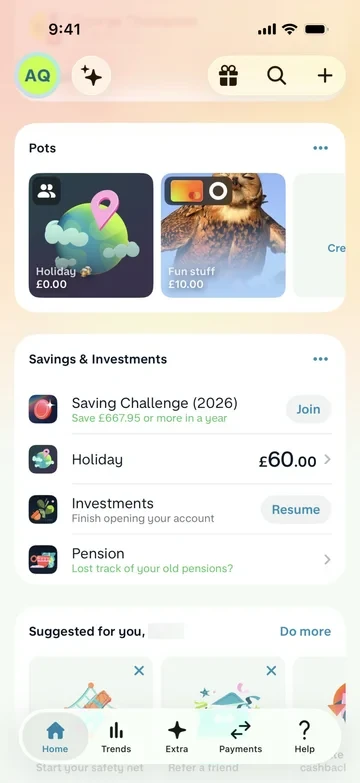 MonzoWallet & Balance
 Monzo
 Monzo
Free forever · no credit card ·


 Monzo
 MonzoDate & Time
Free forever · no credit card ·


 Monzo
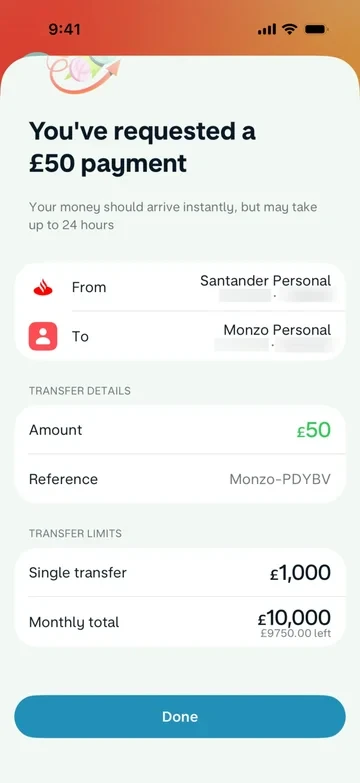
 MonzoTransfer & Send Money
 MonzoAcknowledgement & Success
Free forever · no credit card ·


 MonzoWallet & Balance
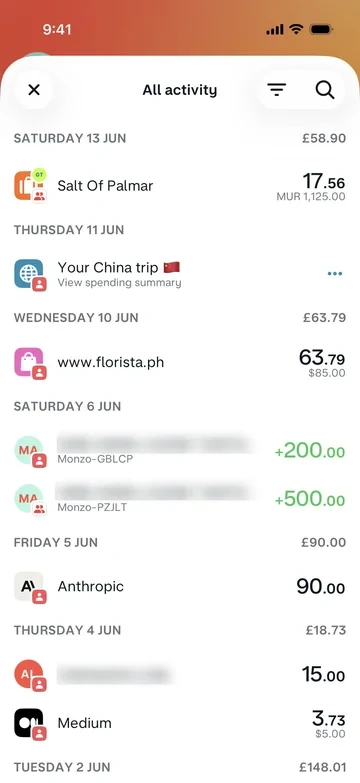
 MonzoOrder Detail
Free forever · no credit card ·

 MonzoWallet & Balance
Free forever · no credit card ·
 Monzo
Free forever · no credit card ·
 Monzo
Free forever · no credit card ·


 Monzo
 MonzoWallet & Balance
Free forever · no credit card ·


 Monzo
Free forever · no credit card ·


 Monzo
Free forever · no credit card ·


Free forever · no credit card ·


Free forever · no credit card ·


Free forever · no credit card ·


Free forever · no credit card ·


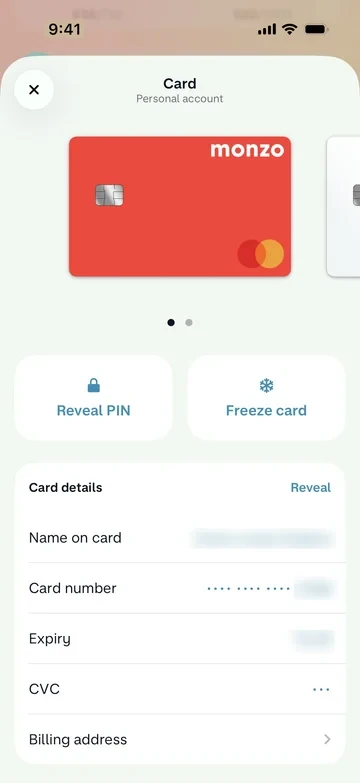 MonzoOther Content
Free forever · no credit card ·


Free forever · no credit card ·

Free forever · no credit card ·


Free forever · no credit card ·


Free forever · no credit card ·


Free forever · no credit card ·


Free forever · no credit card ·


Free forever · no credit card ·


Free forever · no credit card ·


 Monzo
Free forever · no credit card ·


 MonzoWallet & Balance
Free forever · no credit card ·

 MonzoWallet & Balance
Free forever · no credit card ·


 MonzoWallet & Balance
Free forever · no credit card ·