
Design editor
Magnific · 9 steps · 19 sub-flows

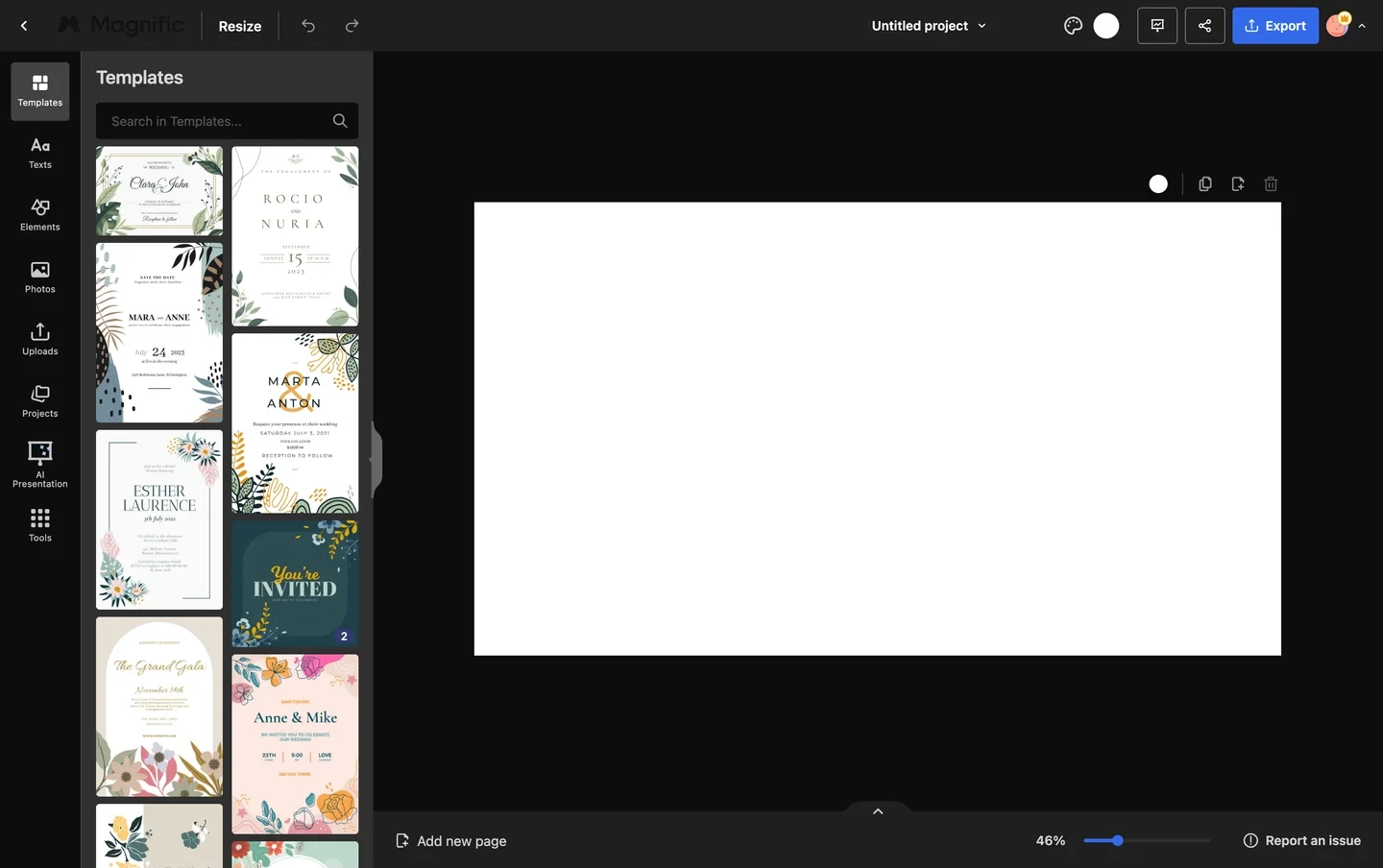
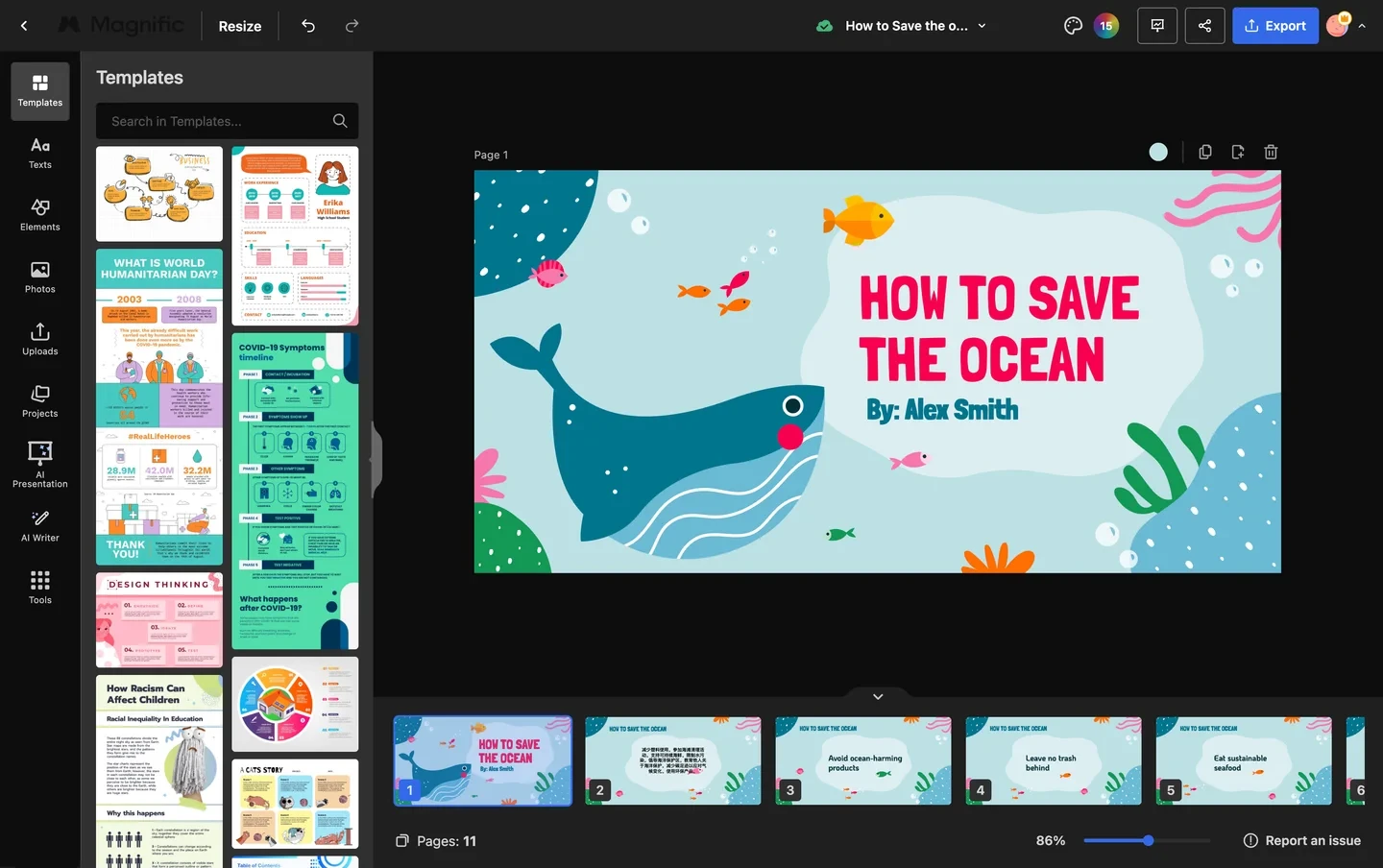

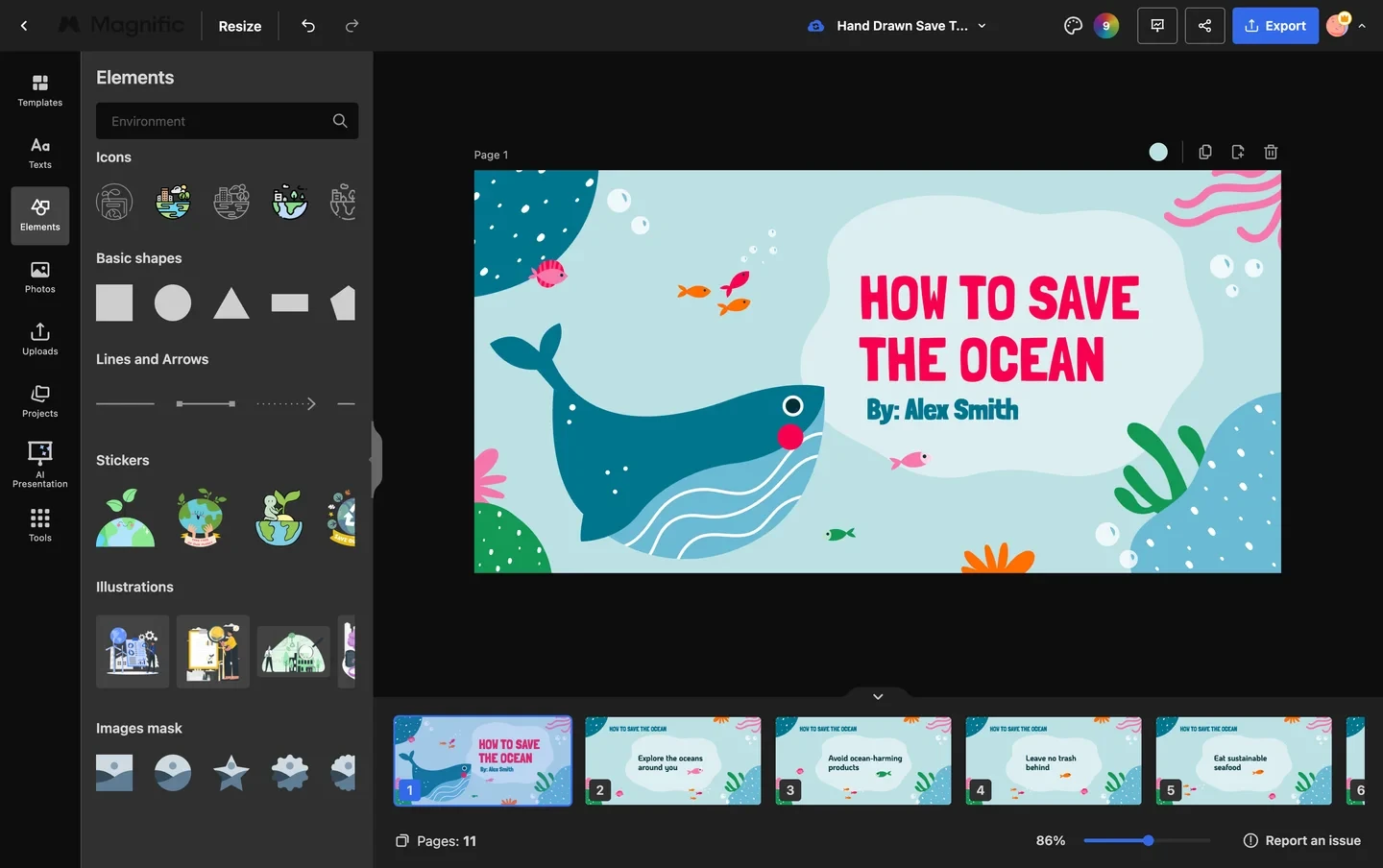
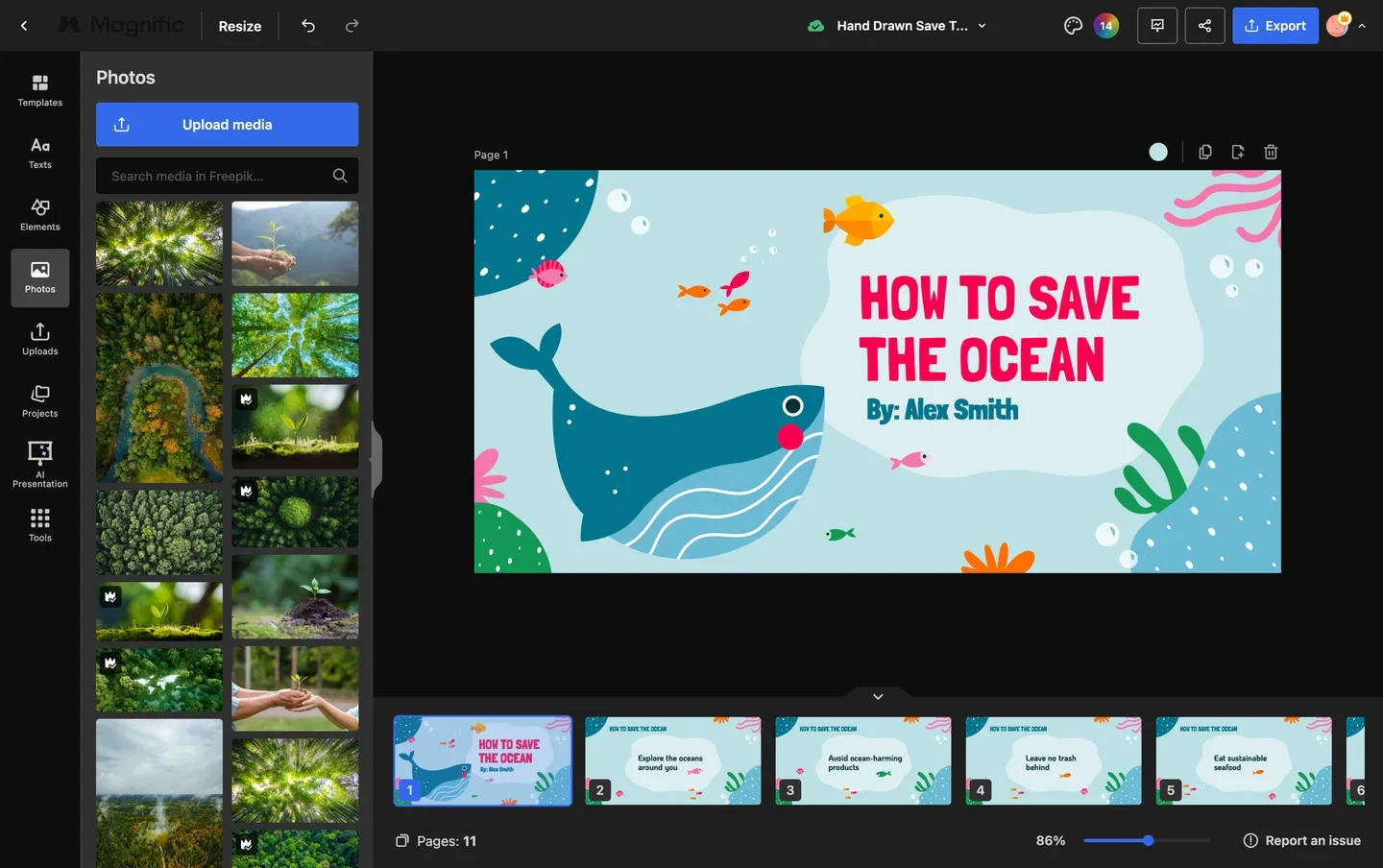
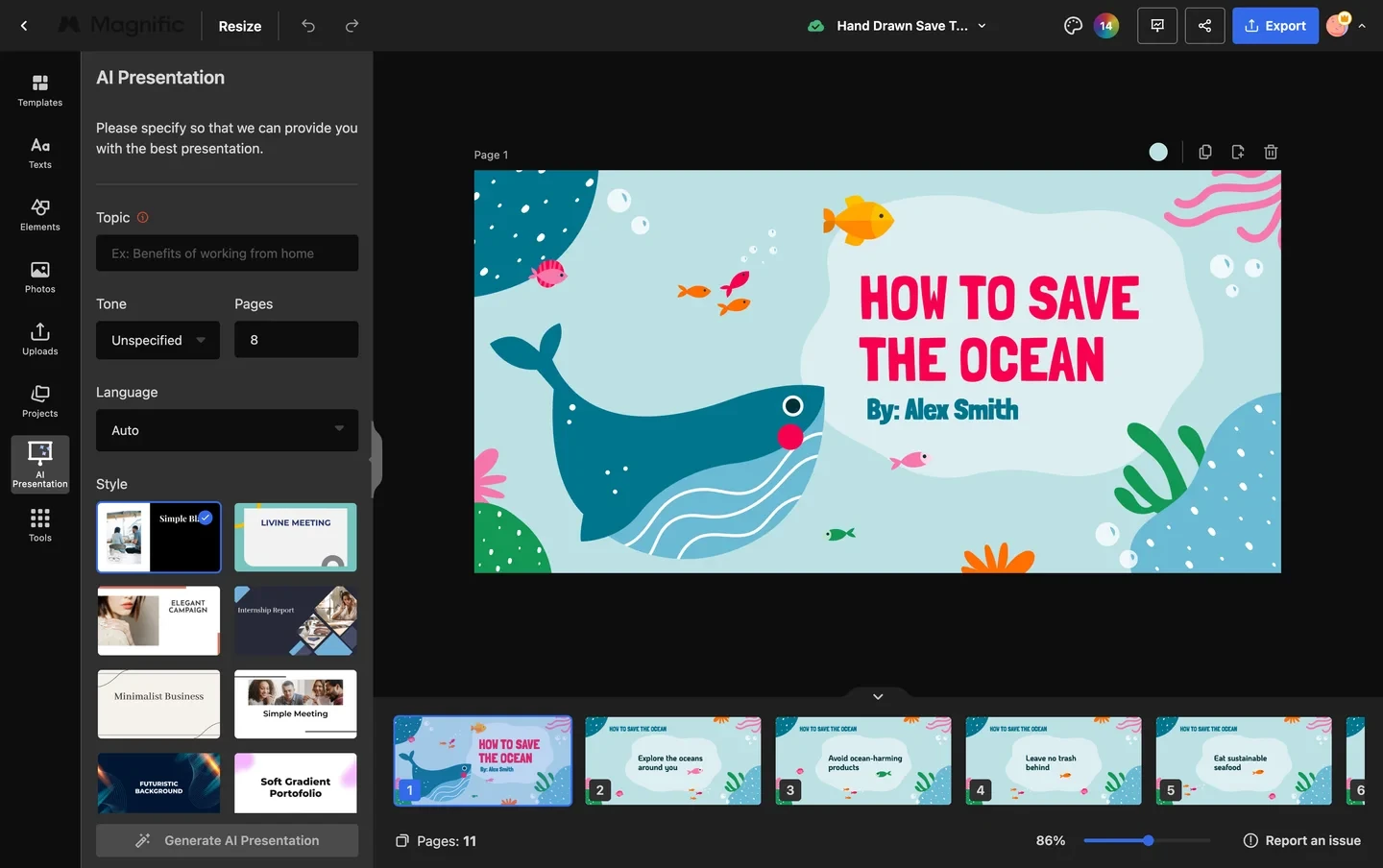
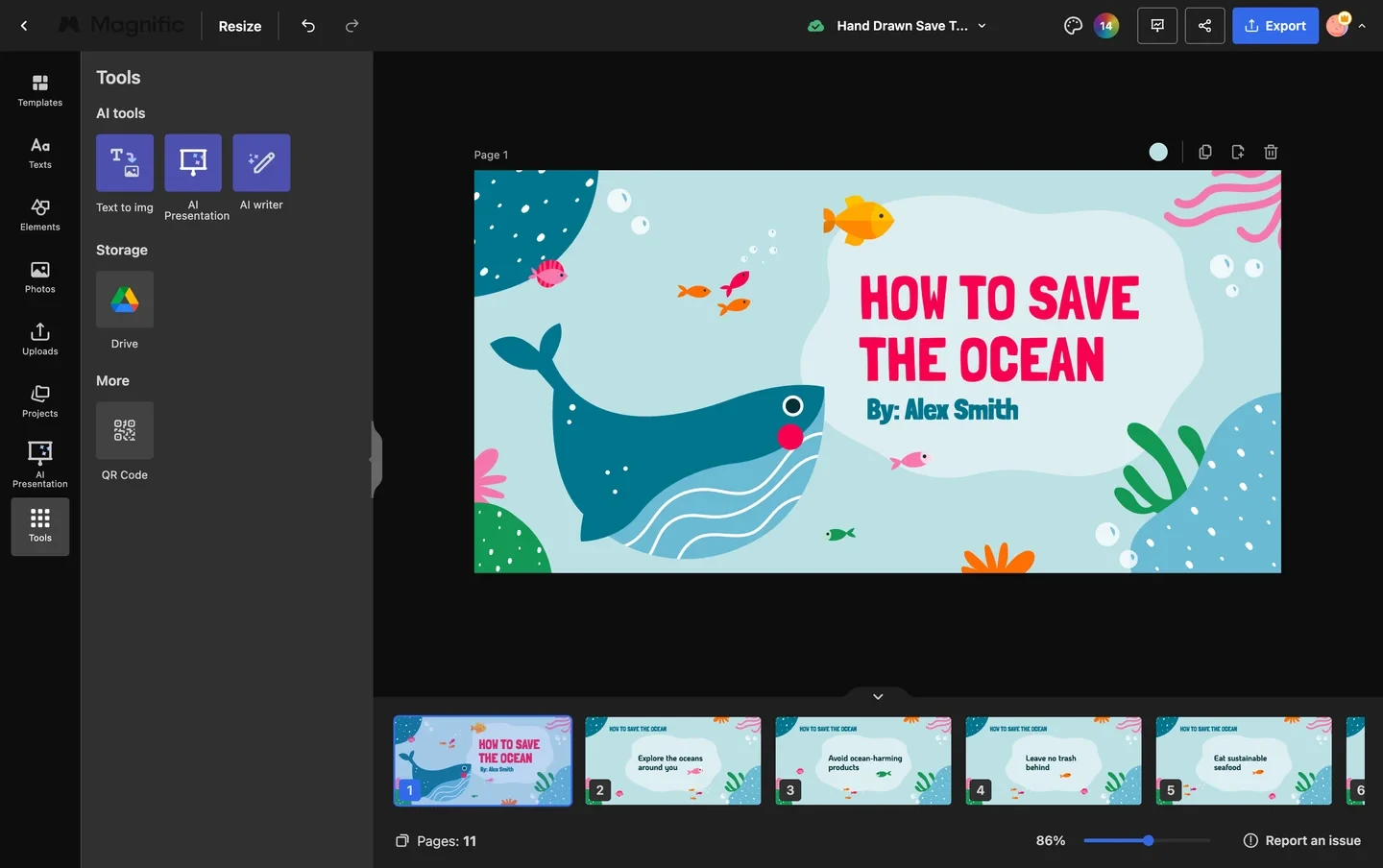
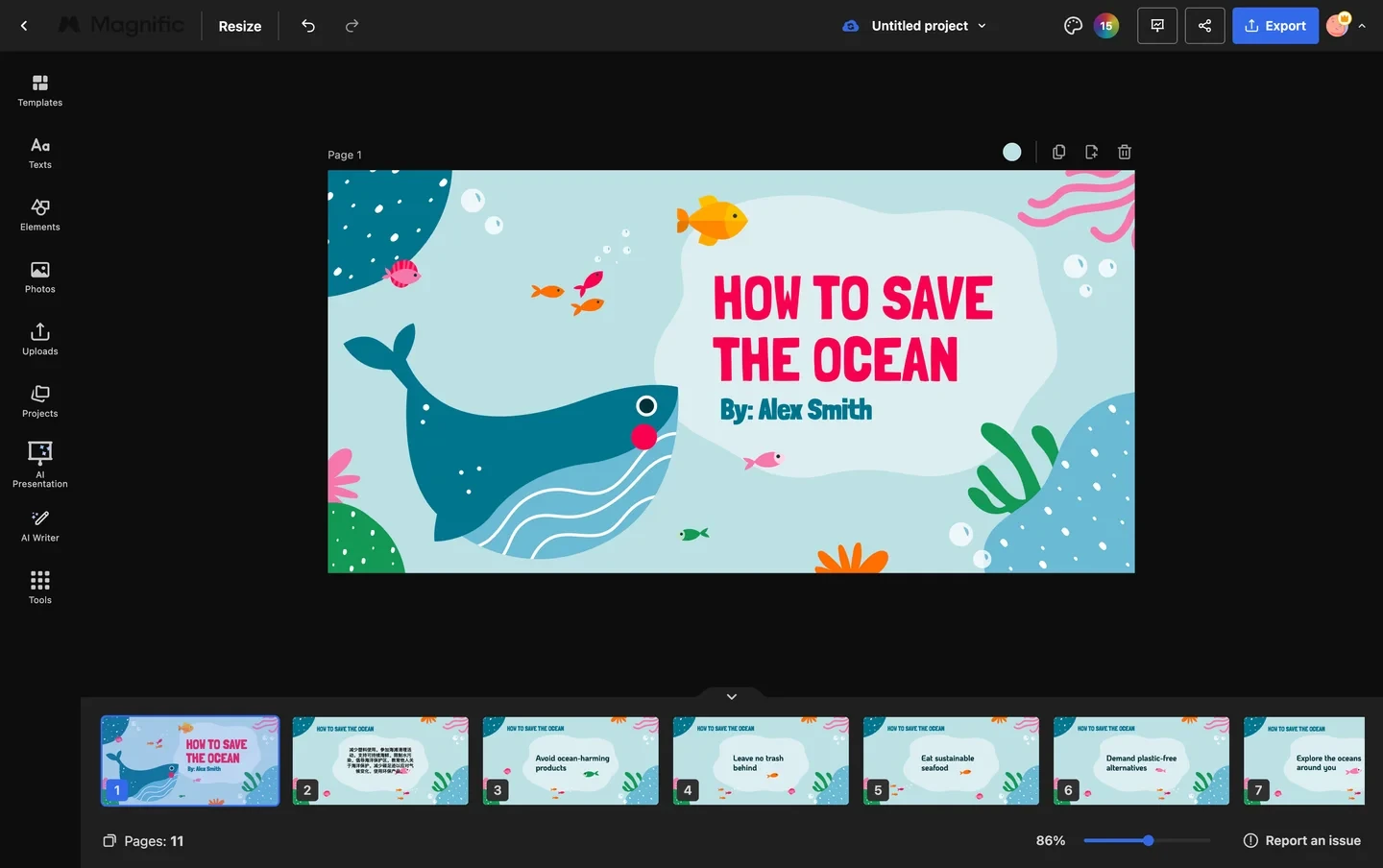
See every screen
Free forever · no credit card ·
Sub-flows
Adding a template4 steps
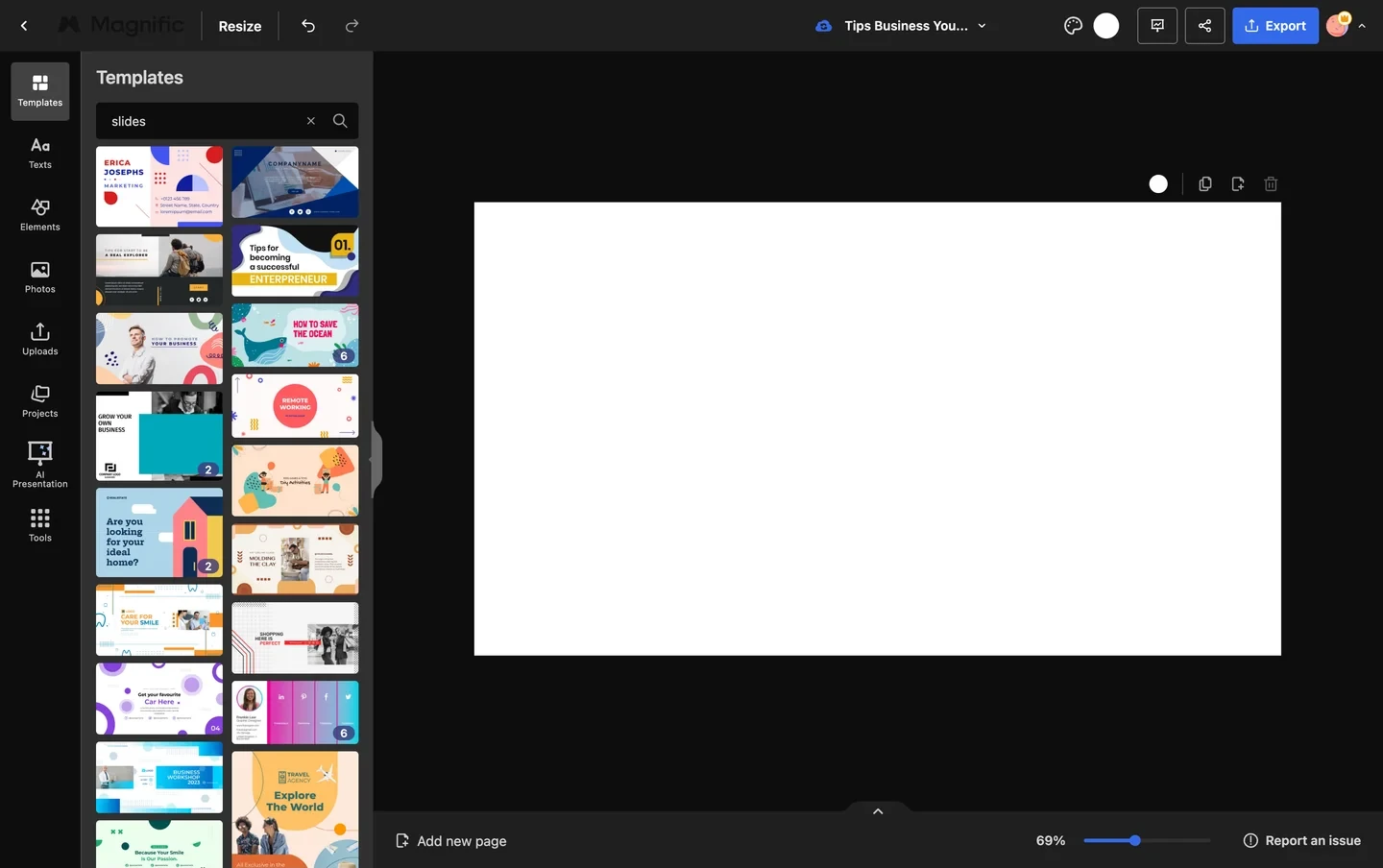
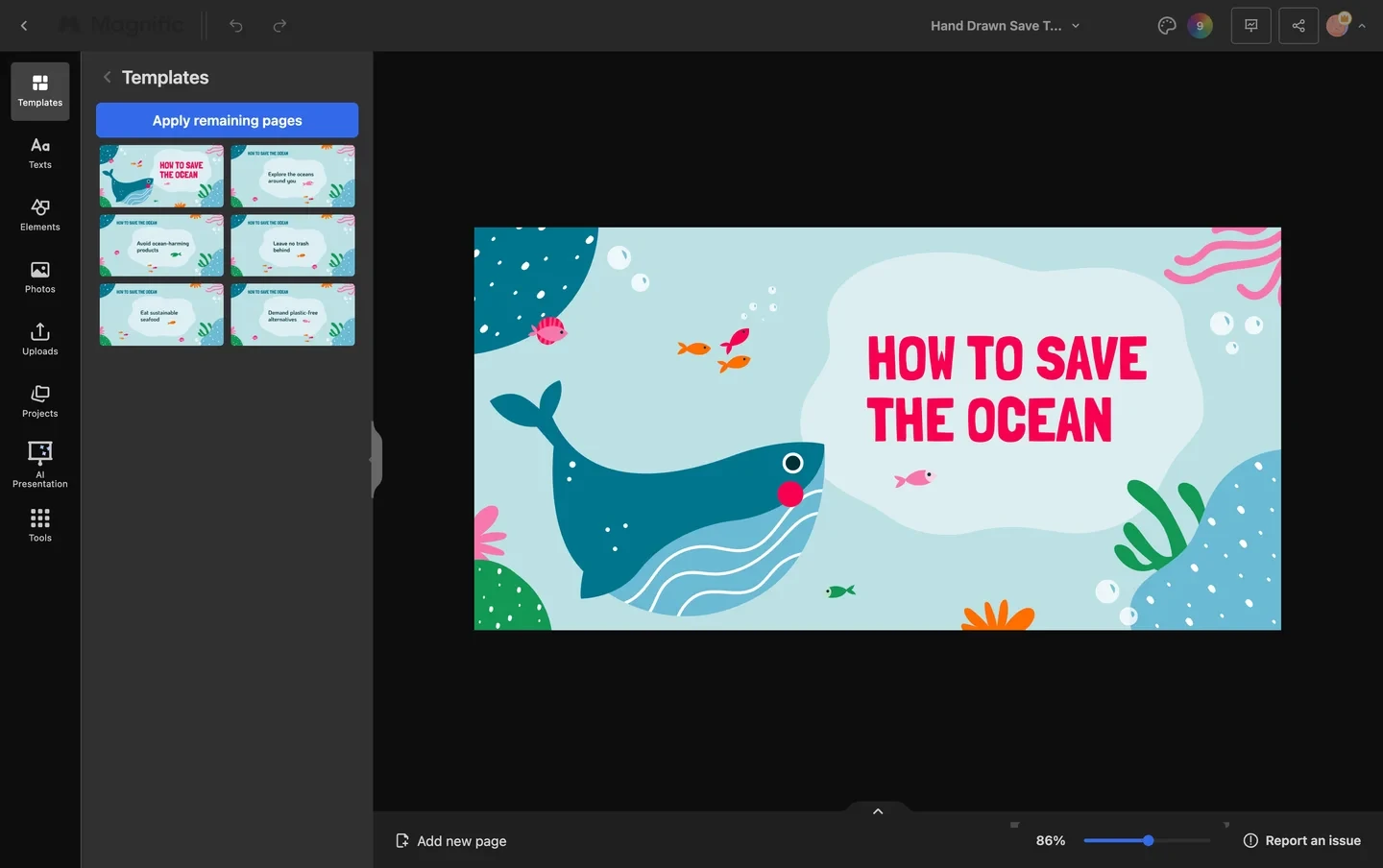
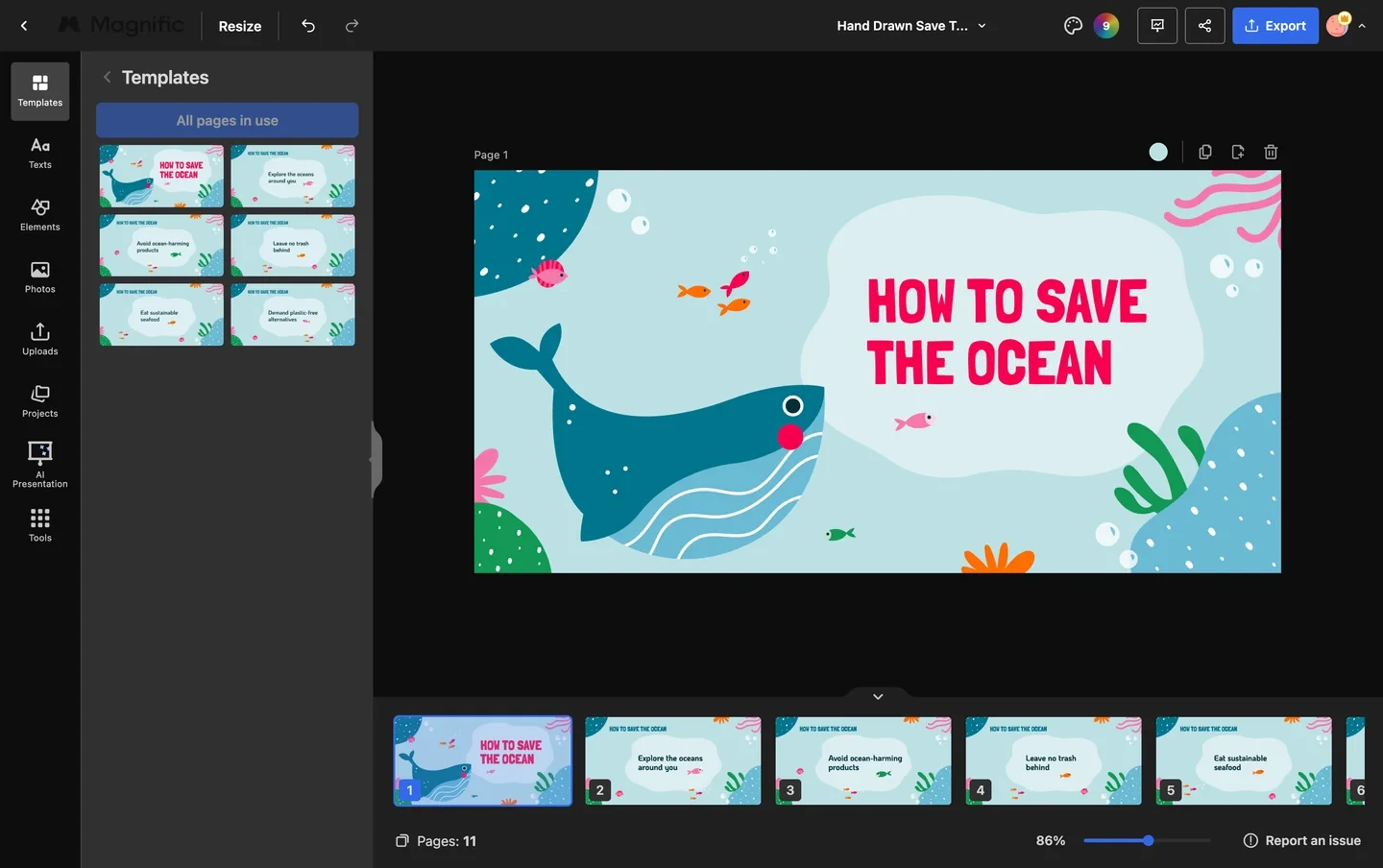
See every screen
Free forever · no credit card ·
Adding a text (design editor)5 steps

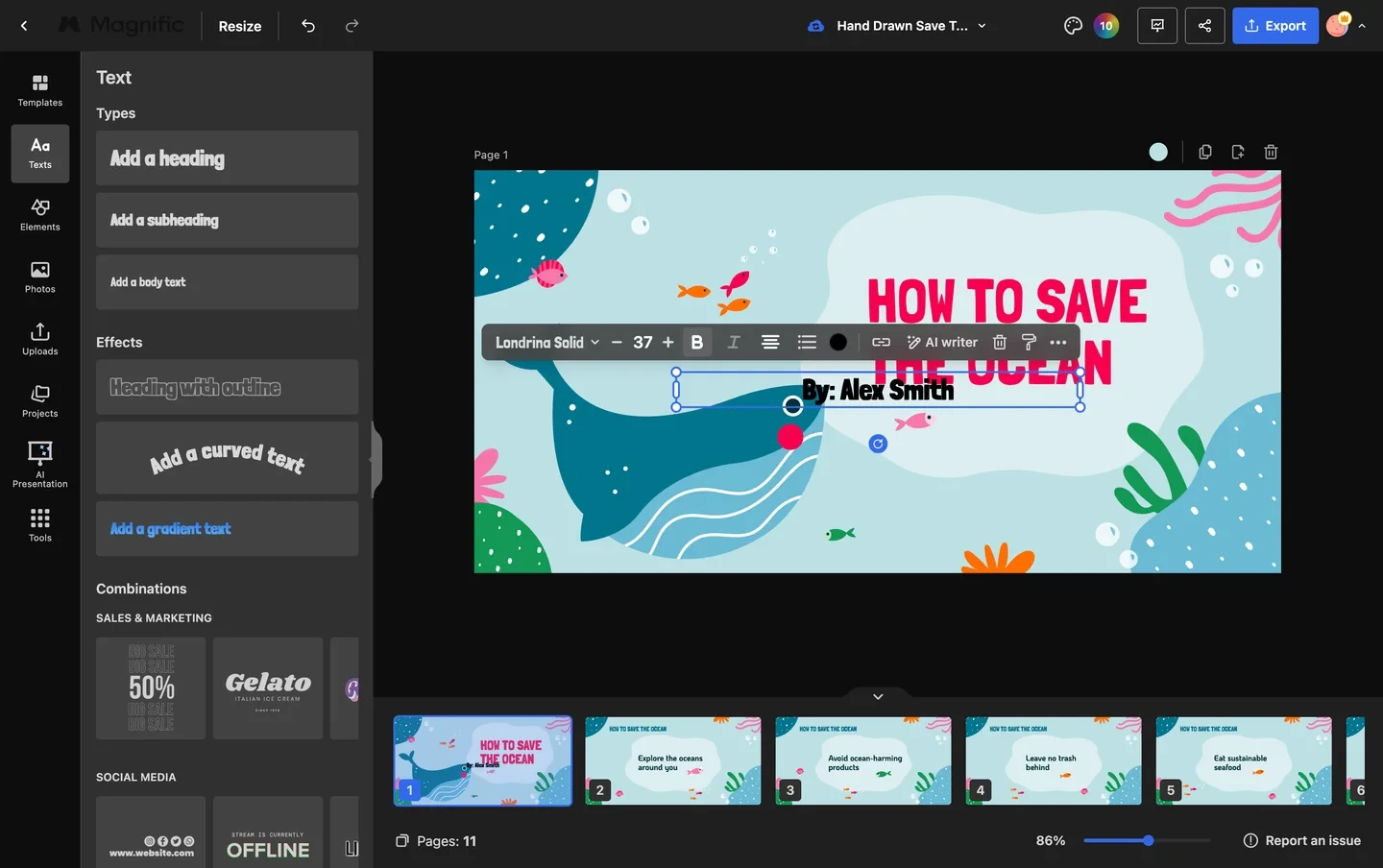
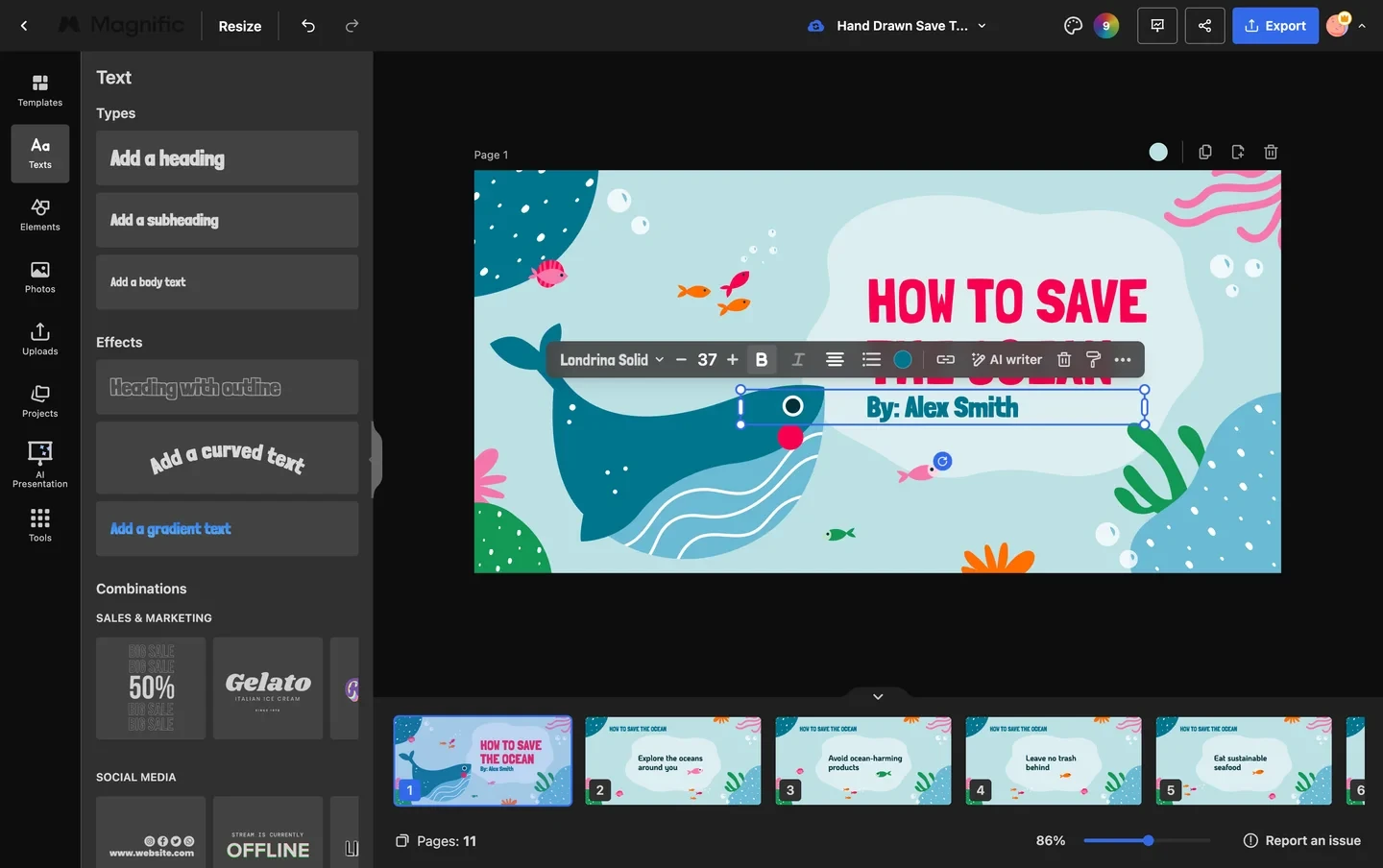

See every screen
Free forever · no credit card ·
Changing font type4 steps
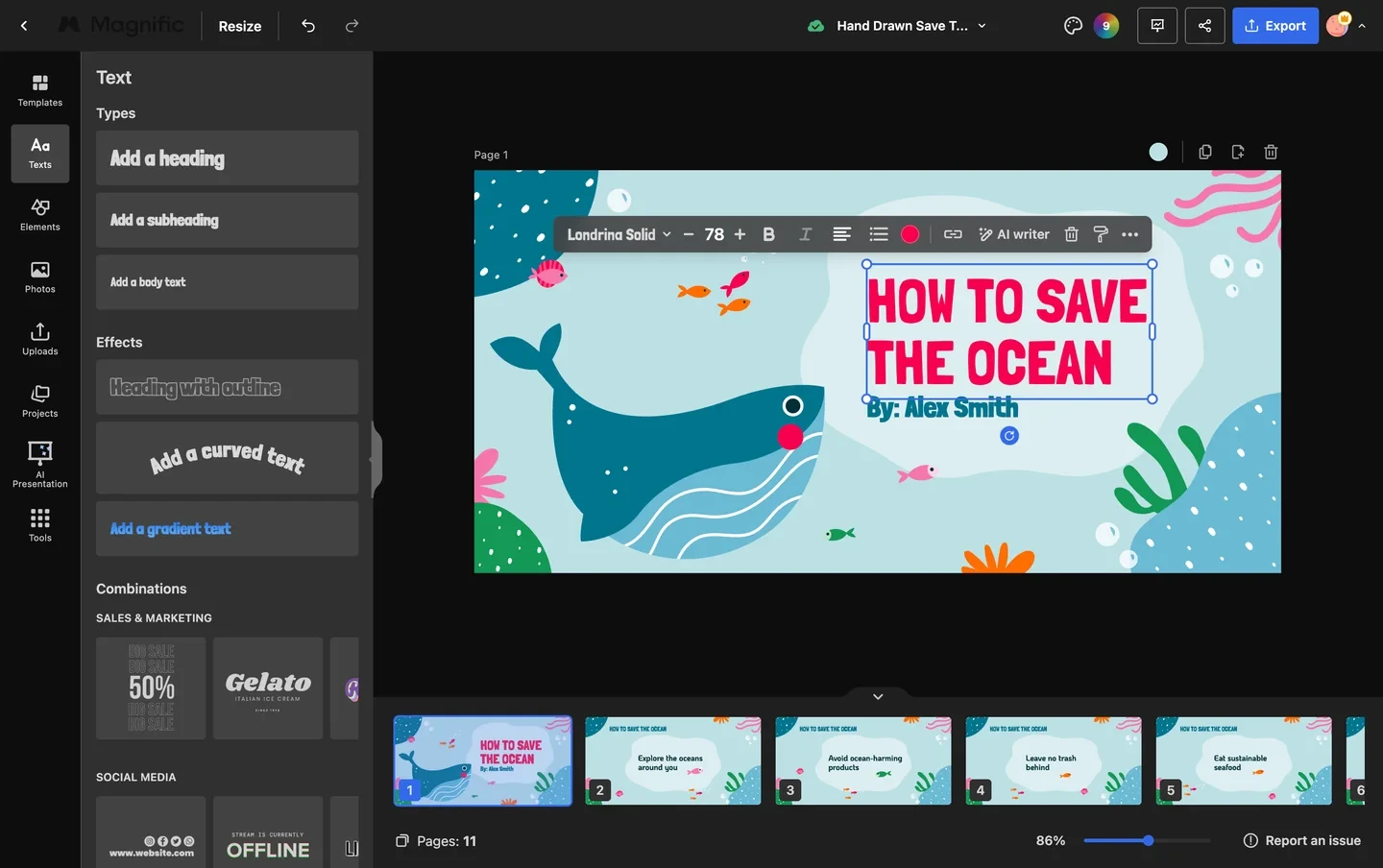
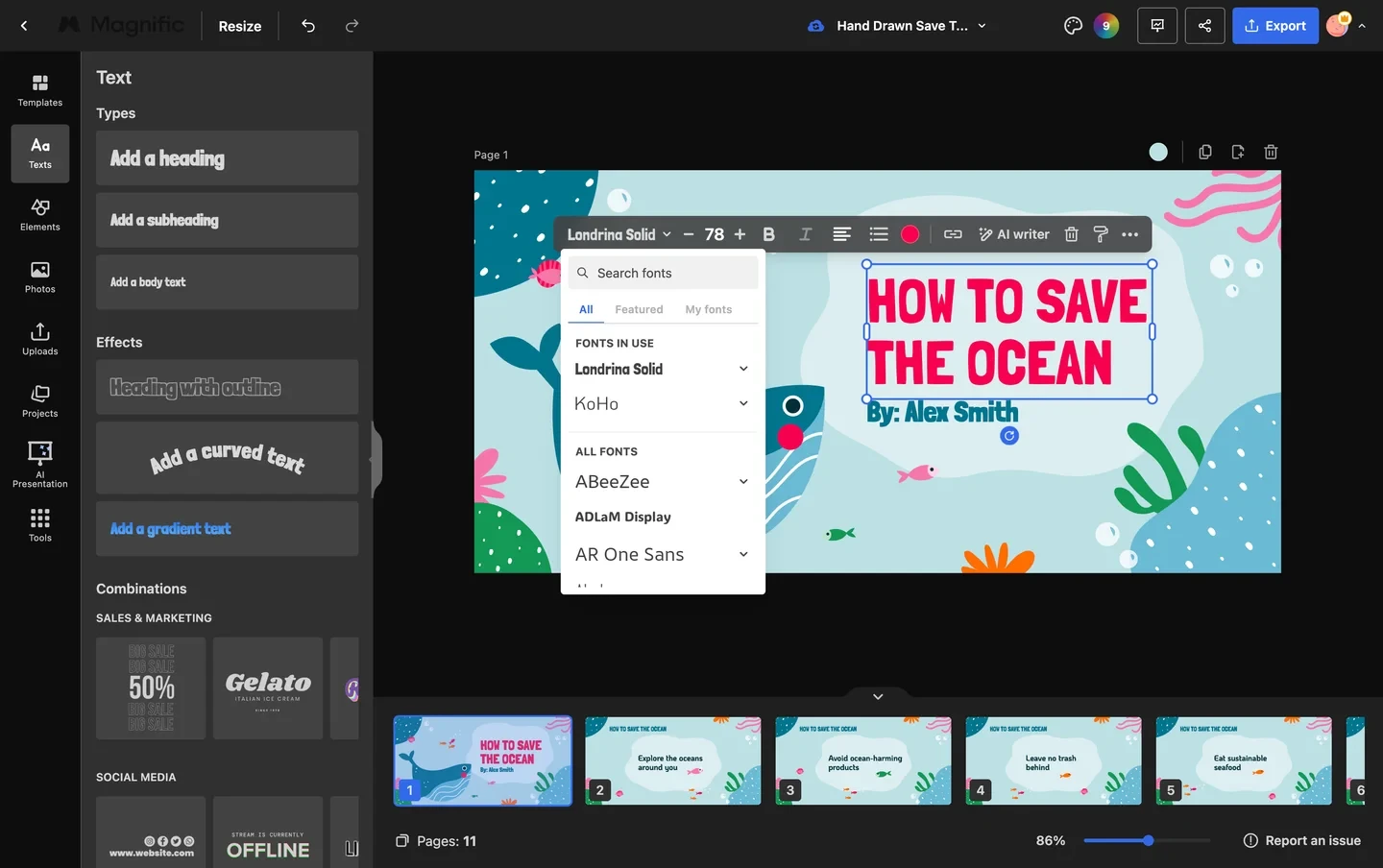

See every screen
Free forever · no credit card ·
Changing font size2 steps

See every screen
Free forever · no credit card ·
Adding a link4 steps
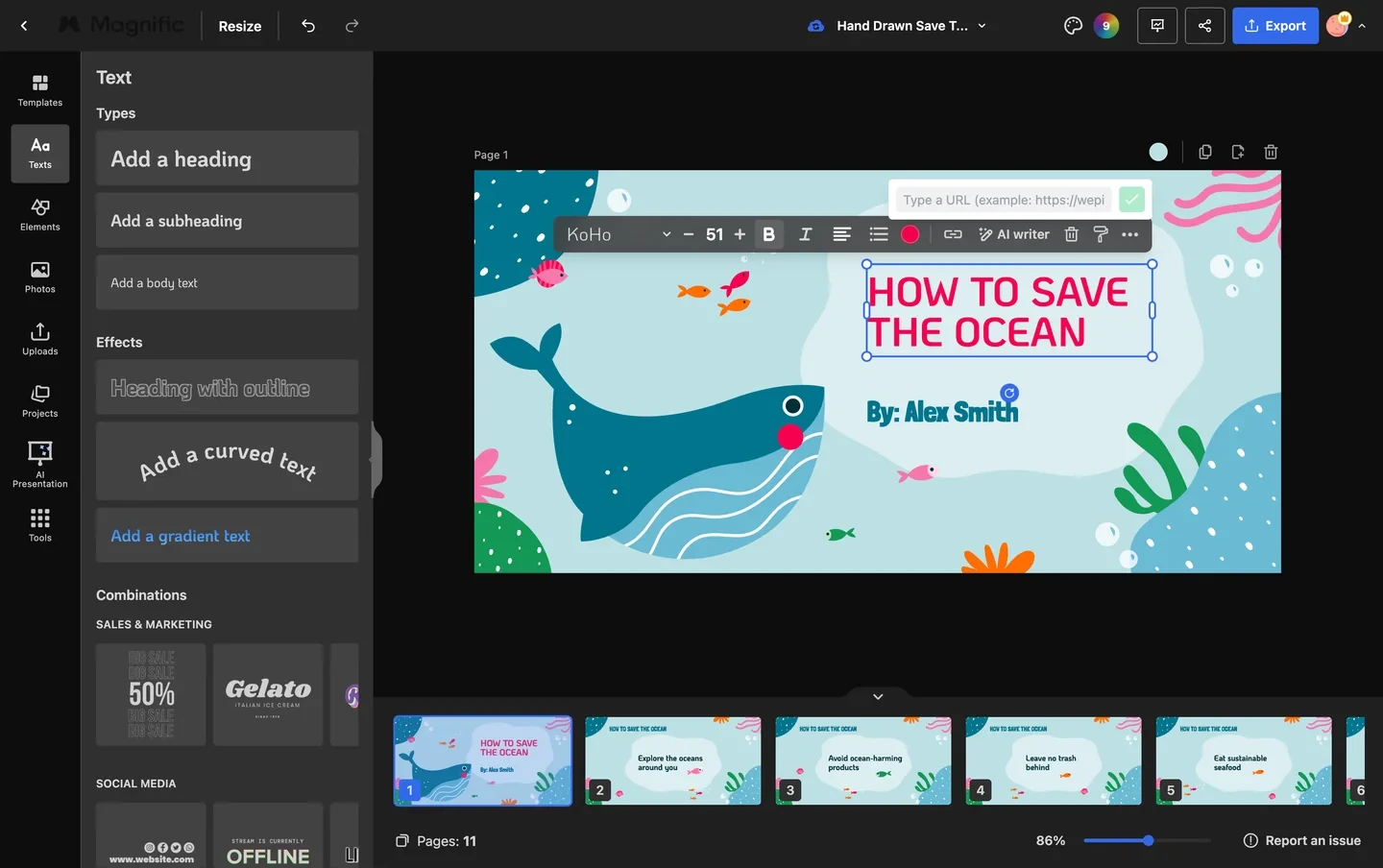


See every screen
Free forever · no credit card ·
Adding text effects4 steps


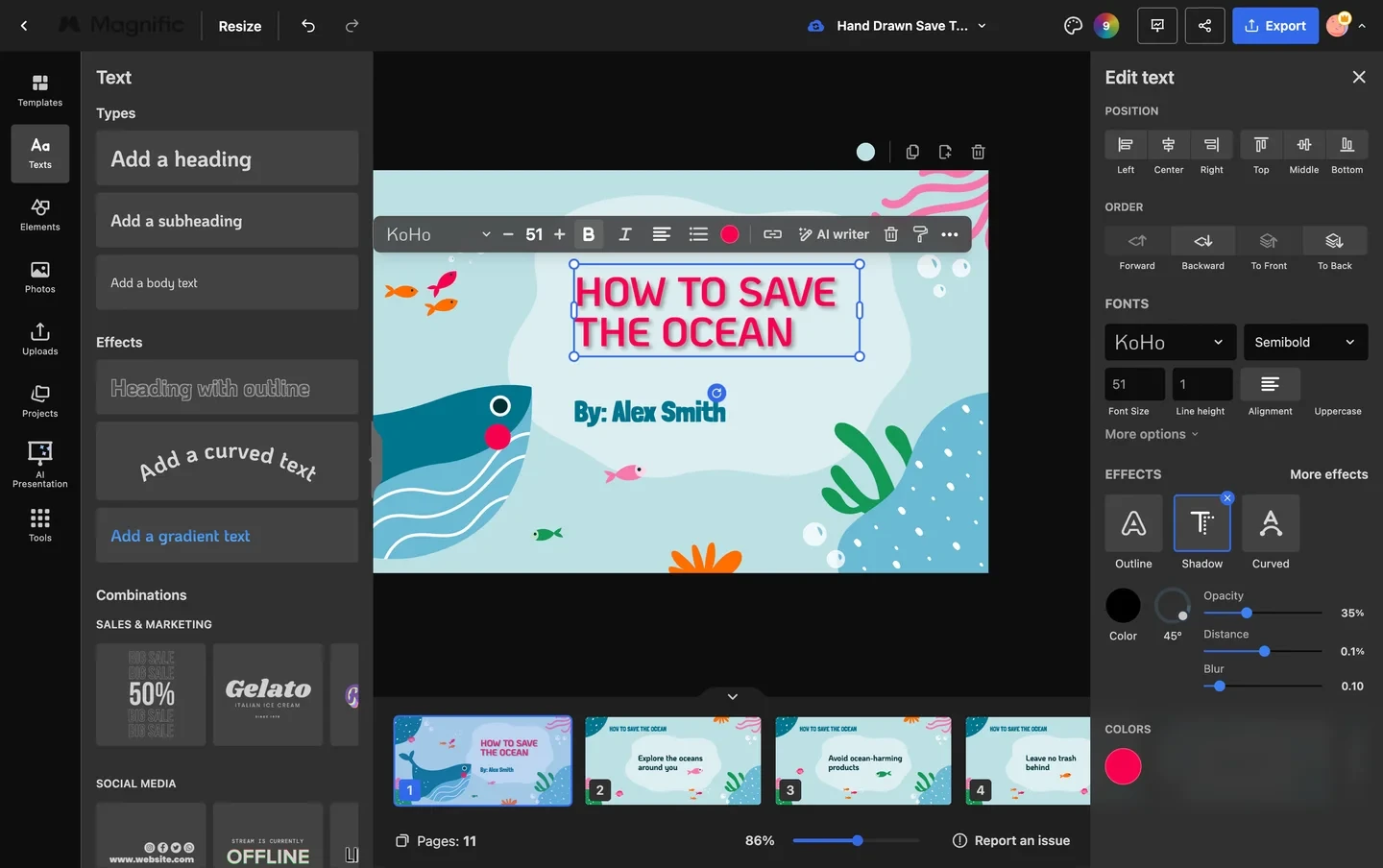
See every screen
Free forever · no credit card ·
Rewriting text with AI5 steps
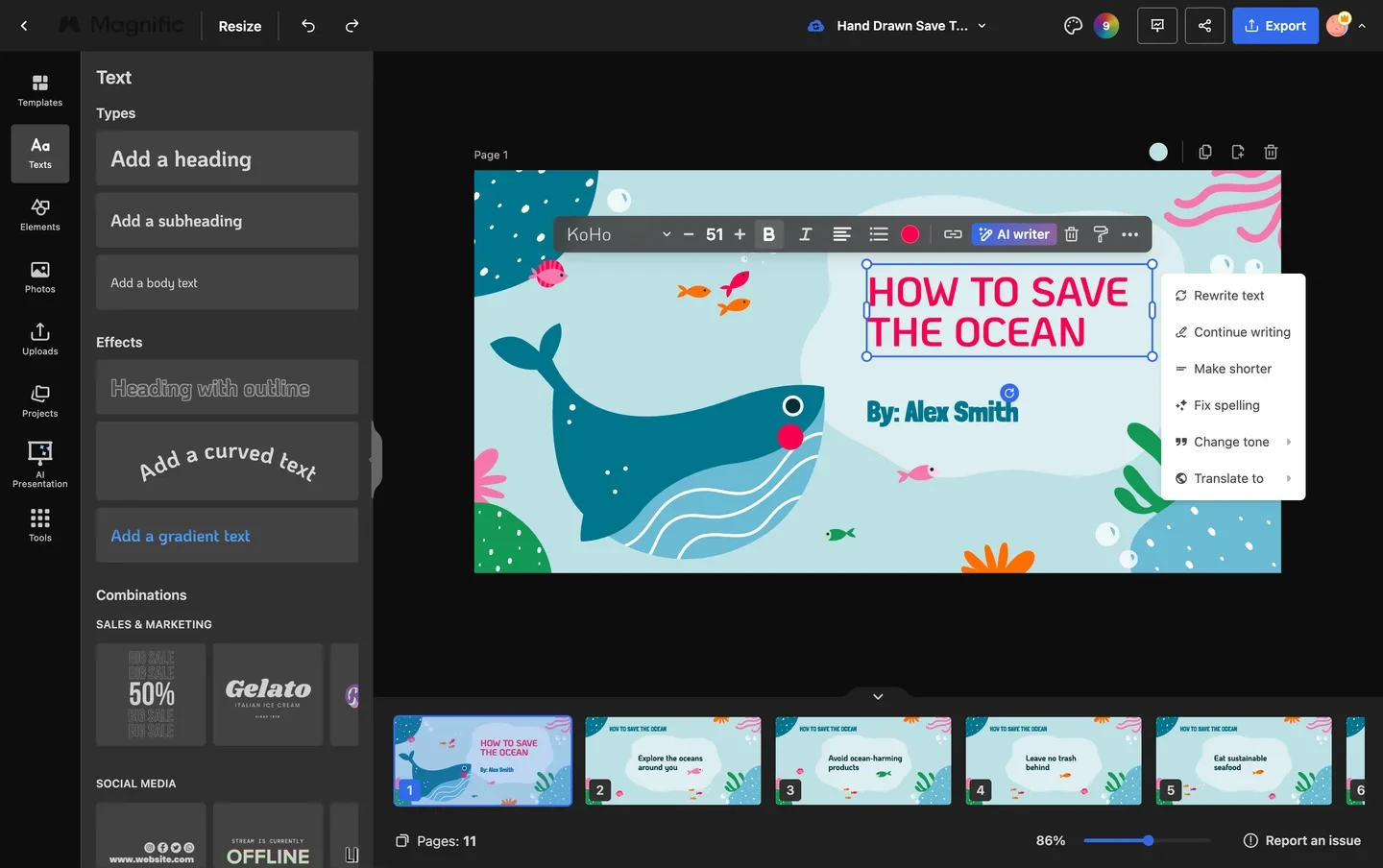


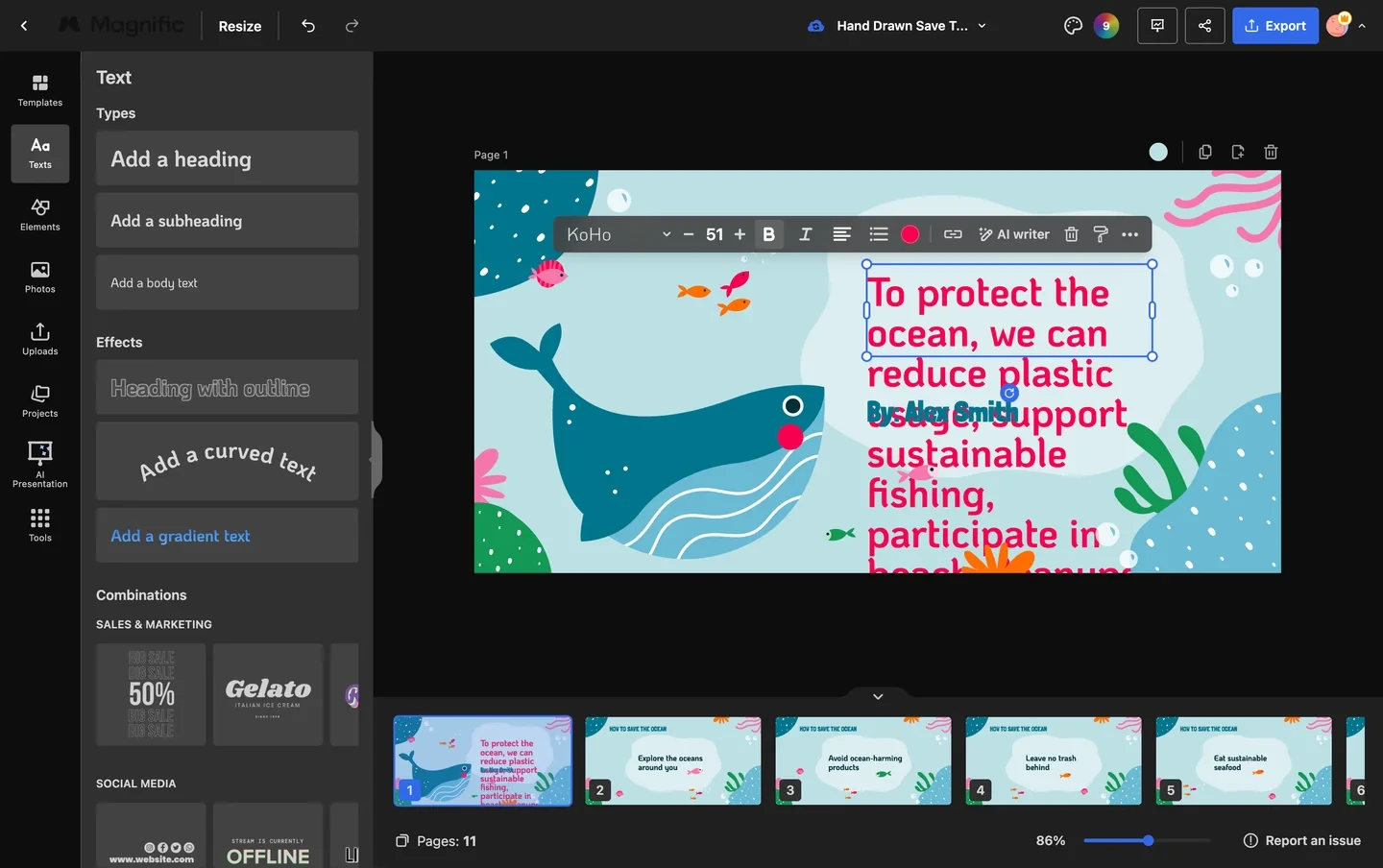
See every screen
Free forever · no credit card ·
Adding a sticker4 steps
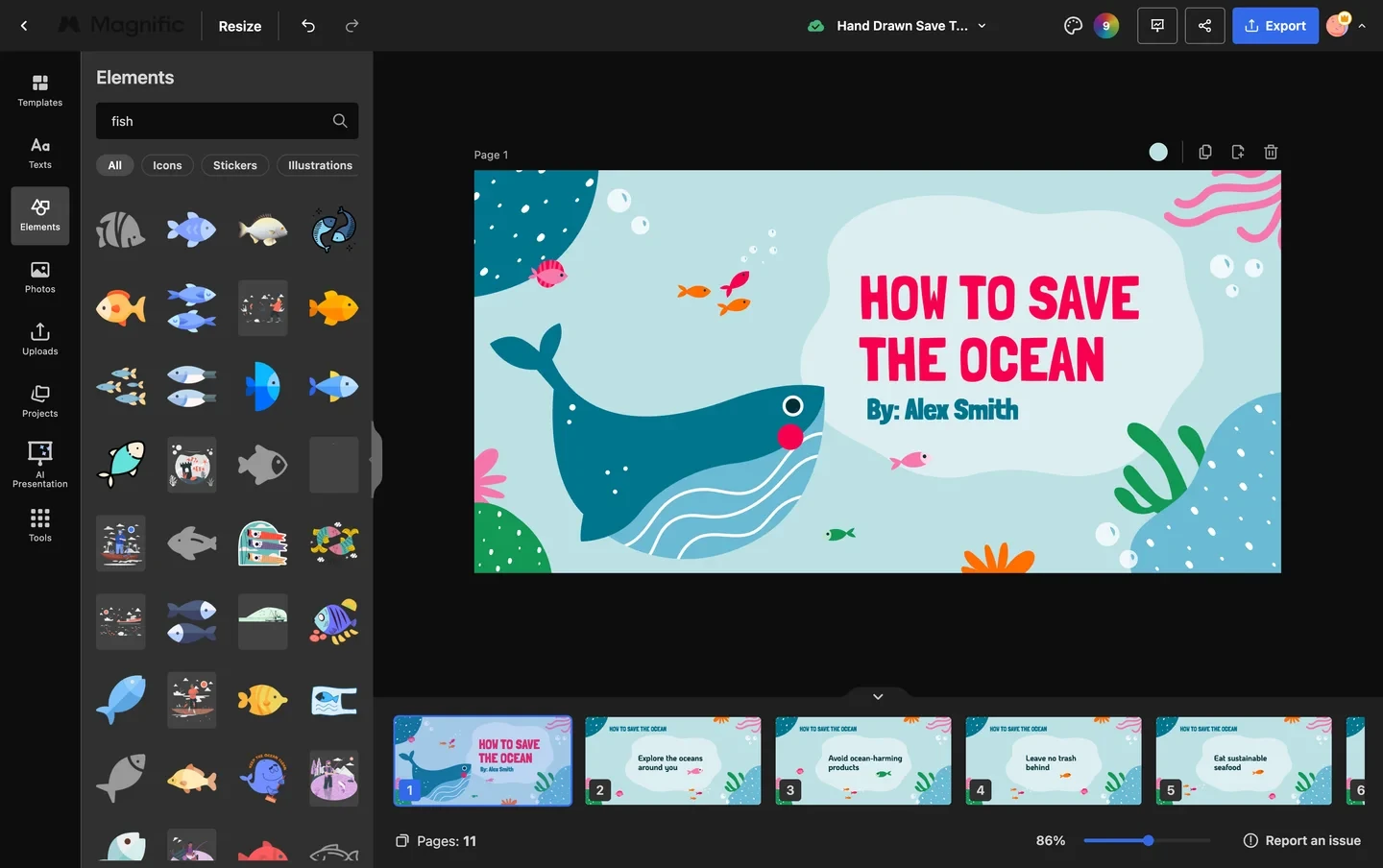
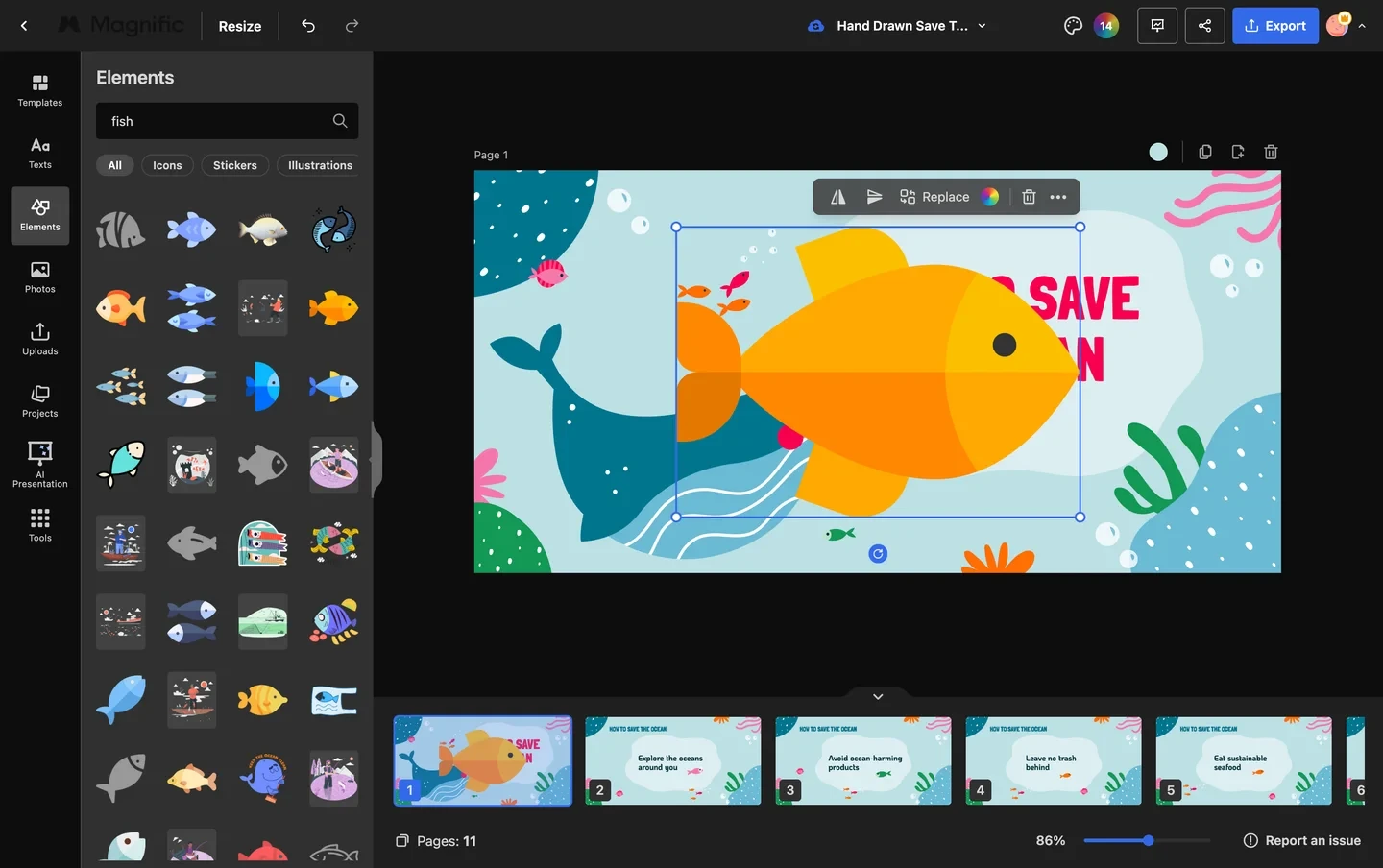
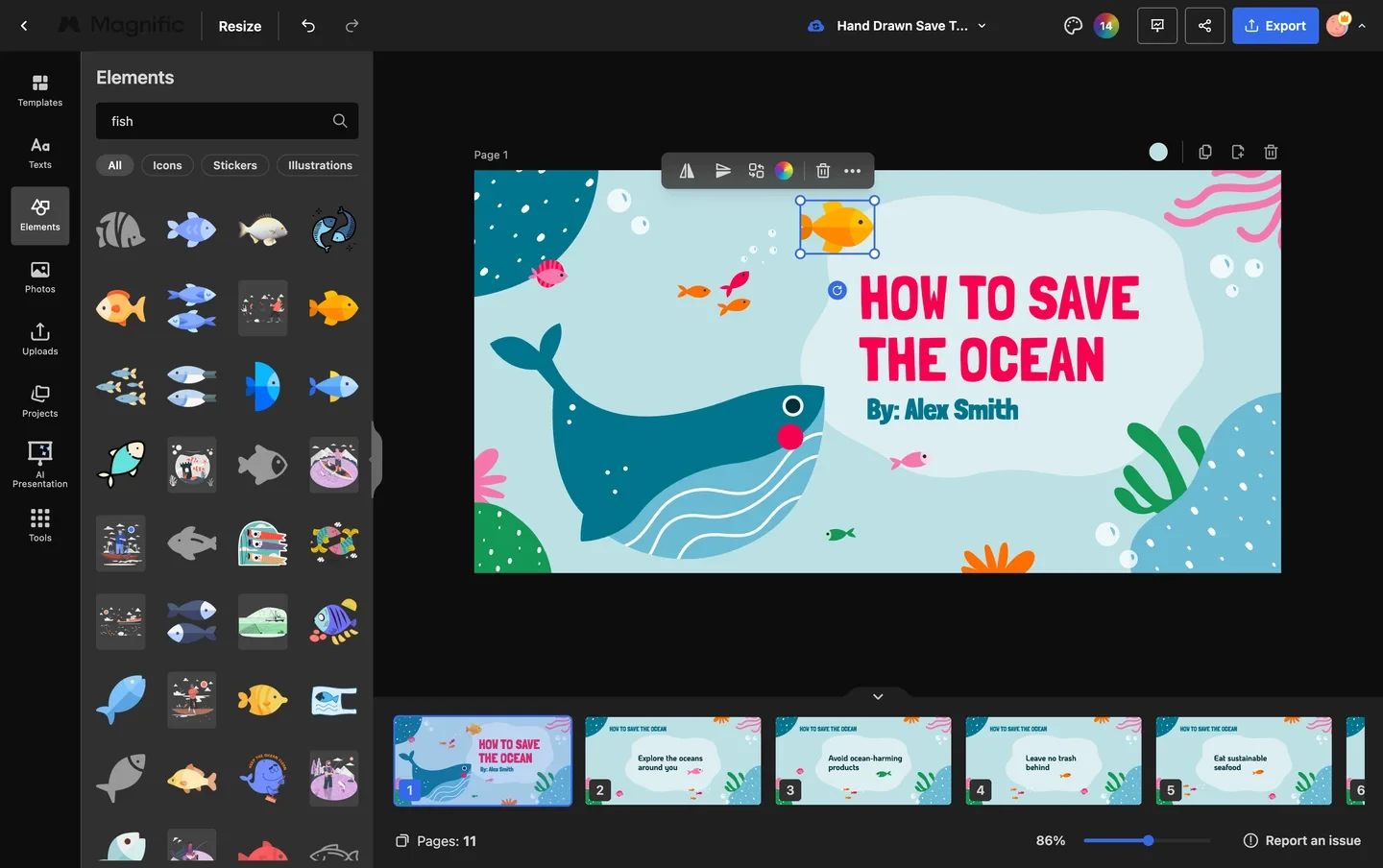
See every screen
Free forever · no credit card ·
Uploading an image3 steps


See every screen
Free forever · no credit card ·
Adding an image3 steps
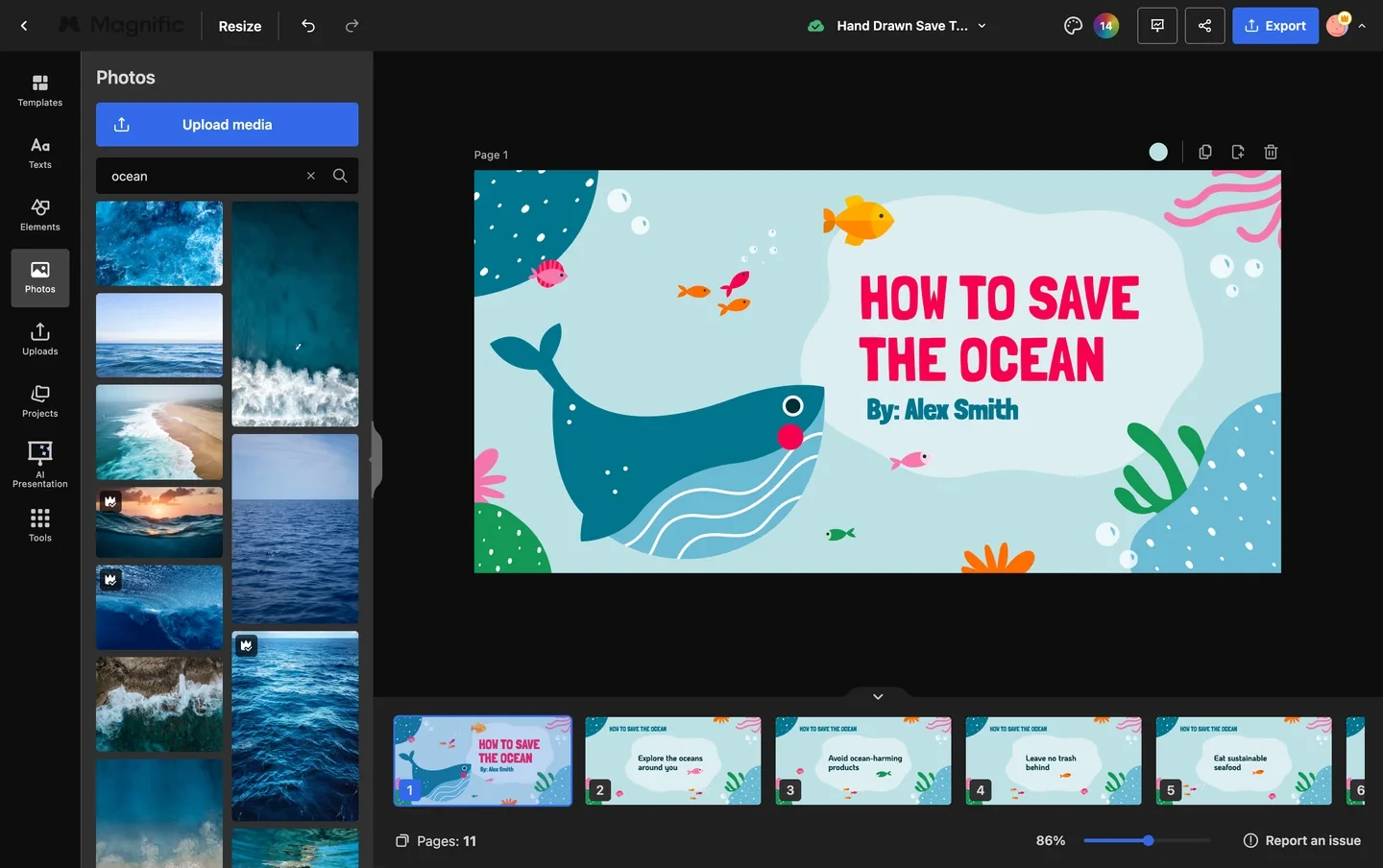
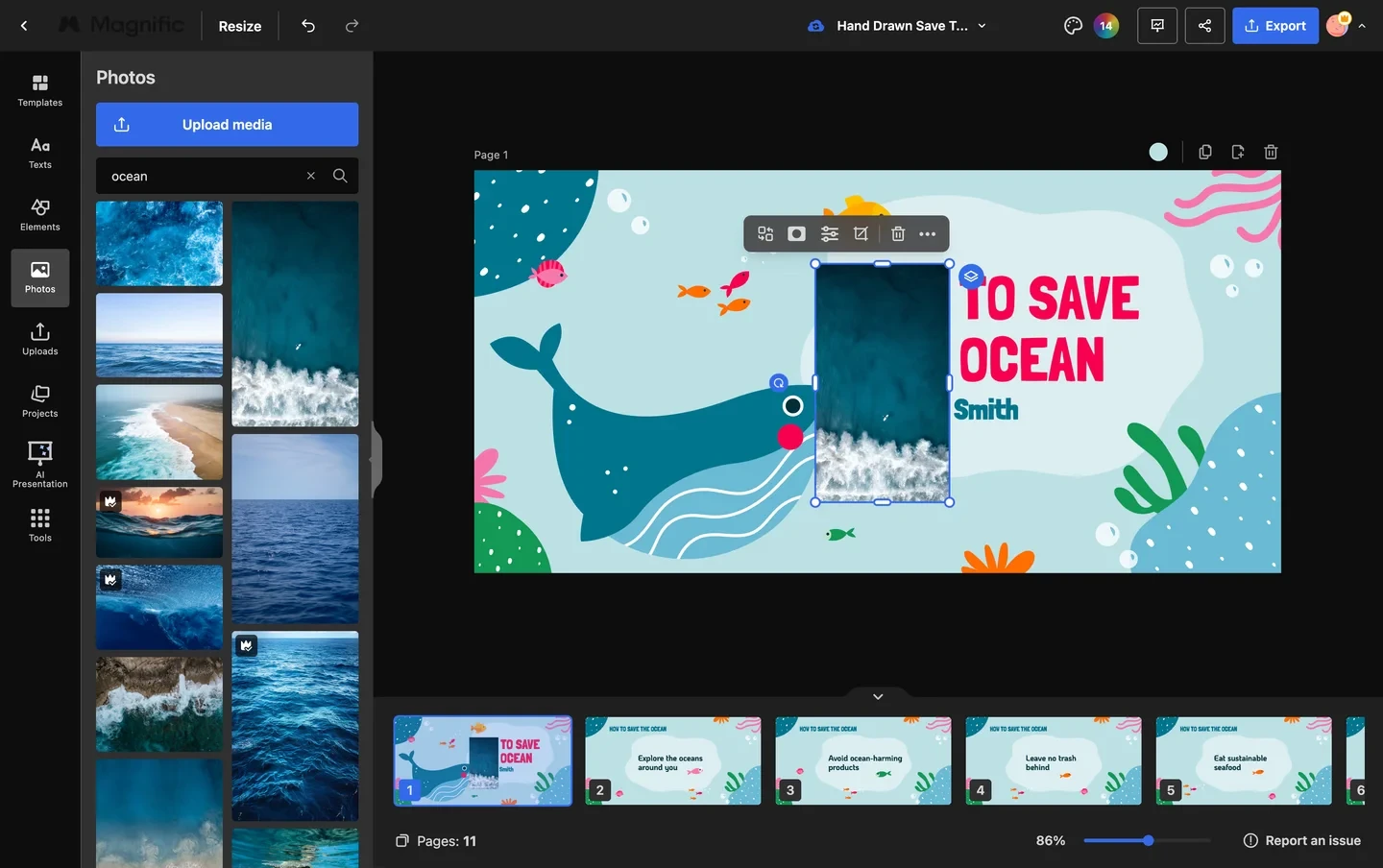
See every screen
Free forever · no credit card ·
Generating an AI presentation7 steps
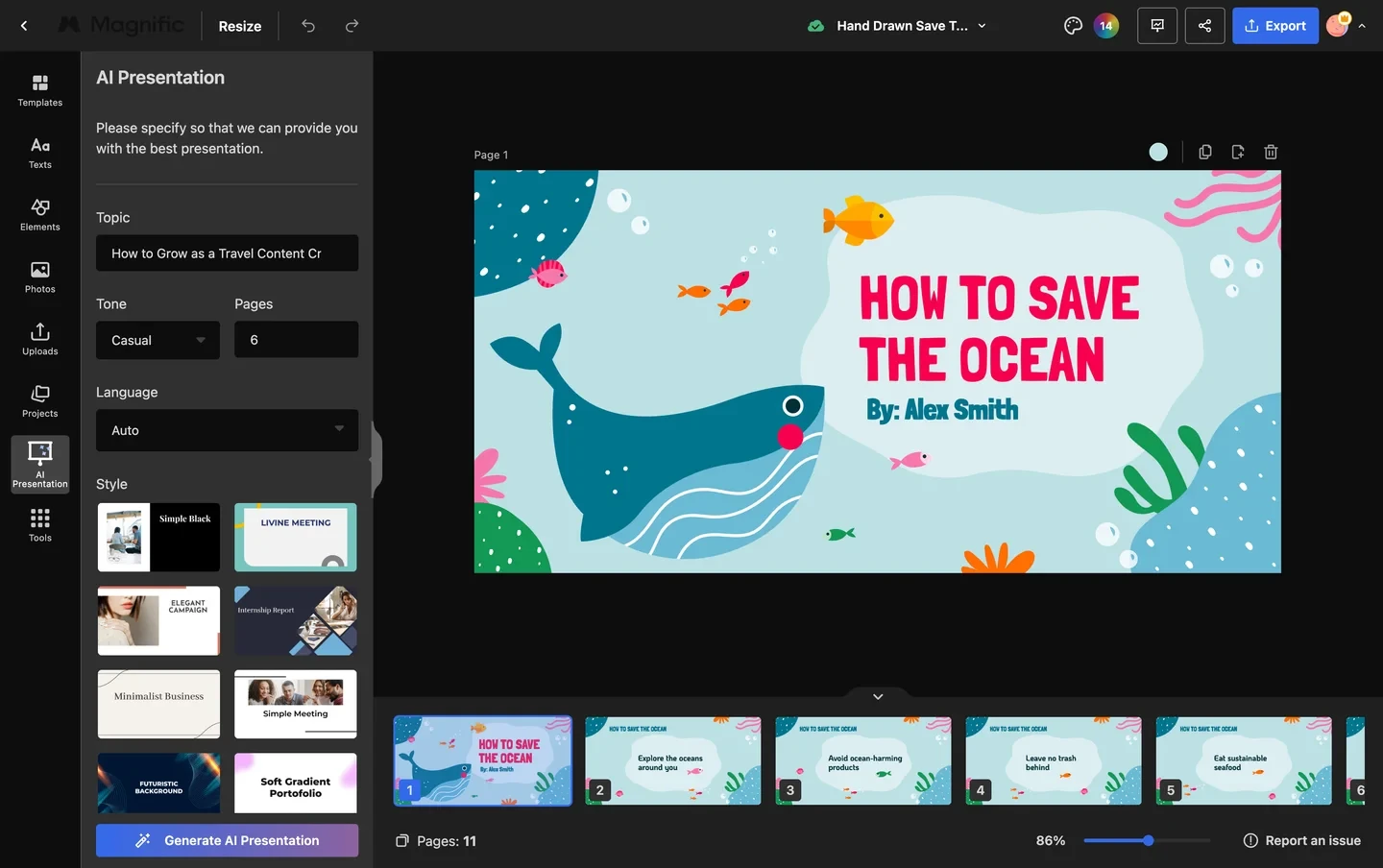
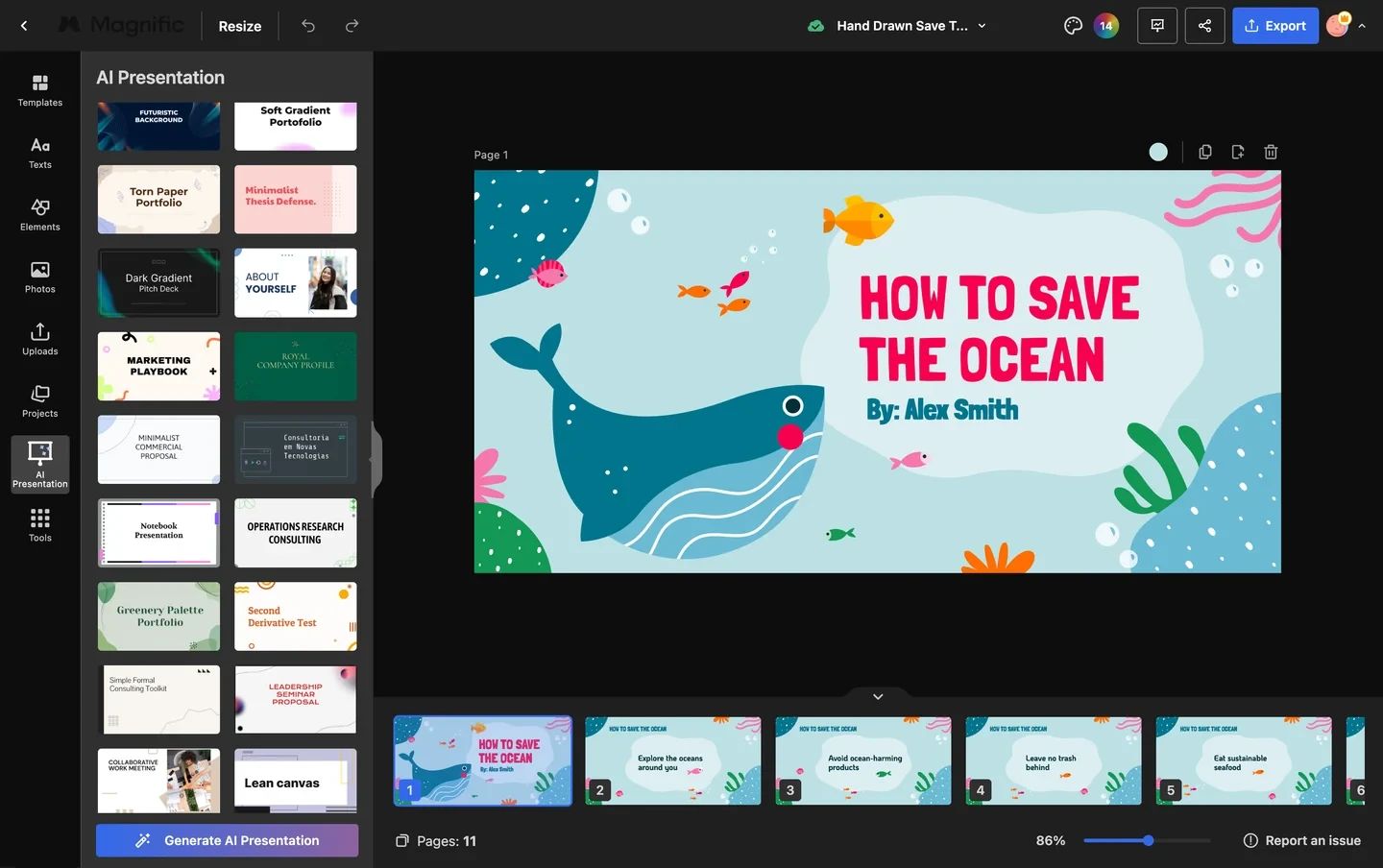

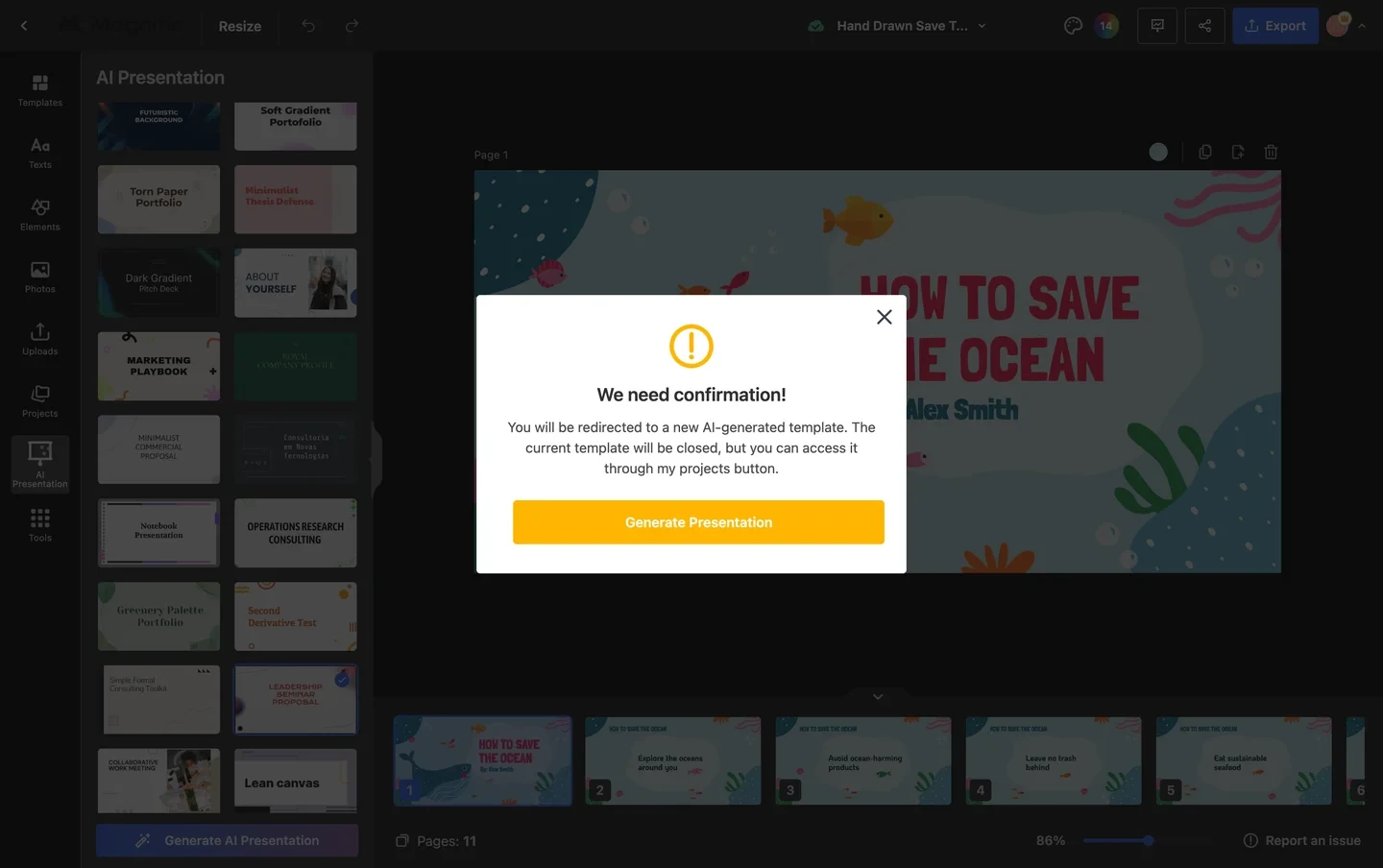


See every screen
Free forever · no credit card ·
Generating a text5 steps
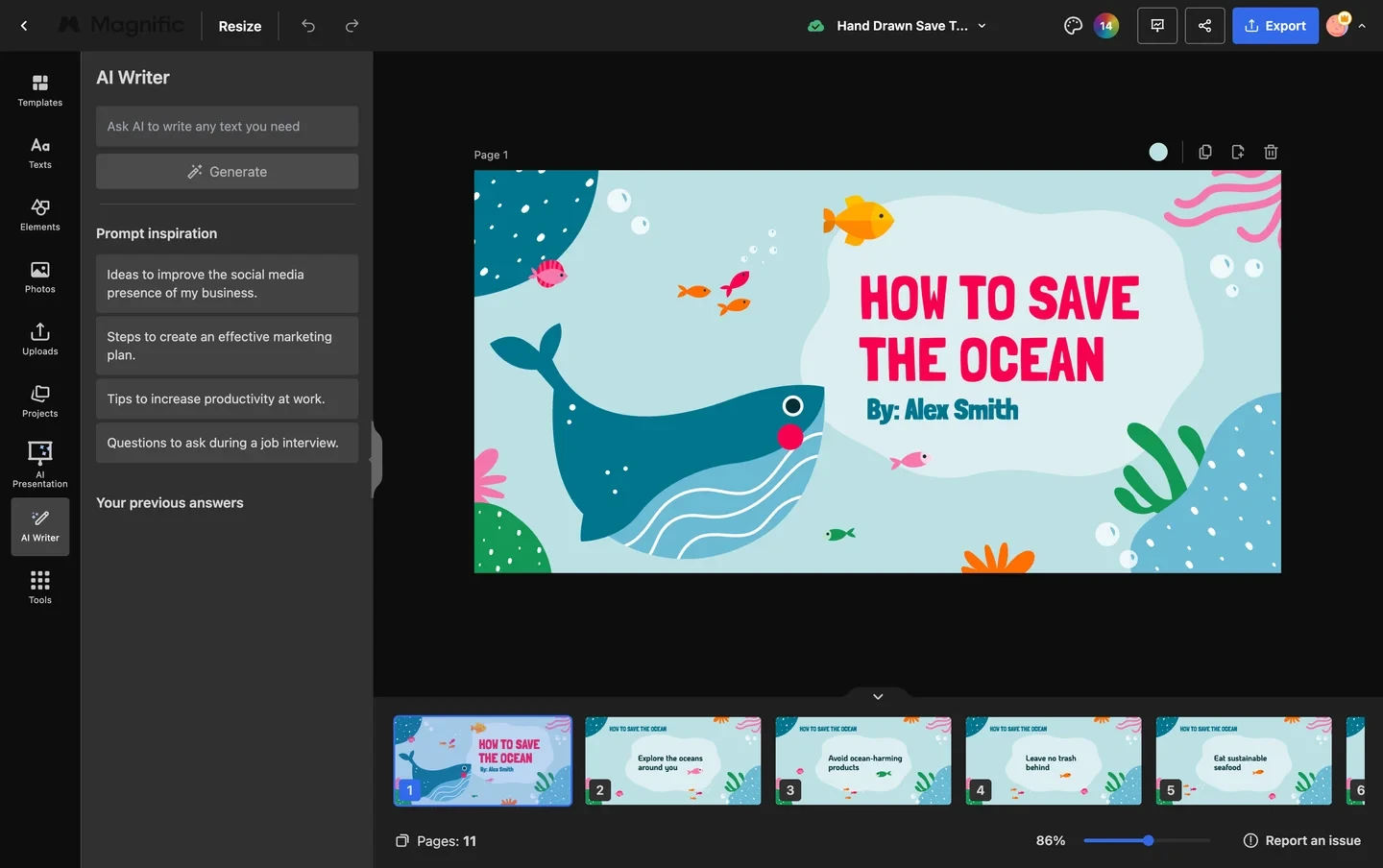
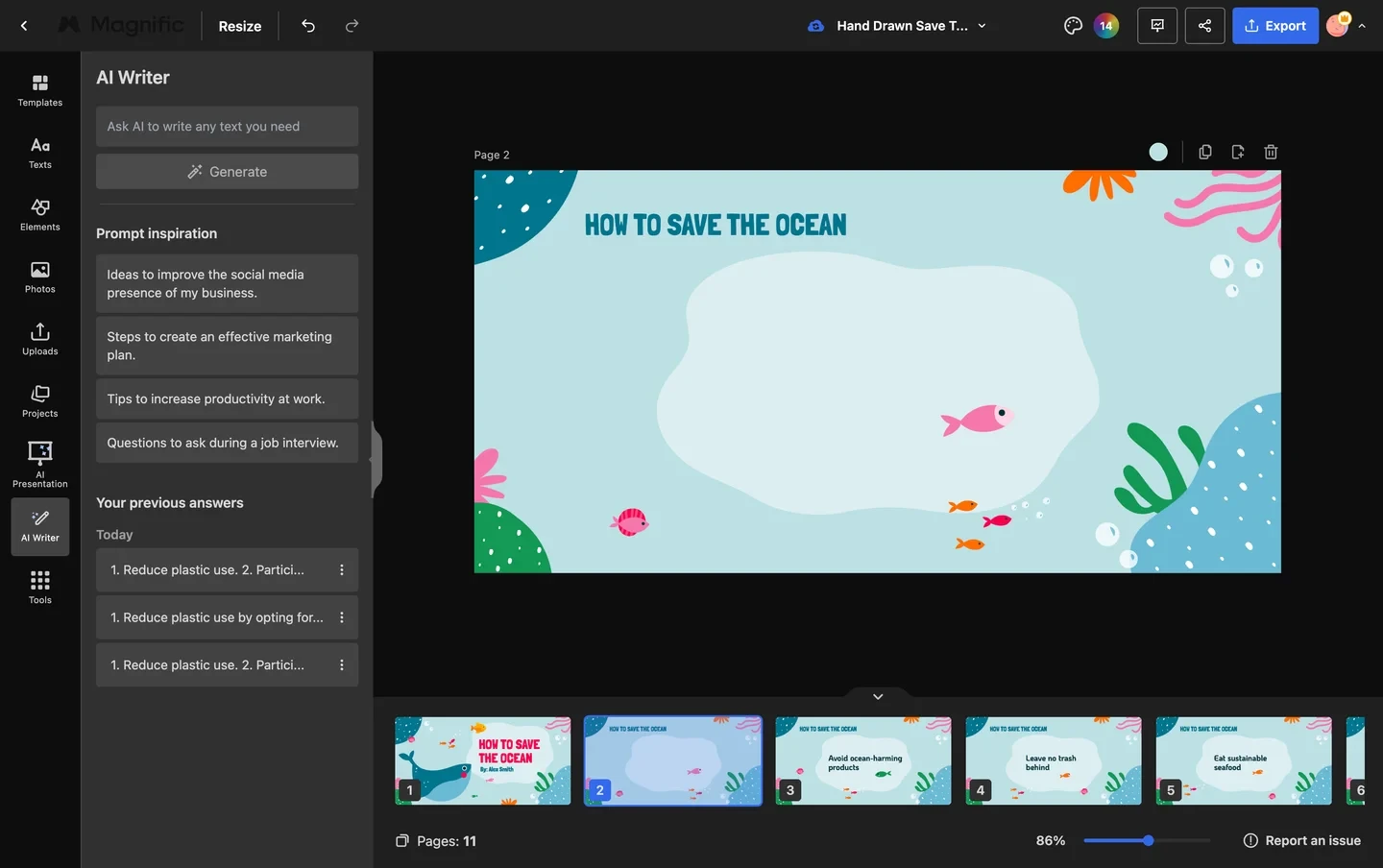
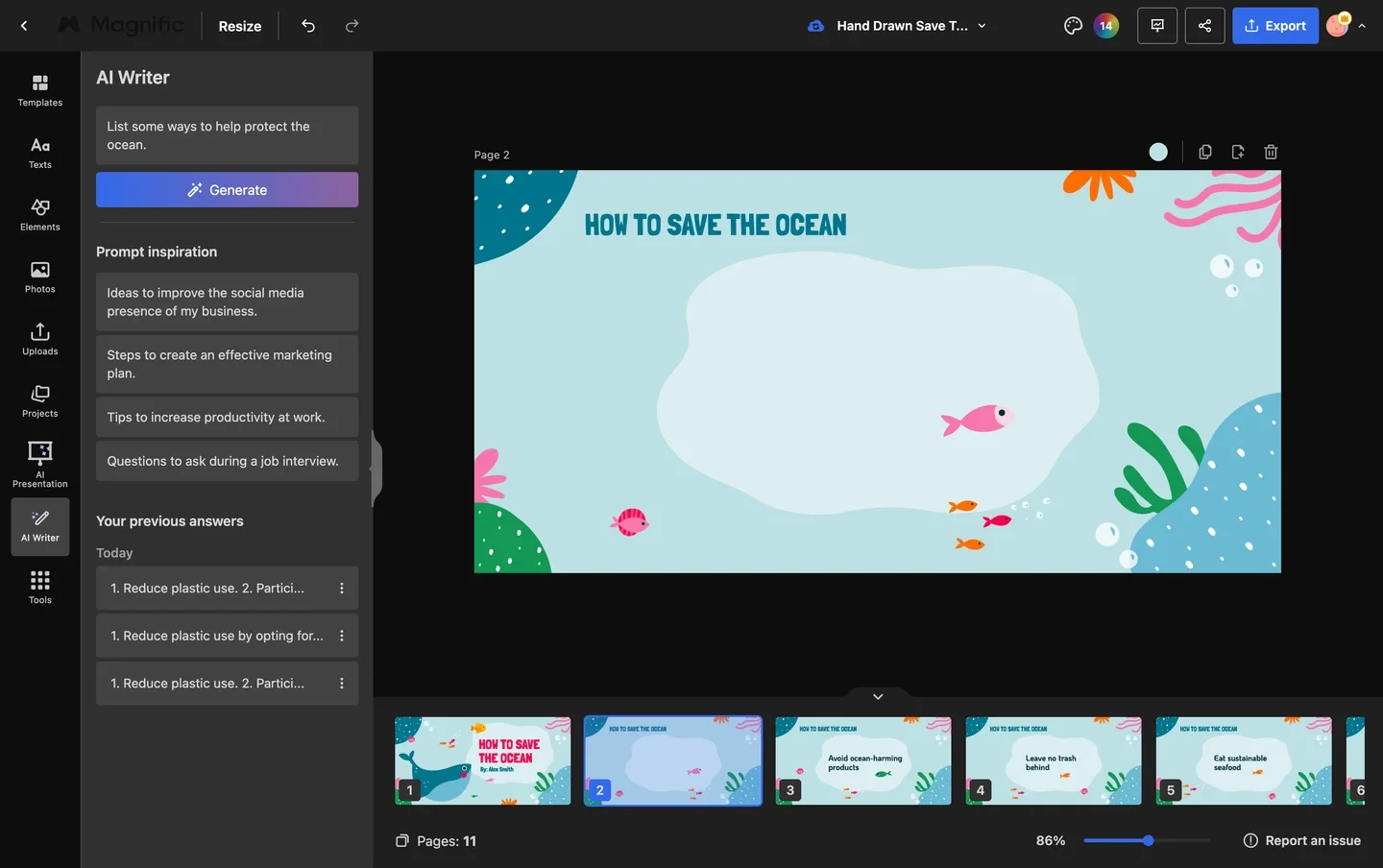

See every screen
Free forever · no credit card ·
Generating a QR code4 steps
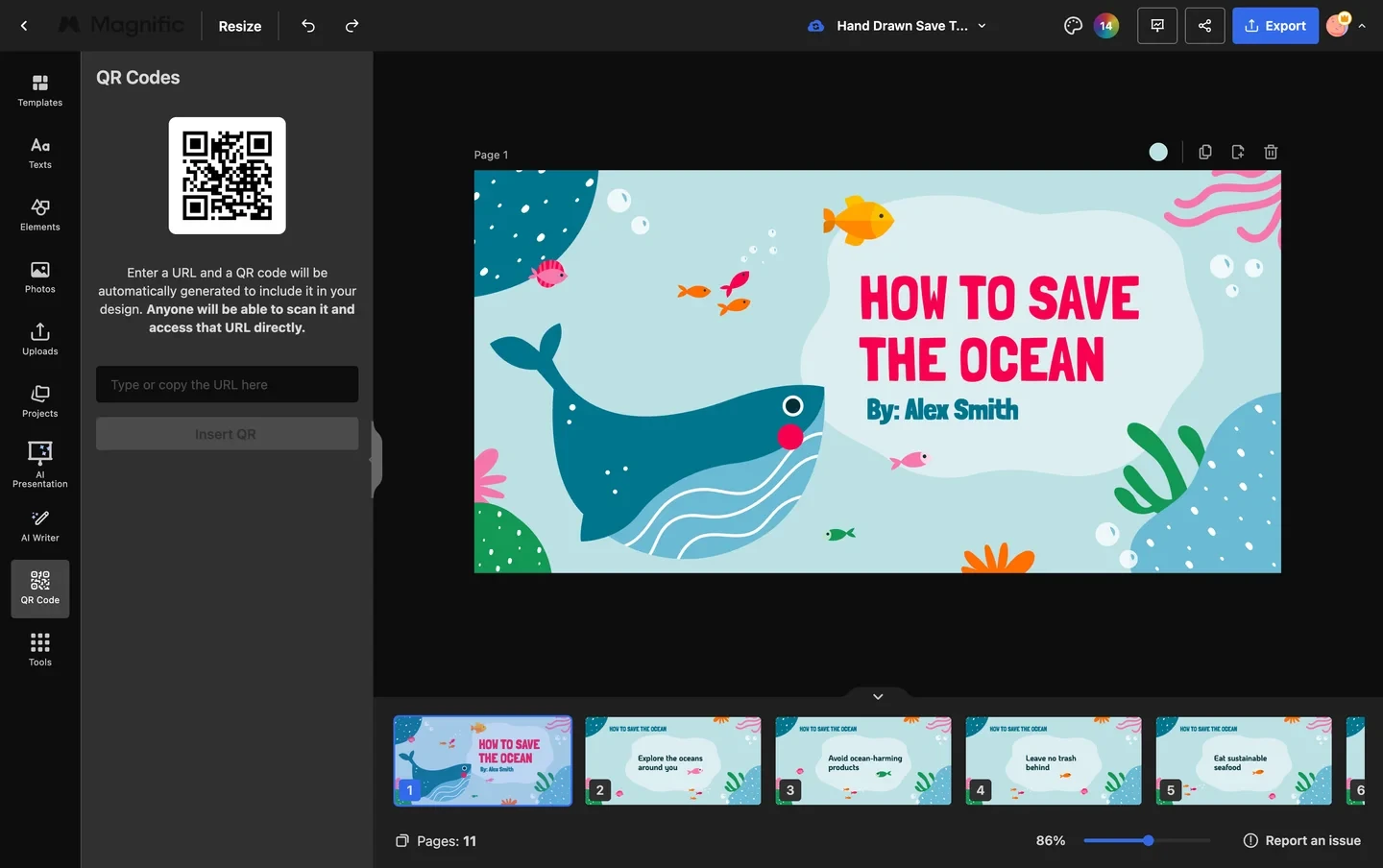
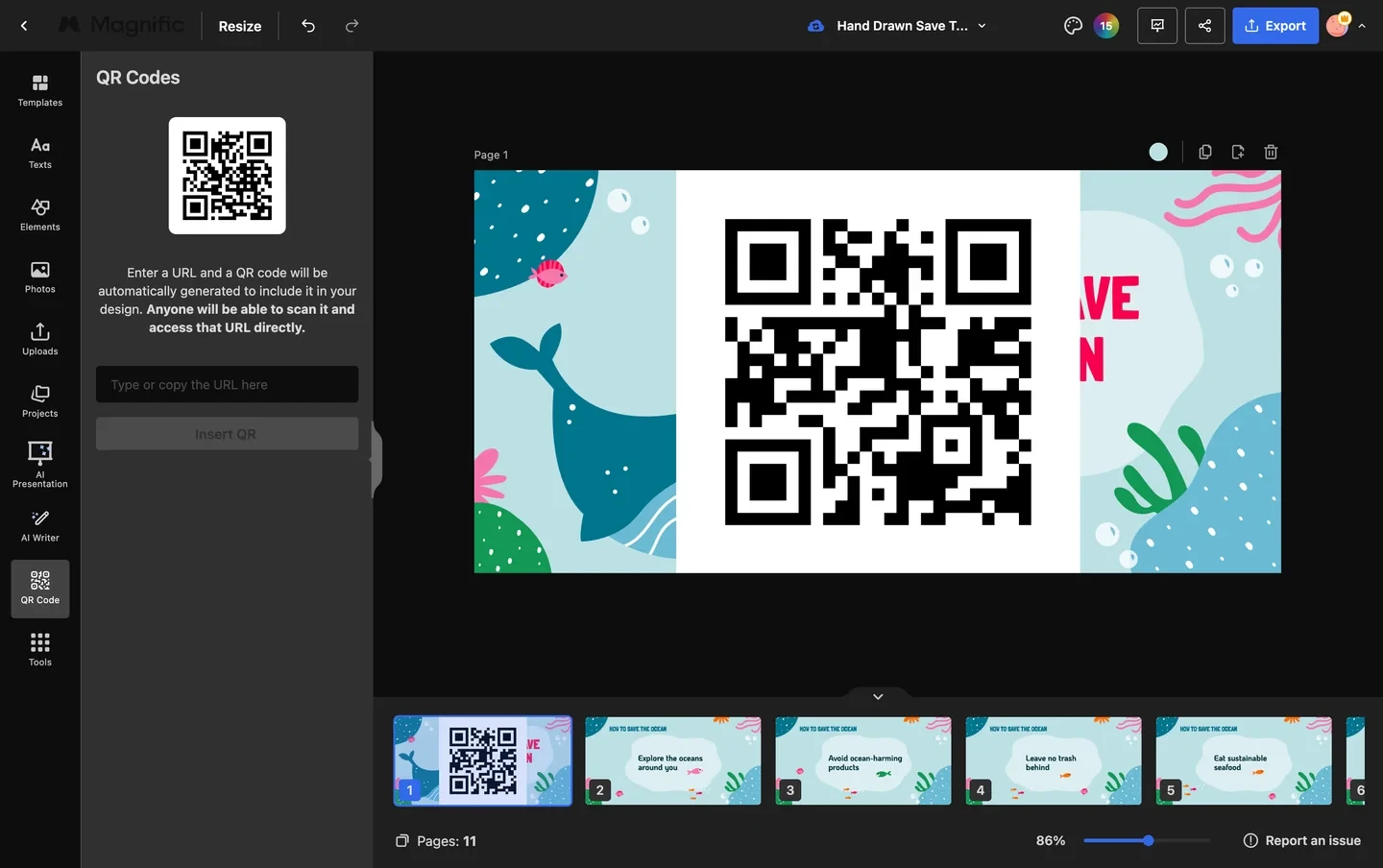
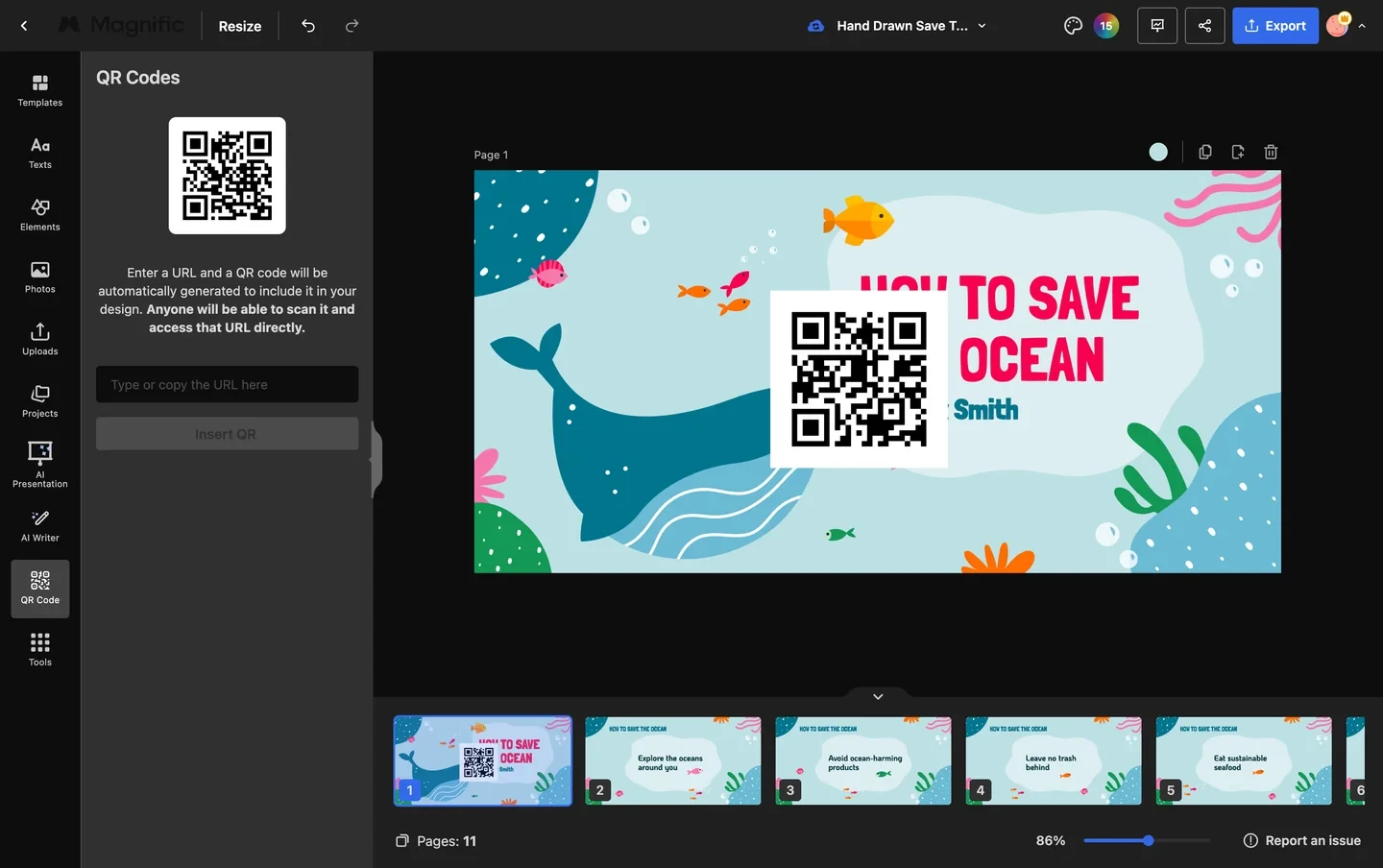
See every screen
Free forever · no credit card ·
Changing an artboard4 steps
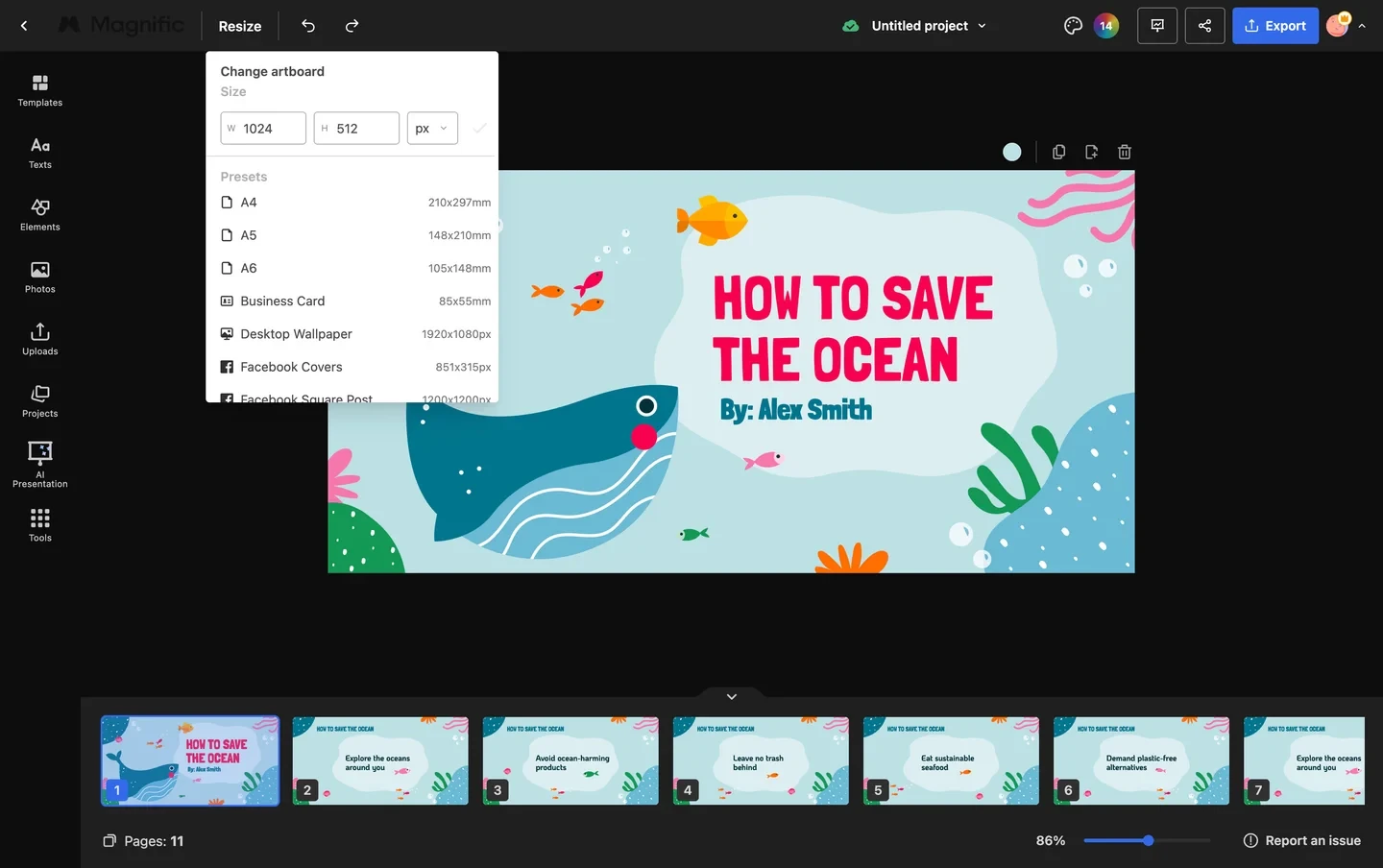
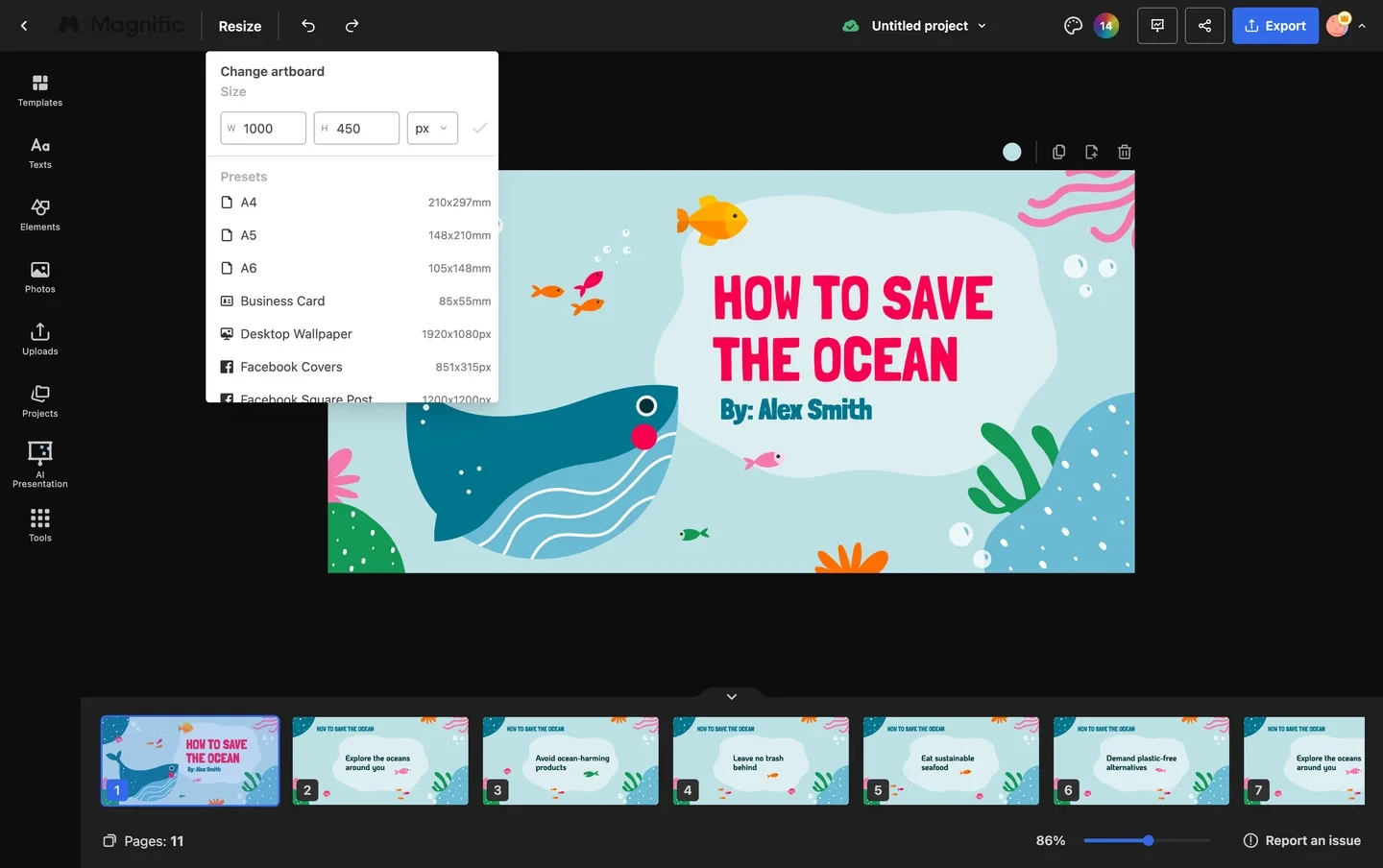
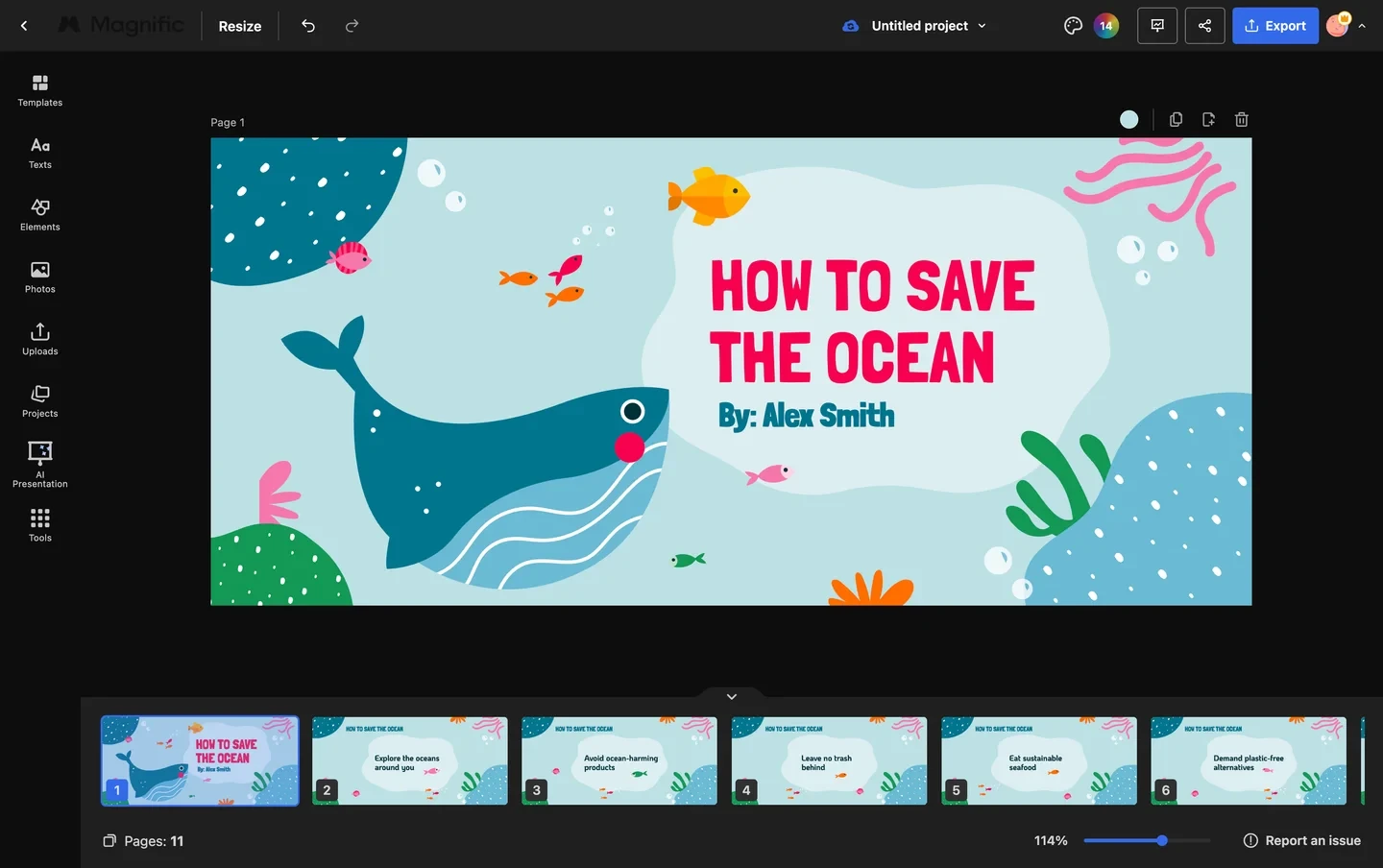
See every screen
Free forever · no credit card ·
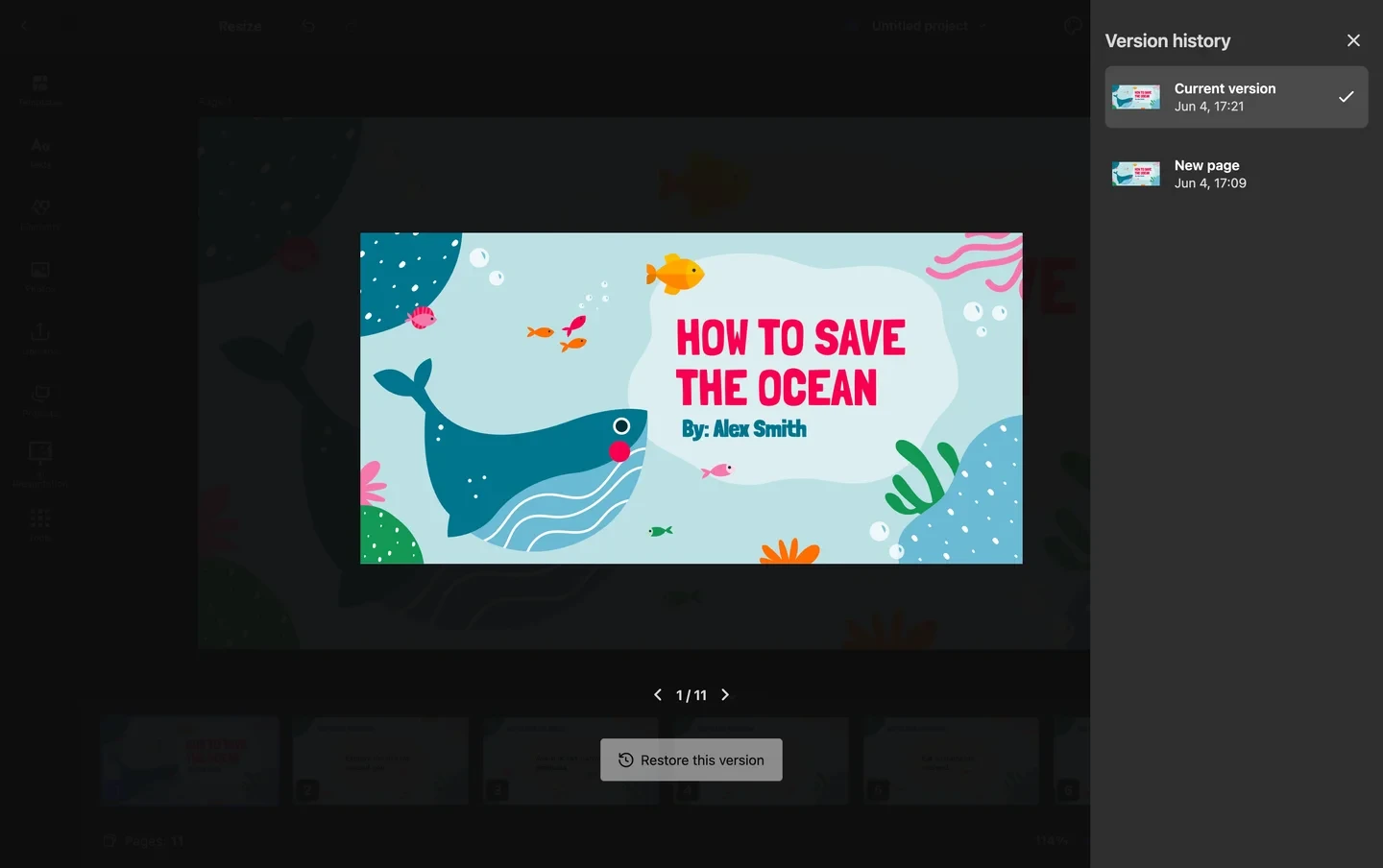
Version history3 steps
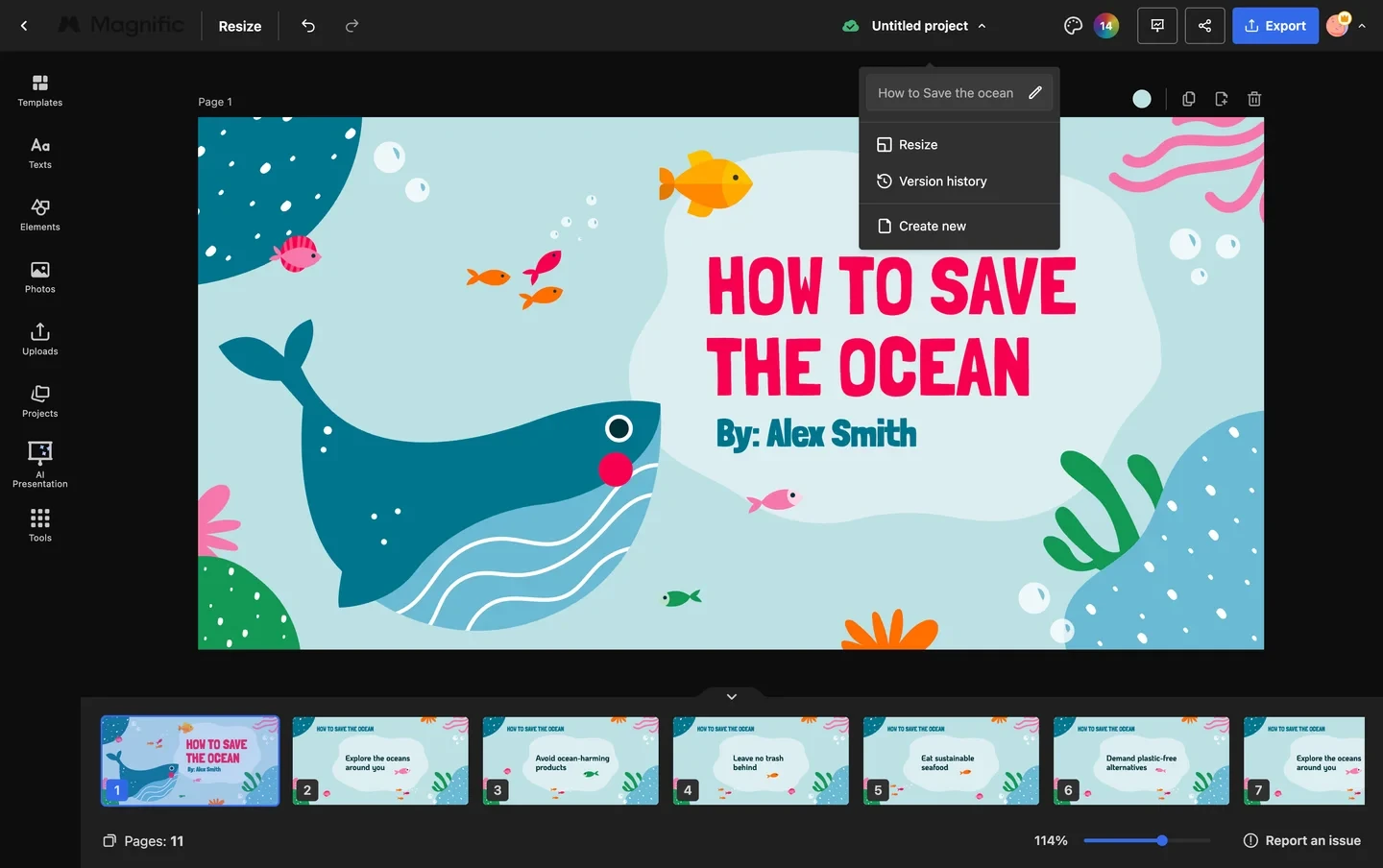
See every screen
Free forever · no credit card ·
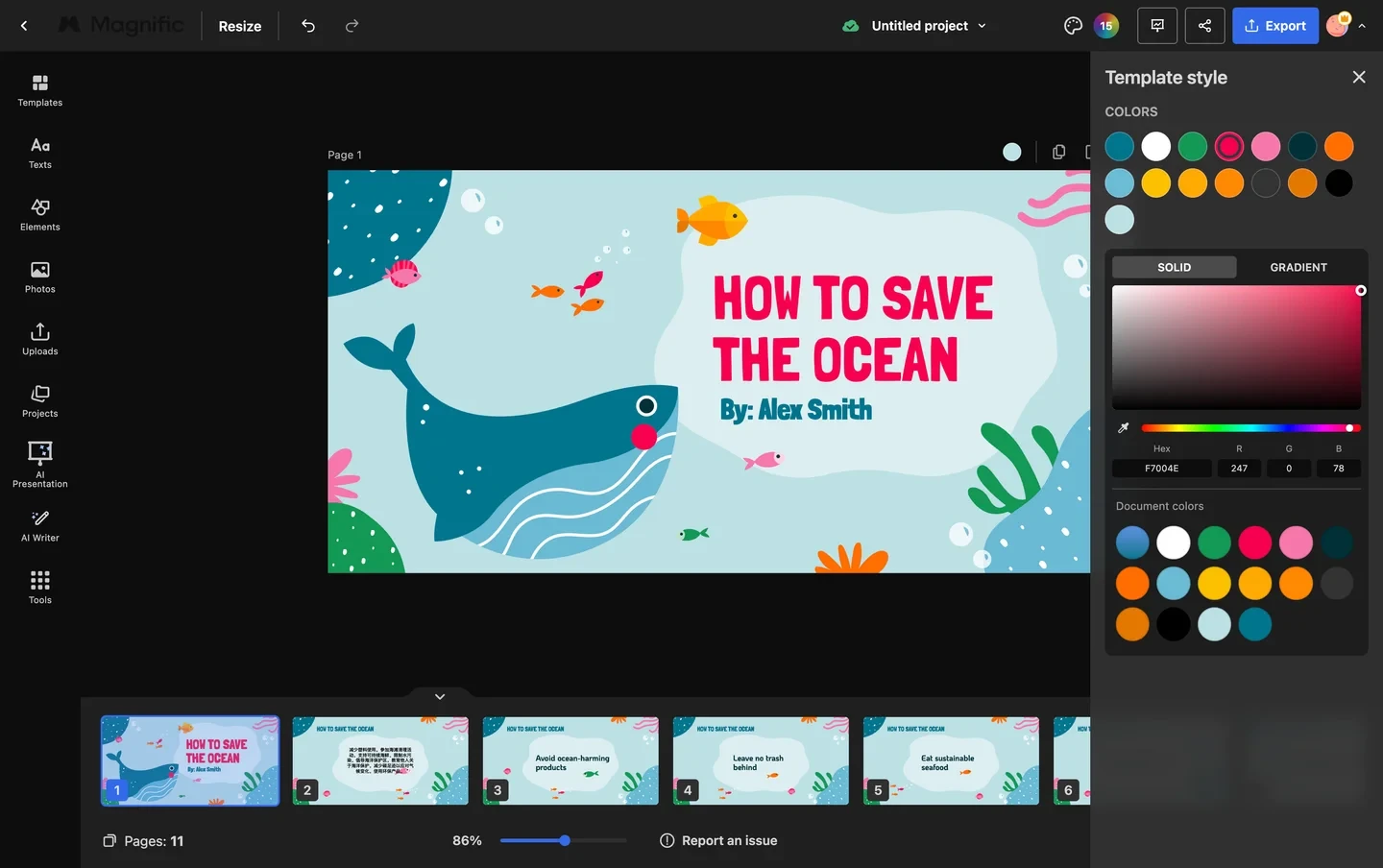
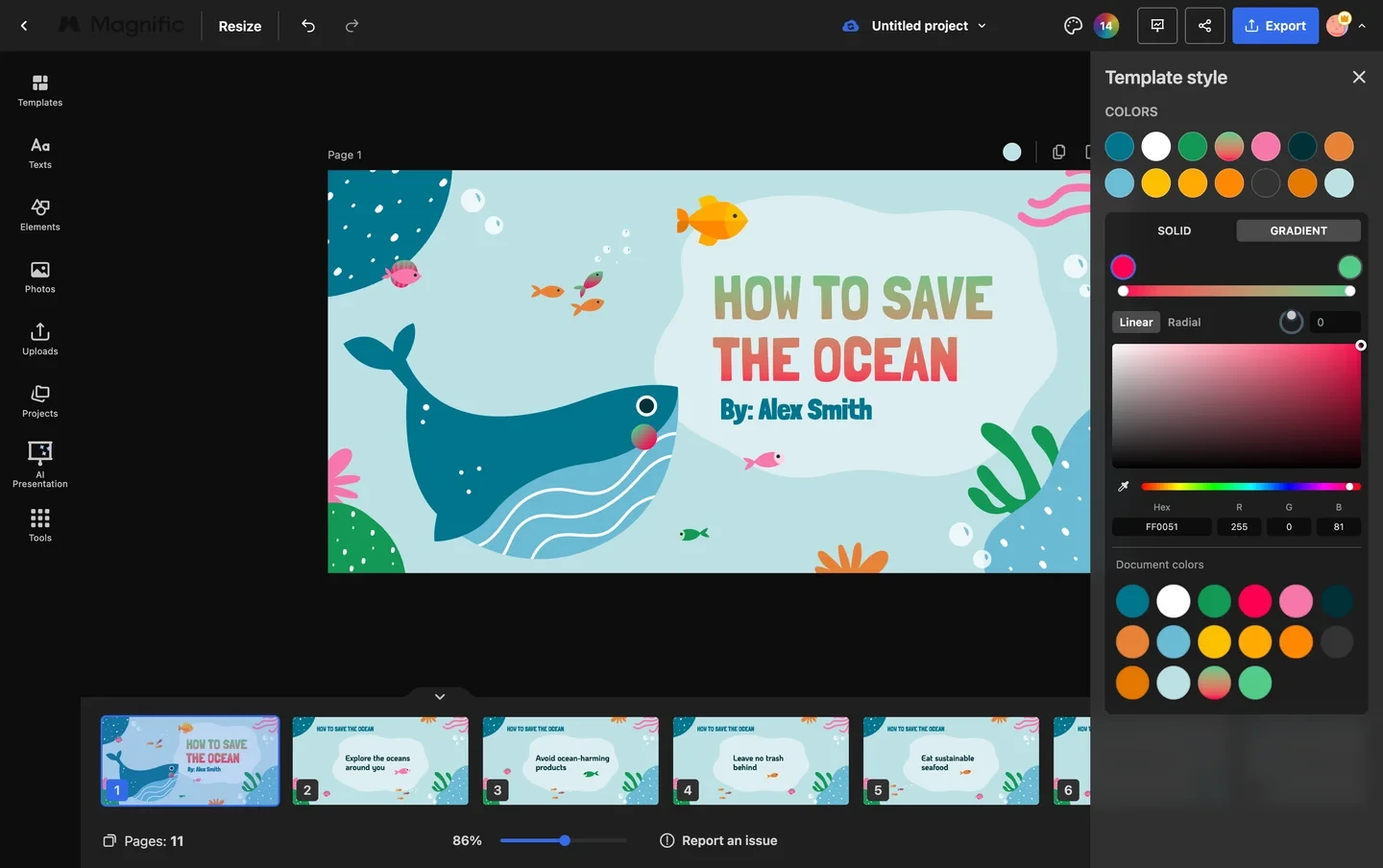
Updating template style4 steps

See every screen
Free forever · no credit card ·
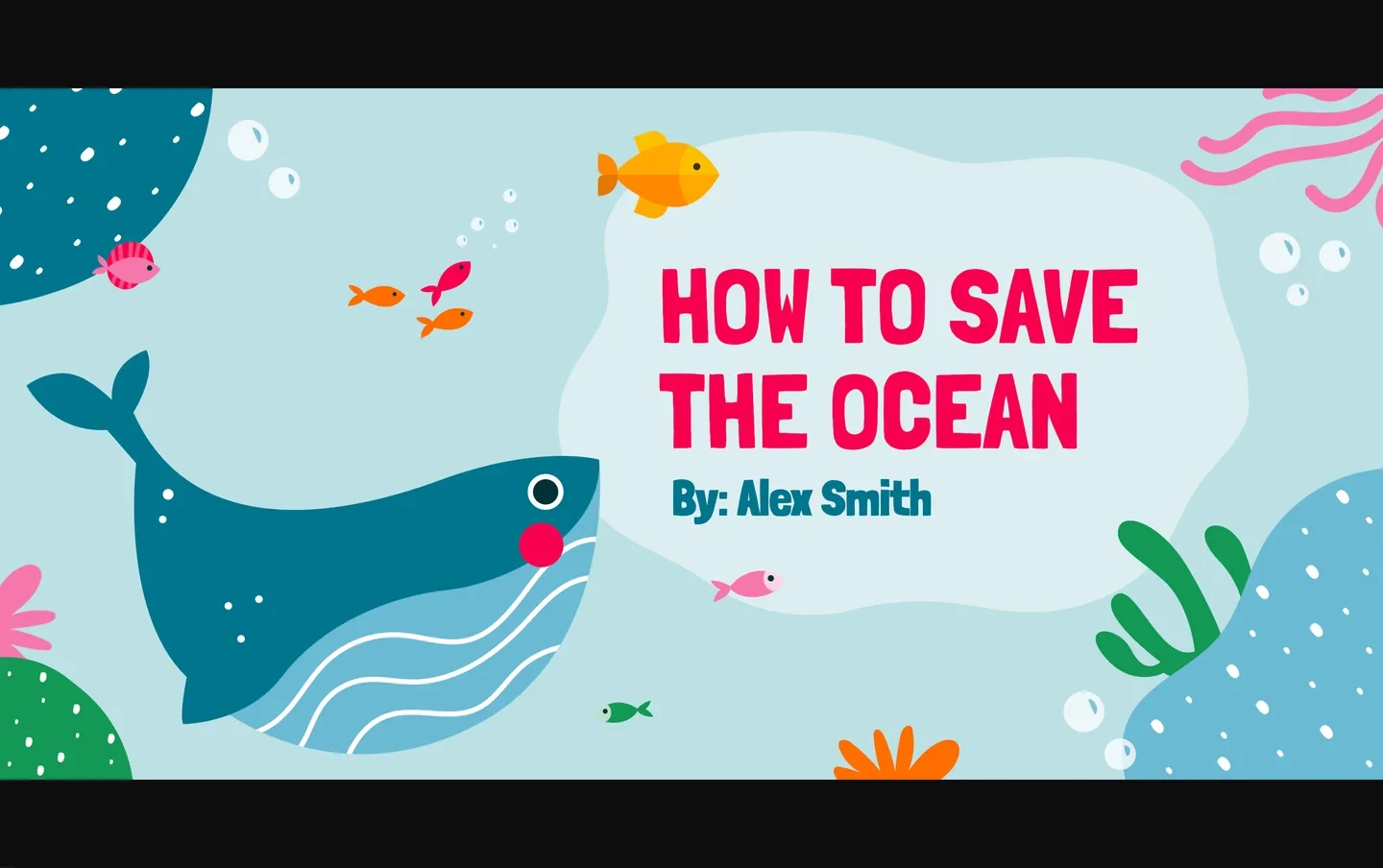
Switching to fullscreen mode (design editor)2 steps
See every screen
Free forever · no credit card ·
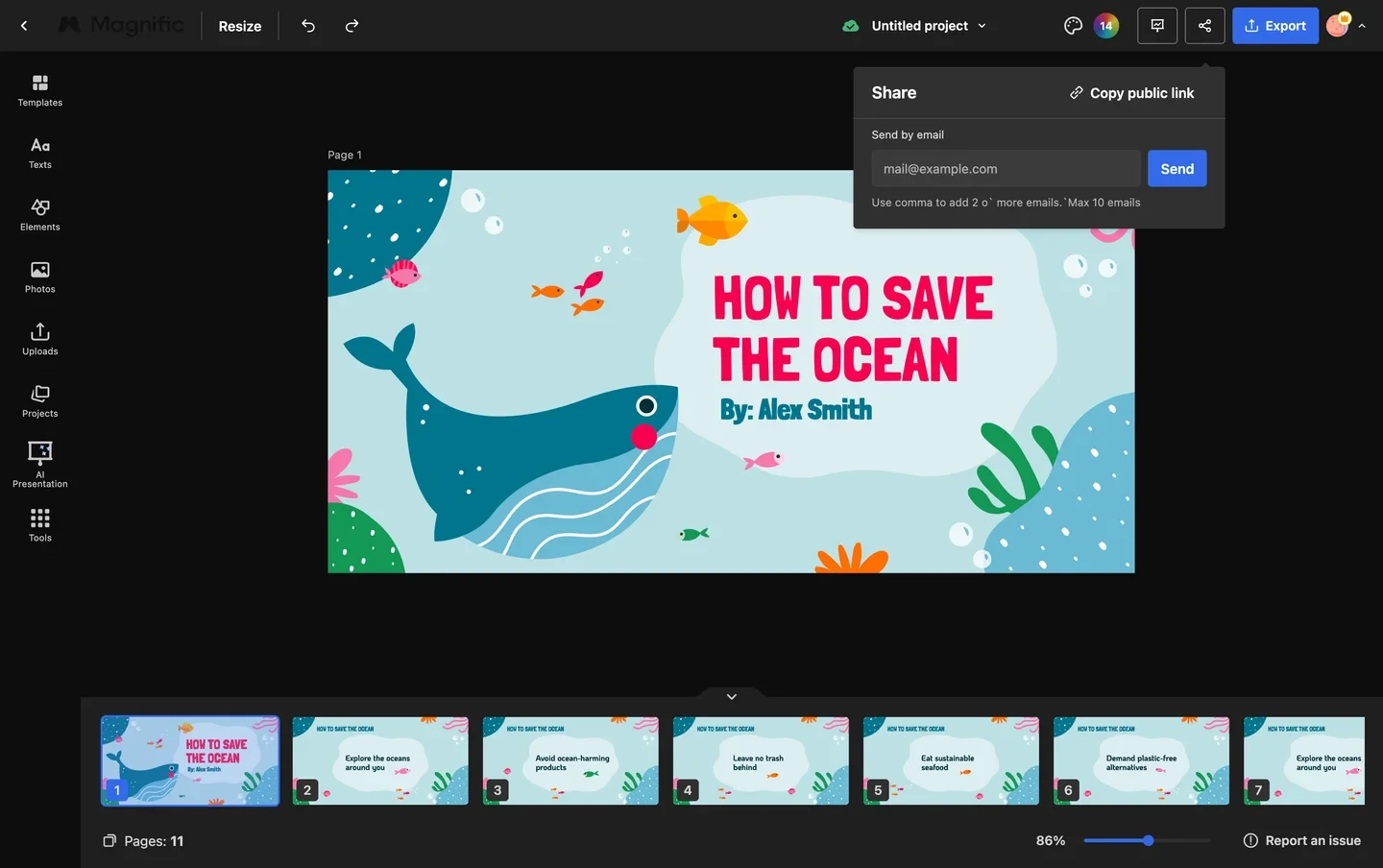
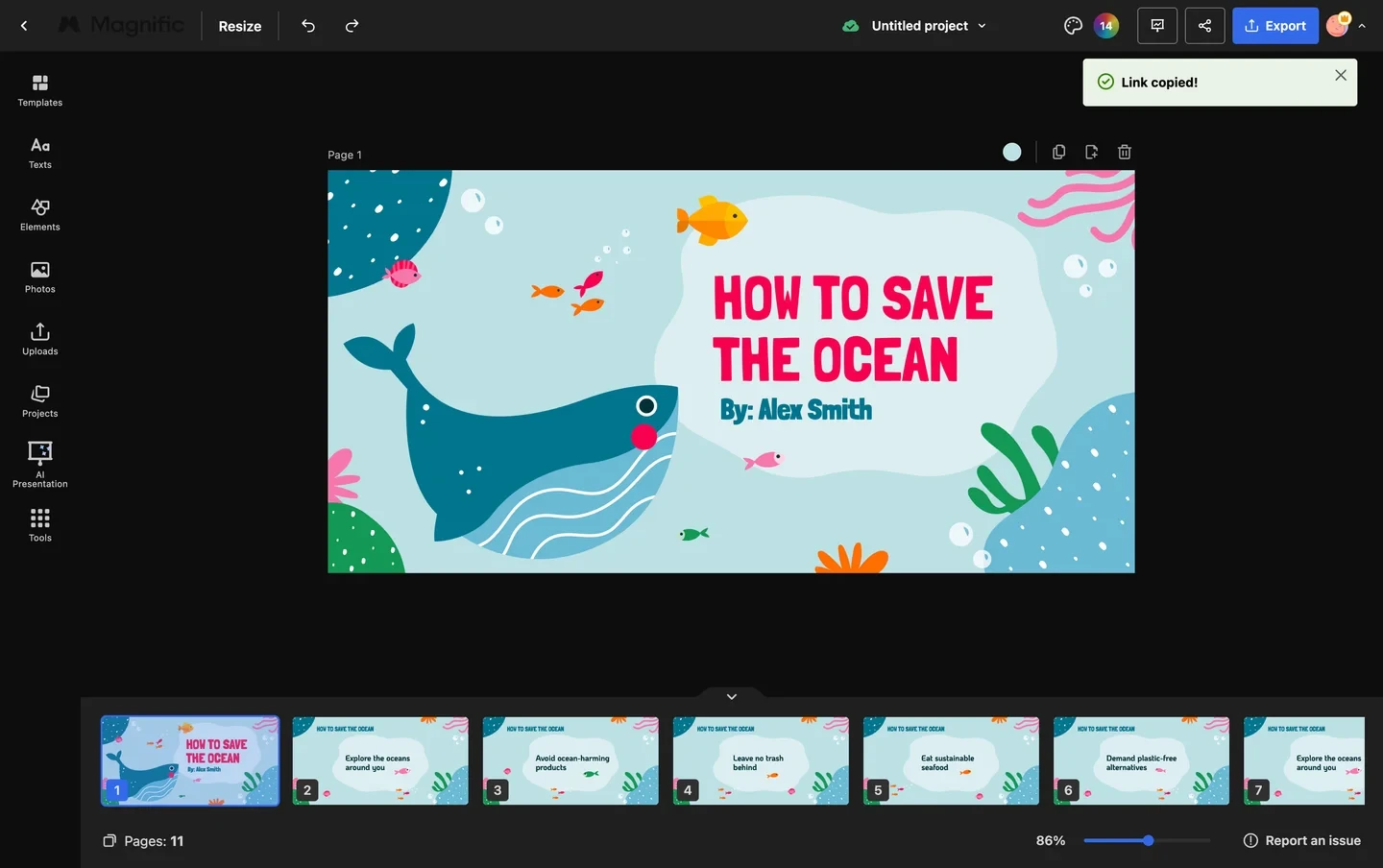
Copying a link3 steps
See every screen
Free forever · no credit card ·
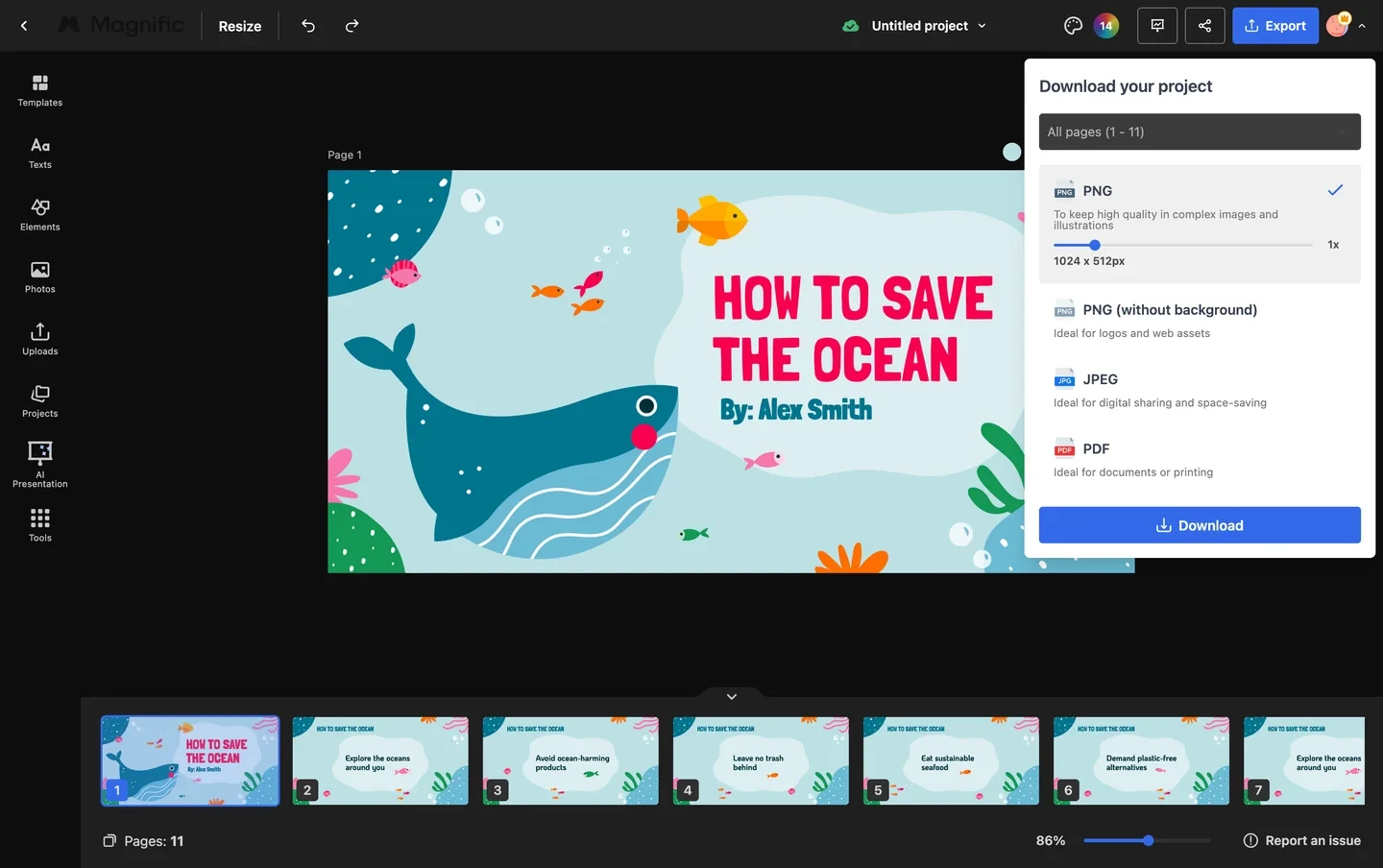
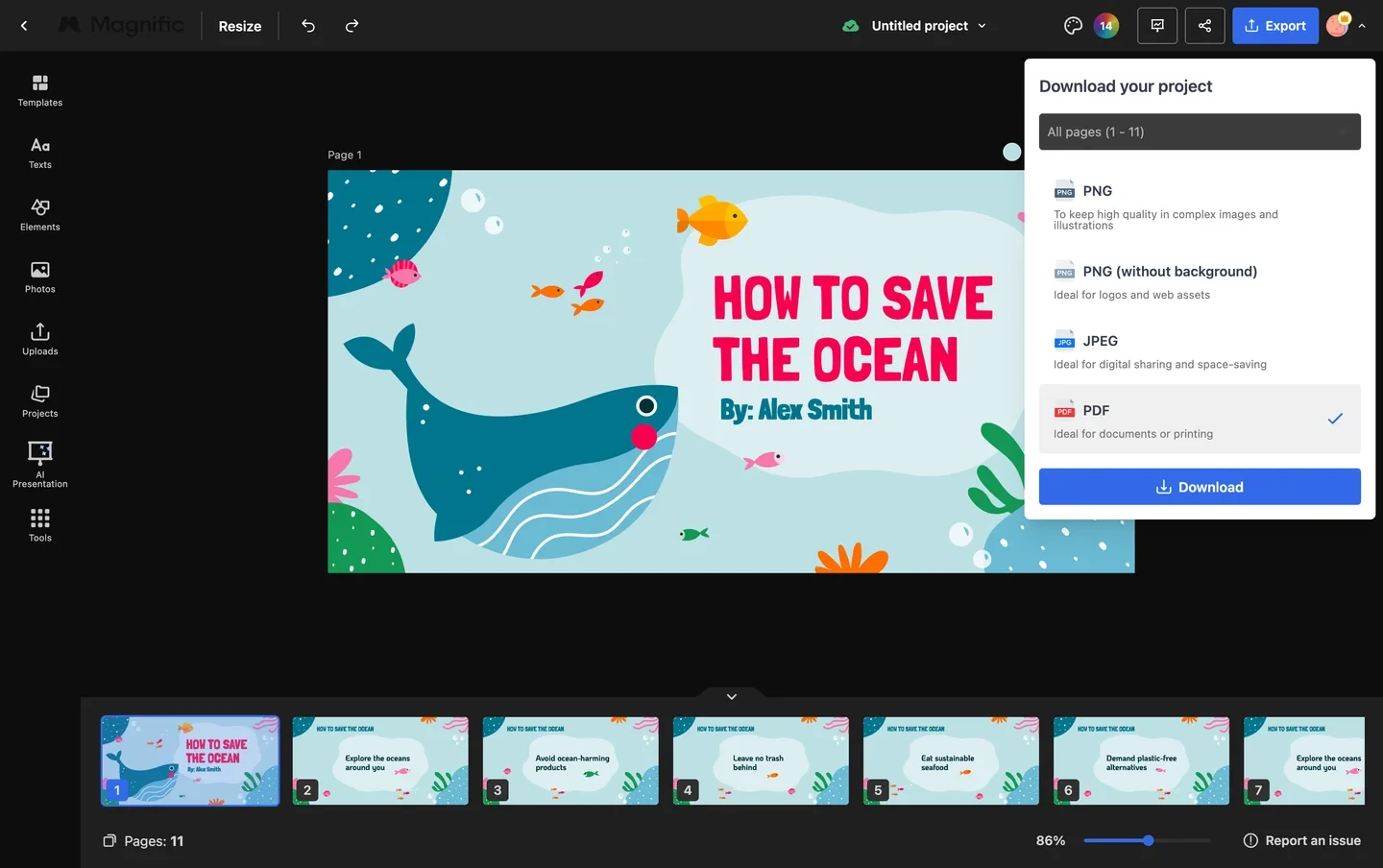
Exporting a design5 steps

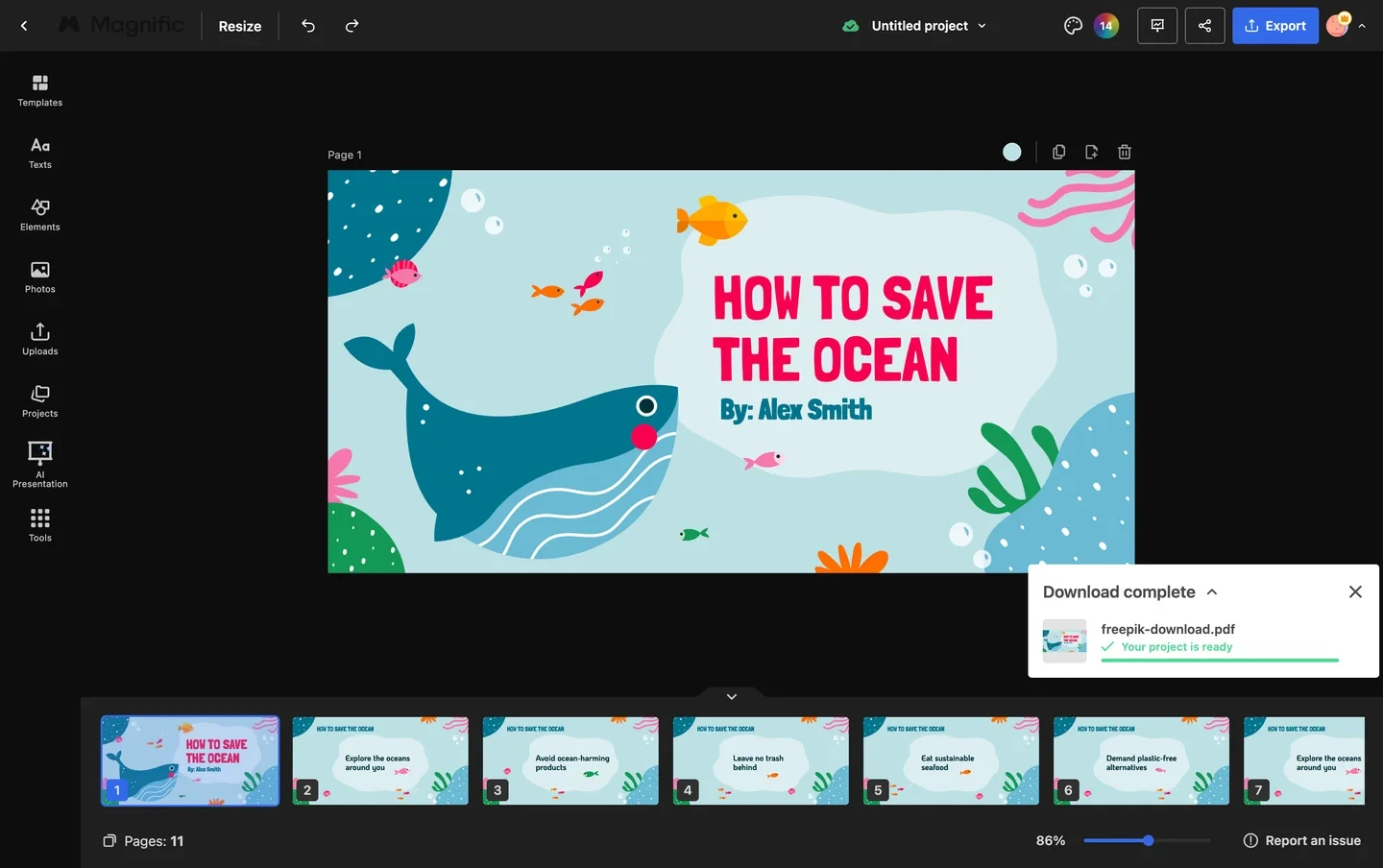
See every screen
Free forever · no credit card ·