
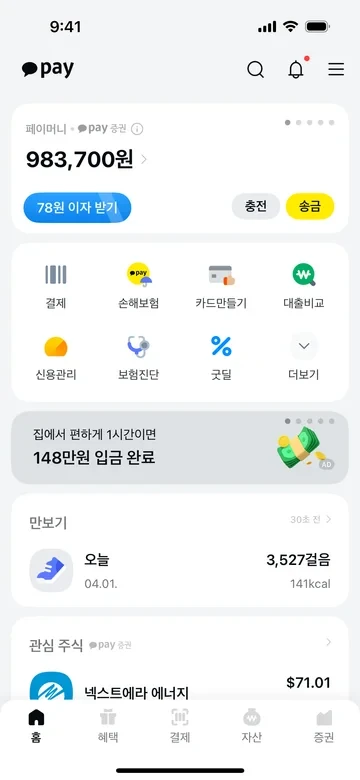
K Kakao PayWallet & Balance
Kakao Pay · 5 steps · 8 sub-flows


 Kakao PayWallet & Balance
 Kakao PayBrowse & Discover
 Kakao Pay
 Kakao Pay
Free forever · no credit card ·


 Kakao PayWallet & Balance
Free forever · no credit card ·


 Kakao PayWallet & Balance
 Kakao PaySearch
Free forever · no credit card ·

 Kakao PayWallet & Balance
Free forever · no credit card ·


 Kakao PayBrowse & Discover
Free forever · no credit card ·


 Kakao PayBrowse & Discover
Free forever · no credit card ·

 Kakao PayBrowse & Discover
Free forever · no credit card ·


 Kakao PayBrowse & Discover
Free forever · no credit card ·


 Kakao PayBrowse & Discover
 Kakao PayDashboard
Free forever · no credit card ·


