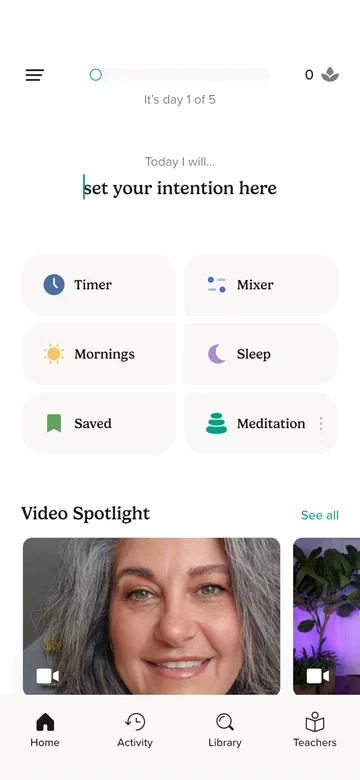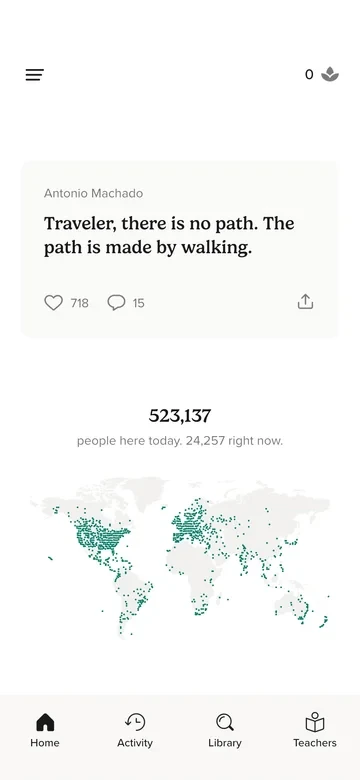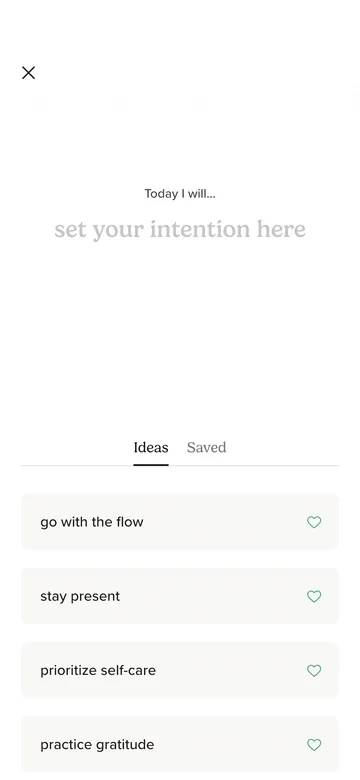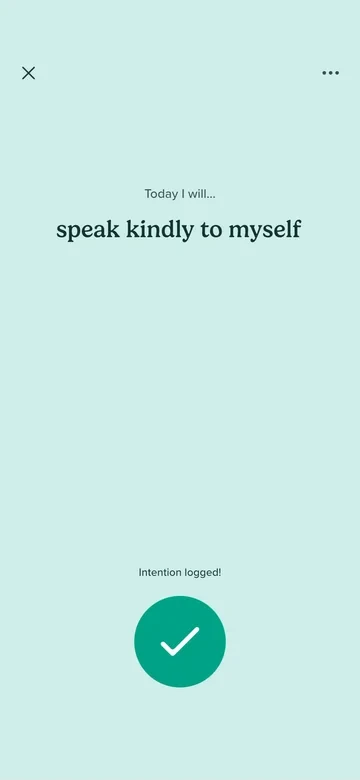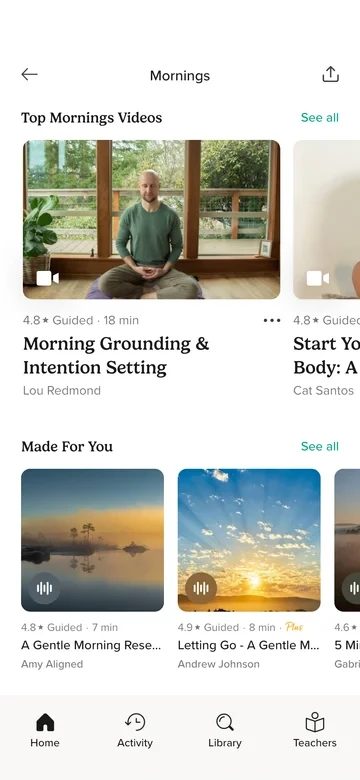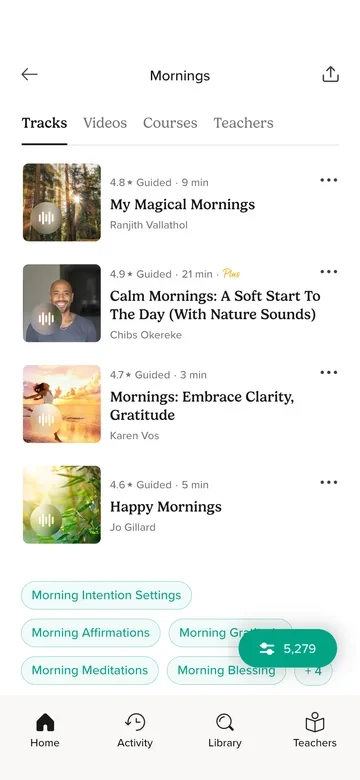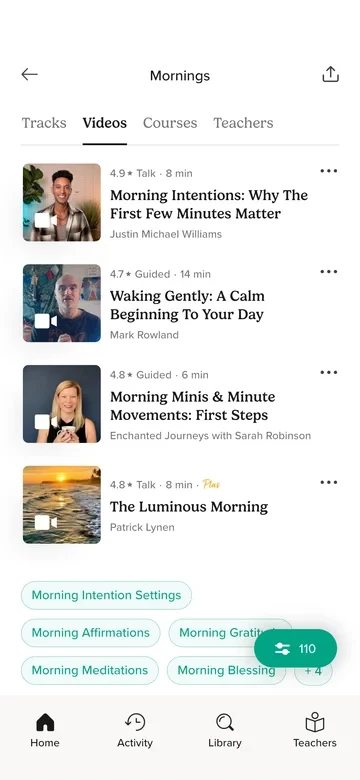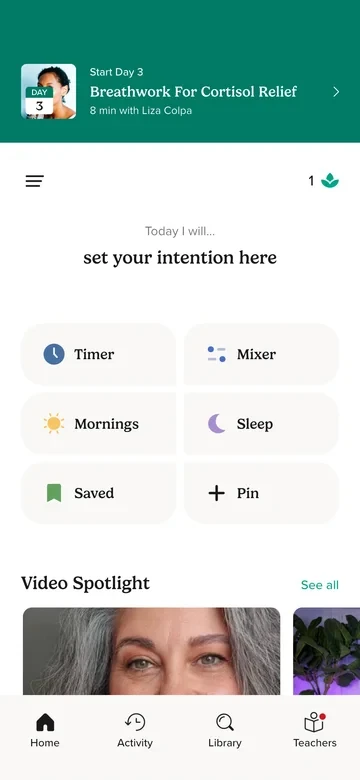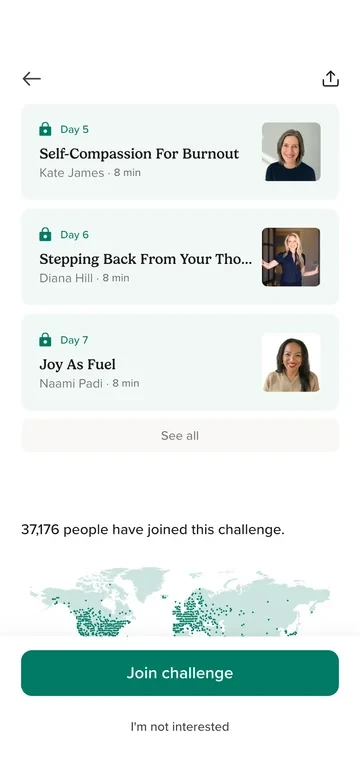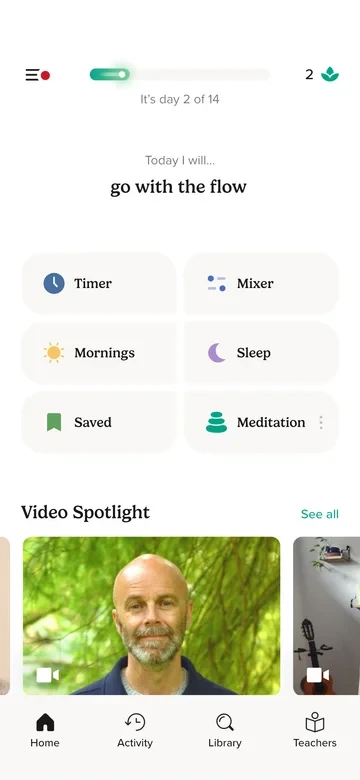
I Insight TimerHome
Insight Timer · 12 steps · 30 sub-flows


 Insight TimerHome
Free forever · no credit card ·


Free forever · no credit card ·

 Insight TimerHome
 Insight Timer
Free forever · no credit card ·


 Insight TimerHome
Free forever · no credit card ·


 Insight TimerHome
Free forever · no credit card ·


 Insight TimerHome
 Insight Timer
Free forever · no credit card ·


 Insight TimerHome
Free forever · no credit card ·


 Insight TimerHome
Free forever · no credit card ·

Free forever · no credit card ·


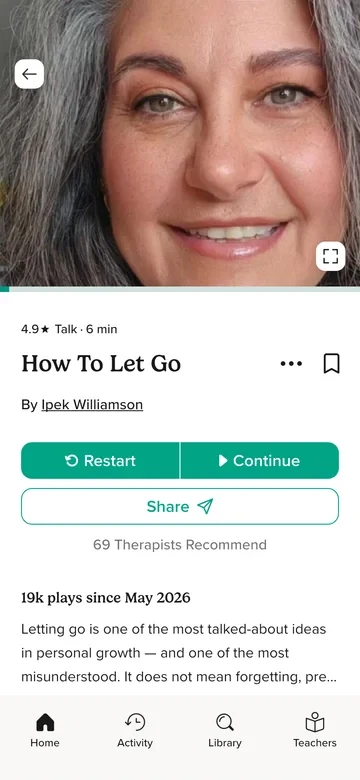 Insight TimerClass & Lesson Detail
Free forever · no credit card ·


Free forever · no credit card ·


Free forever · no credit card ·


Free forever · no credit card ·


Free forever · no credit card ·


Free forever · no credit card ·


Free forever · no credit card ·


Free forever · no credit card ·


 Insight TimerClass & Lesson Detail
Free forever · no credit card ·


Free forever · no credit card ·


 Insight TimerHome
 Insight TimerMy Account & Profile
Free forever · no credit card ·


Free forever · no credit card ·


Free forever · no credit card ·


Free forever · no credit card ·


Free forever · no credit card ·


Free forever · no credit card ·


Free forever · no credit card ·

Free forever · no credit card ·
Free forever · no credit card ·


 Insight TimerHome
Free forever · no credit card ·


 Insight TimerHome
Free forever · no credit card ·


Free forever · no credit card ·