H HevySelect
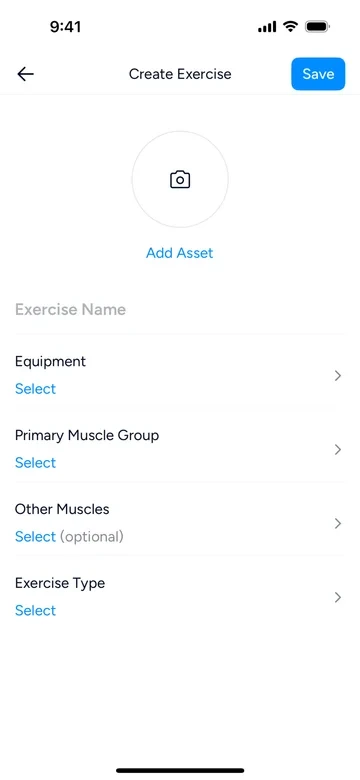
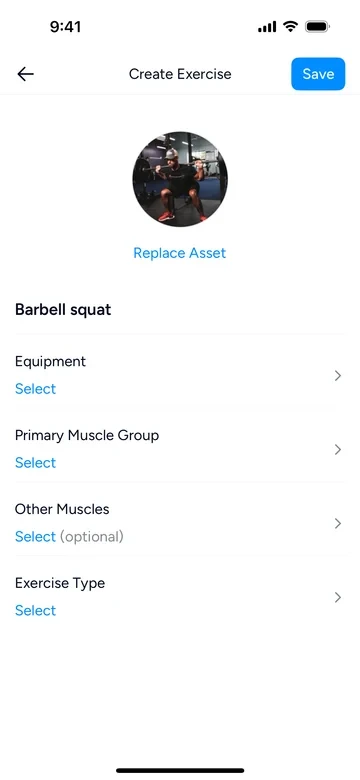
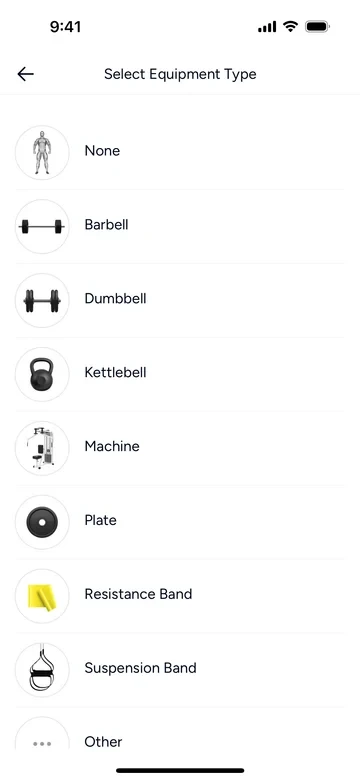
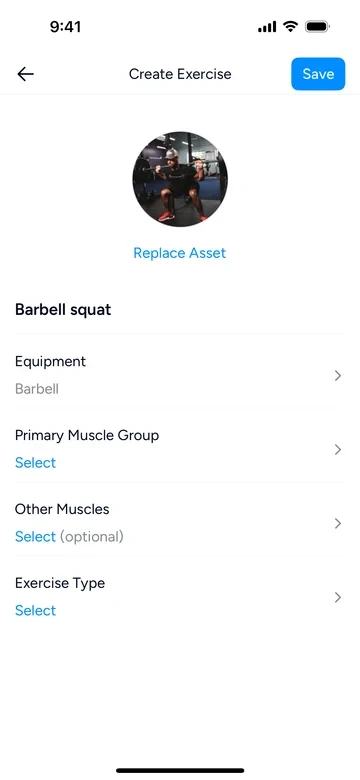
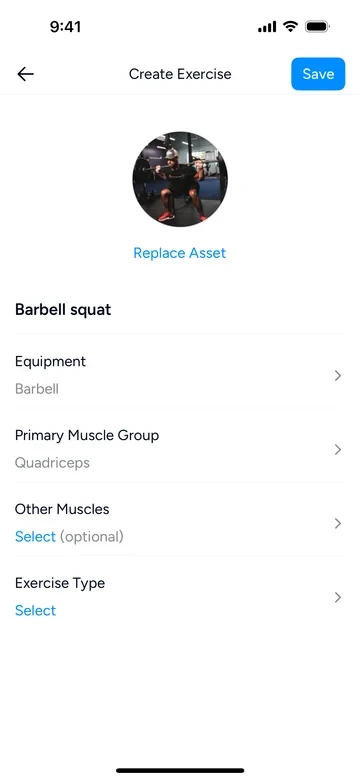
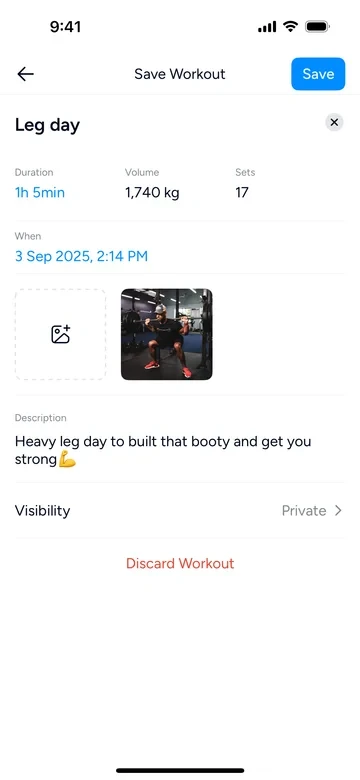
Hevy · 21 steps · 15 sub-flows · Adding & Creating, Logging & Tracking, Publishing, Selecting & Choosing, Uploading & Downloading
Logging & Tracking, Publishing, Selecting & Choosing, Uploading & Downloading


 HevySelect
Free forever · no credit card ·


Free forever · no credit card ·


Free forever · no credit card ·


Free forever · no credit card ·


Free forever · no credit card ·


Free forever · no credit card ·


 HevyCharts
Free forever · no credit card ·


 HevyMisc
Free forever · no credit card ·


Free forever · no credit card ·


Free forever · no credit card ·


Free forever · no credit card ·


Free forever · no credit card ·

Free forever · no credit card ·


Free forever · no credit card ·

Free forever · no credit card ·


Free forever · no credit card ·