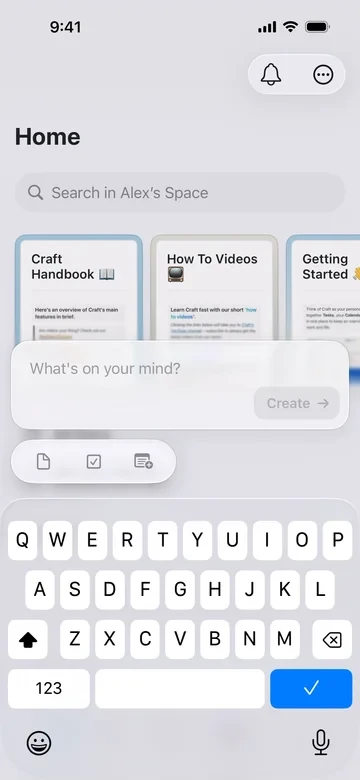
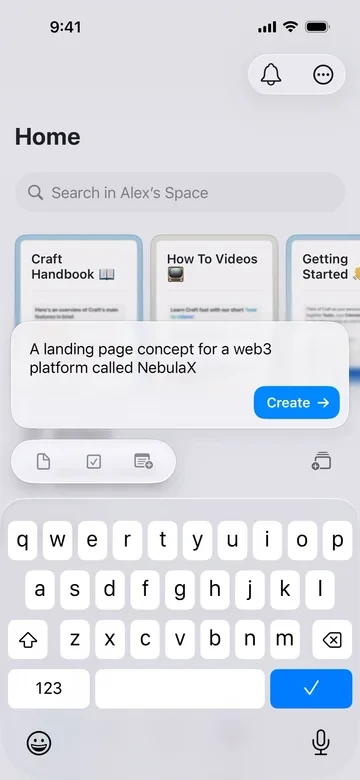
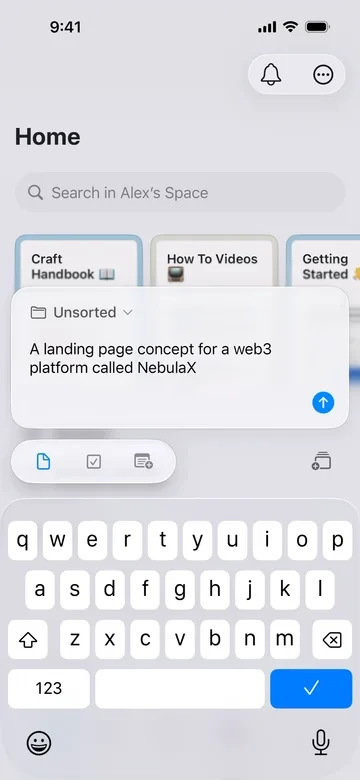
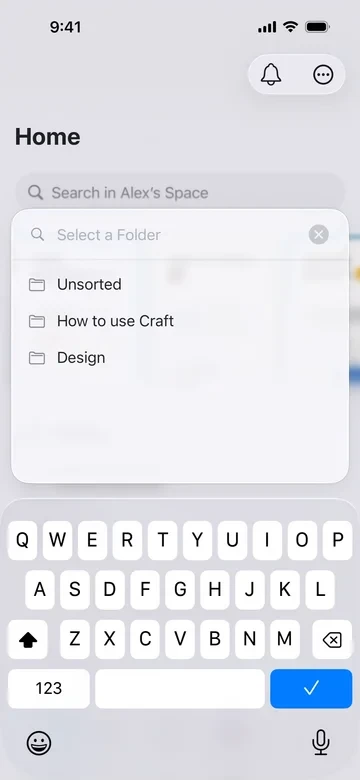




FLOW
C CraftLoading
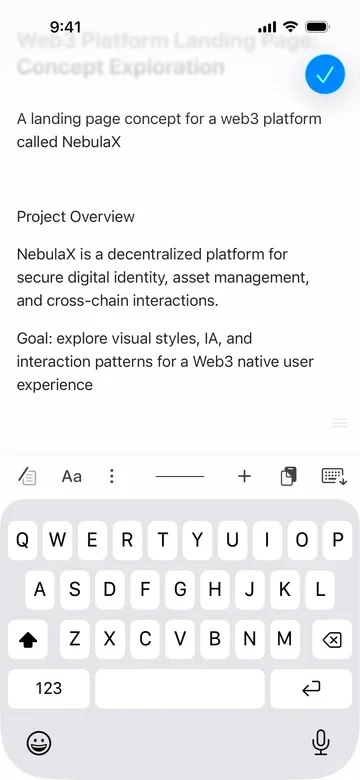
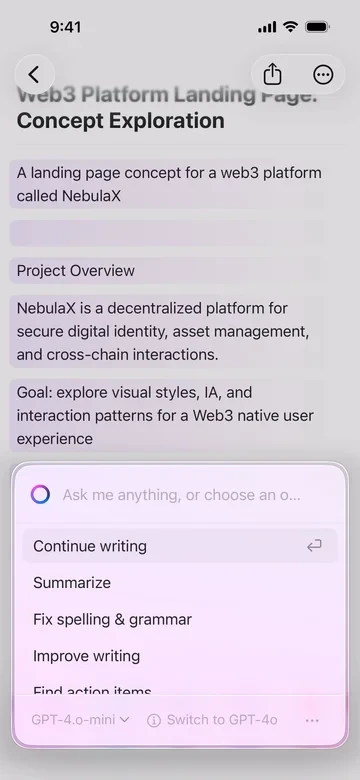
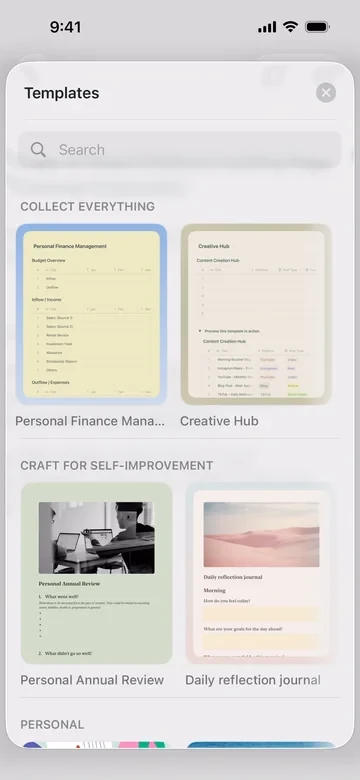
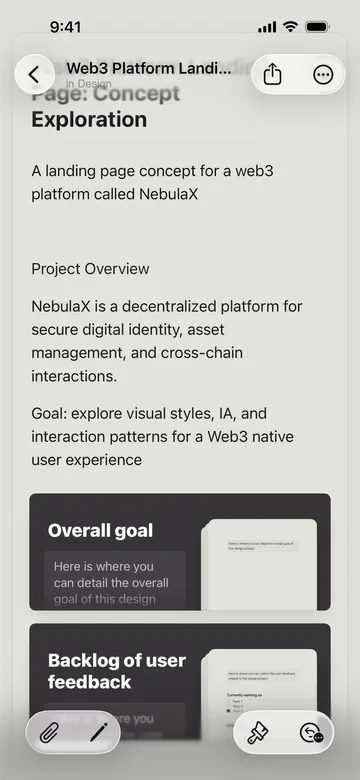
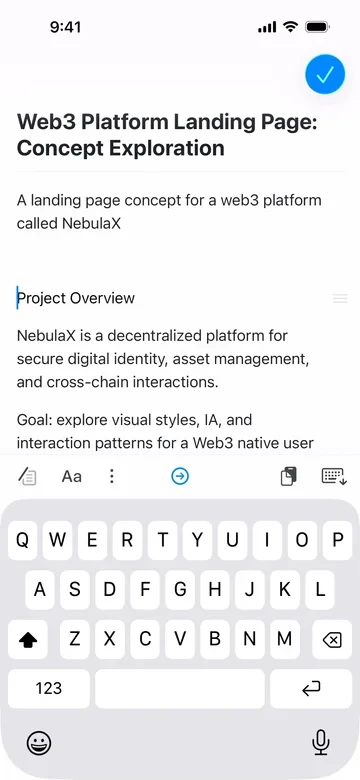
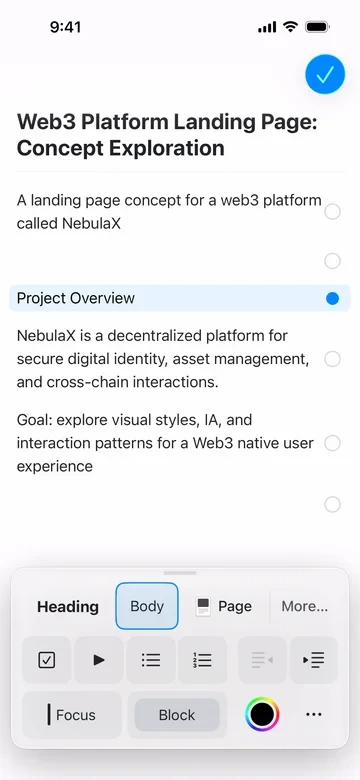
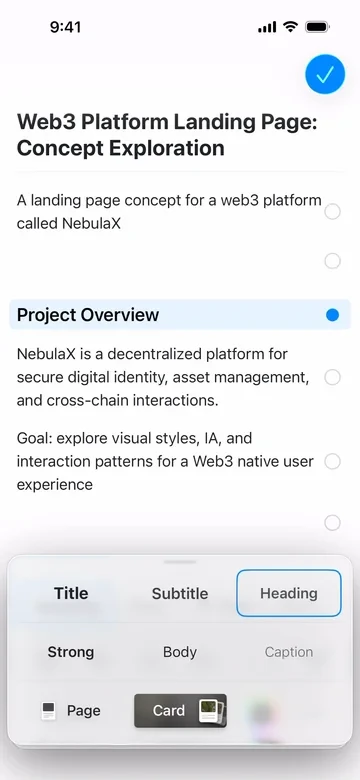
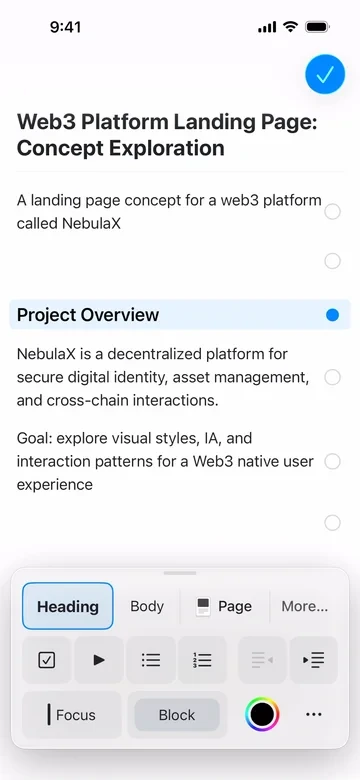
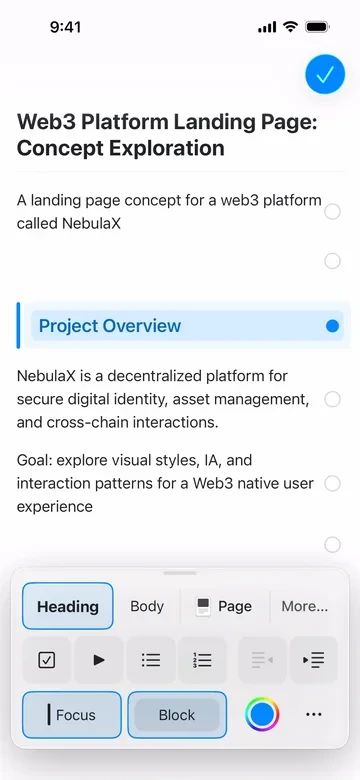
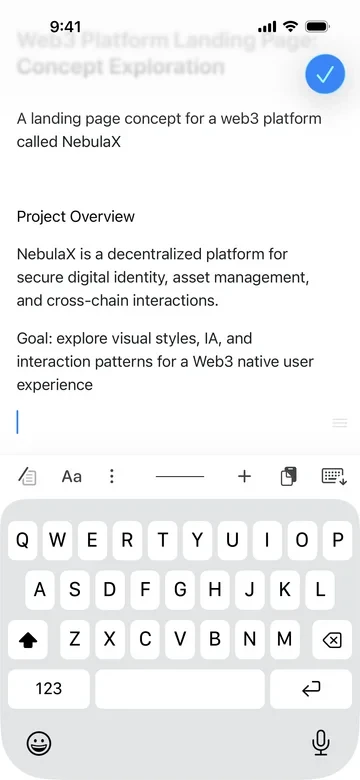
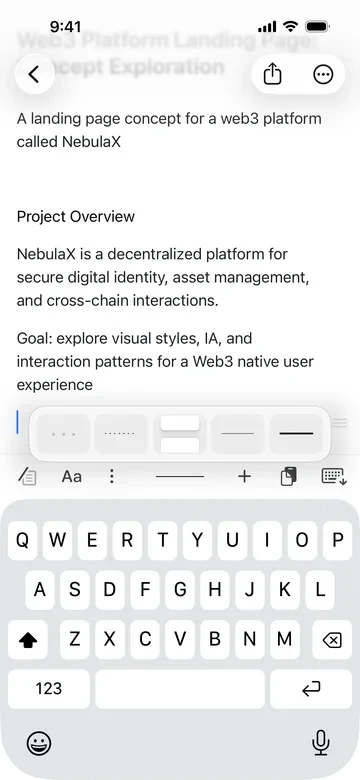
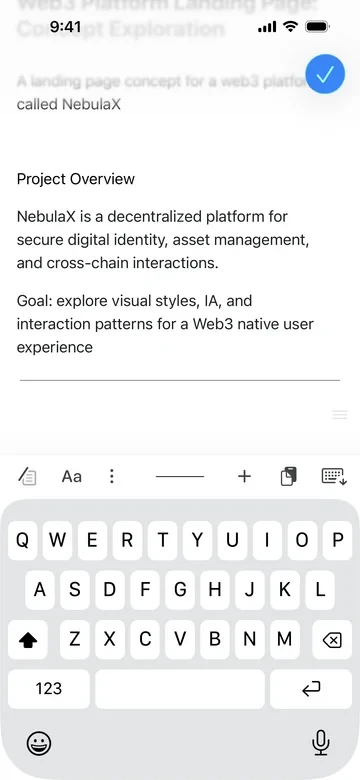
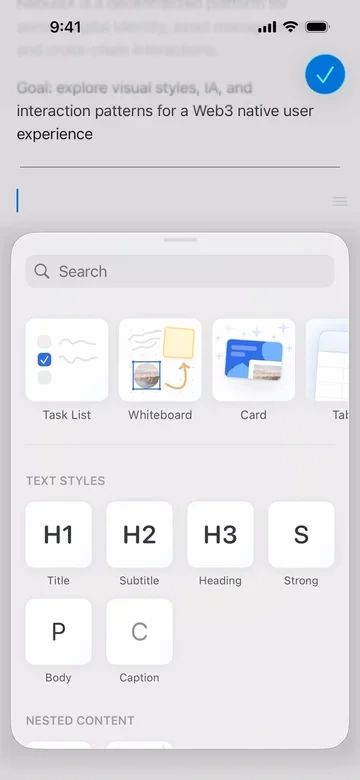
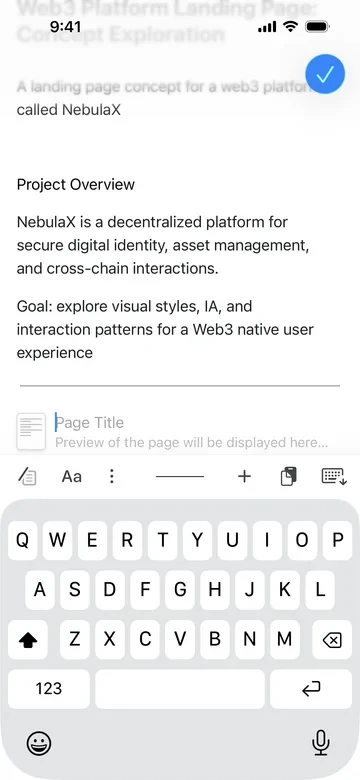
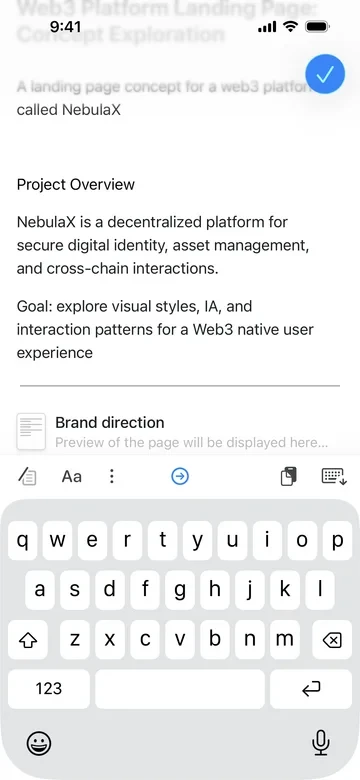
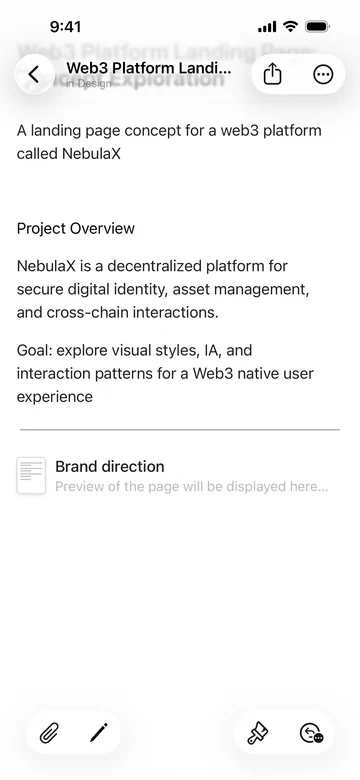
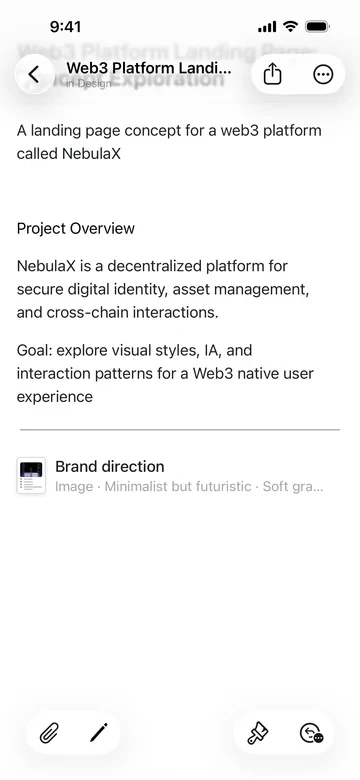
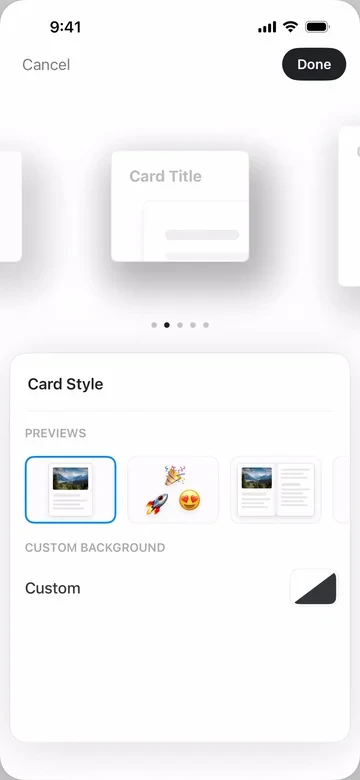
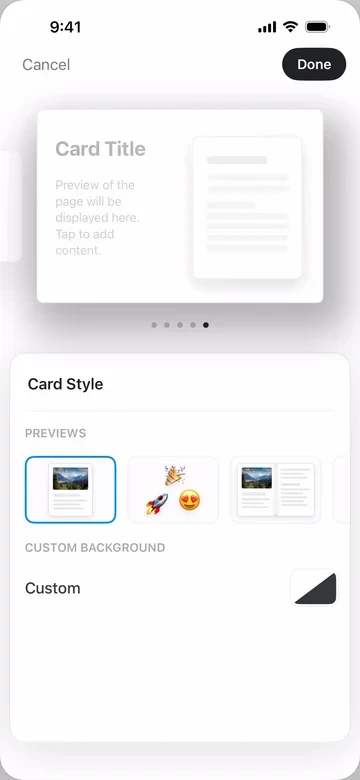
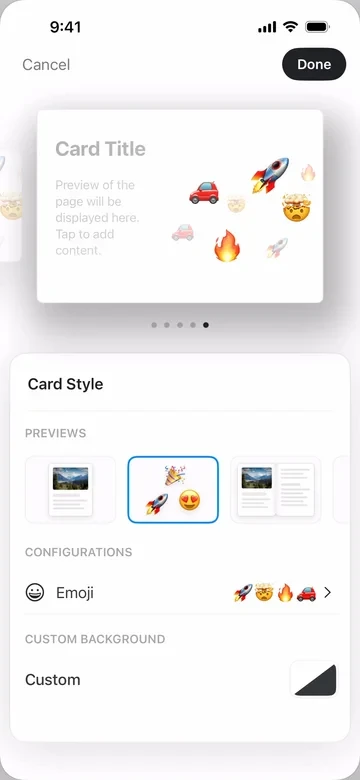
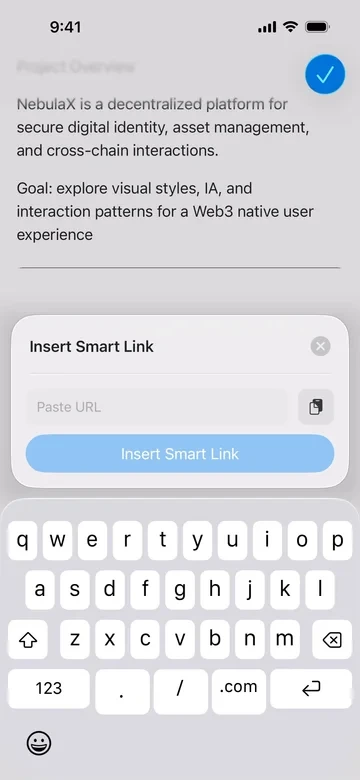
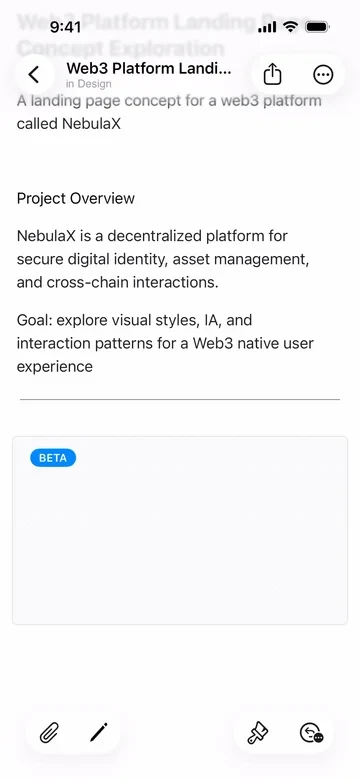
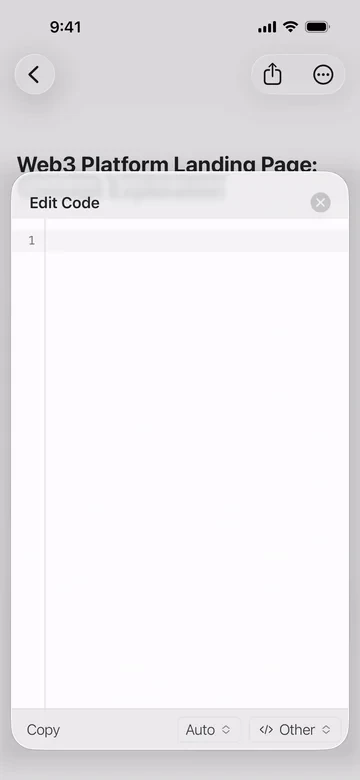
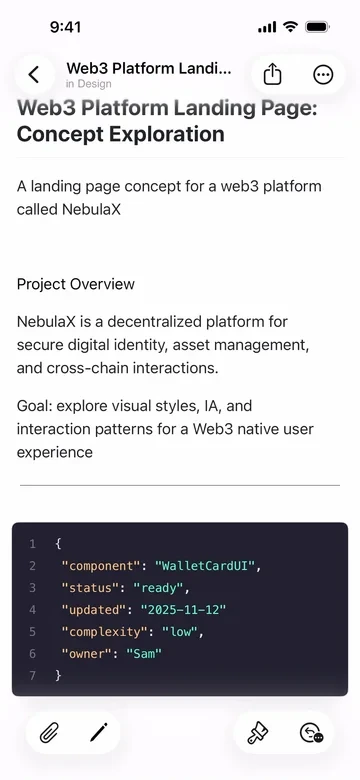
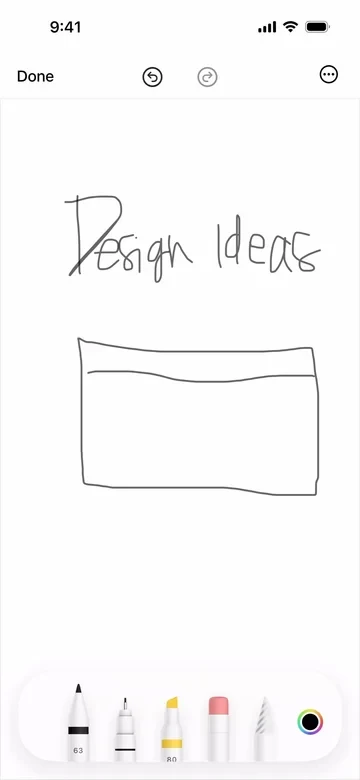
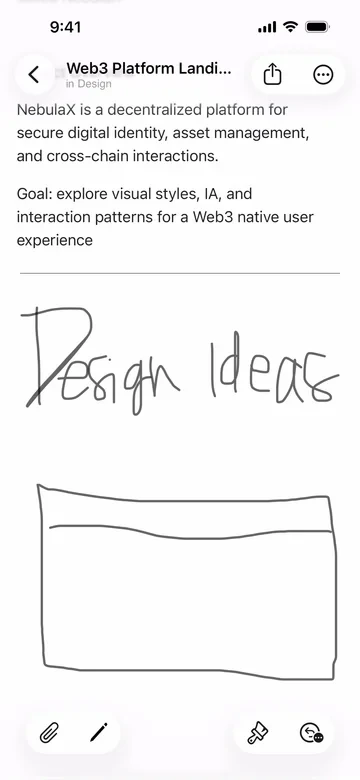
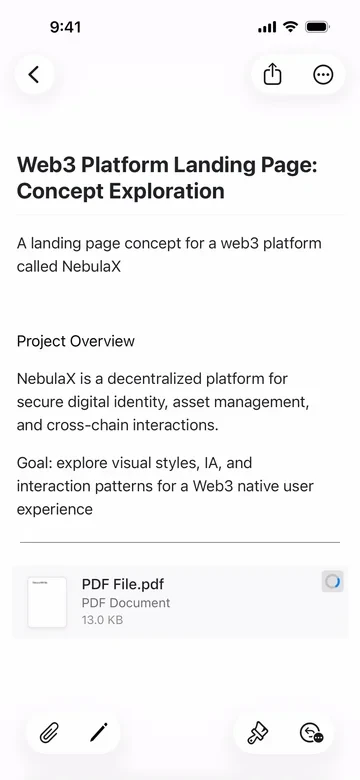
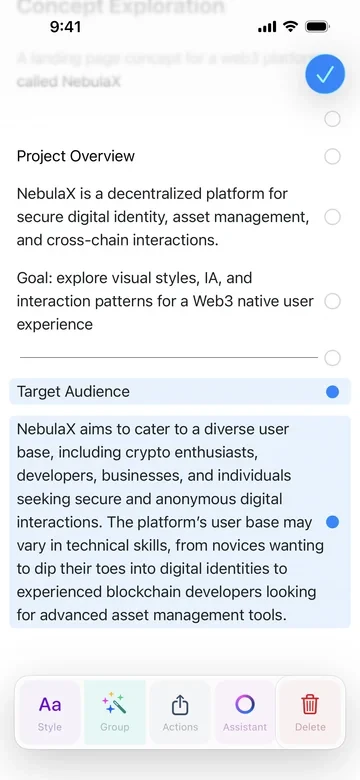
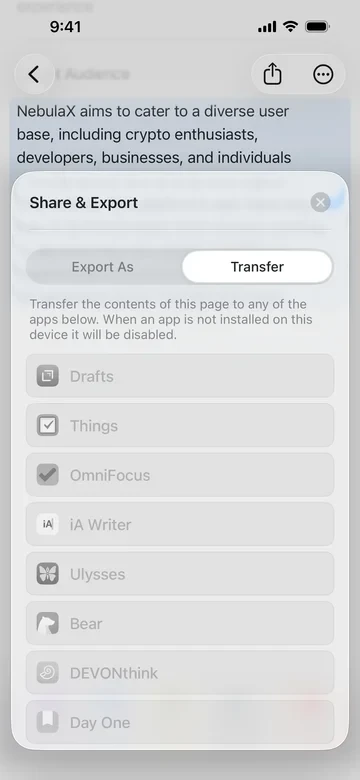
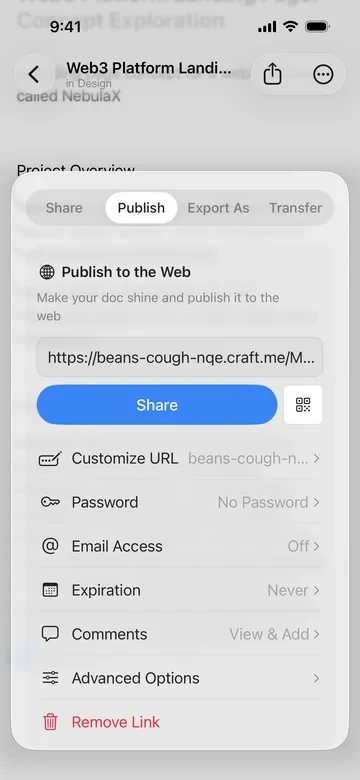
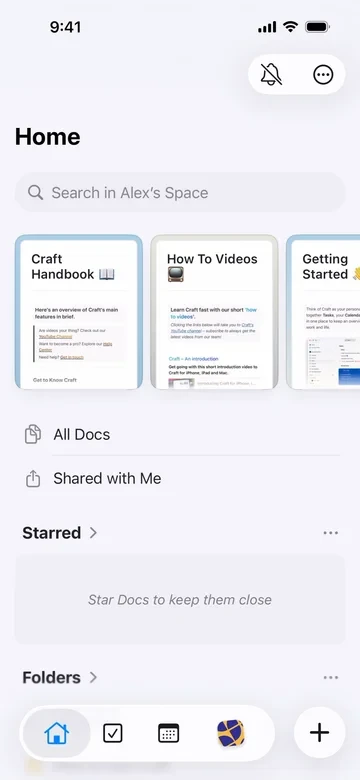
Craft · 10 steps · 41 sub-flows · Adding & Creating


Free forever · no credit card ·


 CraftLoading
Free forever · no credit card ·


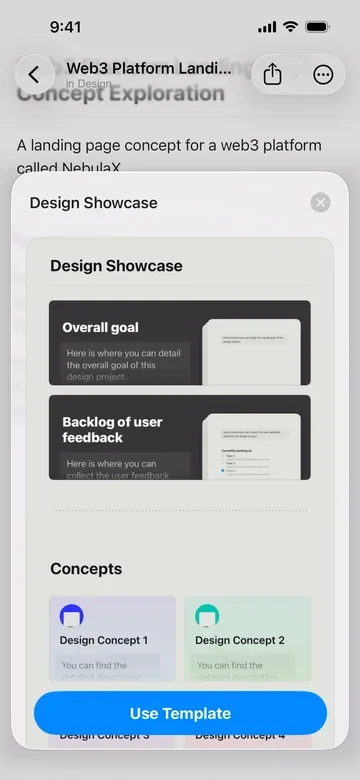 Craft
Free forever · no credit card ·


Free forever · no credit card ·


Free forever · no credit card ·

Free forever · no credit card ·


Free forever · no credit card ·


Free forever · no credit card ·


Free forever · no credit card ·


Free forever · no credit card ·


Free forever · no credit card ·


Free forever · no credit card ·

Free forever · no credit card ·

Free forever · no credit card ·


Free forever · no credit card ·


Free forever · no credit card ·


Free forever · no credit card ·


Free forever · no credit card ·


Free forever · no credit card ·


Free forever · no credit card ·


Free forever · no credit card ·


Free forever · no credit card ·


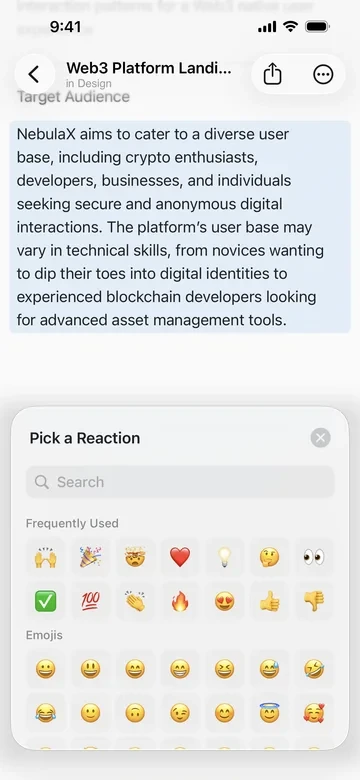
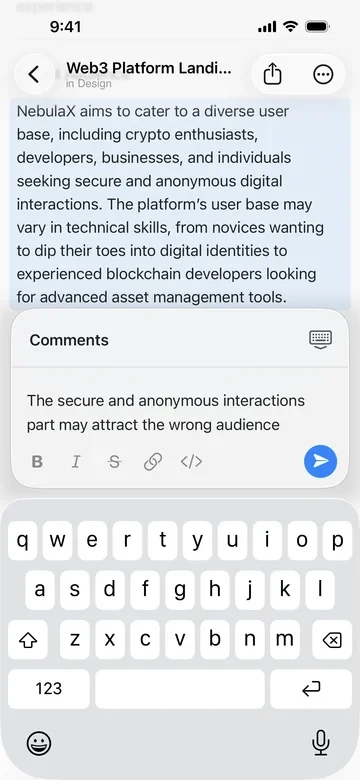
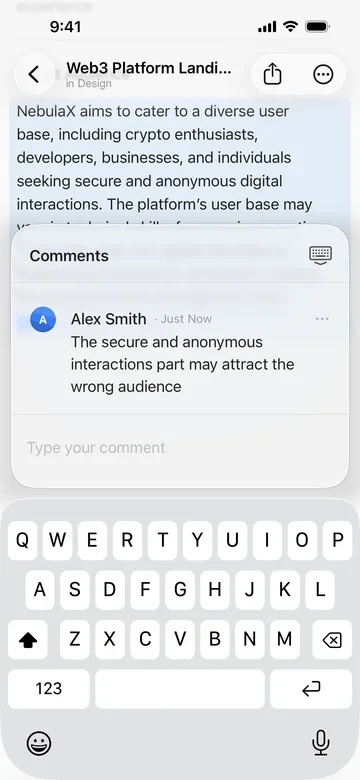
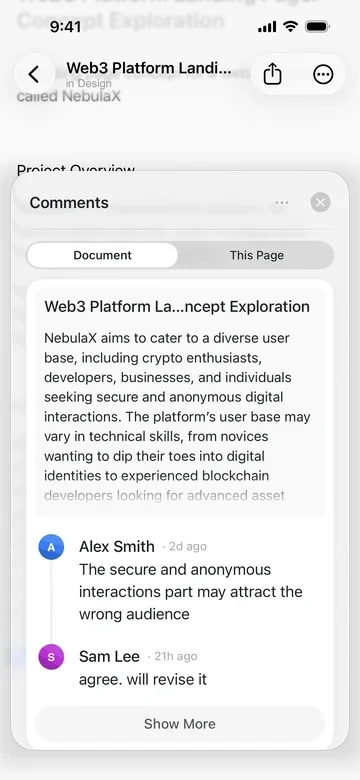
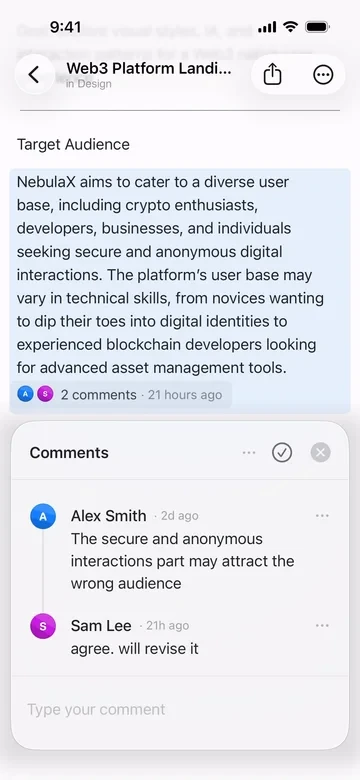 CraftComments
Free forever · no credit card ·


Free forever · no credit card ·


Free forever · no credit card ·


Free forever · no credit card ·


Free forever · no credit card ·


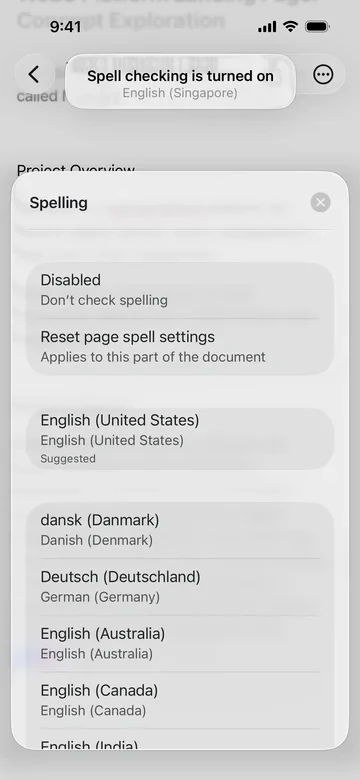
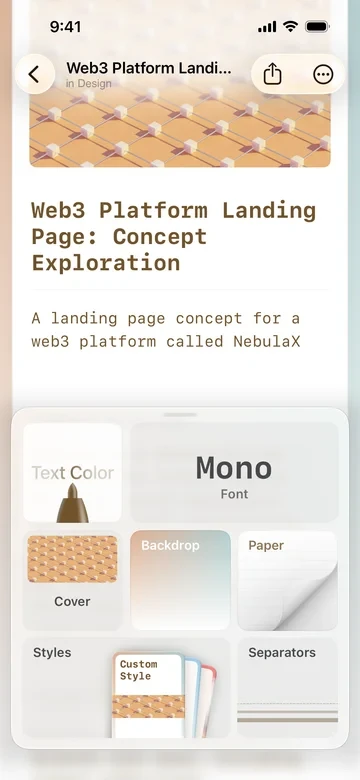 CraftSettings & Preferences
Free forever · no credit card ·


 CraftSettings & Preferences
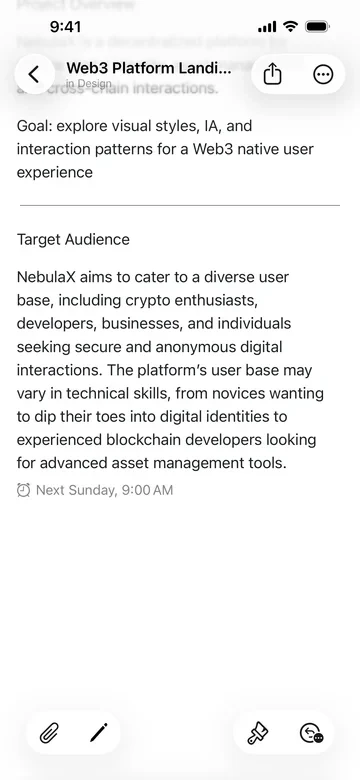
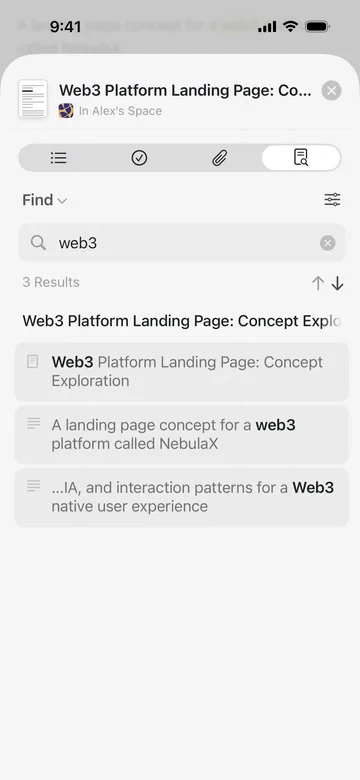
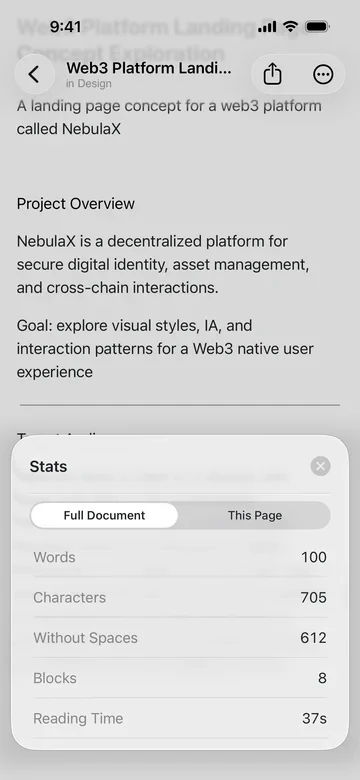
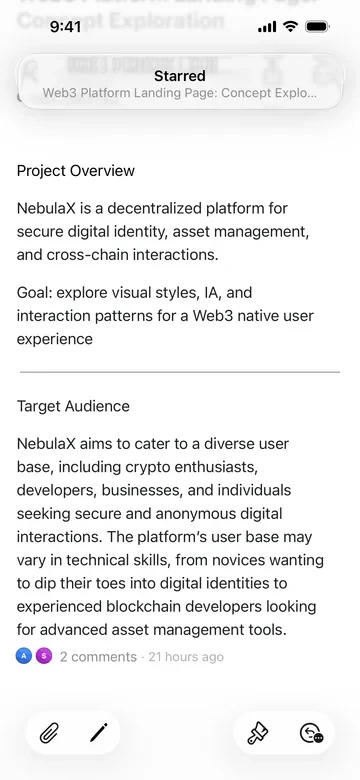
 CraftNote Detail
Free forever · no credit card ·


Free forever · no credit card ·


Free forever · no credit card ·


Free forever · no credit card ·


Free forever · no credit card ·


Free forever · no credit card ·


Free forever · no credit card ·


Free forever · no credit card ·


Free forever · no credit card ·

Free forever · no credit card ·

Free forever · no credit card ·

Free forever · no credit card ·

Free forever · no credit card ·

Free forever · no credit card ·